Texture
Resolution
Re-runs everything before it at a pixel size you choose, then fits the result back into the frame.
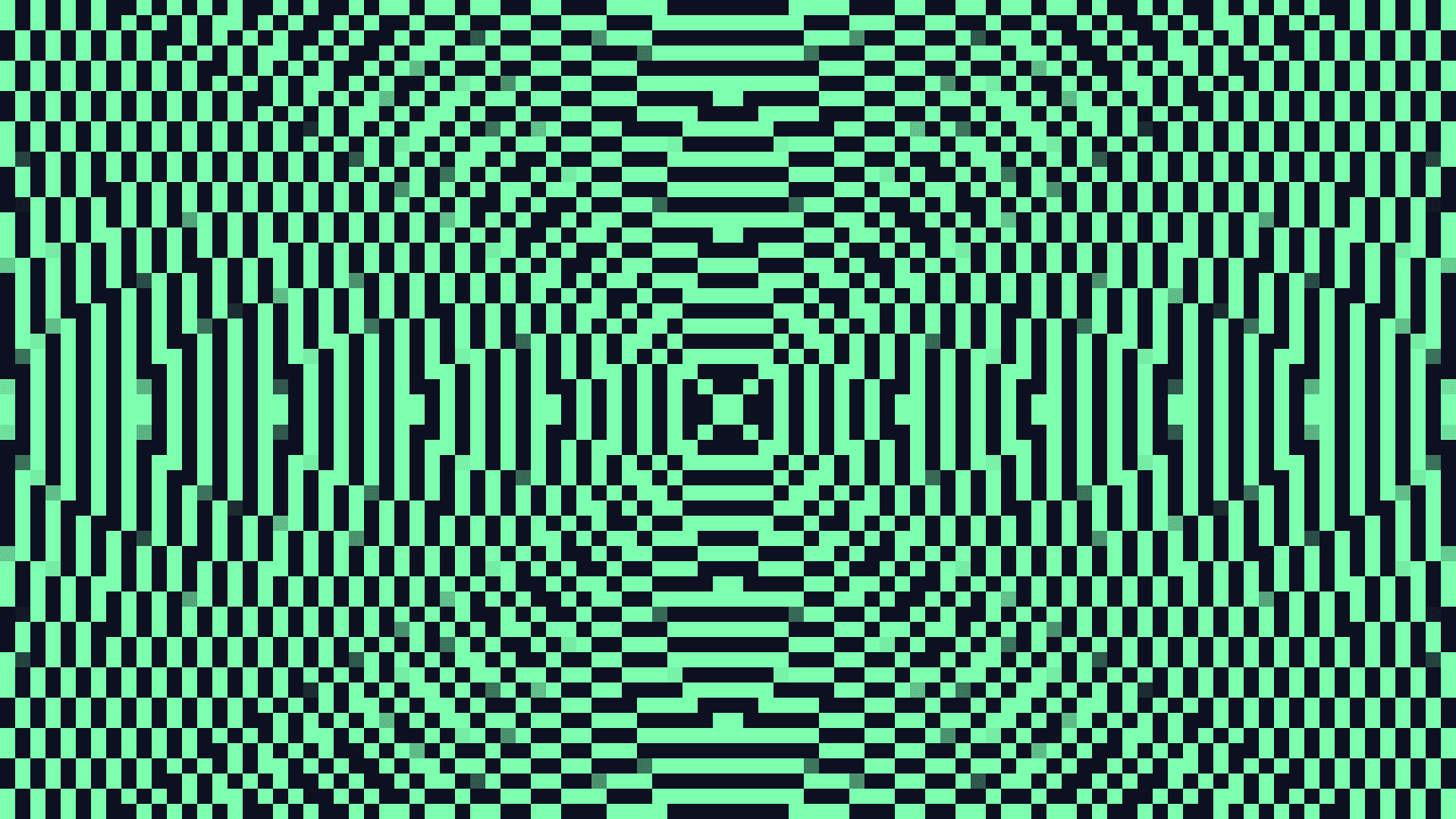
The Resolution node sets the pixel size that everything feeding into it is drawn at. Lower it for a chunky, pixelated look; raise it to build fine detail before cropping into it.
- One picture in, one out
- Sets the working size of the whole chain above it
- It does not resize a finished picture — it redraws it
- Found under Texture in the add-operator list
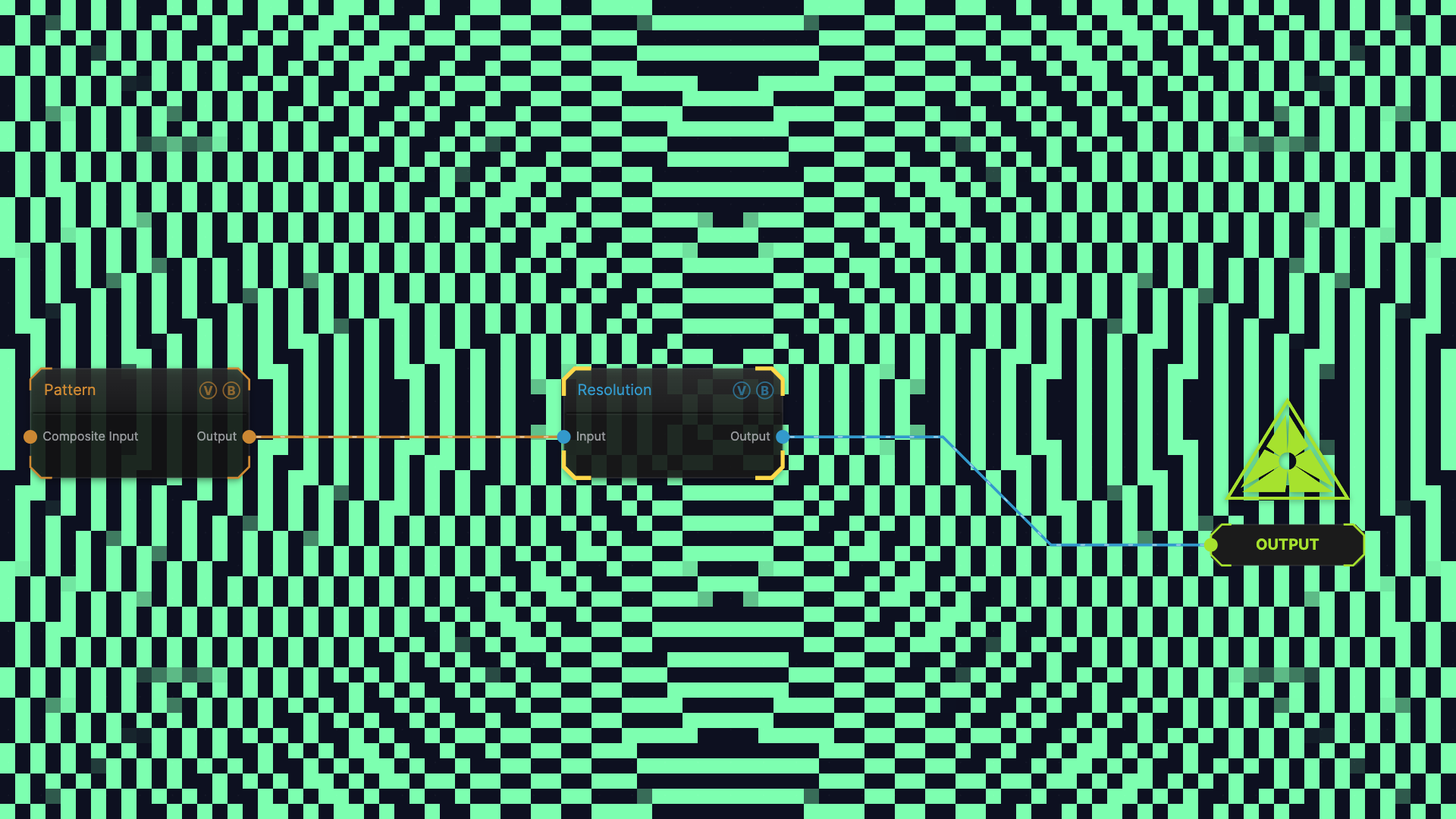
The image on the right is the example patch itself — drag and drop it onto the app (or load it with File → Load) to open the full graph.
Inputs and outputs
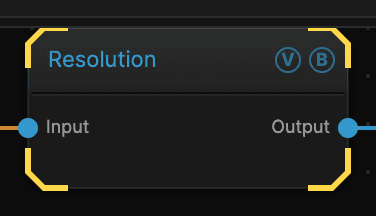
| Port | Type | Purpose |
|---|---|---|
| Input | Texture | The picture to work on |
| Output | Texture | The result |
Parameters
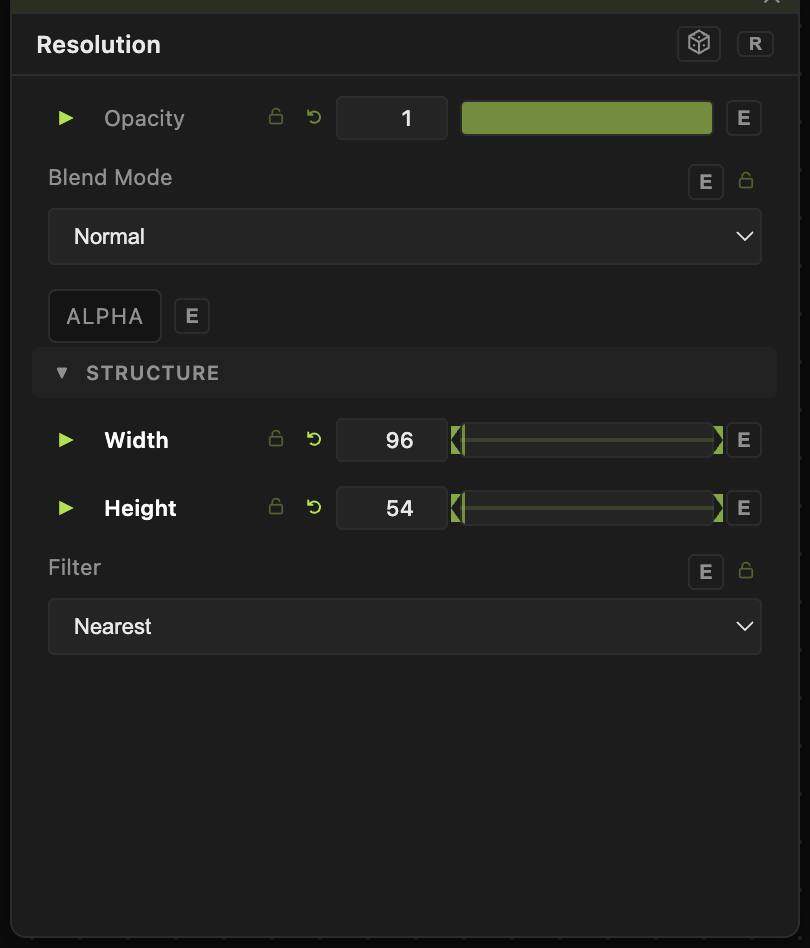
Opacity, Blend Mode, ALPHA — the standard operator header, on every operator. See Parameters and Controls.
- Width (1–7680, default 1920) and Height (1–4320, default 1080) — the size everything above is drawn at.
- Filter — how the result is scaled back to the frame. Linear smooths it; Nearest keeps hard pixel edges, which is what you want for a deliberately blocky look.
Troubleshooting
Resolution does not resample a picture that is already drawn. It reruns the chain above it at the new size. That is why a small Width and Height gives real chunky pixels rather than a blurred copy.
The frame rate dropped — a large Width and Height means everything above is drawn at that size every frame. Keep it high only on the part of the chain that needs the detail.