Texture
Flip
Flips a picture left-to-right, top-to-bottom, or both.
The Flip node mirrors the whole picture on one or both axes. It is the simplest way to turn something around.

- One picture in, one out
- Two switches: flip across, flip down
- Turning both on rotates the picture by half a turn
- Found under Texture in the add-operator list
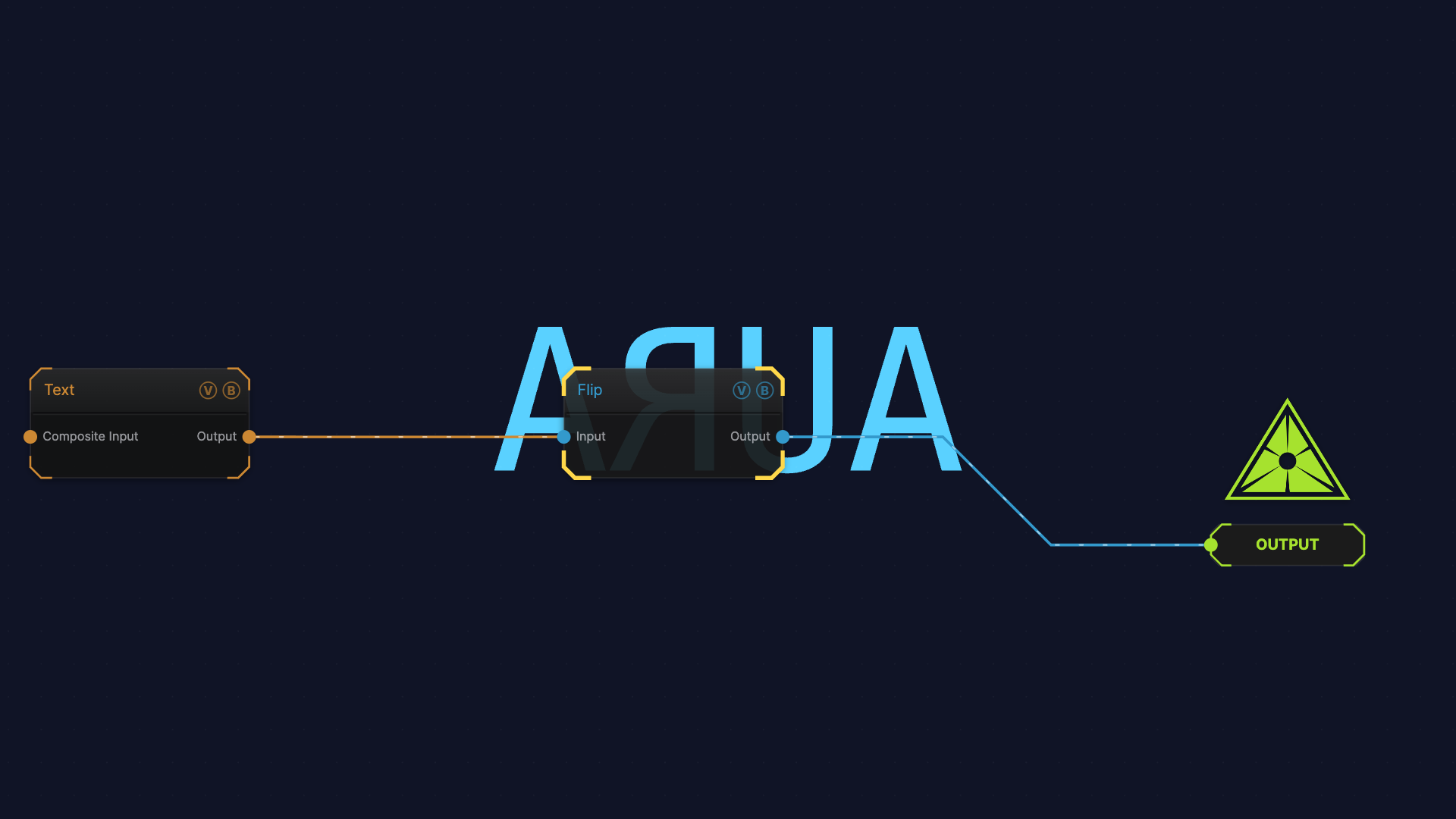
The image on the right is the example patch itself — drag and drop it onto the app (or load it with File → Load) to open the full graph.
Inputs and outputs
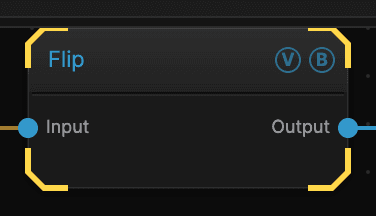
| Port | Type | Purpose |
|---|---|---|
| Input | Texture | The picture to work on |
| Output | Texture | The result |
Parameters
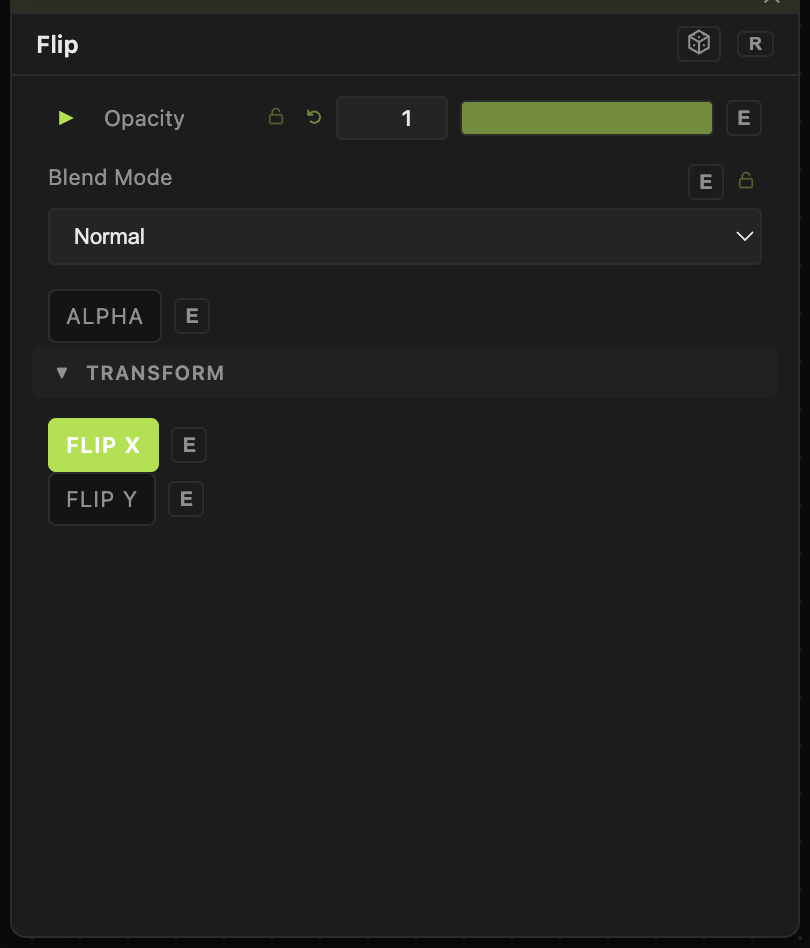
Opacity, Blend Mode, ALPHA — the standard operator header, on every operator. See Parameters and Controls.
- Flip X (default off) — swaps left and right.
- Flip Y (default off) — swaps top and bottom.
Turning both on at once gives the same result as rotating the picture 180°.
Troubleshooting
Nothing looks different — the picture may be symmetrical already. Try it on something with text or an obvious top and bottom.
You wanted a reflection, not a flip — Flip turns the whole picture around. Mirror folds one half onto the other and keeps both halves visible.