Texture
Noise Displace
Pushes a picture around using noise it makes itself, for a rippled or melted look.
The Noise Displace node shifts each part of the picture by an amount taken from noise. Small amounts add a gentle wobble; large amounts melt the picture completely.
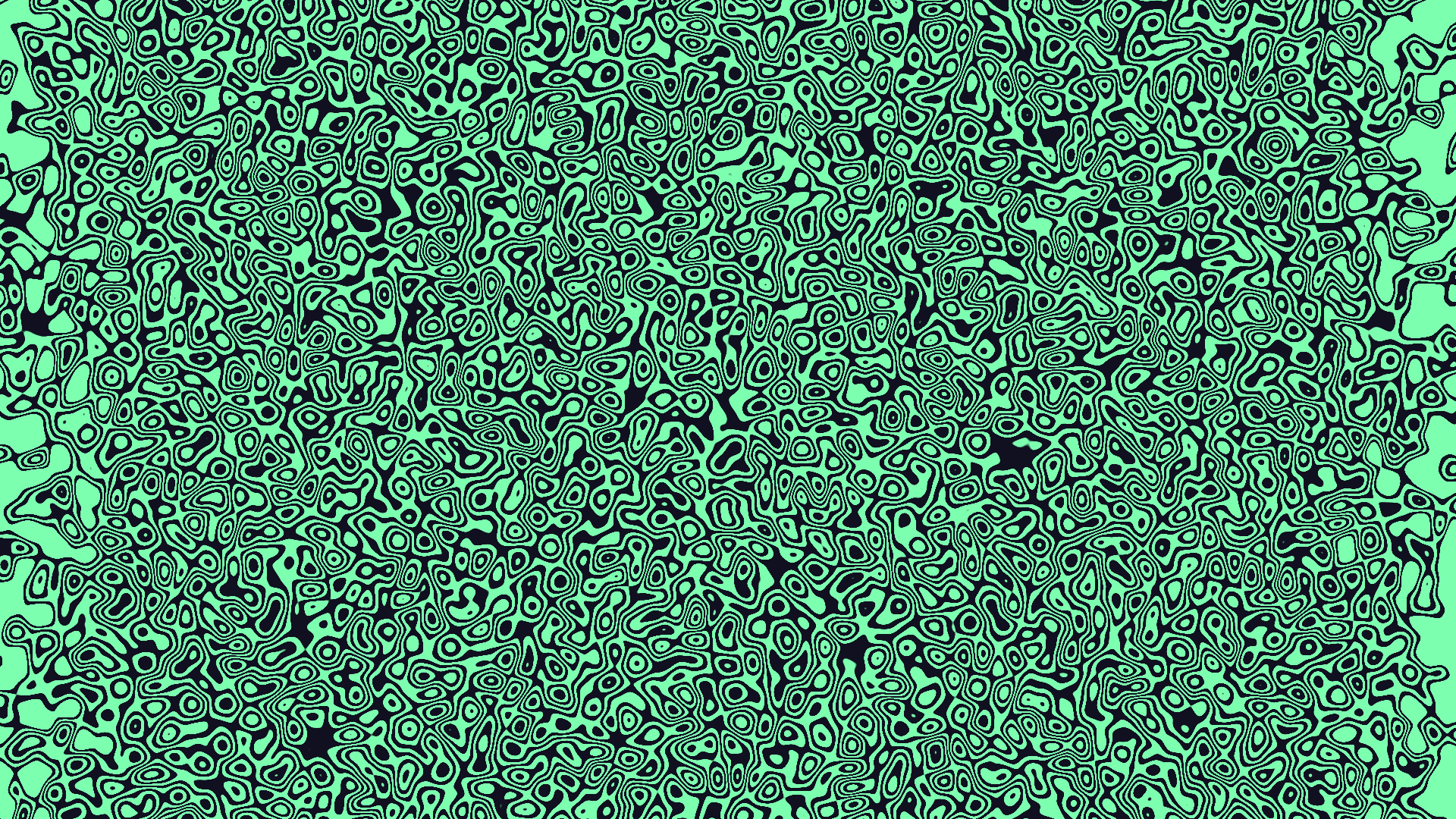
- One picture in, one out
- The noise is built in — nothing extra to wire
- Speed above 0 makes the distortion move on its own
- Found under Texture in the add-operator list
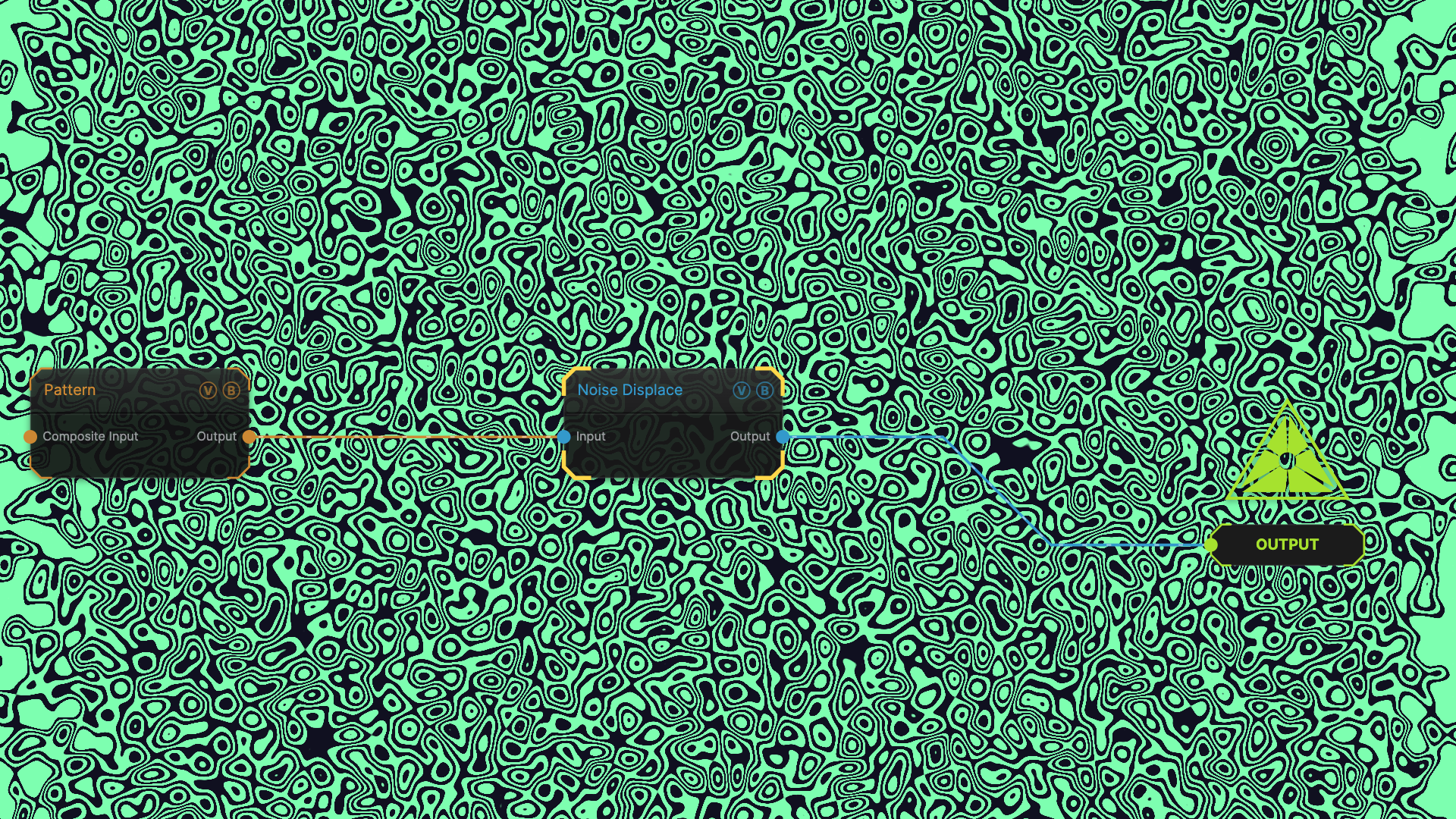
The image on the right is the example patch itself — drag and drop it onto the app (or load it with File → Load) to open the full graph.
Inputs and outputs
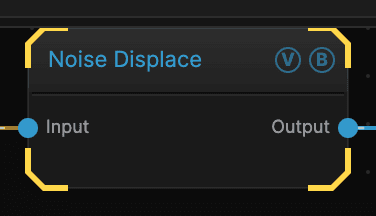
| Port | Type | Purpose |
|---|---|---|
| Input | Texture | The picture to work on |
| Output | Texture | The result |
Parameters
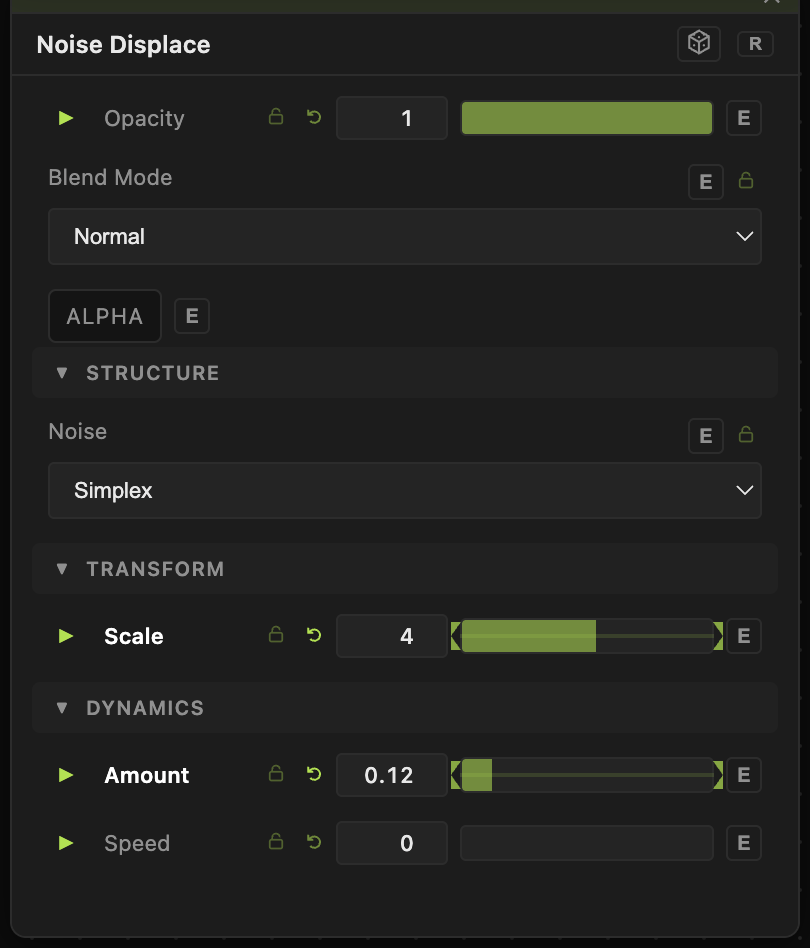
Opacity, Blend Mode, ALPHA — the standard operator header, on every operator. See Parameters and Controls.
- Amount (0–1, default 0.05) — how far the picture is pushed. Small numbers go a long way here.
- Scale (0.1–100, default 5) — the size of the noise. Low values give slow, wide waves; high values give a fine shimmer.
- Speed (0–10, default 0) — how fast the distortion moves. At 0 it holds still.
- Noise — which kind of noise drives it.
Troubleshooting
The picture turned to mush — Amount is too high for the Scale. Fine noise with a large amount destroys detail. Lower one or the other.
You want to push it with your own picture instead — use Displace, which takes a second input and follows that.