Level
Brightness, contrast, gamma, and a black and white clamp, with an invert switch.
The Level node adjusts how light or dark a picture is and how much punch it has. It is the everyday tool for fixing a result that looks washed out or too flat.
- One picture in, one out
- Brightness, Contrast, and Gamma
- Clamps pull the darkest and lightest points in
- Found under Texture in the add-operator list
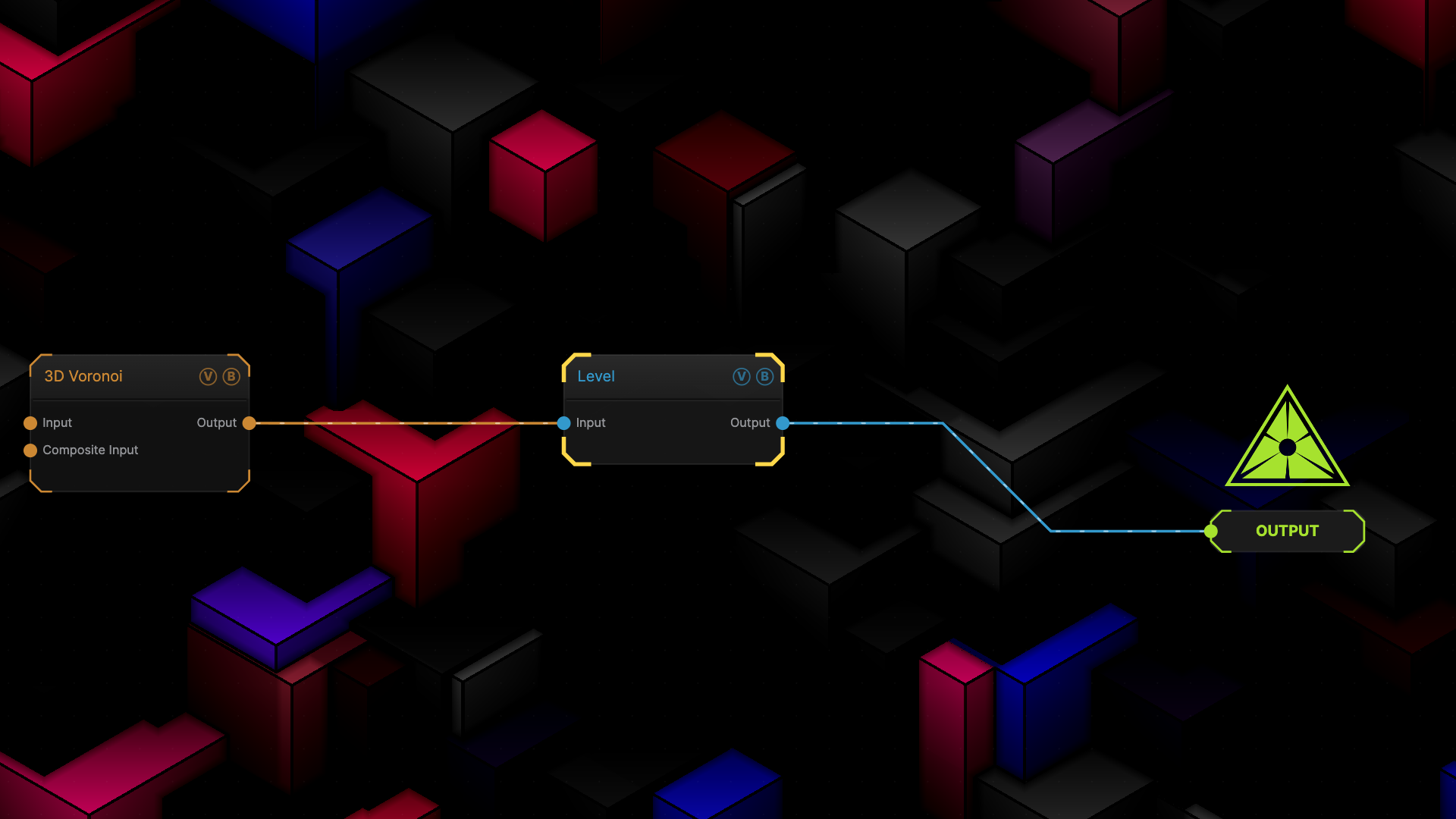
The image on the right is the example patch itself — drag and drop it onto the app (or load it with File → Load) to open the full graph.
Inputs and outputs
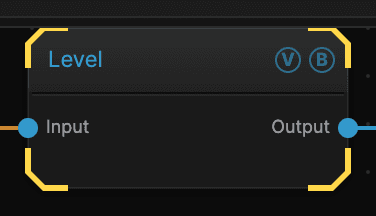
| Port | Type | Purpose |
|---|---|---|
| Input | Texture | The picture to work on |
| Output | Texture | The result |
Parameters
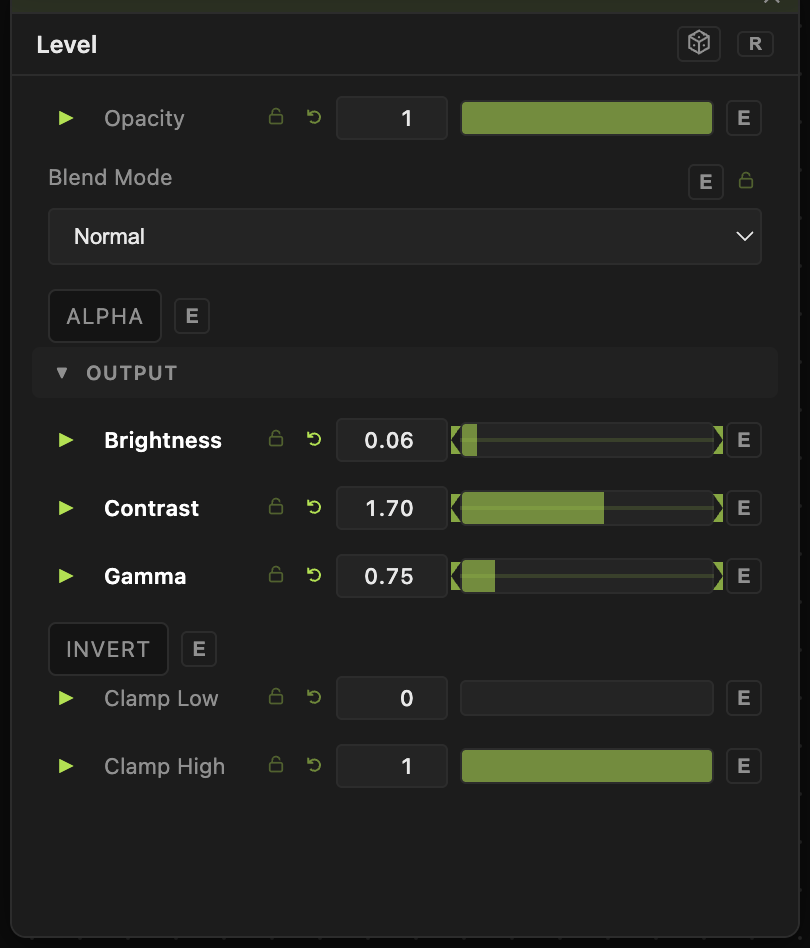
Opacity, Blend Mode, ALPHA — the standard operator header, on every operator. See Parameters and Controls.
- Brightness (−1 to 1, default 0) — adds or subtracts light across the whole picture.
- Contrast (0–3, default 1) — pushes light and dark further apart. Below 1 flattens the picture toward grey.
- Gamma (0.1–5, default 1) — shifts the mid-tones without moving pure black or pure white. Below 1 brightens the middle, above 1 darkens it.
- Invert (default off) — swaps light for dark.
- Clamp Low (0–1, default 0) and Clamp High (0–1, default 1) — the darkest and lightest values allowed out. Bringing them in flattens the range; it is how you stop a mask from ever reaching pure black or pure white.
Troubleshooting
Everything turned into blocks of flat colour — Contrast is too high. Values pushed past white or below black all land on the same value.
Gamma looks like Brightness — they are close in the middle of the range but not the same. Brightness moves everything including pure black; Gamma leaves black and white alone and bends only what is between.