Texture
Vectorizer
Traces the outlines in a picture and stores them as paths that other operators can draw.
The Vectorizer node finds the outlines in a black and white picture and follows them, turning shapes into paths. Those paths are what Fill Trace animates and what the Conduit effect flows colour along.
- One picture in, one path table out
- Threshold the picture first — it traces hard edges, not soft gradients
- Only Fill mode is meant to be looked at directly
- Found under Texture in the add-operator list
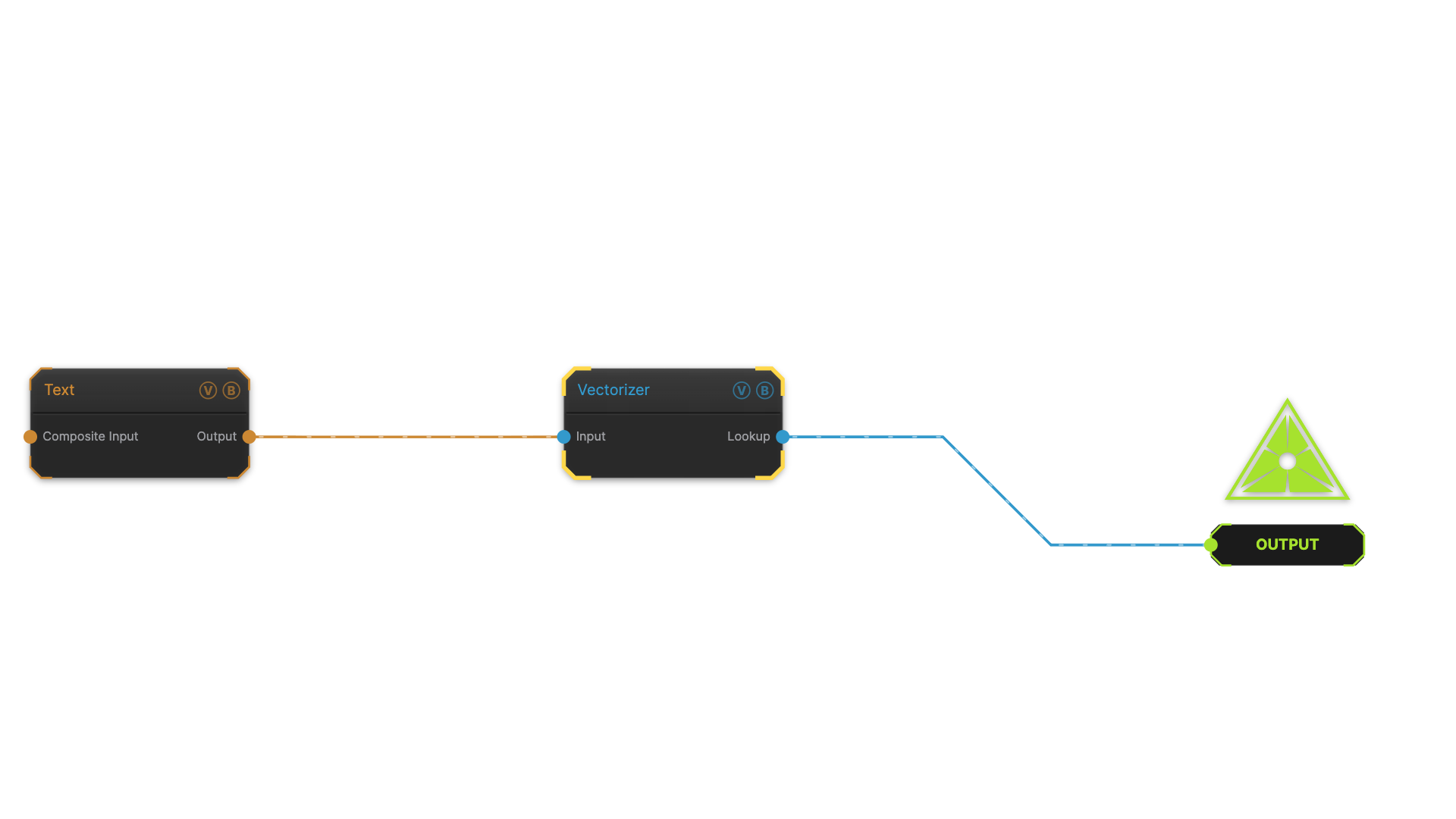
The image on the right is the example patch itself — drag and drop it onto the app (or load it with File → Load) to open the full graph.
Inputs and outputs
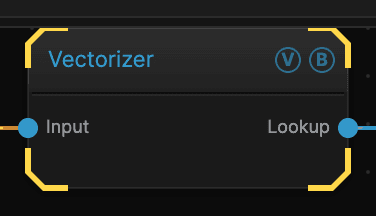
| Port | Type | Purpose |
|---|---|---|
| Input | Texture | The picture to trace. Works best on something hard-edged |
| Lookup | Texture | The traced paths, as data for another operator |
Parameters
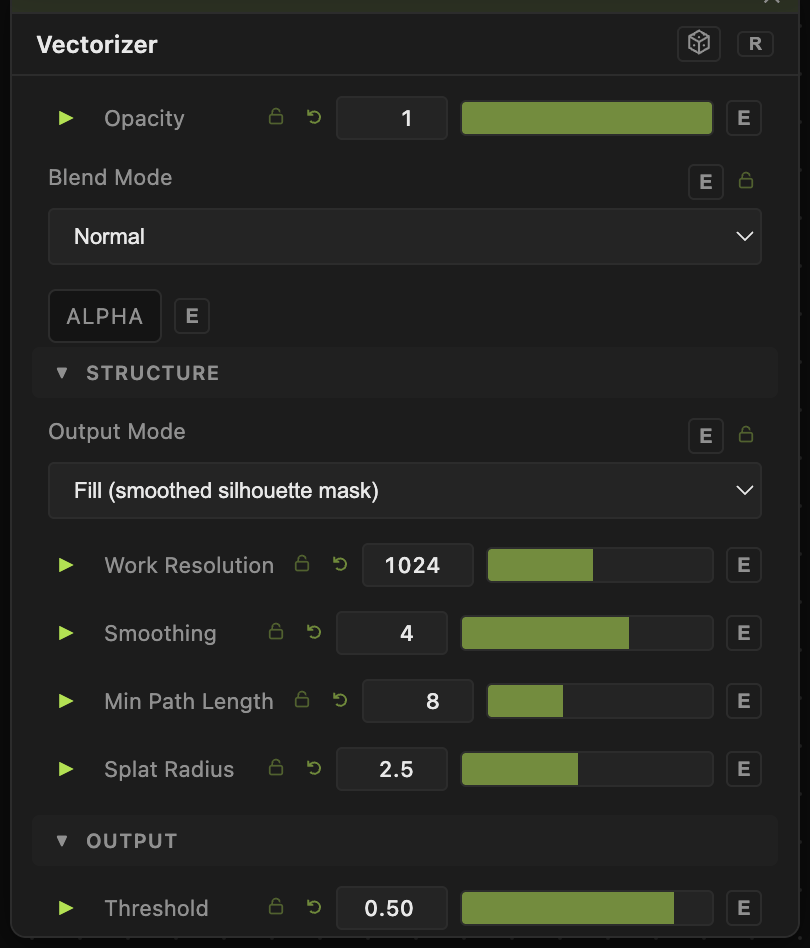
Opacity, Blend Mode, ALPHA — the standard operator header, on every operator. See Parameters and Controls.
- Output Mode — Fill gives a solid mask you can look at. Stroke and Reveal produce path data, which looks strange on screen because it is not a picture.
- Threshold (0.01–1, default 0.5) — how bright a pixel must be to count as part of a shape.
- Work Resolution (128–2048, default 1024) — the size the tracing is done at. Higher follows finer detail and costs more.
- Smoothing (0–6, default 4) — rounds off the traced paths. Lower keeps every jag; higher gives cleaner curves.
- Min Path Length (2–128, default 8) — throws away paths shorter than this, which clears out speckle.
- Splat Radius (0.5–16, default 2.5) — how thick the stored paths are.
Troubleshooting
In Stroke and Reveal modes the output is data, not a picture. It looks wrong on screen on purpose. Switch to Fill if you want to check the trace by eye.
Nothing was traced — the input has no hard edges. Put a Threshold node before it.
The result is covered in speckle — raise Min Path Length.