Channel Shuffle
Rebuilds each colour channel from any other channel, from brightness, or from a flat value.
A picture is made of a red, a green, and a blue channel, plus transparency. The Channel Shuffle node lets you rebuild each one from any of the others. Swapping two channels recolours a picture instantly.
- One picture in, one out
- One dropdown per output channel
- Each can read any input channel, the overall brightness, or a flat 0 or 1
- Found under Texture in the add-operator list
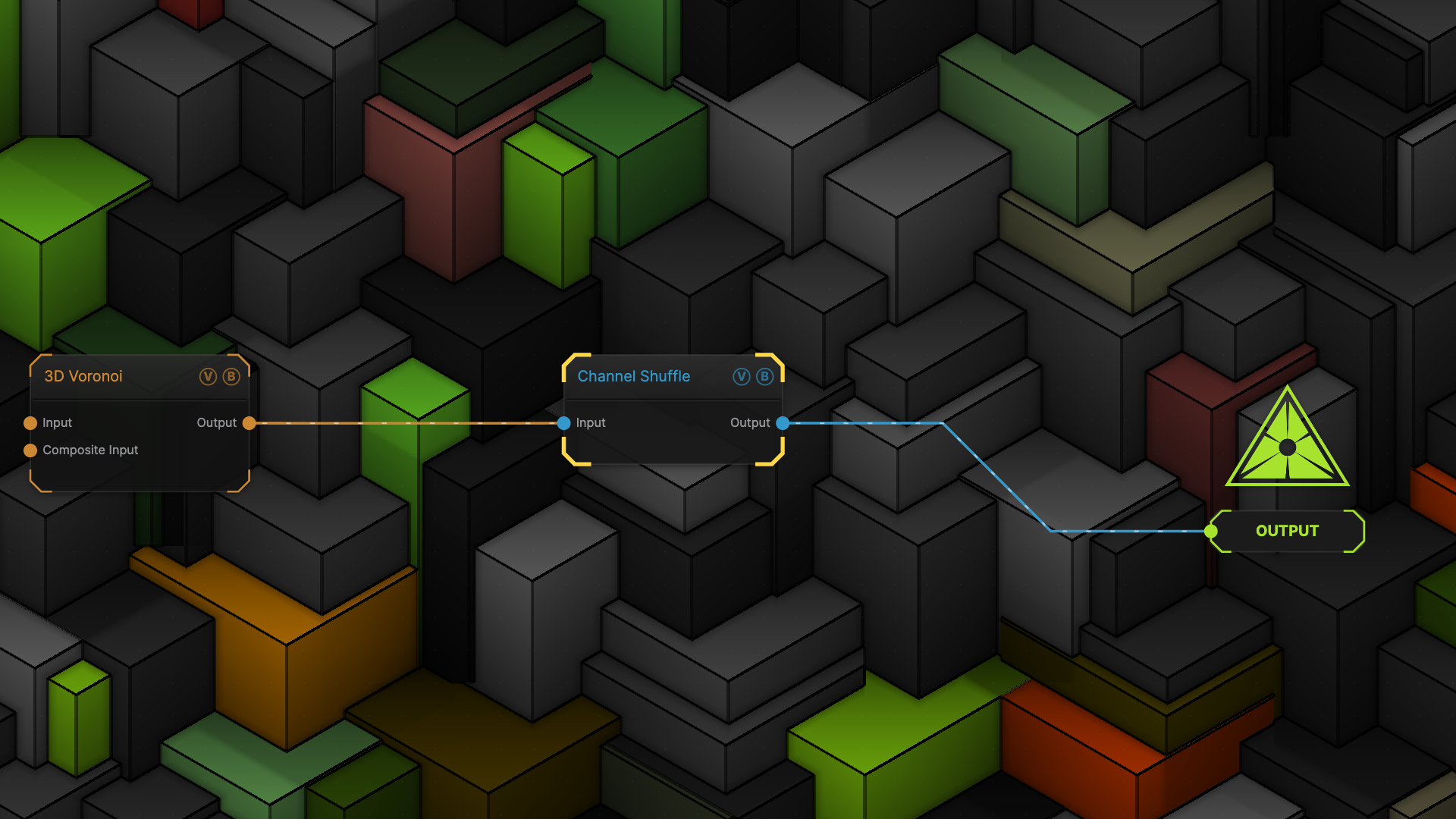
The image on the right is the example patch itself — drag and drop it onto the app (or load it with File → Load) to open the full graph.
Inputs and outputs
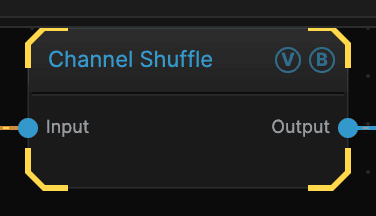
| Port | Type | Purpose |
|---|---|---|
| Input | Texture | The picture to work on |
| Output | Texture | The result |
Parameters
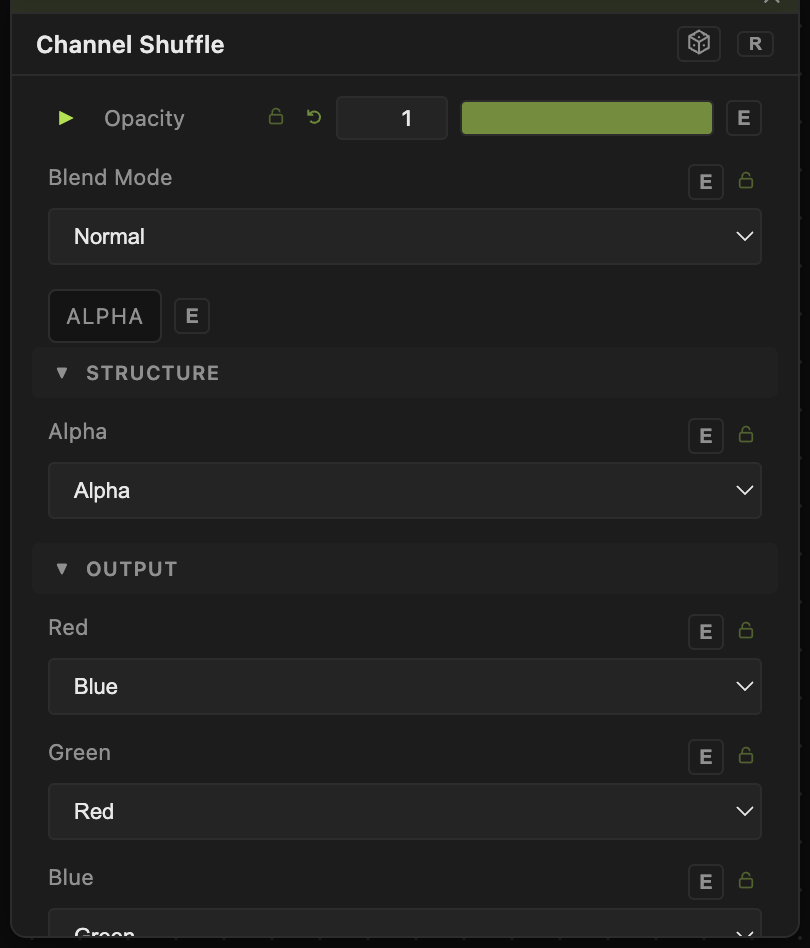
Opacity, Blend Mode, ALPHA — the standard operator header, on every operator. See Parameters and Controls.
- Red (default Red) — what the red channel of the result is built from.
- Green (default Green) — the same for green.
- Blue (default Blue) — the same for blue.
- Alpha (default Alpha) — the same for transparency. Setting this to brightness makes dark parts see-through.
Leaving every dropdown on its own channel passes the picture through untouched, which is the default.
Troubleshooting
The picture disappeared — Alpha is probably reading a channel that is mostly black, which makes most of the frame see-through. Set it back to 1 for a fully opaque result.
You just wanted a grey copy — set Red, Green, and Blue all to brightness.