Texture
Fill Trace
Draws traced paths on over time, for a hand-drawn reveal.
The Fill Trace node animates traced paths being drawn. Feed it the output of a Vectorizer or a Load SVG node and the shapes draw themselves on, one stroke at a time.
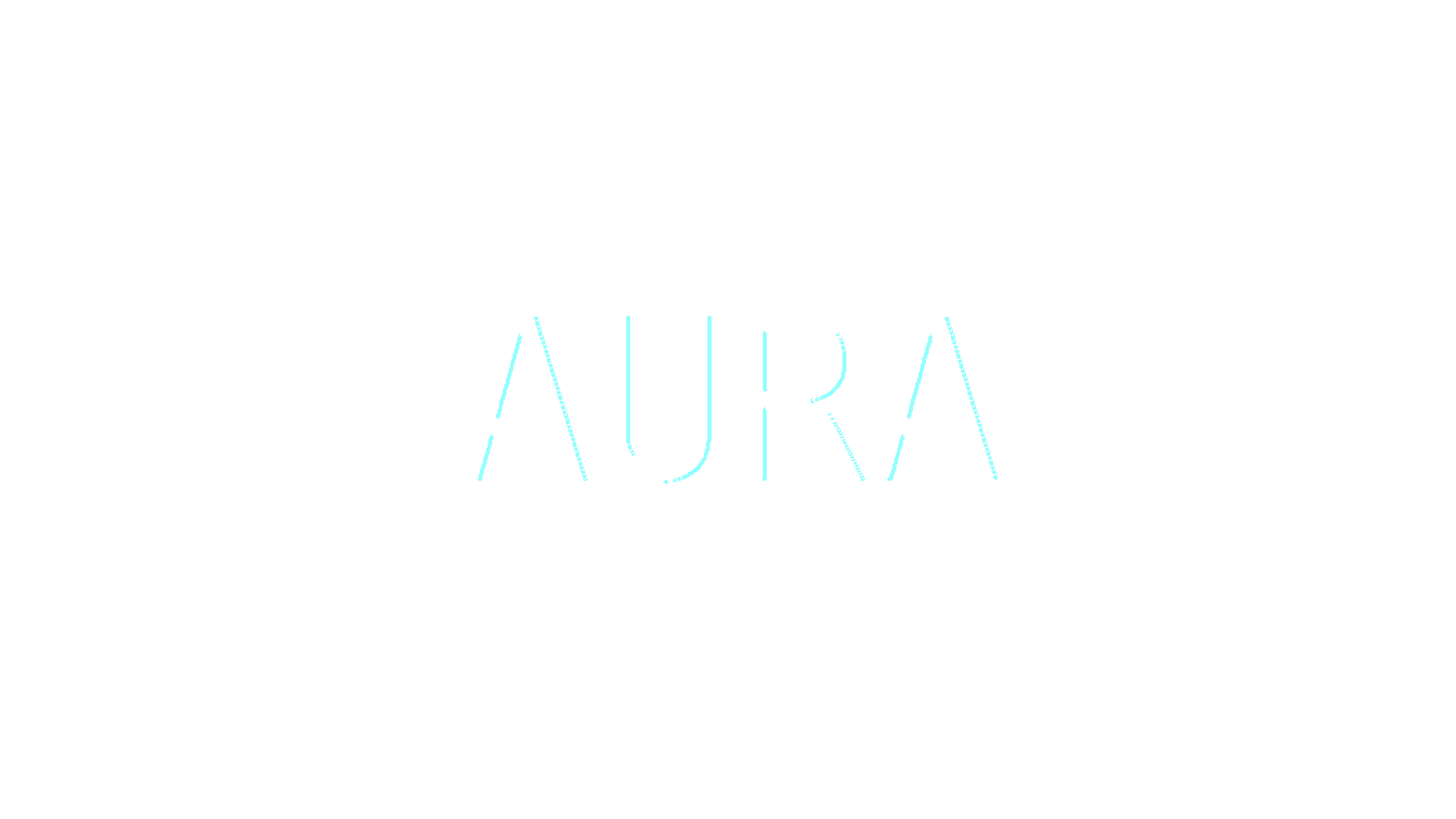
- One path table in, one picture out
- Runs on its own timer, or follows a Progress control you drive
- A brighter leading edge makes the moving tip read clearly
- Found under Texture in the add-operator list
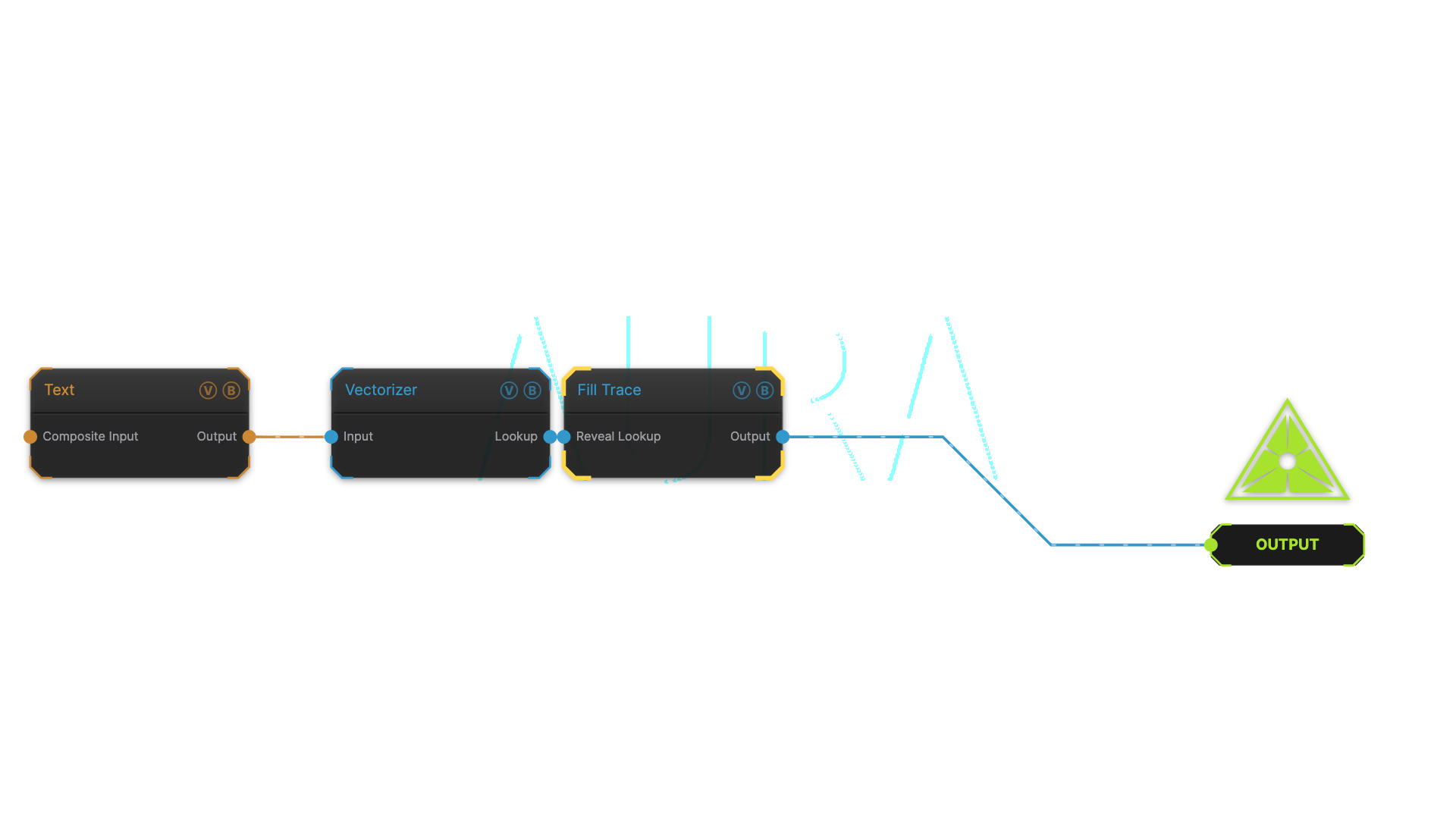
The image on the right is the example patch itself — drag and drop it onto the app (or load it with File → Load) to open the full graph.
Inputs and outputs
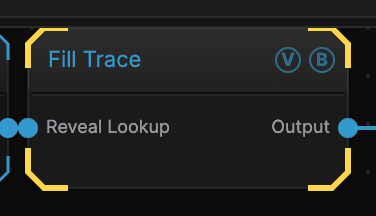
| Port | Type | Purpose |
|---|---|---|
| Reveal Lookup | Texture | Path data from a Vectorizer or Load SVG node — not an ordinary picture |
| Output | Texture | The result |
Parameters
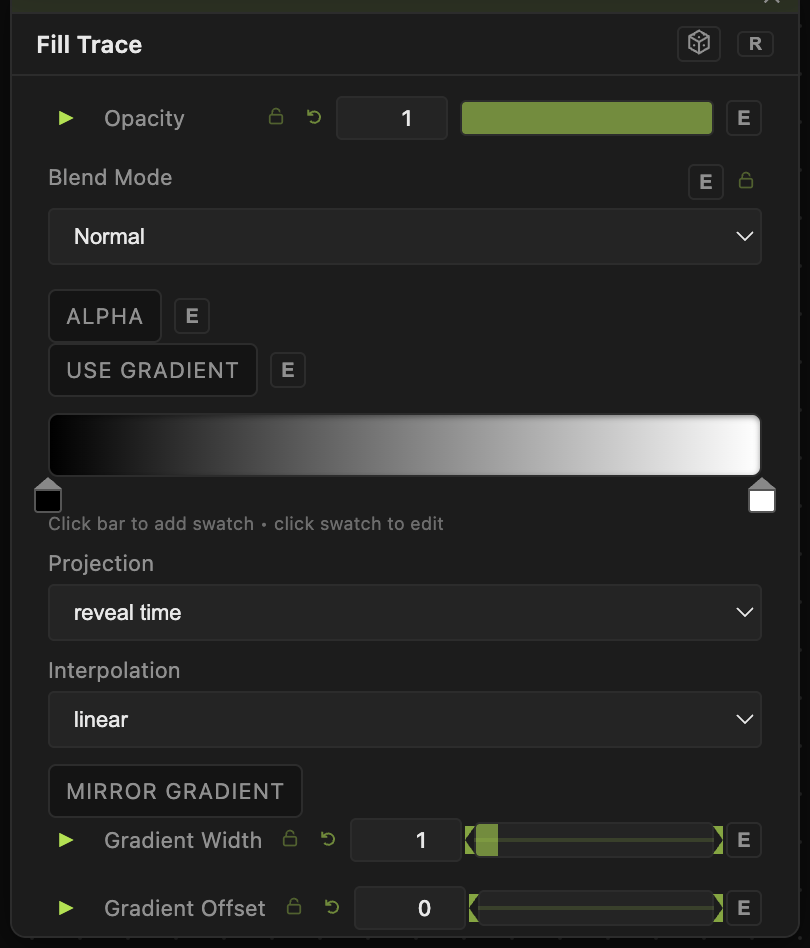
Opacity, Blend Mode, ALPHA — the standard operator header, on every operator. See Parameters and Controls.
- Mode — whether the paths draw one after another or all at once.
- Sequence — the order they are drawn in.
- Seed (Random sequence) (0–9999, default 0) — changes the order when the sequence is random.
- Auto Play (default on) — runs the reveal on its own timer. Turn it off to drive it by hand.
- Duration (s) (0.1–60, default 4) — how long the whole reveal takes.
- Progress (manual) (0–1, default 0) — how far through the reveal you are, when Auto Play is off. This is the one to animate or map to a controller.
- Loop (default off) — starts again when it finishes.
- Stroke Color (default white) and Intensity (0–5, default 1) — the colour and brightness of the drawn line.
- Leading Edge Width (0–0.5, default 0.05) and Leading Edge Boost (1–8, default 2) — the size and brightness of the glowing tip at the front of the stroke.
- Use Gradient (default off) — colours the stroke from a gradient instead of one flat colour, with its own projection, interpolation, width, offset, and mirror controls.
- Delay Fraction (Delayed mode) (0–1, default 0.7) — how much each path waits before it starts.
Troubleshooting
Fill Trace needs path data, not a picture. Wire a Vectorizer (in a Reveal mode) or a Load SVG node into it. An ordinary picture produces nothing.
Nothing is drawing — Auto Play is off and Progress is still at 0. Either turn Auto Play on or move Progress.
It finishes and stops — turn Loop on.