Recolor
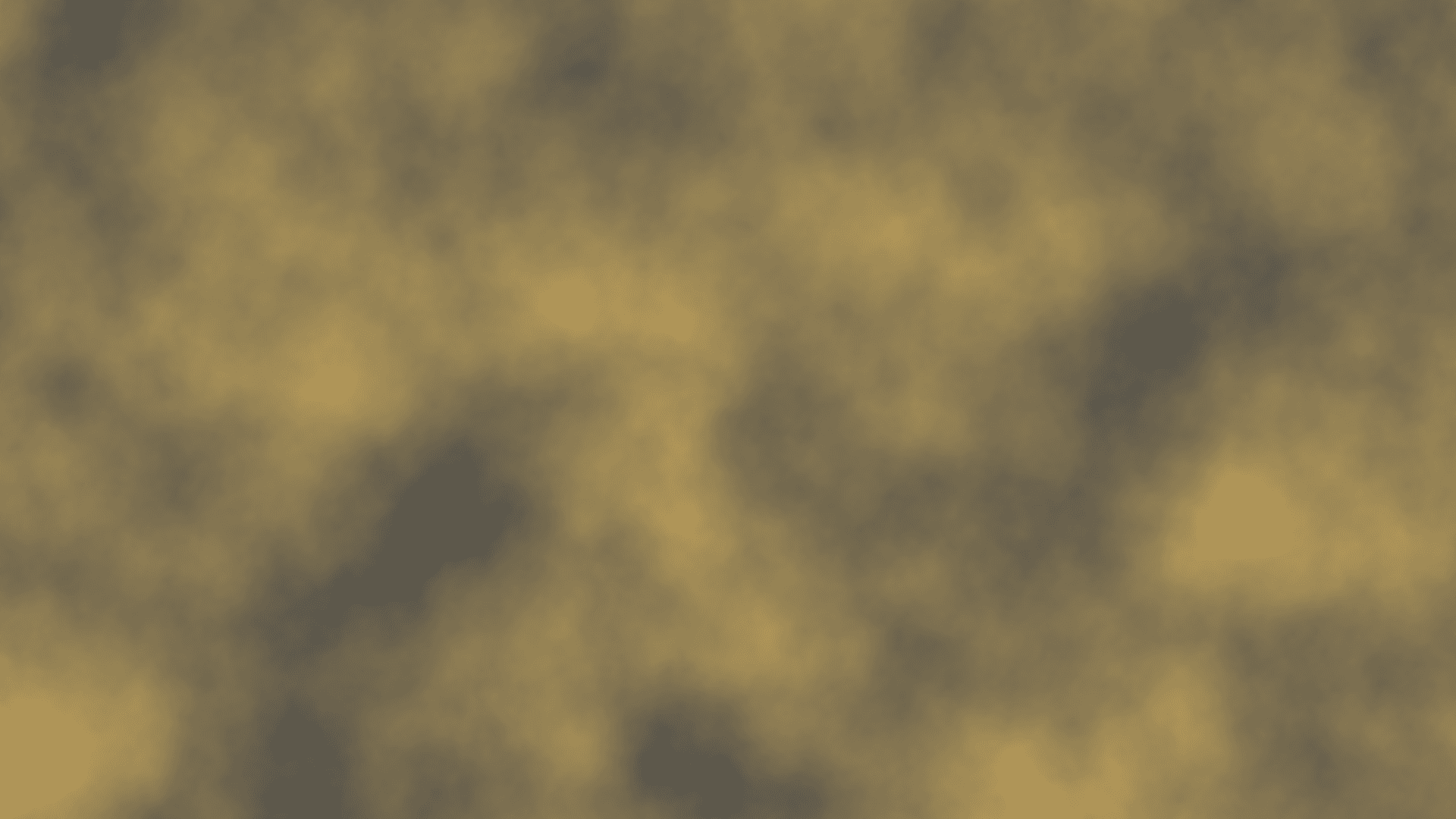
Maps a grey picture onto two colours, one for the dark parts and one for the light.
The Recolor node paints a grey picture with two colours. The darkest parts take one colour, the lightest take the other, and everything between blends across.
- One picture in, one out
- Two colour pickers: one for dark, one for light
- The quickest way to get colour out of a noise generator
- Found under Texture in the add-operator list
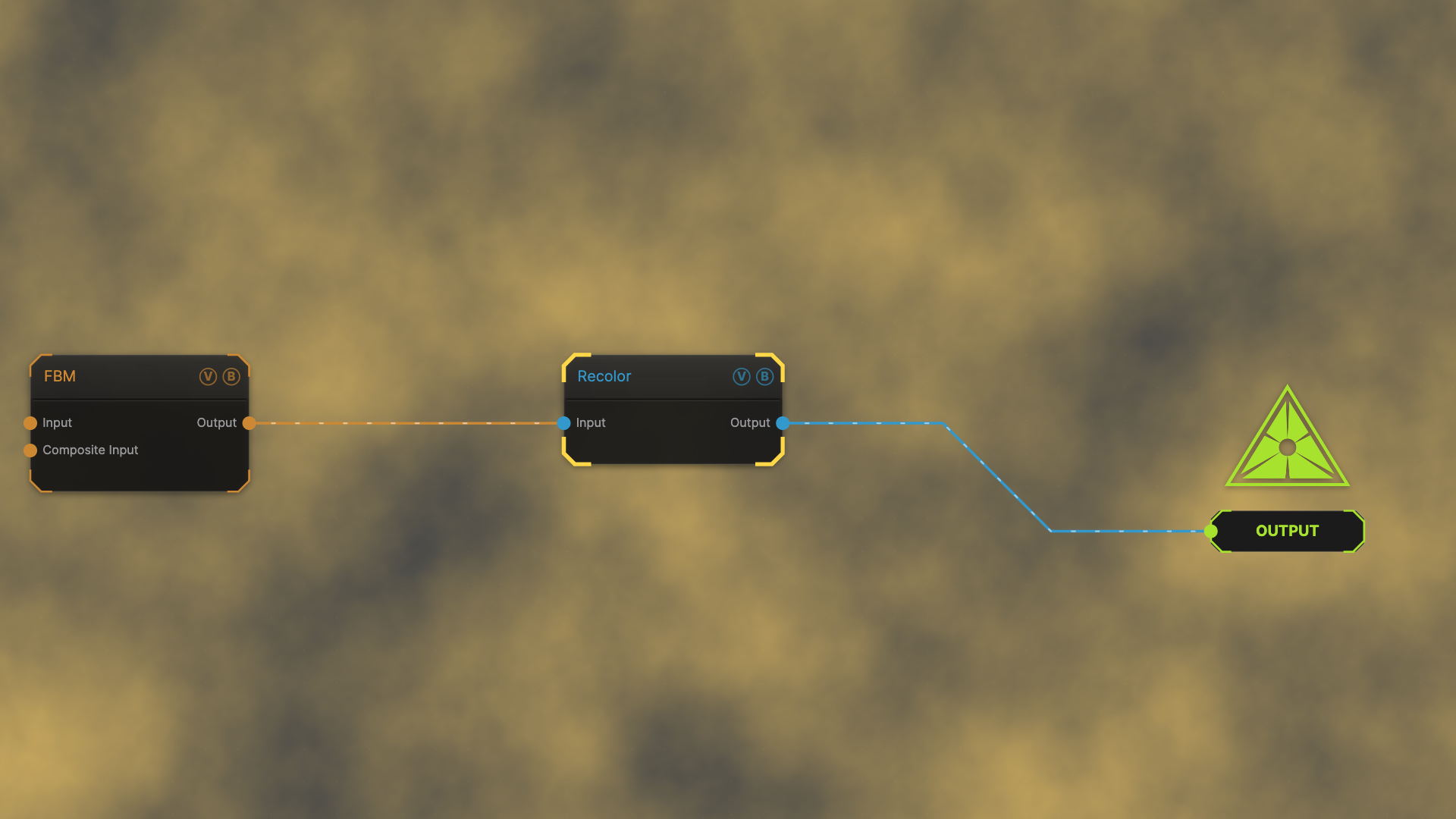
The image on the right is the example patch itself — drag and drop it onto the app (or load it with File → Load) to open the full graph.
Inputs and outputs
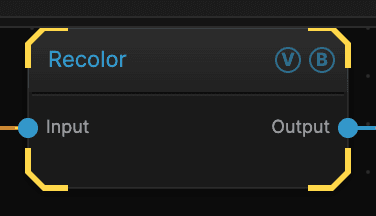
| Port | Type | Purpose |
|---|---|---|
| Input | Texture | The picture to work on |
| Output | Texture | The result |
Parameters
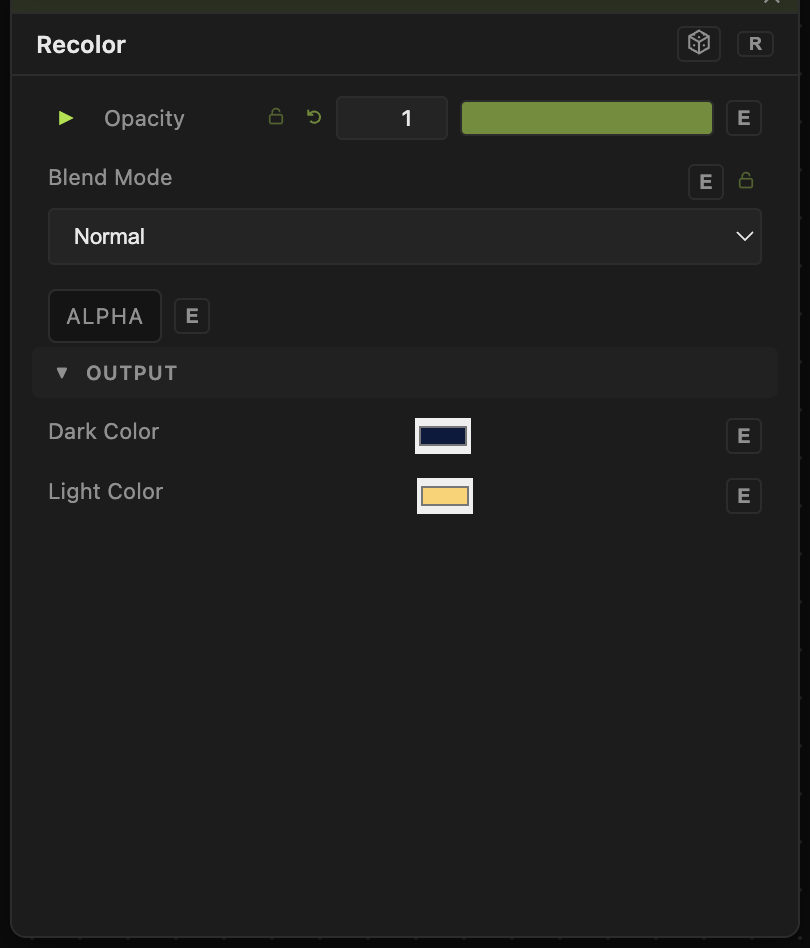
Opacity, Blend Mode, ALPHA — the standard operator header, on every operator. See Parameters and Controls.
- Dark Color (default black) — the colour the darkest parts become.
- Light Color (default white) — the colour the lightest parts become.
Picking a dark colour that is not black keeps the shadows from going flat, which usually looks better on screen than a true black.
Troubleshooting
The result is only two colours with a hard edge between them — the input is already a hard black-and-white mask, so there are no mid-tones to blend. Feed Recolor something with soft gradients, such as FBM or Perlin.
You want more than two colours — use the Gradient Colorizer, which takes as many colour stops as you like.