HSV Adjust
Rotates the colours of a picture and changes how strong and how bright they are.
The HSV Adjust node changes colour without touching the shapes. Rotate the hue to recolour everything at once, or drop the saturation to take a picture toward grey.
- One picture in, one out
- Three controls: Hue, Saturation, Value
- Hue is a rotation in degrees, so 360 brings you back where you started
- Found under Texture in the add-operator list
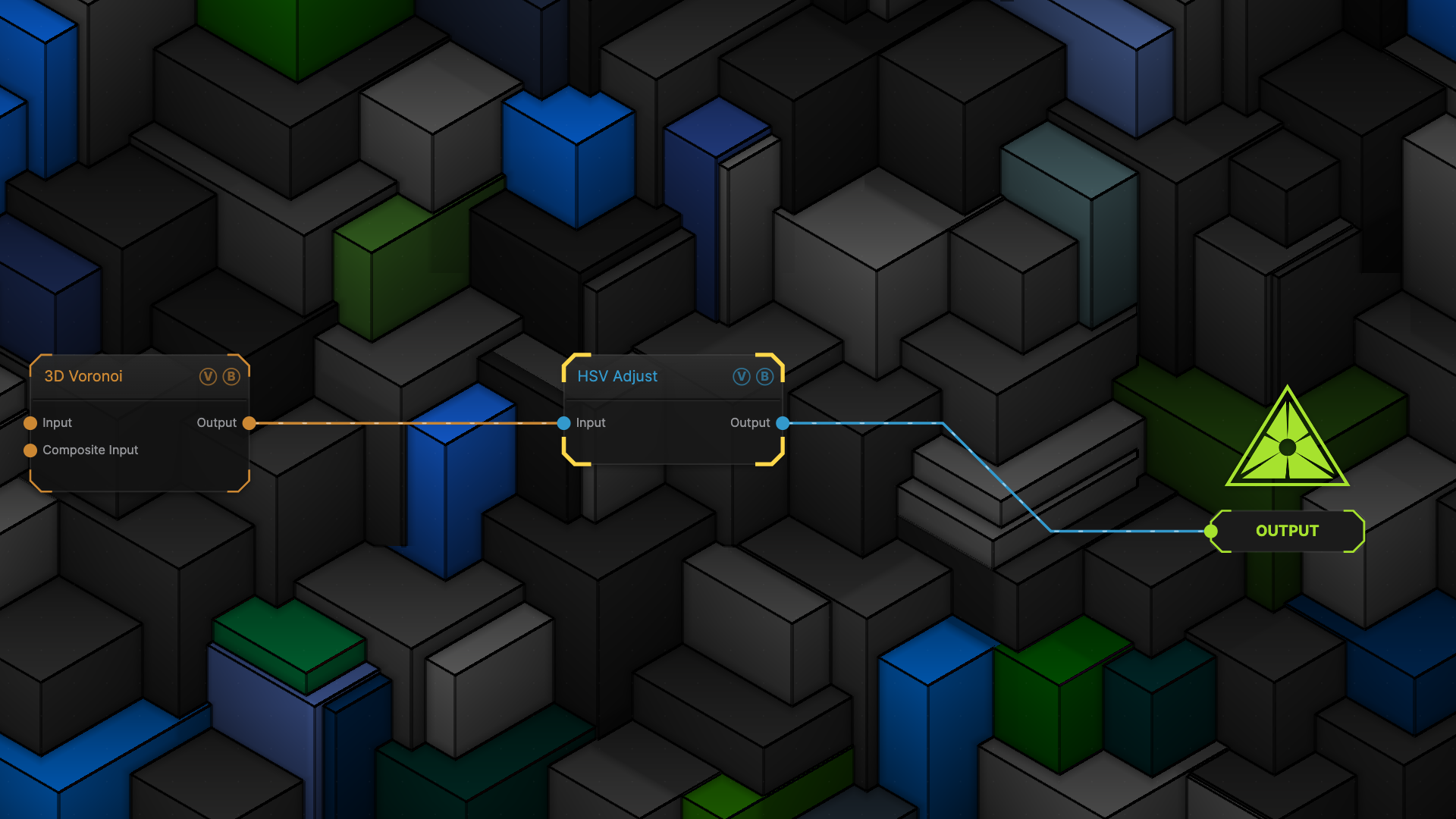
The image on the right is the example patch itself — drag and drop it onto the app (or load it with File → Load) to open the full graph.
Inputs and outputs
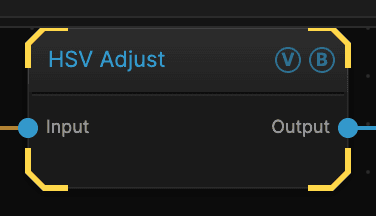
| Port | Type | Purpose |
|---|---|---|
| Input | Texture | The picture to work on |
| Output | Texture | The result |
Parameters
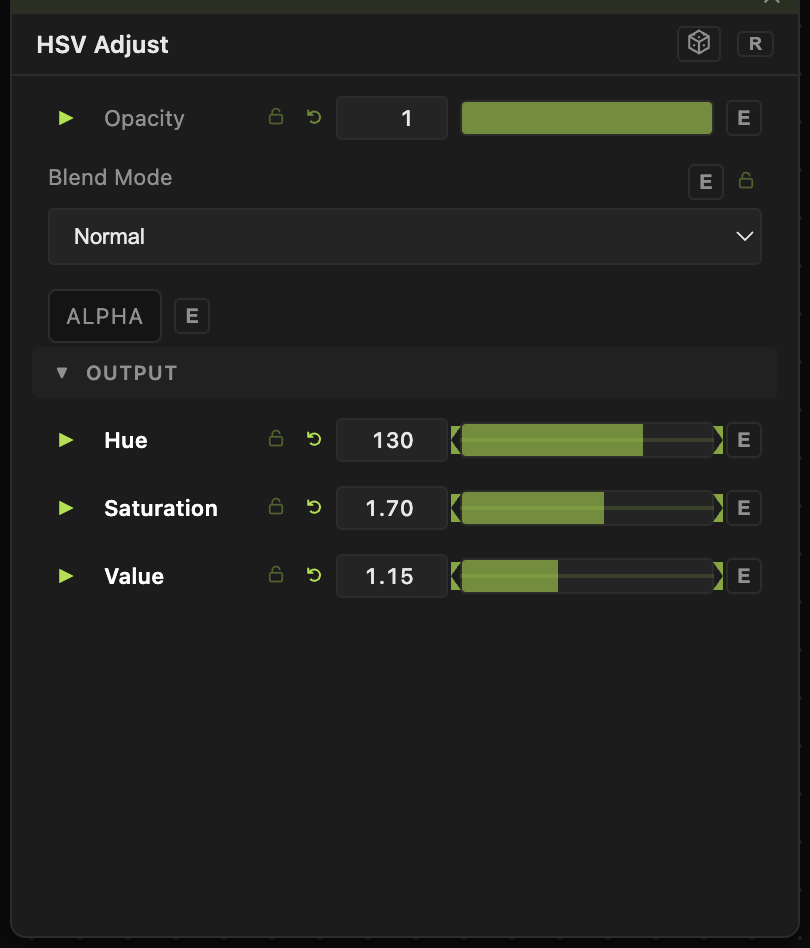
Opacity, Blend Mode, ALPHA — the standard operator header, on every operator. See Parameters and Controls.
- Hue (−180 to 180, default 0) — rotates every colour around the colour wheel. Reds become greens, greens become blues, and so on. The shapes do not move.
- Saturation (0–3, default 1) — how strong the colours are. 0 gives a grey picture; above 1 pushes them harder.
- Value (0–3, default 1) — overall brightness.
Hue is a natural target for the animation bar. Animate it slowly and the whole patch cycles through the spectrum.
Troubleshooting
Nothing changed when you moved Hue — the picture is grey. Grey has no colour to rotate. Add colour first with Recolor or a Gradient Colorizer.
Colours look blown out — Saturation or Value above 1 can push past what the screen can show. Pull them back toward 1.