Switch
Passes through whichever of four inputs a number picks.
The Switch node takes up to four pictures and passes one of them on. Change the number and the output cuts to a different source, which makes it the simplest way to build a cut between looks.
- Four pictures in, one out
- Index picks which one comes through
- Drive Index from a modifier for hands-free or beat-synced cutting
- Found under Texture in the add-operator list
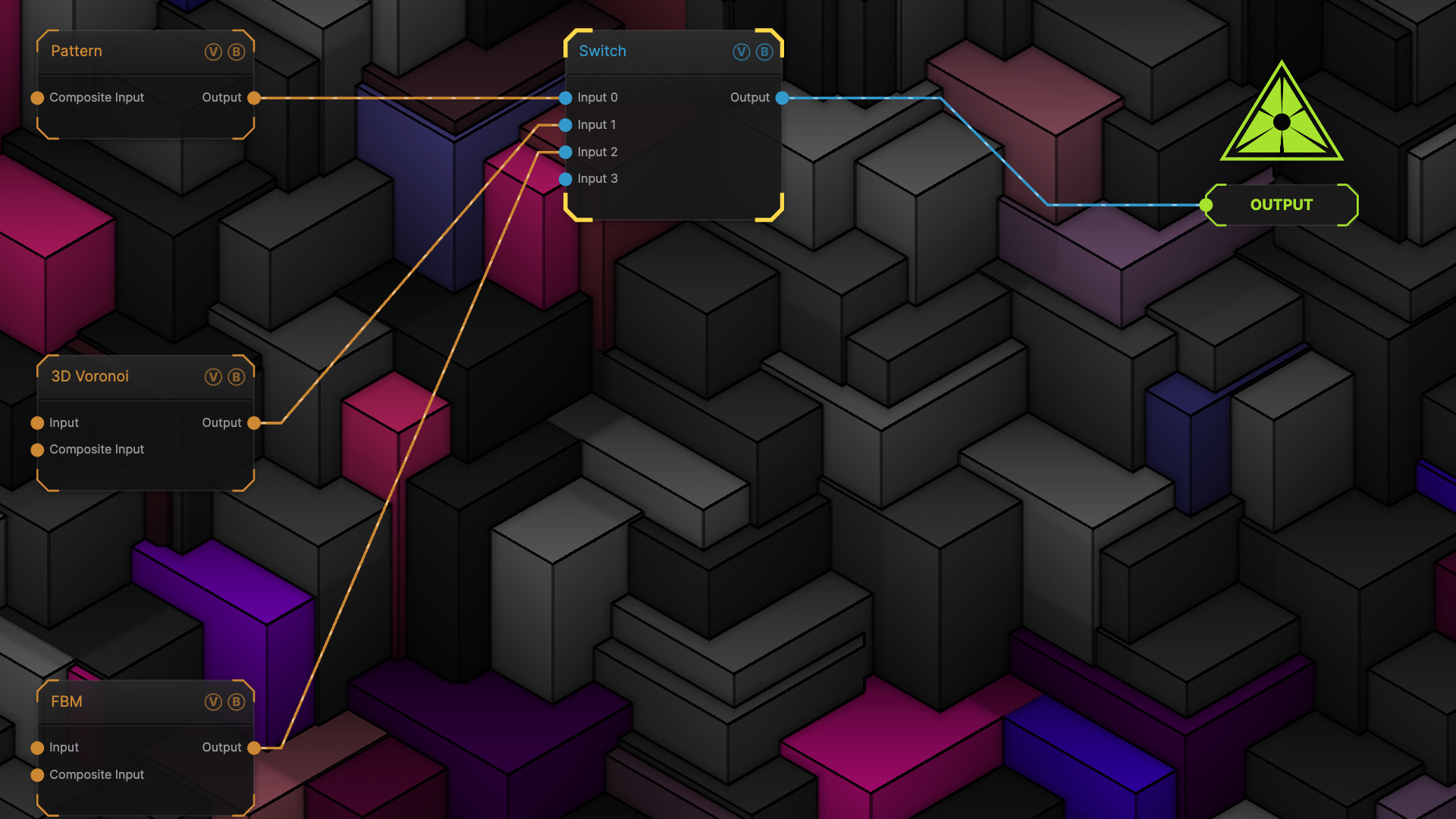
The image on the right is the example patch itself — drag and drop it onto the app (or load it with File → Load) to open the full graph.
Inputs and outputs
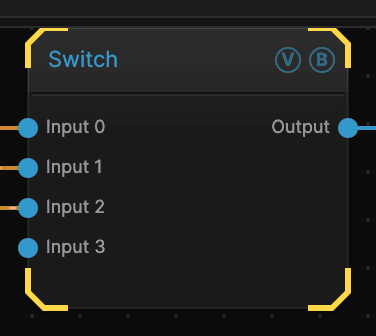
| Port | Type | Purpose |
|---|---|---|
| Input 0 | Texture | The picture chosen when Index is 0 |
| Input 1 | Texture | Chosen when Index is 1 |
| Input 2 | Texture | Chosen when Index is 2 |
| Input 3 | Texture | Chosen when Index is 3 |
| Output | Texture | The result |
Parameters
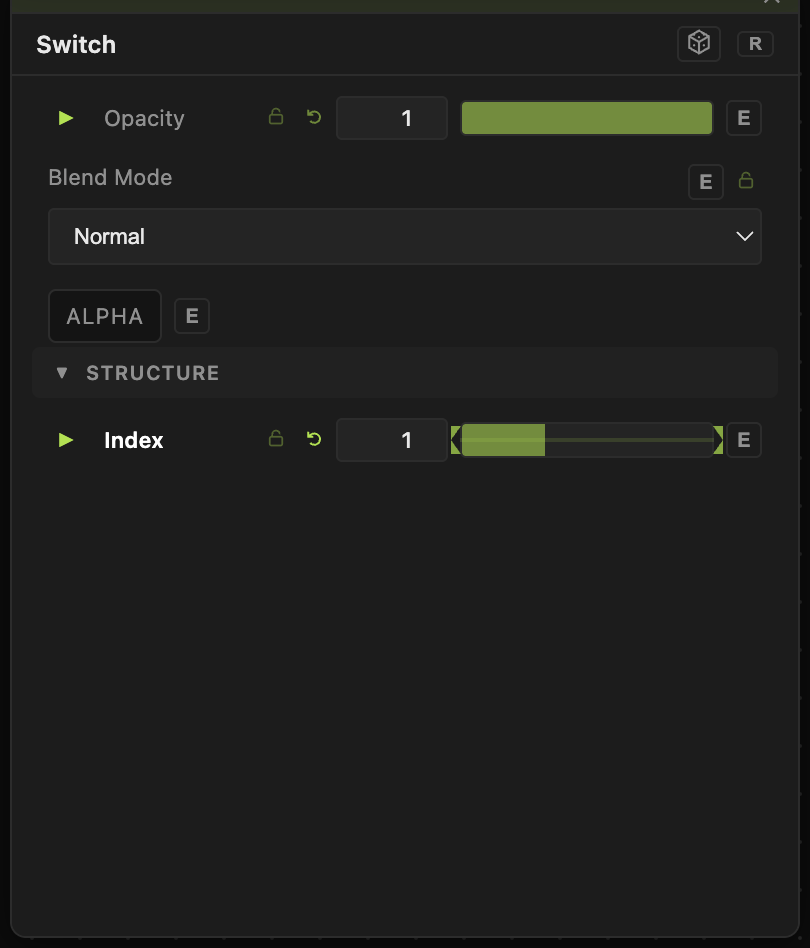
Opacity, Blend Mode, ALPHA — the standard operator header, on every operator. See Parameters and Controls.
- Index (0–3, default 0) — which input passes through.
Drop a modifier onto Index and the switch becomes automatic. A BPM modifier cuts on the beat; a Keyboard modifier gives you a manual cut key.
Troubleshooting
The output is blank — the input at the current Index has nothing wired to it.
The cut is abrupt — Switch is a hard cut by design. For a fade, use a Blend node and animate its Opacity instead.