Texture
Tile
Repeats a picture in a grid, with an option to mirror alternate tiles so the joins disappear.
The Tile node repeats its input in a grid. Set how many copies across and how many down.
- One picture in, one out
- Set the number of copies across and down
- Mirror flips alternate tiles so the seams line up
- Found under Texture in the add-operator list
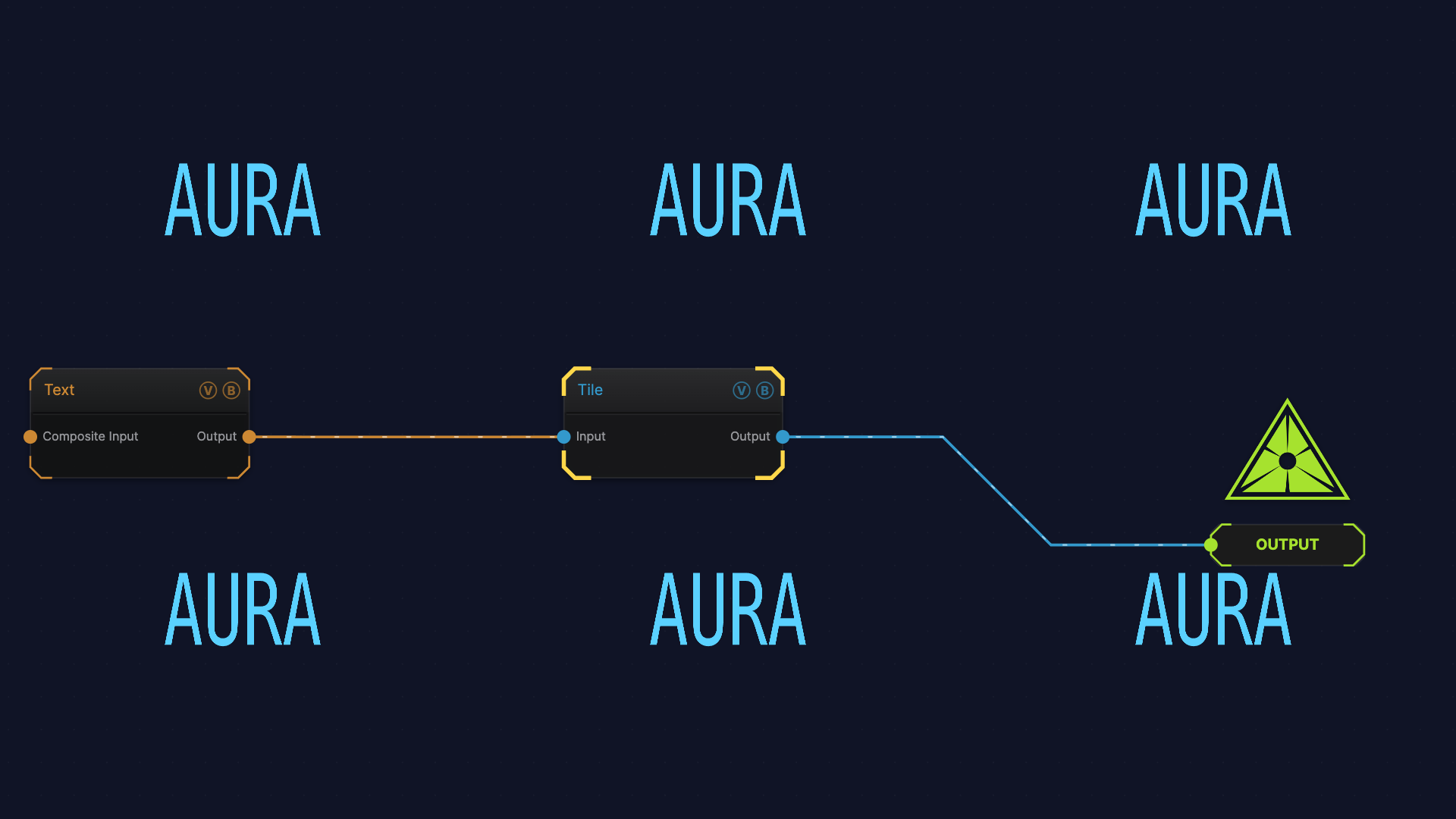
The image on the right is the example patch itself — drag and drop it onto the app (or load it with File → Load) to open the full graph.
Inputs and outputs
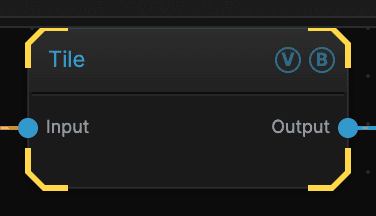
| Port | Type | Purpose |
|---|---|---|
| Input | Texture | The picture to work on |
| Output | Texture | The result |
Parameters
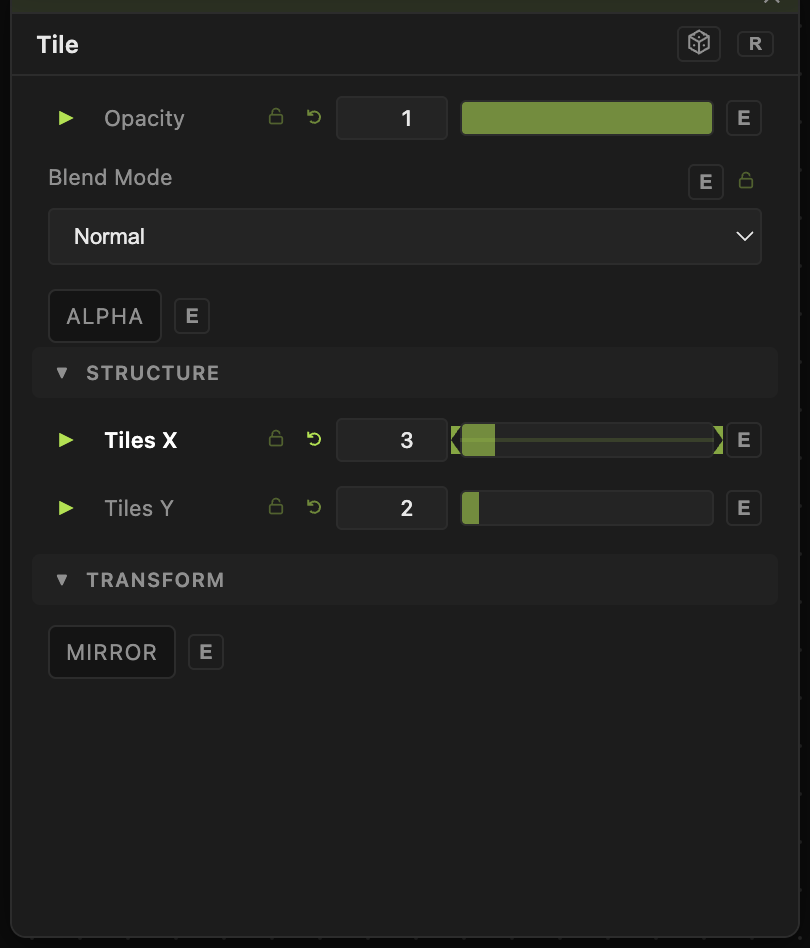
Opacity, Blend Mode, ALPHA — the standard operator header, on every operator. See Parameters and Controls.
- Tiles X (1–16, default 2) — copies across.
- Tiles Y (1–16, default 2) — copies down.
- Mirror (default off) — flips every other tile. Turn it on when the picture does not repeat cleanly and you can see the joins.
Troubleshooting
The joins show as hard lines — turn Mirror on, or use a picture whose left edge matches its right edge.
Everything went tiny — Tile does not zoom, it repeats. A 4 × 4 grid makes each copy a quarter of the width. Raise the detail on the generator feeding it, or use fewer tiles.