Displace
Pushes each pixel of one texture using the values of a second texture.
The Displace node reads a second texture as a map and offsets the sampling position of the first texture pixel by pixel. Straight edges bend, patterns warp, and the map's structure becomes visible in whatever it distorts.
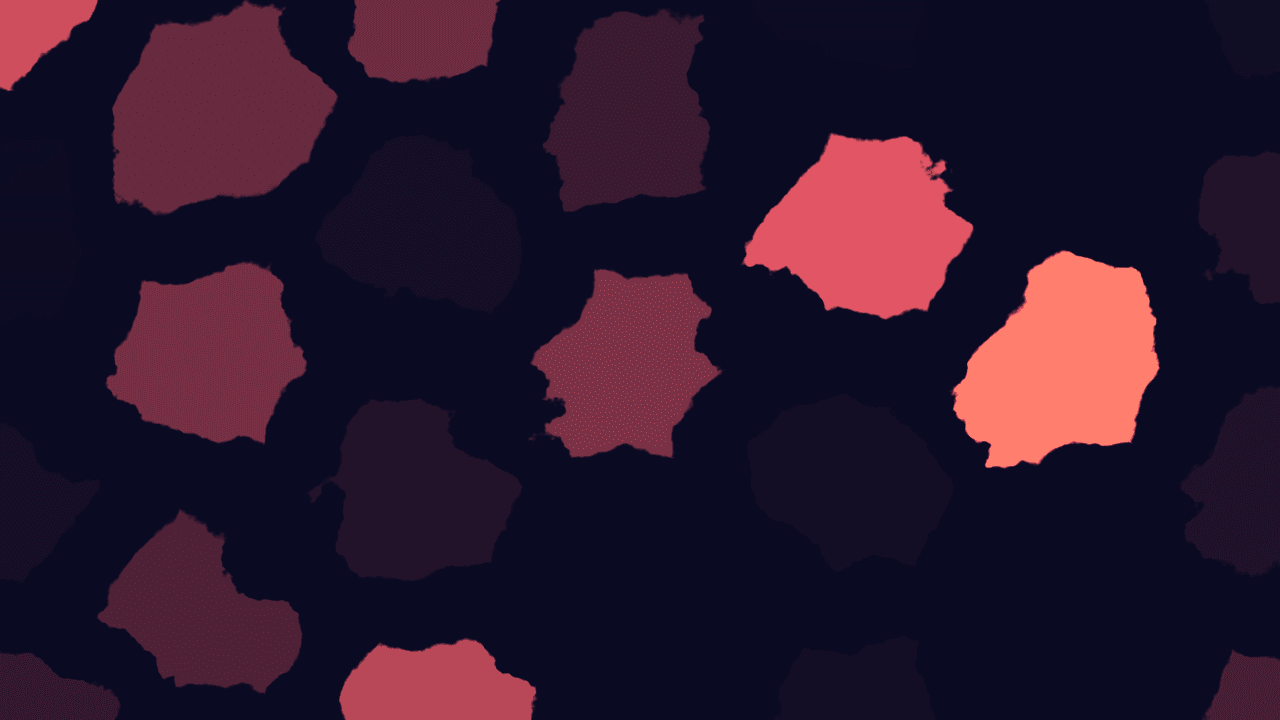
- Two texture inputs: the image to warp, and the map that warps it
- Amount sets the maximum offset; Method picks which channels the map uses
- Found in the node graph under Texture in the operators panel
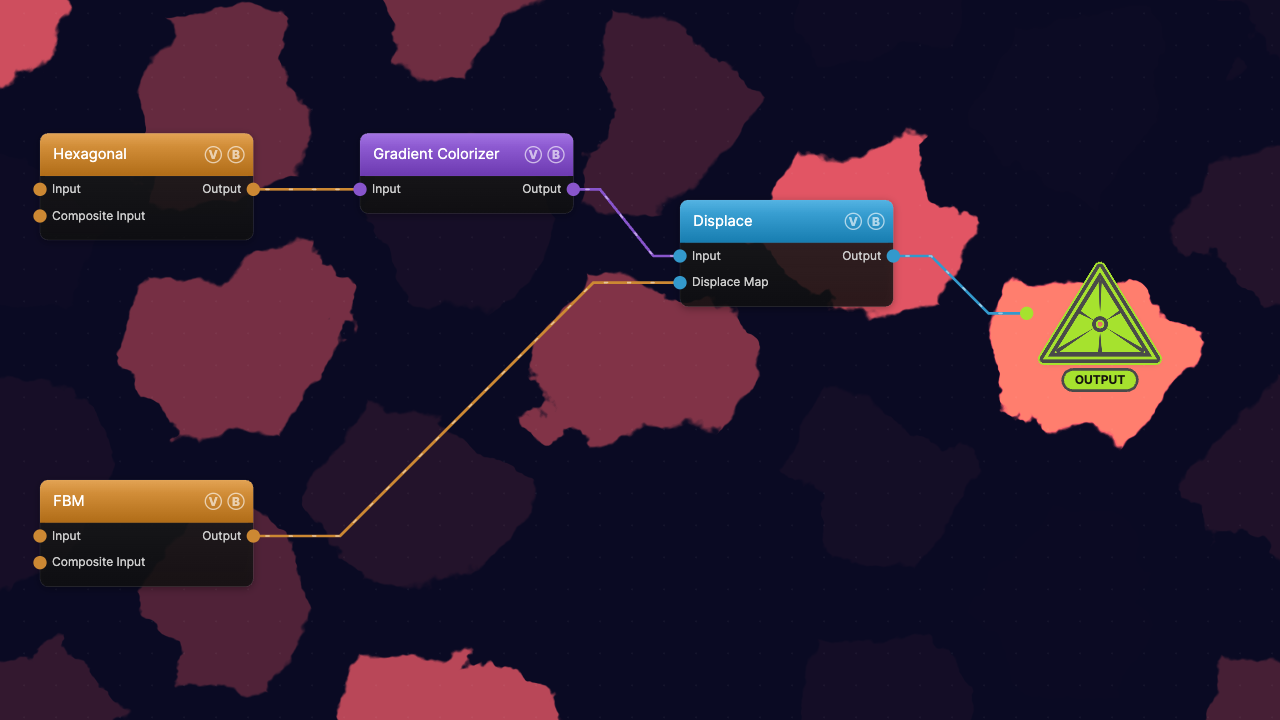
The image on the right is the example patch itself — drag and drop it onto the app (or load it with File → Load) to open the full graph. A colorized Hexagonal pattern is displaced by an FBM noise field.
Inputs and outputs
| Port | Type | Purpose |
|---|---|---|
| Input | Texture | The image being warped. Nothing connected here means no output. |
| Displace Map | Texture | The map that drives the offset. Leave it unconnected and the node passes the input through untouched. |
| Output | Texture | The warped image. |
The map is read at the same screen position as the pixel being displaced, so the map's scale controls the size of the distortion features: a large, smooth noise field bends the image in broad waves, a fine one shreds it.
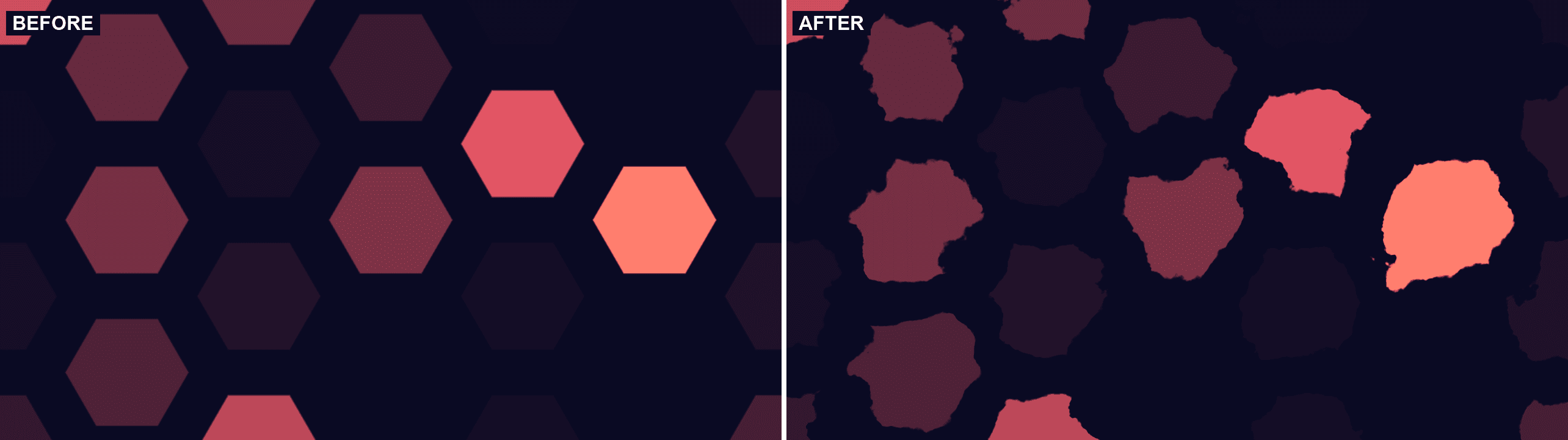
Both frames use the same Hexagonal source; the right one runs it through Displace with an FBM map at Amount 0.09.
Parameters
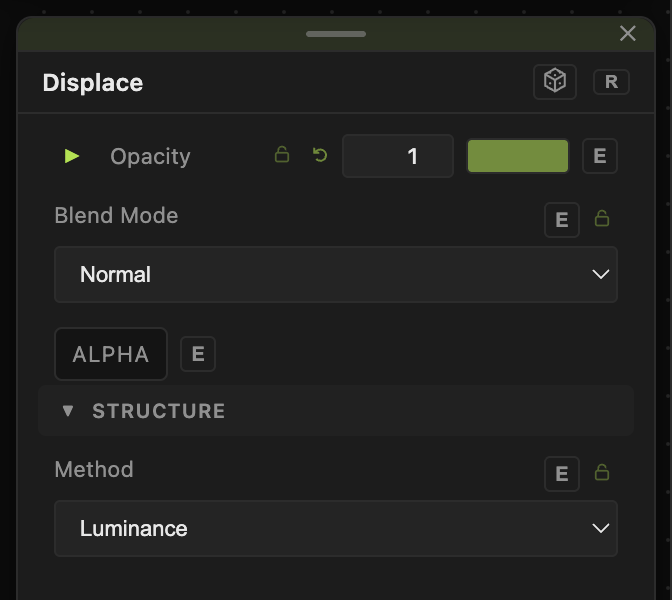
- Method — which part of the map becomes the offset.
- Luminance (default) — the map's brightness drives both axes at once. Mid-grey means no shift, darker pushes one way and brighter the other, so the displacement runs diagonally.
- Red-Green — red drives the horizontal offset and green the vertical, each neutral at 0.5. Use this when you want independent control of the two axes, for example from a flow field.
- Normal Map — reads the same red and green channels as Red-Green.
- Amount (0–1, default 0.05) — the largest offset a fully black or fully white map pixel can produce, as a fraction of the frame. Small values read as a shimmer; above roughly 0.2 the source stops being recognisable.
Both have a per-parameter animation bar, so either can be animated, audio-driven, or MIDI-mapped — see Parameters and Controls.
Examples
Heat haze — an animated FBM as the map, Method on Luminance, Amount around 0.02. The image ripples without losing its shape.
Flow-field warp — Curl Noise as the map on Red-Green. Because the two channels differ, the image swirls rather than sliding diagonally.
Self-displacement — wire one generator into both Input and Displace Map. The pattern distorts itself, which sharpens some edges and folds others.
Troubleshooting
The image only slides diagonally — that is Luminance behaving correctly; one grey value drives both axes. Switch to Red-Green and feed it a map whose red and green channels differ.
Edges smear into streaks — the displacement is sampling past the edge of the source, which repeats the outermost pixels. Lower Amount, or leave a margin around the content.
Normal Map looks identical to Red-Green — it is; both read the map's red and green channels.