Invert
Swaps light for dark and each colour for its opposite.
The Invert node turns a picture into its negative. Light becomes dark, and every colour becomes its opposite.
- One picture in, one out
- One setting of its own, Invert Alpha; colour inverts, alpha passes through untouched unless you ask
- Most often used to flip a mask so it covers the other part
- Found under Texture in the add-operator list
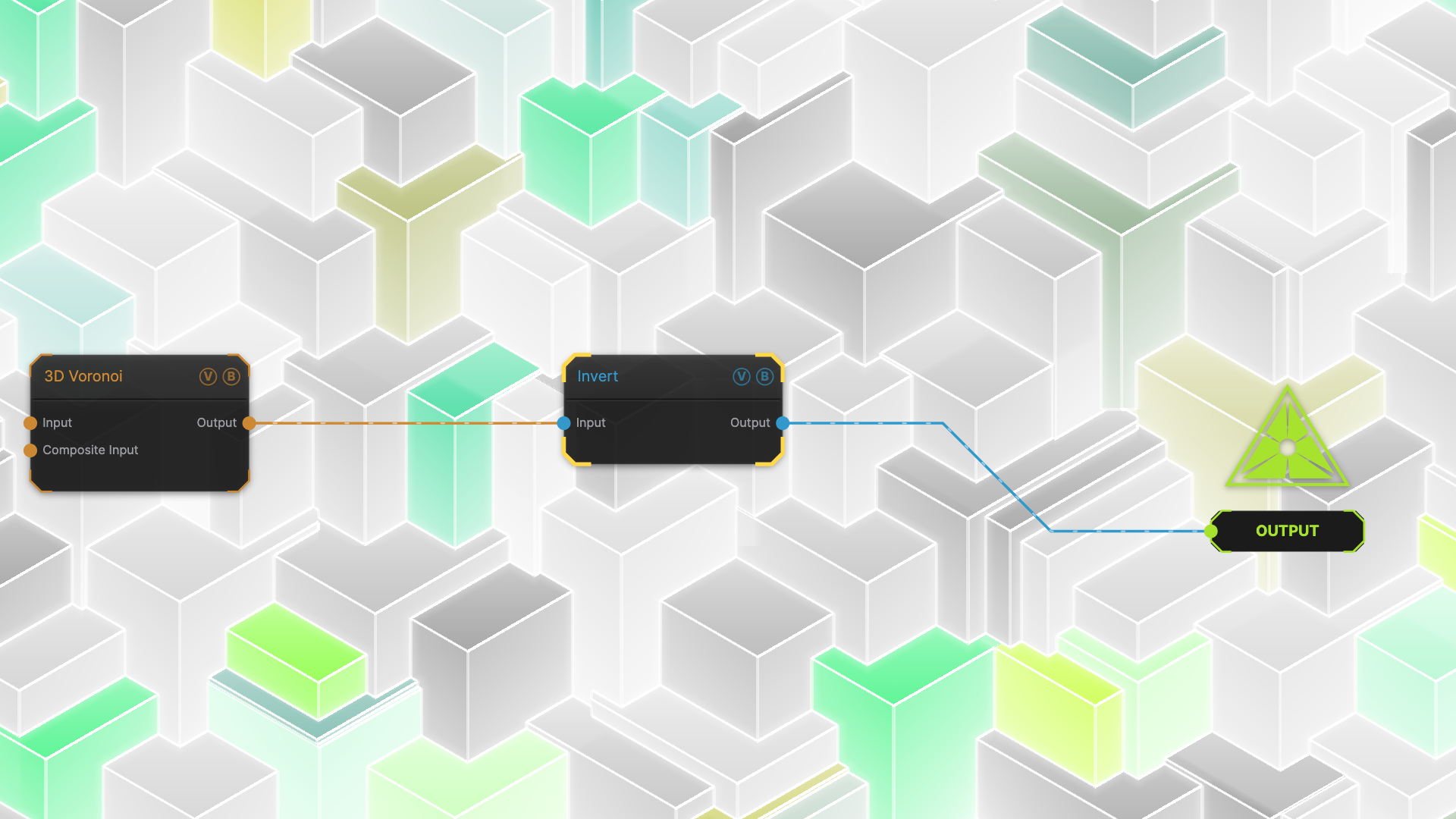
The image on the right is the example patch itself — drag and drop it onto the app (or load it with File → Load) to open the full graph.
Inputs and outputs
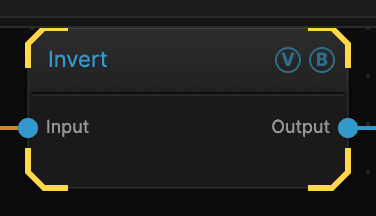
| Port | Type | Purpose |
|---|---|---|
| Input | Texture | The picture to work on |
| Output | Texture | The result |
Parameters
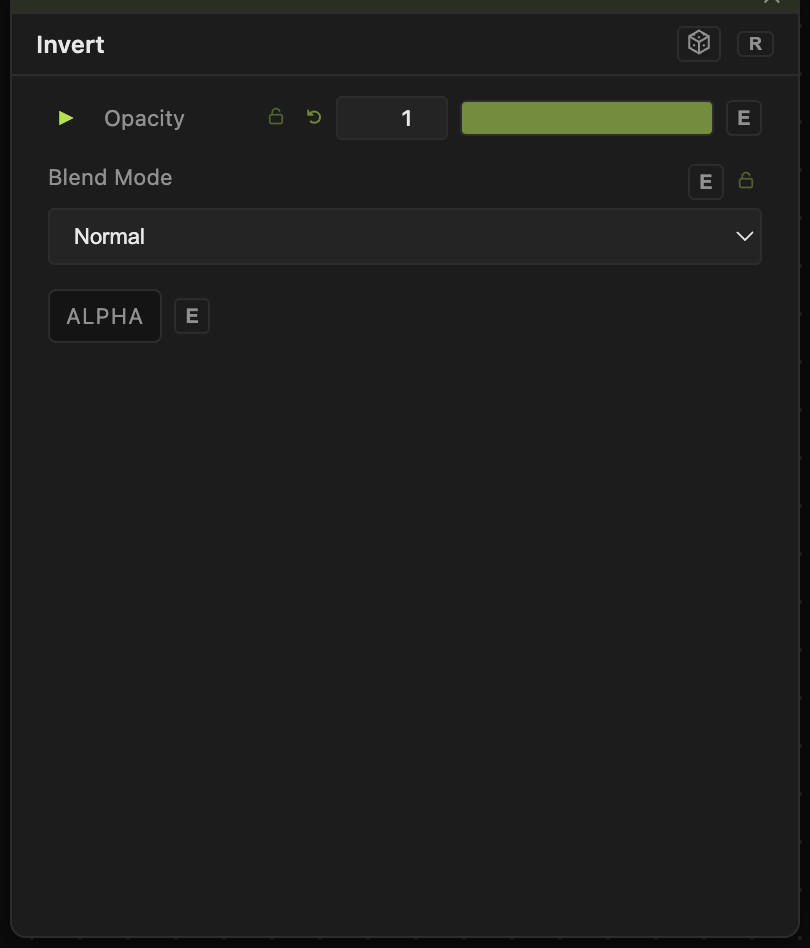
Opacity, Blend Mode, ALPHA — the standard operator header, on every operator. See Parameters and Controls.
- Invert Alpha (default off) — also inverts the alpha channel. Off, the input's transparency passes through unchanged, so a cut-out stays a cut-out.
Opacity is useful here: at 0.5 you get a flat, washed-out mid-grey, because half of a picture plus half of its negative is exactly the middle.
Troubleshooting
You only wanted to invert a mask, not the colours — Invert flips everything. If the mask is a separate branch, put Invert on that branch only.
Several operators already have an Invert switch — Level, Threshold, and Shape Mask each have one built in. Use those and save a node.