Composite
Combines two pictures with one of 27 operations, with an optional mask to control where.
The Composite node puts one picture over another. A menu of 27 operations covers stacking, arithmetic, and colour blending, and a third input can mask where the operation applies.
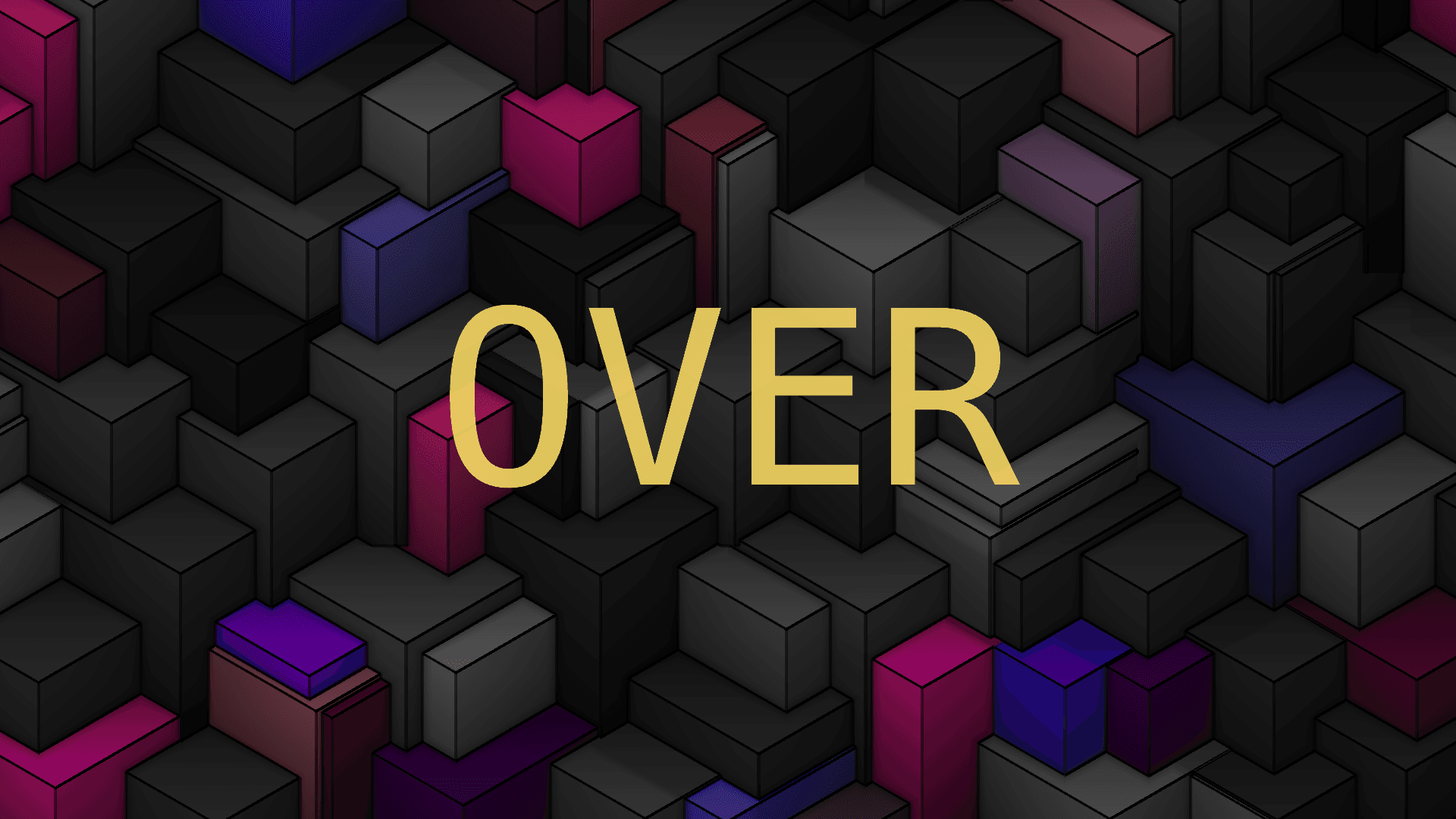
- Two pictures in, plus an optional mask; one out
- 27 operations in one menu
- Only Over and Under respect transparency properly
- Found under Texture in the add-operator list
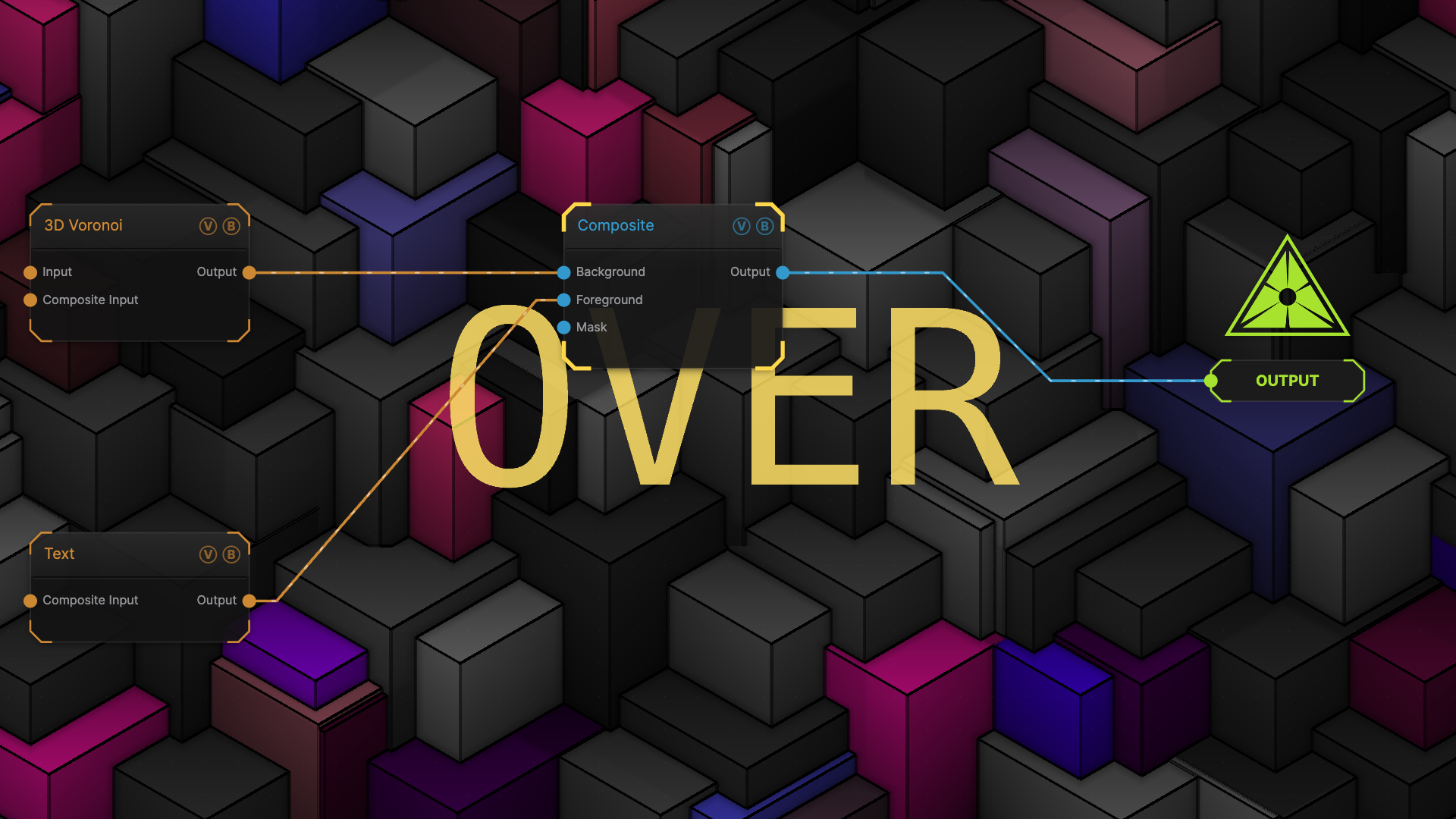
The image on the right is the example patch itself — drag and drop it onto the app (or load it with File → Load) to open the full graph.
Inputs and outputs
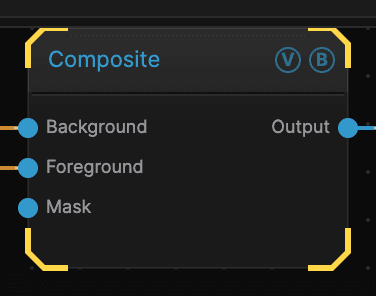
| Port | Type | Purpose |
|---|---|---|
| Background | Texture | The picture underneath |
| Foreground | Texture | The picture on top |
| Mask | Texture | Limits where the operation applies — white applies it, black leaves the background alone |
| Output | Texture | The result |
Parameters
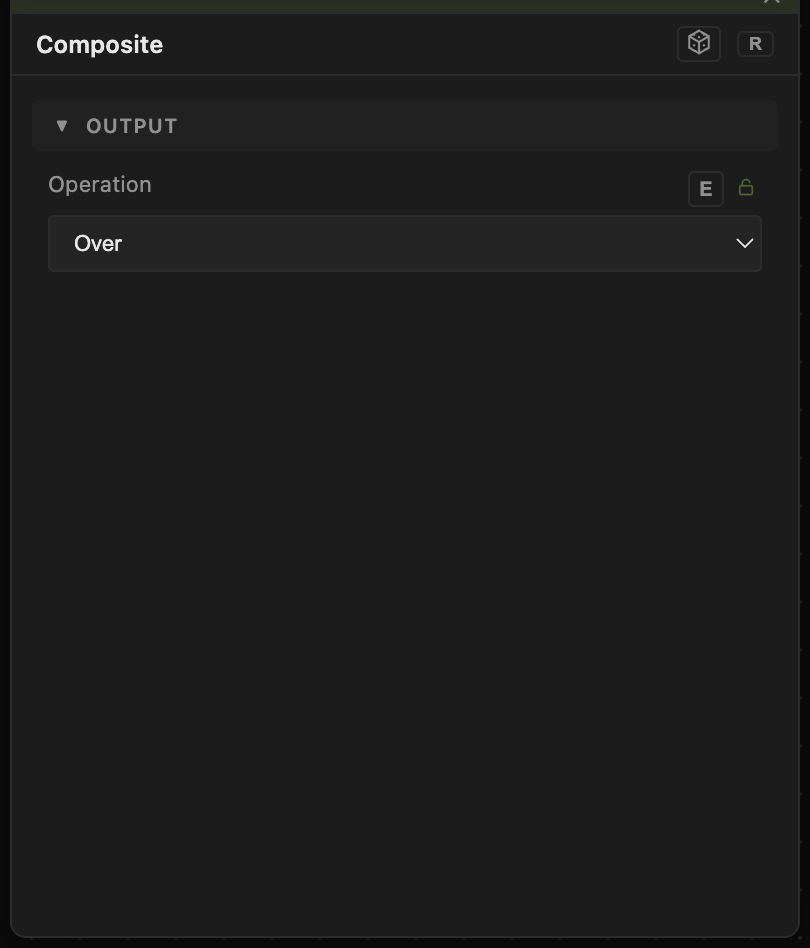
Opacity, Blend Mode, ALPHA — the standard operator header, on every operator. See Parameters and Controls.
- Operation (default Over) — how the two pictures are combined. The menu is grouped: placement operations such as Over, Under, Inside, and Outside; arithmetic such as Add, Subtract, Multiply, and Screen; and colour operations that borrow the hue or brightness of one picture for the other.
Mask Mix is the odd one out. There the mask is the operation: white shows the Foreground, black shows the Background, and grey mixes the two. With no mask wired it sits at an even 50/50.
Troubleshooting
Nothing appears to combine — check which input is which. Background is the one underneath; swapping the two wires changes the result for most operations.
You want a growing stack, not a pair — use Blend, which adds a new input each time you fill the last one.