Null
Passes a picture straight through, as a tidy junction point in the graph.
The Null node changes nothing. It exists so several operators can read from one place, which keeps a graph readable and makes it easy to swap what feeds them all.
- One picture in, one out, unchanged
- Use it as a junction when many nodes need the same source
- Swap what feeds the Null and everything downstream follows
- Found under Texture in the add-operator list
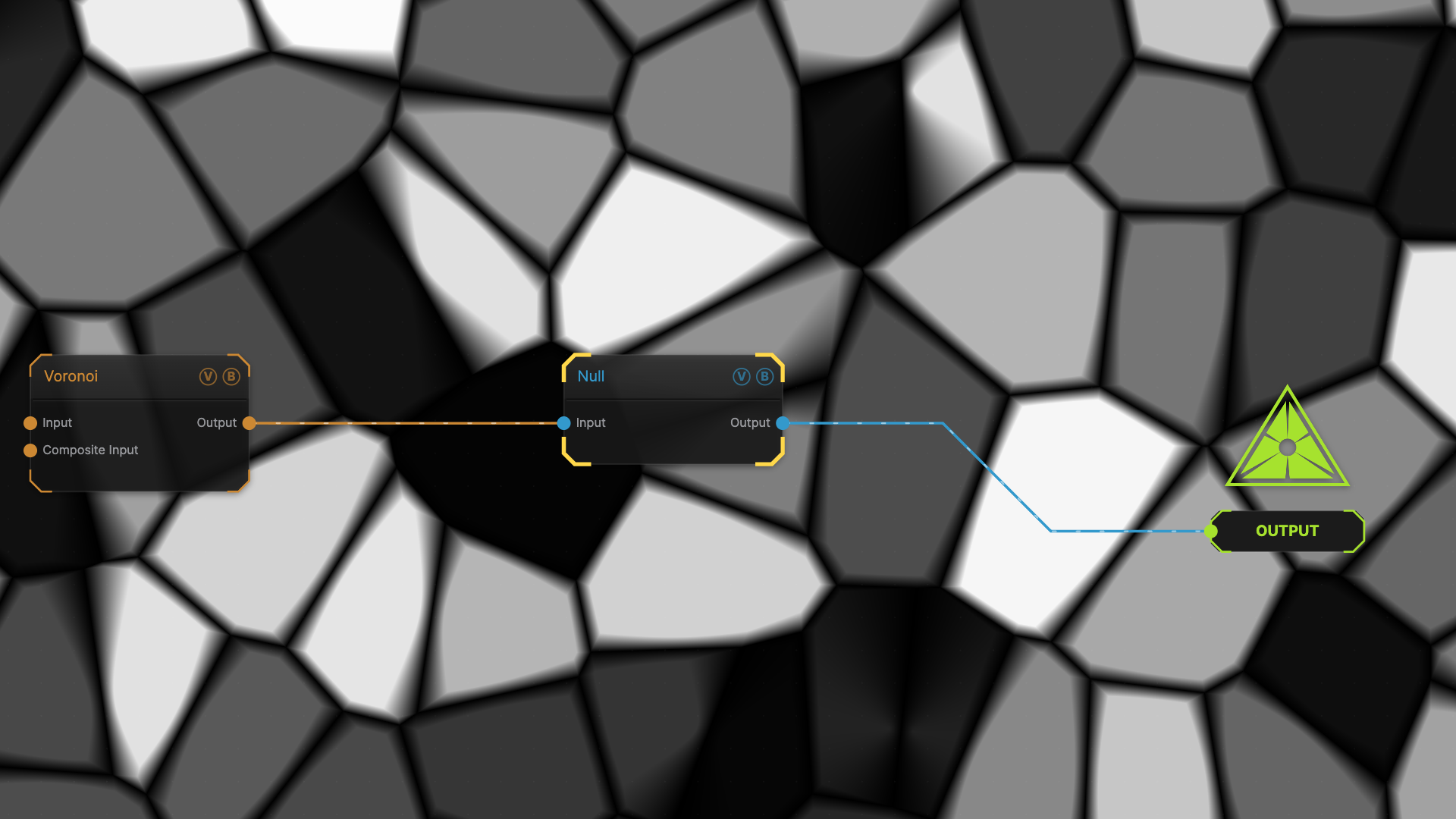
The image on the right is the example patch itself — drag and drop it onto the app (or load it with File → Load) to open the full graph.
Inputs and outputs
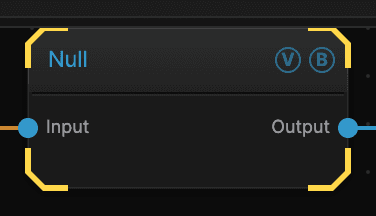
| Port | Type | Purpose |
|---|---|---|
| Input | Texture | The picture to work on |
| Output | Texture | The result |
Parameters
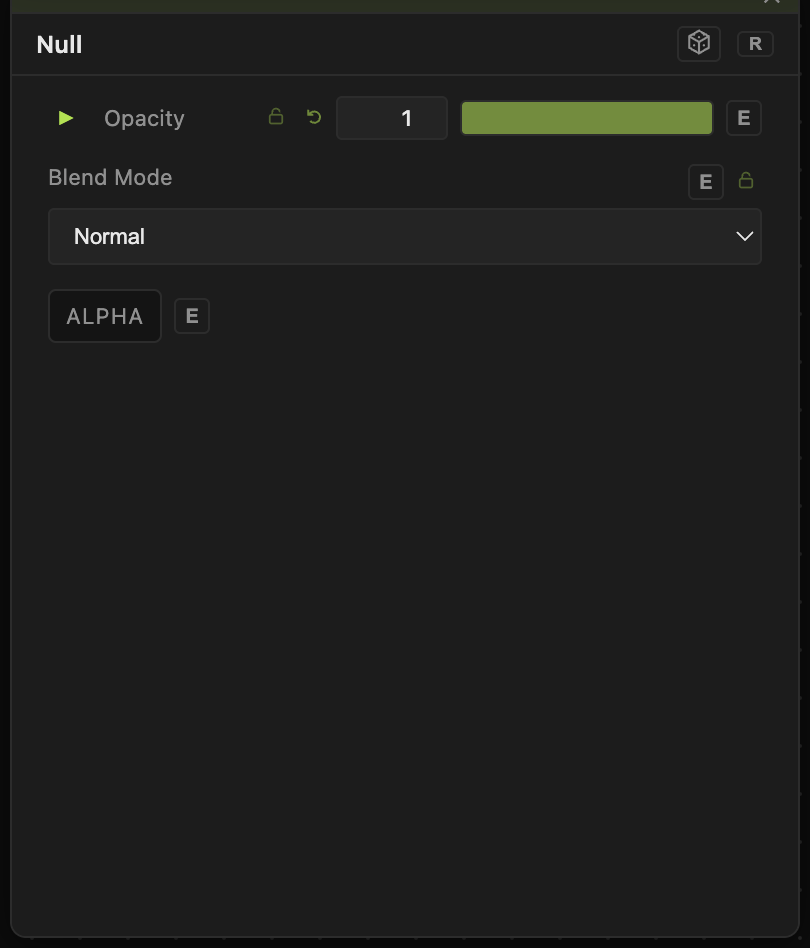
Opacity, Blend Mode, ALPHA — the standard operator header, on every operator. See Parameters and Controls.
Null has no controls of its own beyond the standard header.
Troubleshooting
Is it costing anything? — effectively no. It hands the picture on without redrawing it.
The graph is still hard to follow — Nulls tidy the wires; Regions and comments label what a group of nodes is for. See Node Graph.