Load SVG
Reads an SVG drawing and turns its outlines into paths other operators can draw.
The Load SVG node reads a vector drawing and follows its outlines, producing the same kind of path data the Vectorizer makes. Feed that to Fill Trace and your logo or lettering draws itself on.
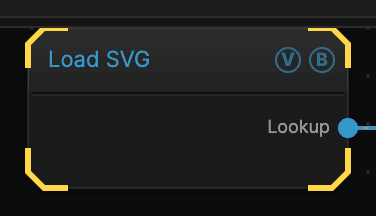
- No inputs; one path table out
- Takes the outlines straight from the file, so they are exact
- Only the fill mode is meant to be looked at directly
- Found under Texture in the add-operator list
Inputs and outputs
| Port | Type | Purpose |
|---|---|---|
| Lookup | Texture | The traced paths, as data for another operator |
Wire this into Fill Trace to animate the drawing appearing, or into the Conduit effect to flow colour along the lines.
Parameters
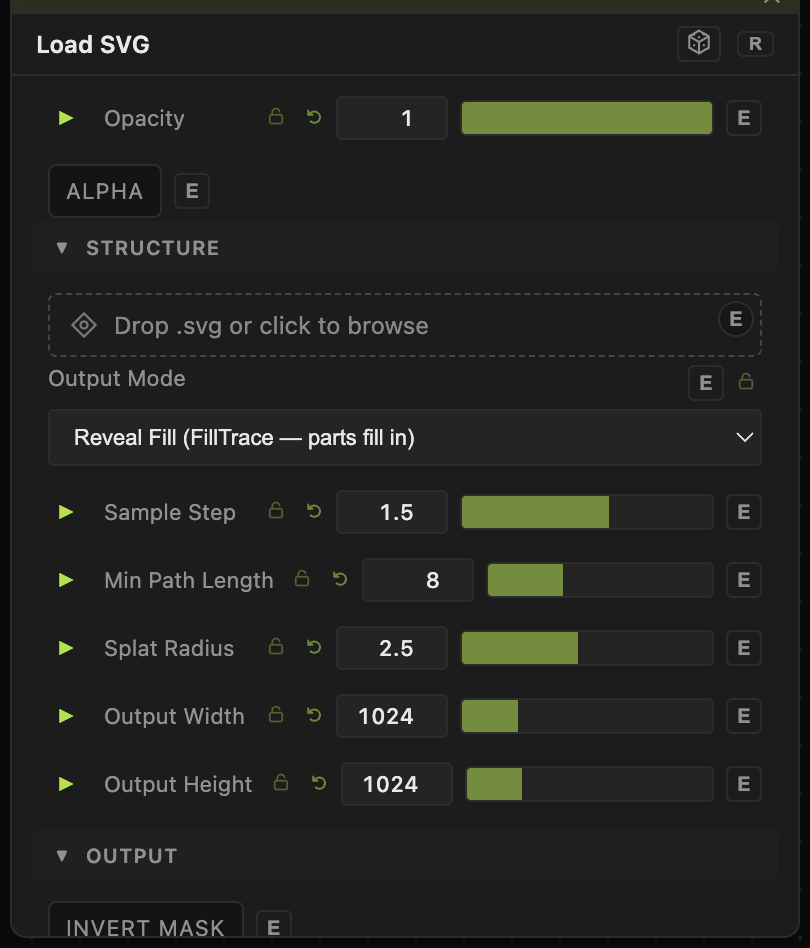
Opacity, Blend Mode, ALPHA — the standard operator header, on every operator. See Parameters and Controls.
- SVG — the drawing. Drop a file in or click to browse. It is stored in the patch.
- Output Mode (default a reveal mode) — what comes out. The fill mode gives a solid mask you can look at; the reveal modes give path data, which is meant for another operator and looks strange on its own.
- Sample Step (0.1–10, default 1.5) — how closely the outlines are followed. Lower keeps more detail and costs more.
- Min Path Length (2–128, default 8) — drops paths shorter than this, clearing out stray marks.
- Splat Radius (0.5–16, default 2.5) — how thick the stored paths are.
- Invert Mask (default off) — swaps which side of the outline is filled.
- Output Width and Output Height (128–4096, default 1024) — the size the drawing is rasterised at.
Troubleshooting
Nothing loaded — the file may use features the reader does not follow. Simplify it in your drawing program, converting strokes to outlines, and export again.
Fine detail is missing — lower Sample Step, and check Min Path Length is not throwing away the small pieces.