Crop
Cuts out part of a picture and stretches that part to fill the frame.
The Crop node keeps a rectangle of the picture and throws the rest away. What is left is scaled up to fill the whole frame, so cropping is also a way to zoom in.
- One picture in, one out
- Four edges set the rectangle, each from 0 to 1
- The kept part fills the frame, so a small crop reads as a zoom
- Found under Texture in the add-operator list
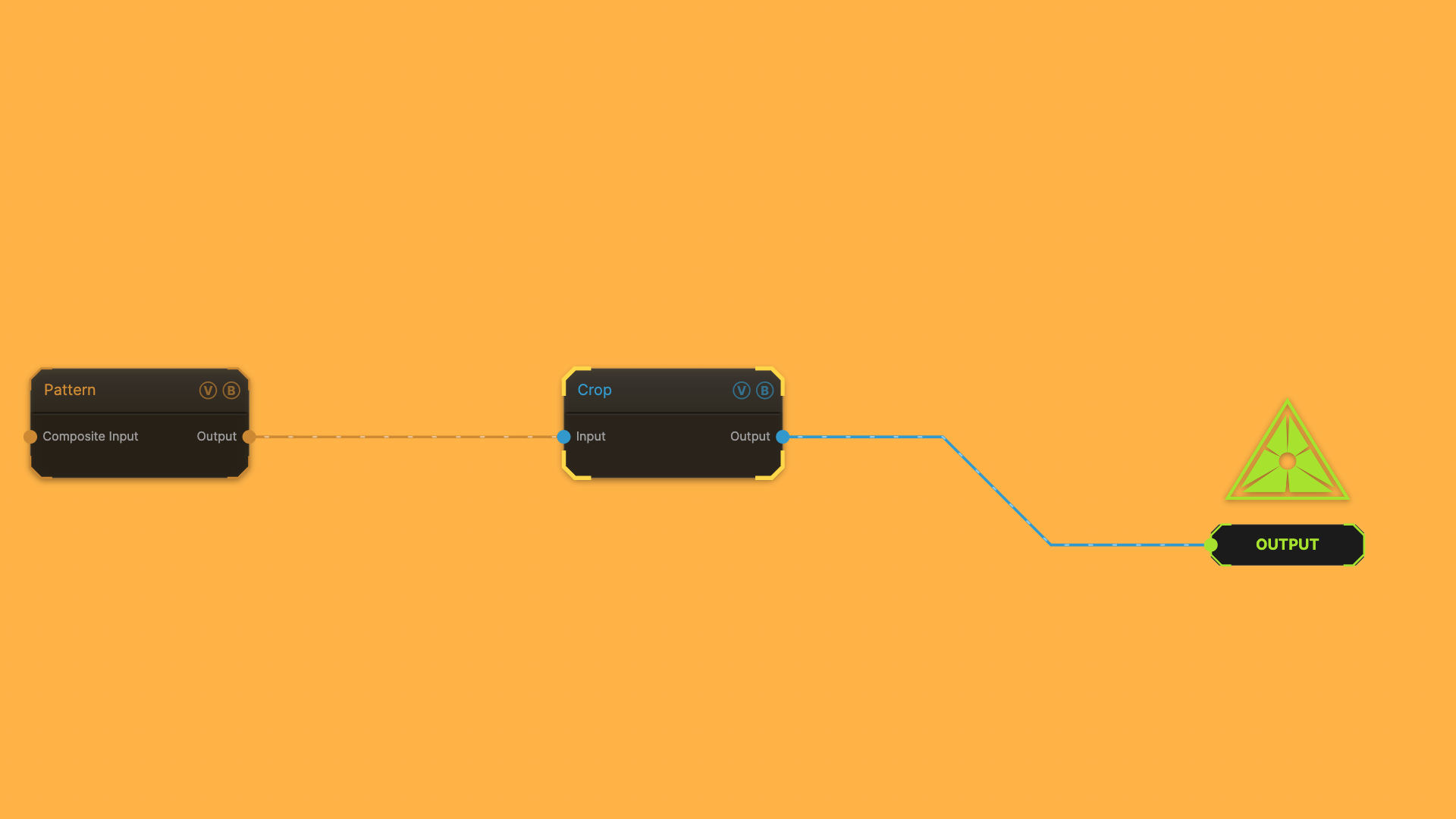
The image on the right is the example patch itself — drag and drop it onto the app (or load it with File → Load) to open the full graph.
Inputs and outputs
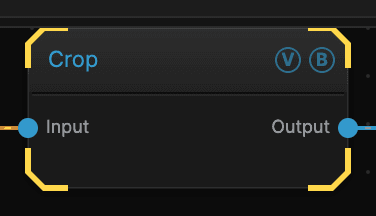
| Port | Type | Purpose |
|---|---|---|
| Input | Texture | The picture to work on |
| Output | Texture | The result |
Parameters
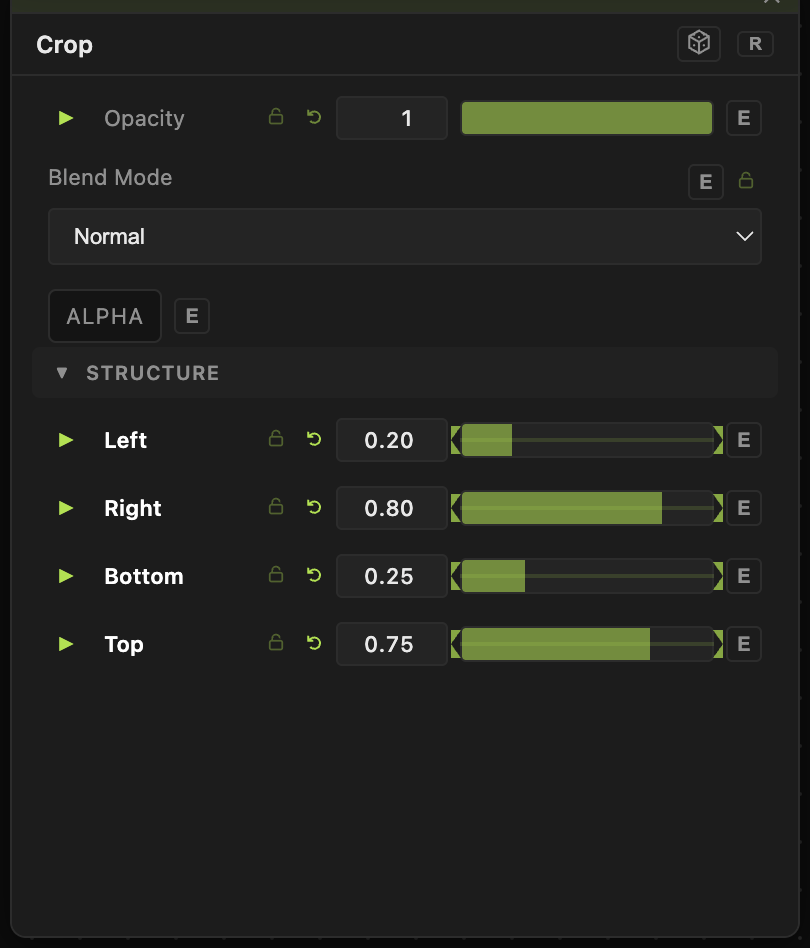
Opacity, Blend Mode, ALPHA — the standard operator header, on every operator. See Parameters and Controls.
- Left (0–1, default 0) and Right (0–1, default 1) — the left and right edges of the rectangle.
- Bottom (0–1, default 0) and Top (0–1, default 1) — the bottom and top edges.
The numbers are fractions of the frame, not pixels, so a crop keeps working when you change the output size.
Troubleshooting
The result is blurry — a small crop stretches a few pixels across the whole frame. Put a Resolution node earlier in the chain to render more detail before cropping.
The frame went blank — check that Left is below Right and Bottom is below Top. A backwards rectangle has no area.