Generators
All available noise, pattern, effects, and custom generators organized by category, with links to each generator's documentation.
Press Tab in the node graph to browse every operator, or drag one from the Operators palette. Generators are grouped below by what they produce, and each documented generator has its own page with parameters, inputs and outputs, an example patch, and troubleshooting notes.
Noise
These produce smooth, organic noise patterns.
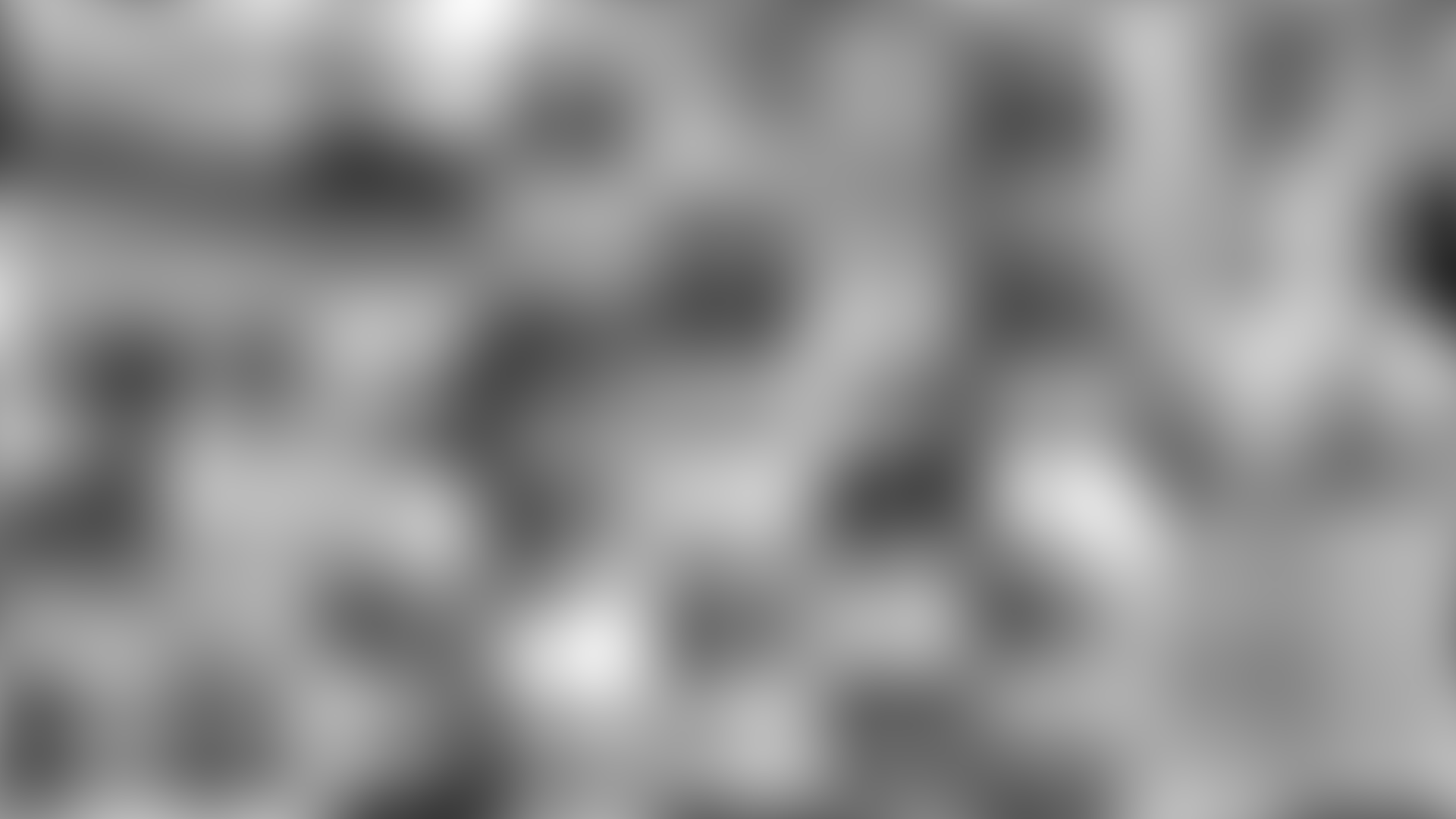
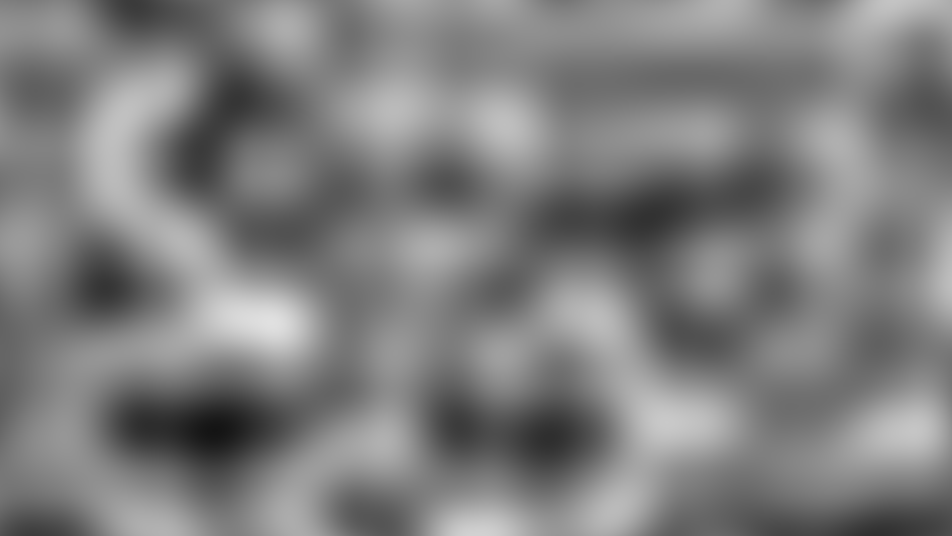
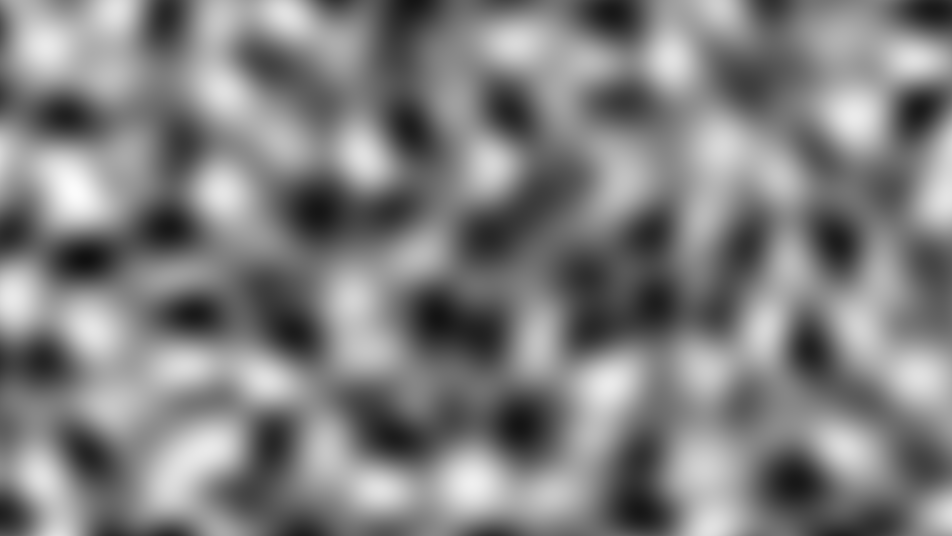
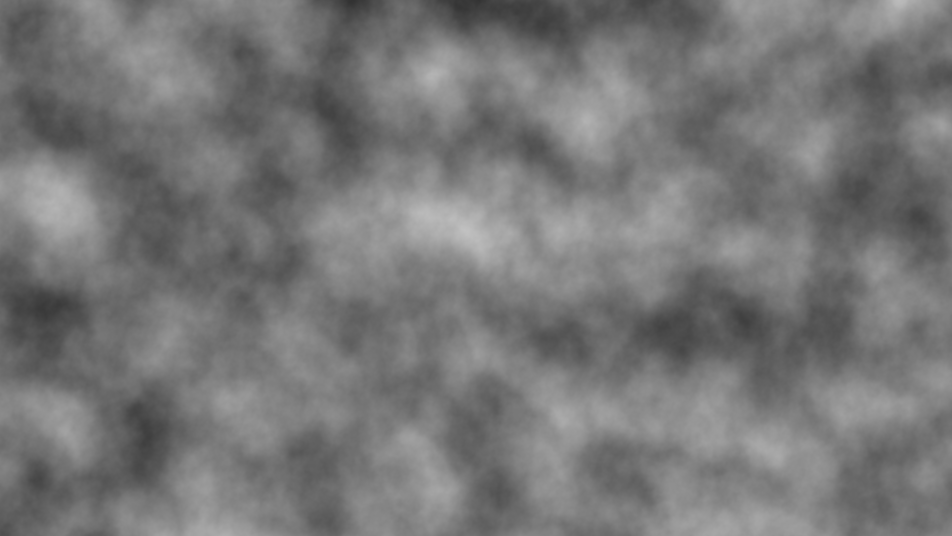
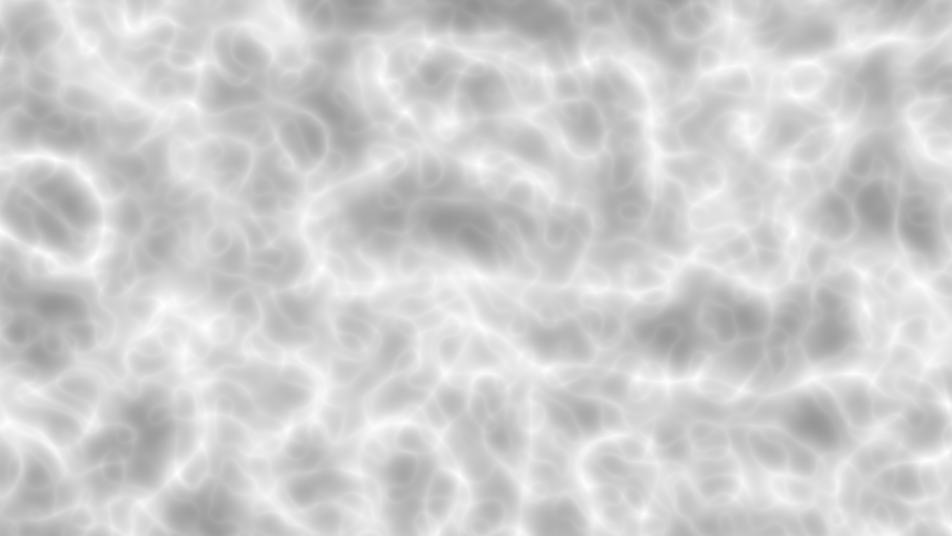
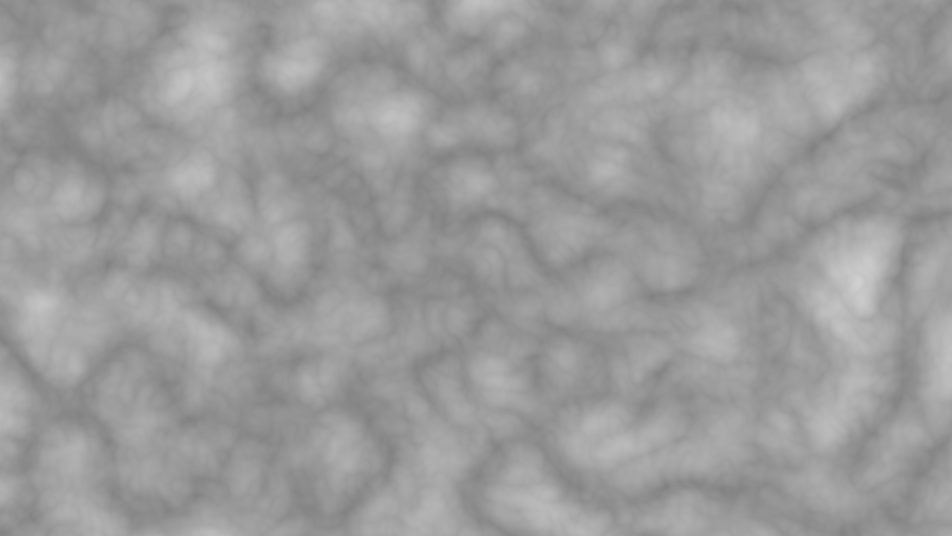
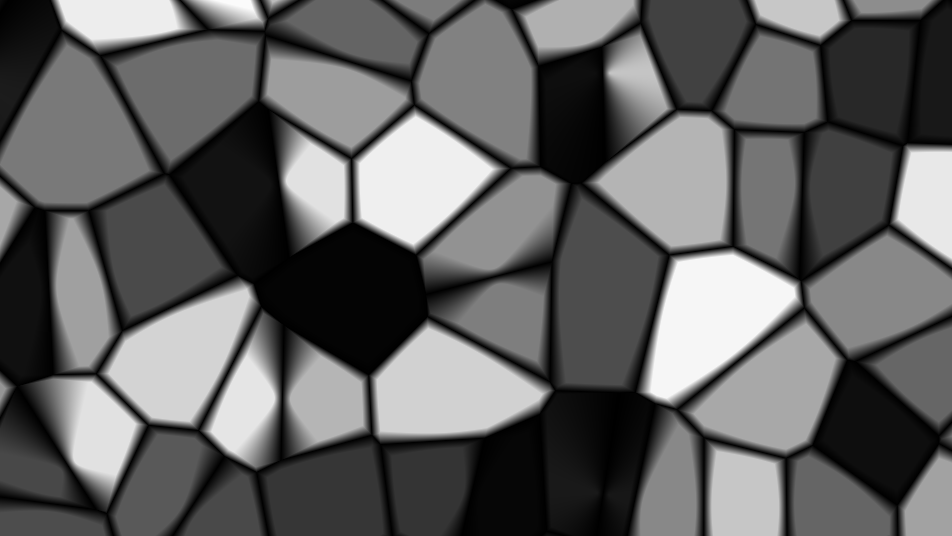
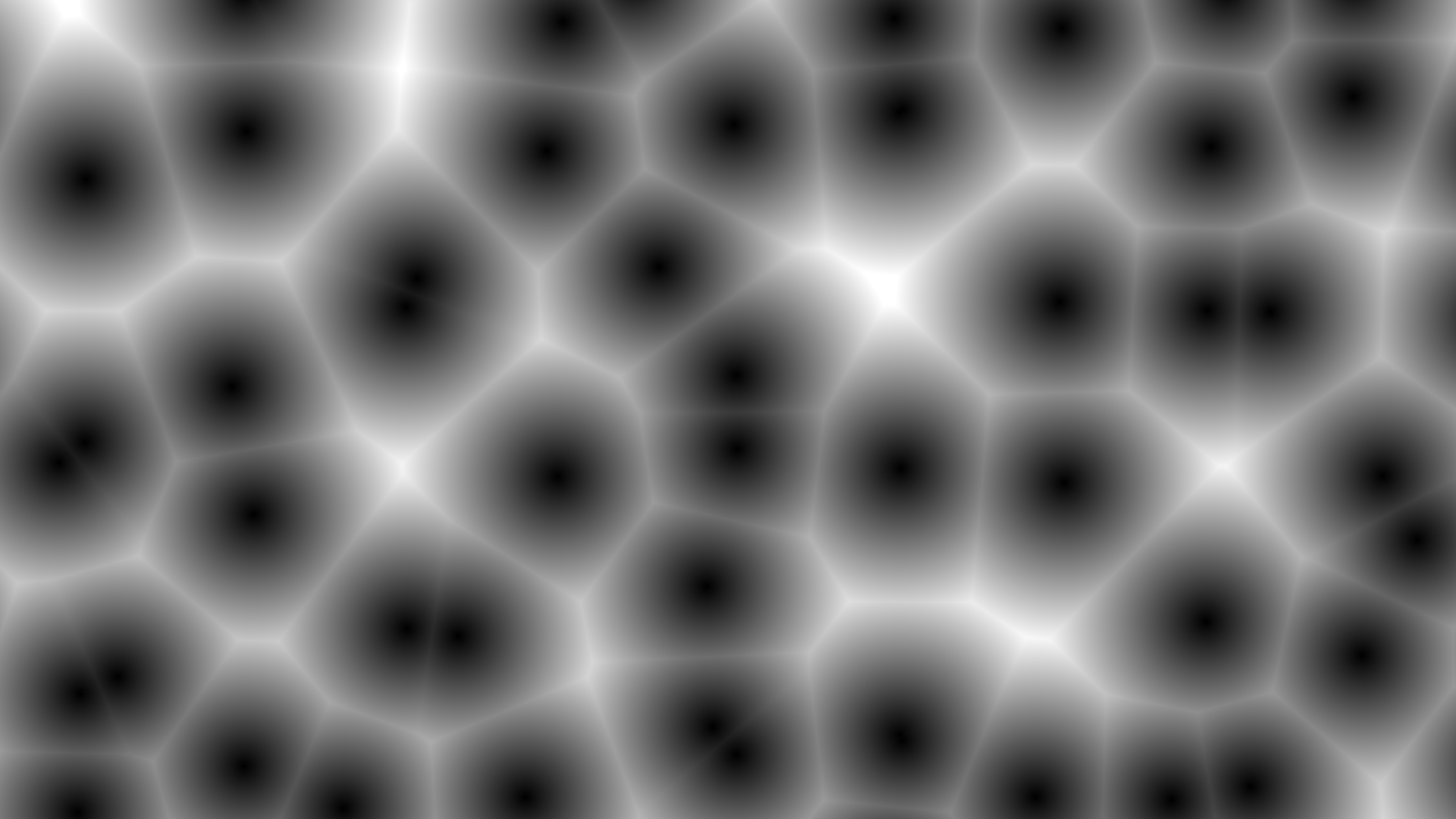
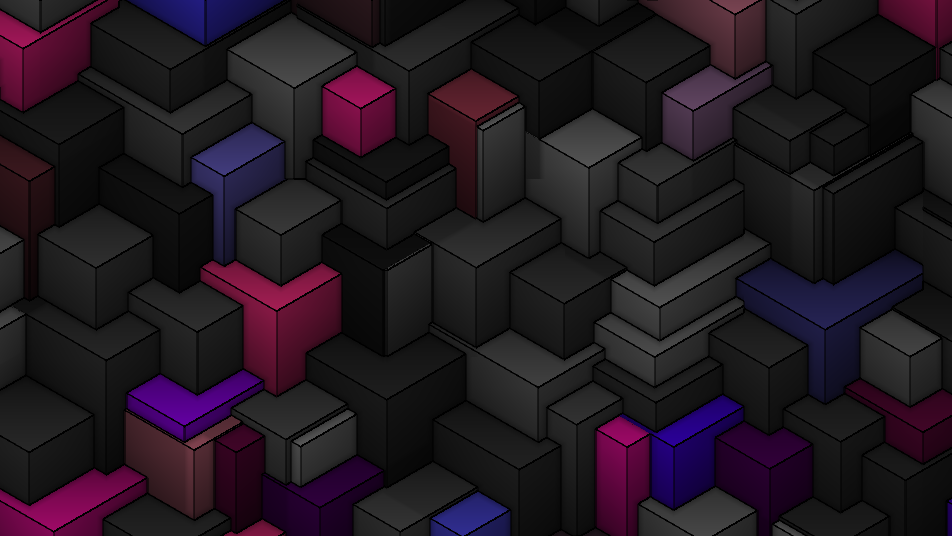
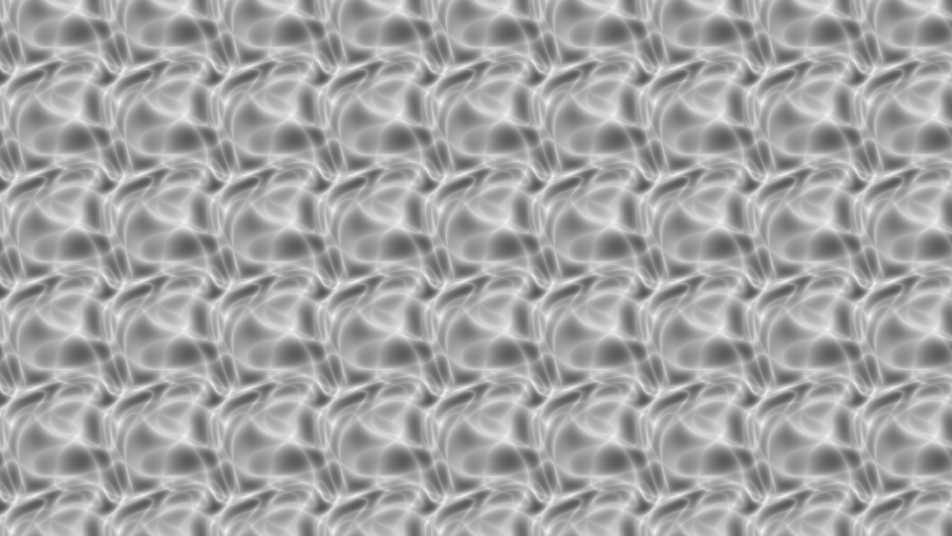
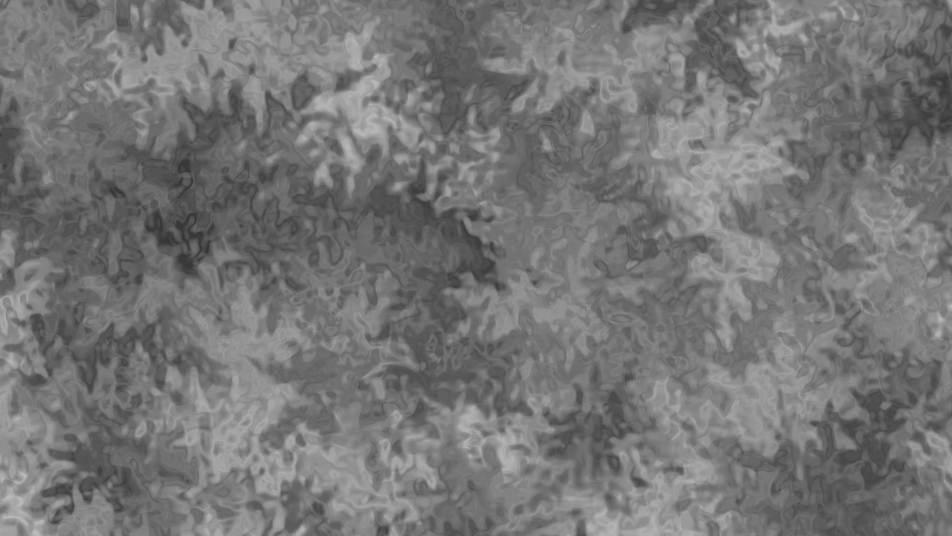
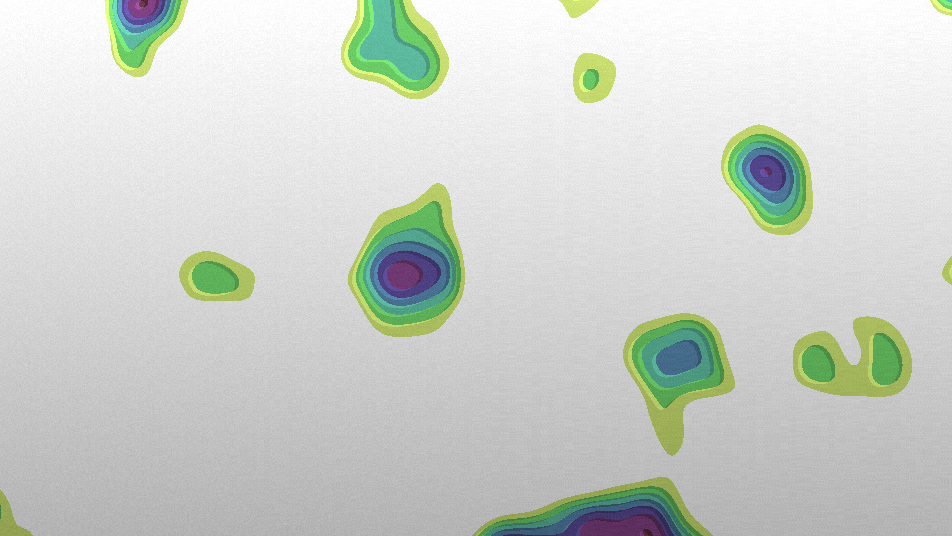
Noiserator — Every noise generator behind one dropdown. Switch between them on a wired-up node without rewiring.
Perlin Noise — Classic gradient noise. Smooth, natural-looking patterns ideal for terrain and surfaces, with domain warping via its texture input.
Simplex Noise — Gradient noise with fewer directional artifacts than Perlin. Rounder features on a simplex lattice.
FBM — Fractal Brownian Motion. Layers multiple octaves of noise for rich, detailed patterns. Controls: Octaves, Persistence, Lacunarity, and a Perlin/Simplex/Voronoi base.
Ridge Noise — Sharp ridged features created by inverting and squaring each octave. Great for mountain-like or vein patterns.
Voronoi — Cell-based noise that divides space into organic regions. Controls: Distance Metric, Edge Detect, and Border Width.
Worley Noise — The raw cellular distance field, output as F1 cells, F2, or F2 − F1 ridges, in 2D or an evolving 3D slice.
Plasma — Flowing sine/cosine wave superposition. Controls: Complexity (wave layers) and Frequency.
Billow Noise — Soft, cloud-like patterns created by taking the absolute value of each octave. Produces rounded, puffy shapes.
Curl Noise — Fractal noise displaced along the curl of its own field, producing swirling, fluid-like patterns.
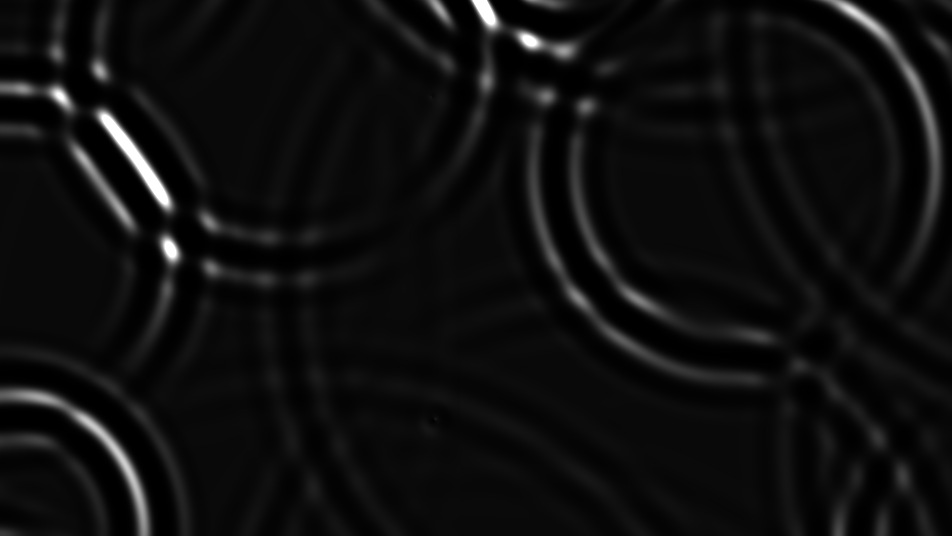
Caustics — Simulates light refraction through water. Uses wave interference for fast, realistic caustic patterns.
3D Voronoi — Extruded, isometric cell noise with color palettes, wire overlays, ambient occlusion, and per-cell pattern projection.
Topographic — Stepped elevation terraces from an internal terrain field or a plugged-in height map, with rainbow, gradient, grayscale, and contour color modes.
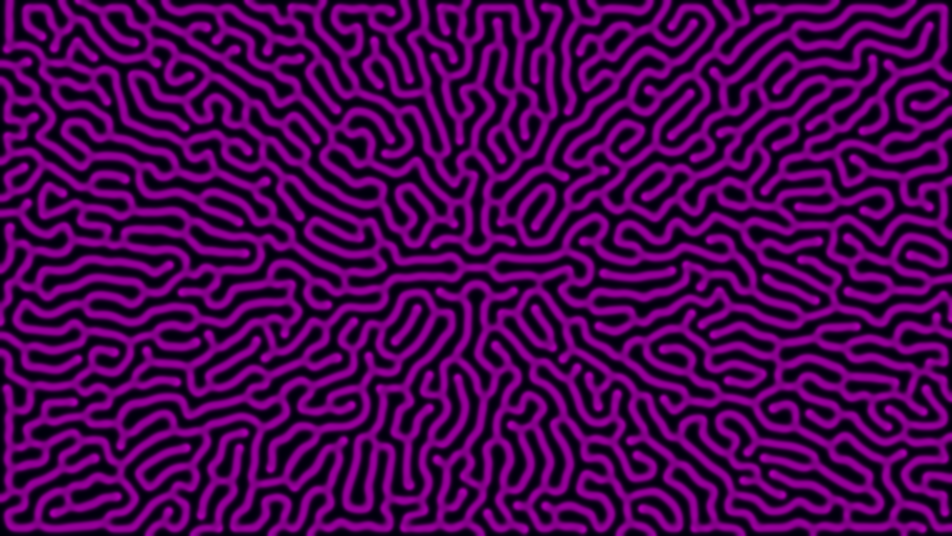
Reaction Diffusion — A live Gray-Scott simulation that grows organic Turing patterns — dots, stripes, and mazes that evolve over time.
Pattern
These produce geometric and structured patterns.
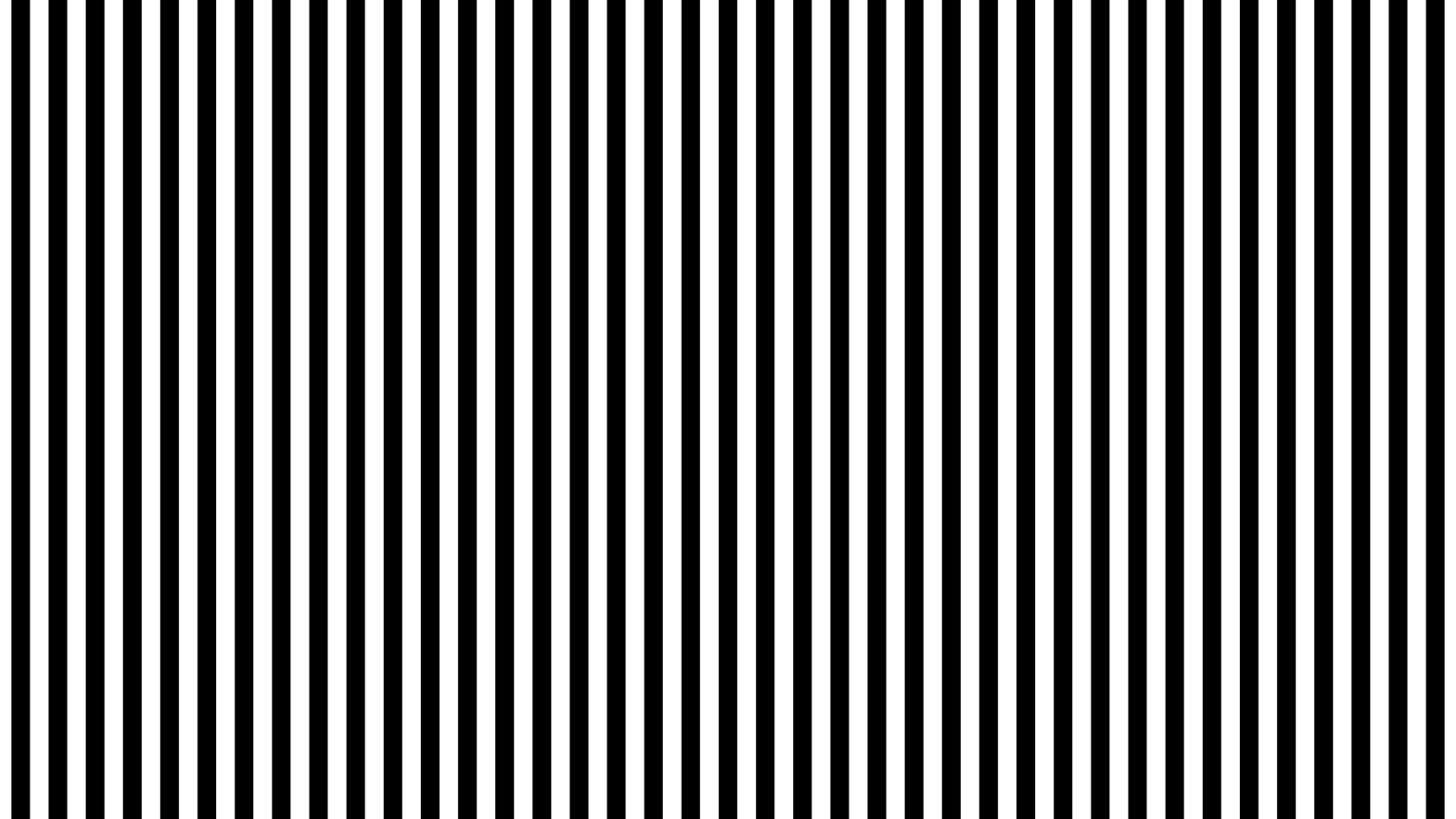
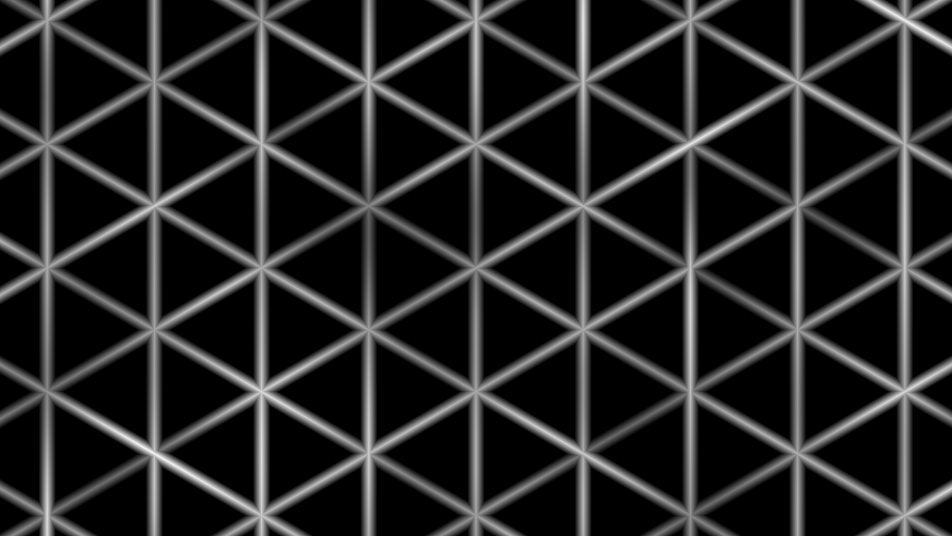
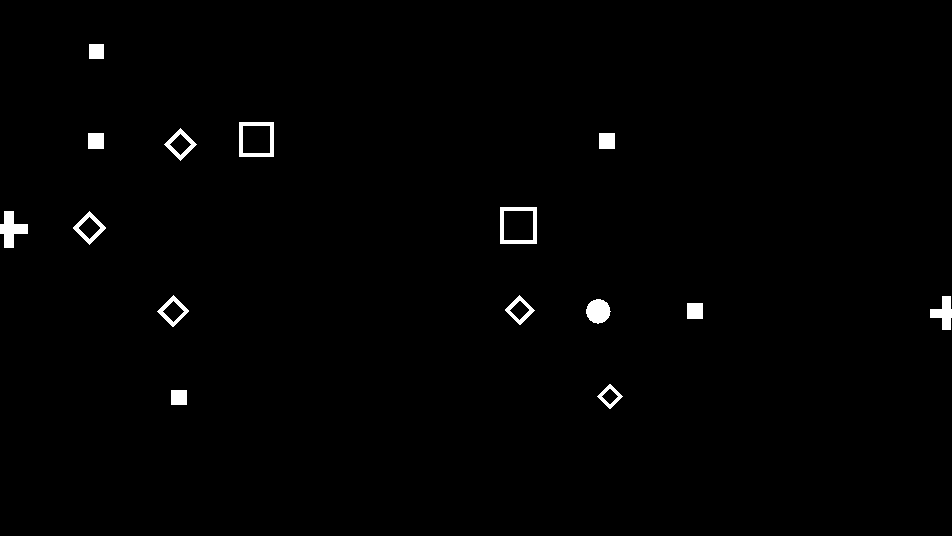
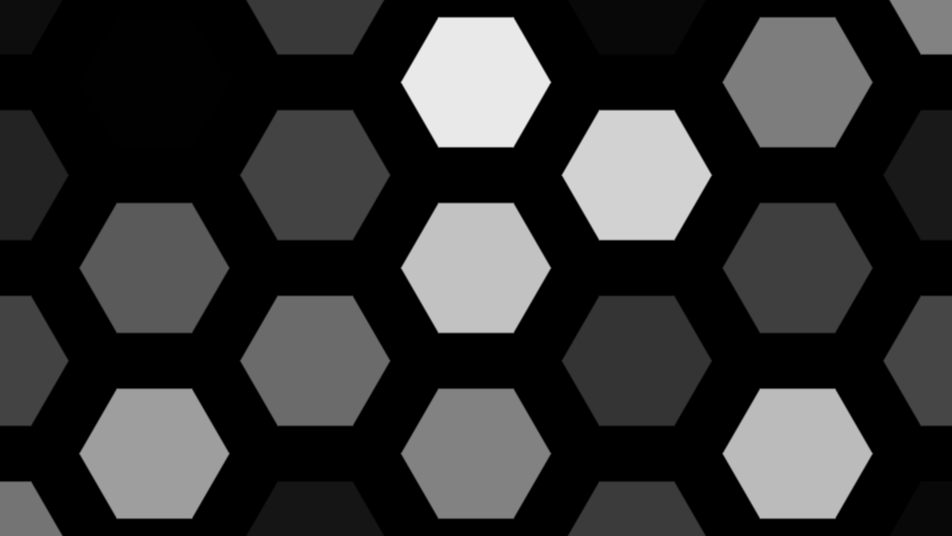
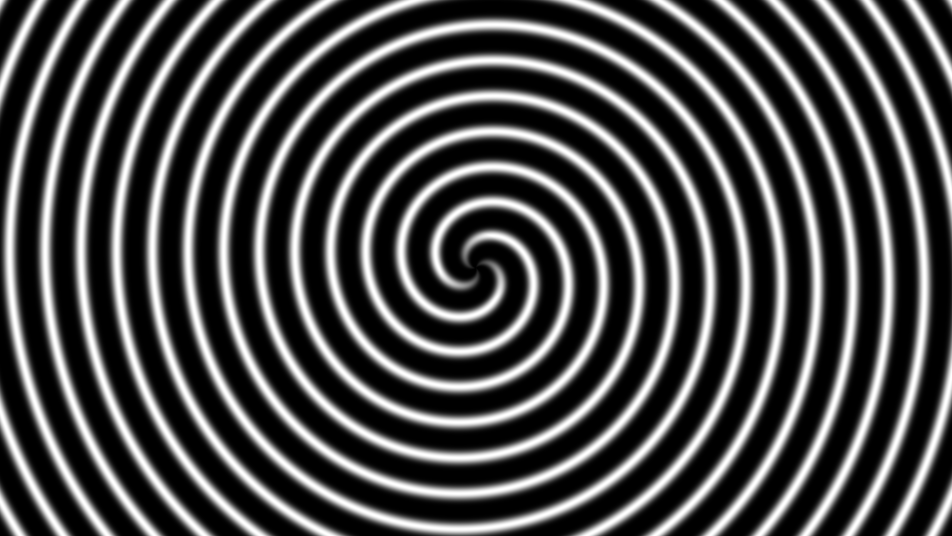
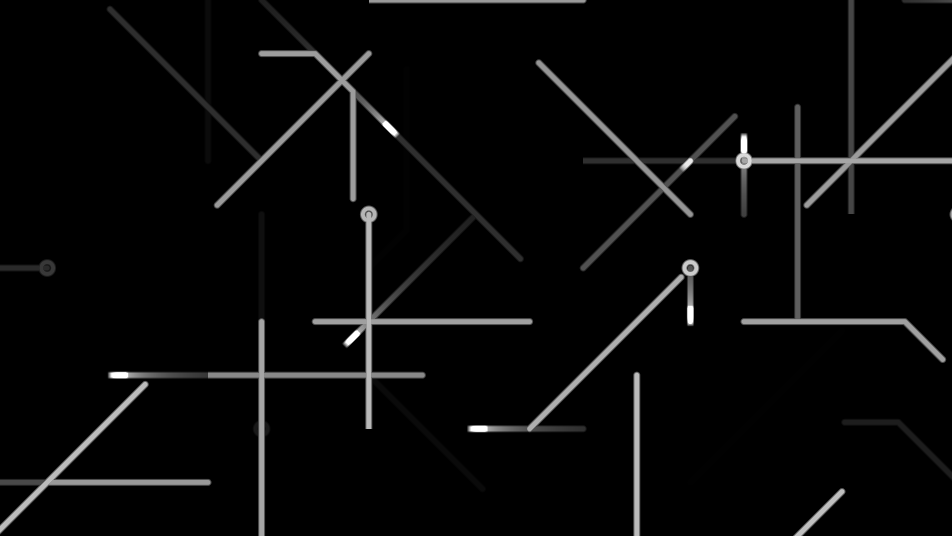
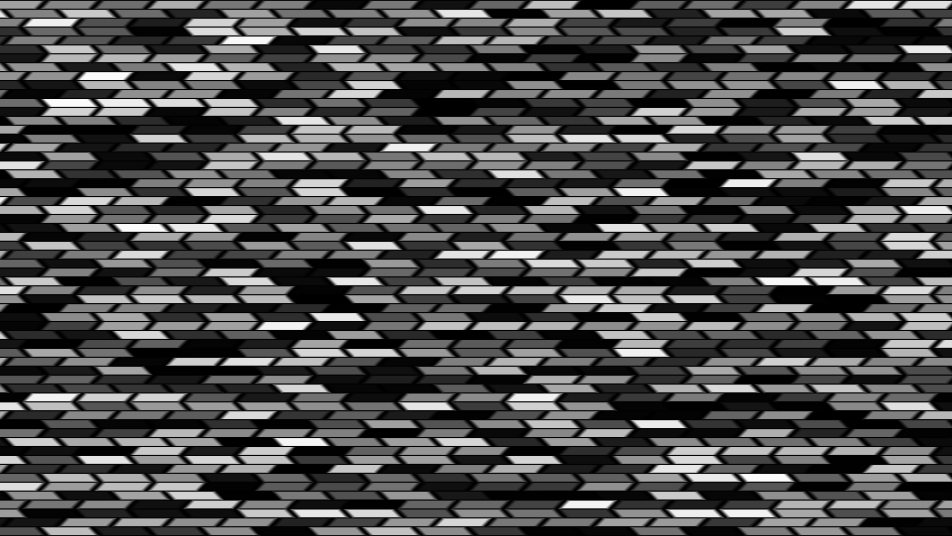
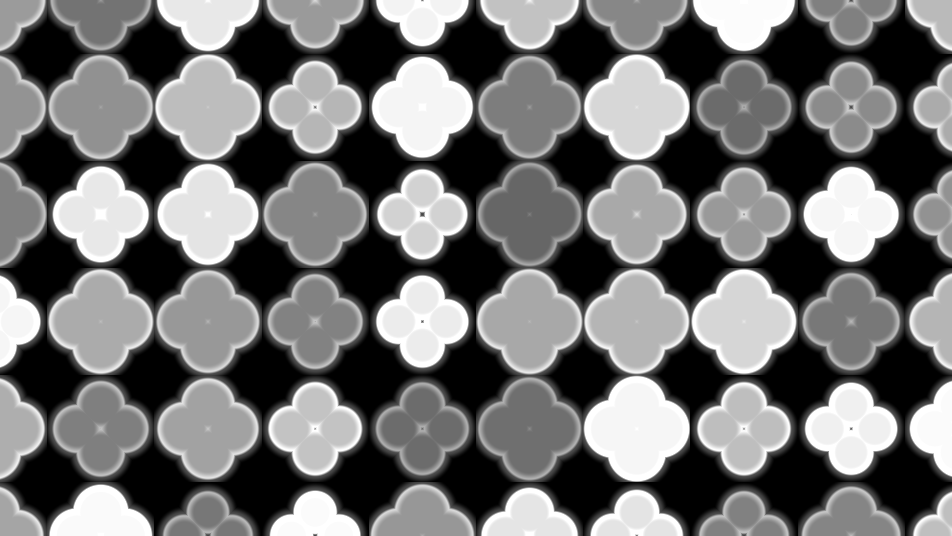
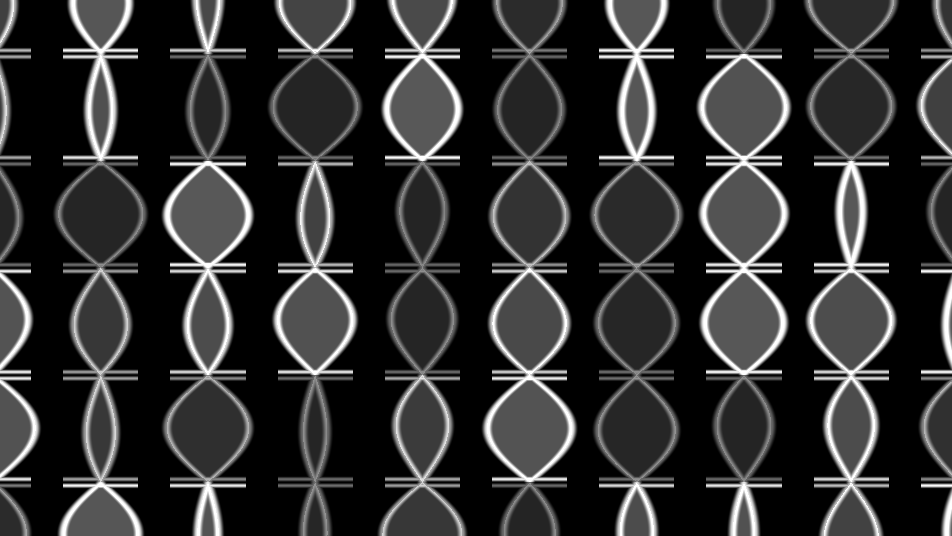
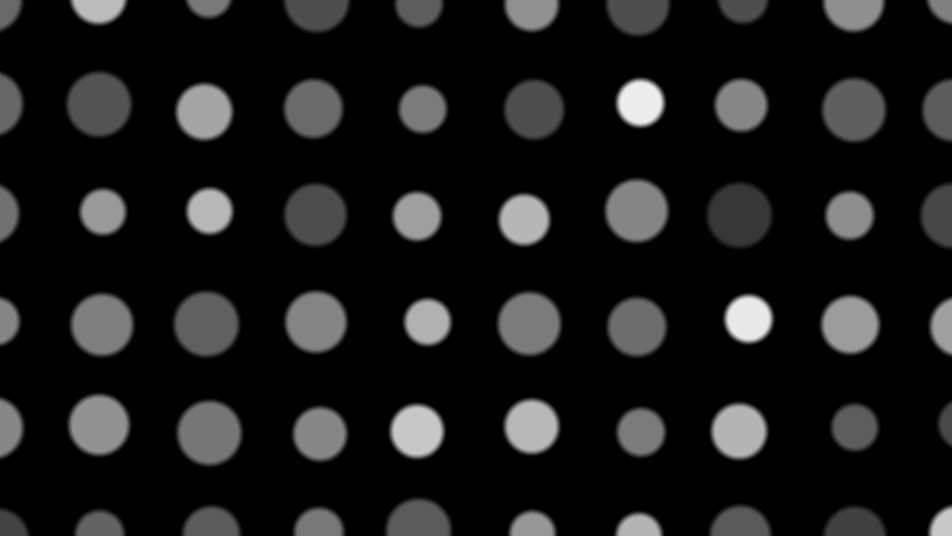
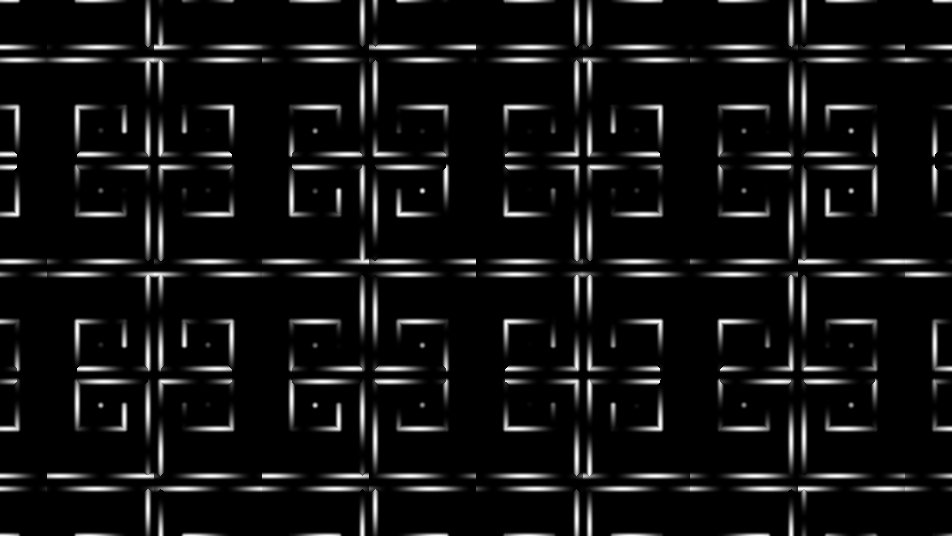
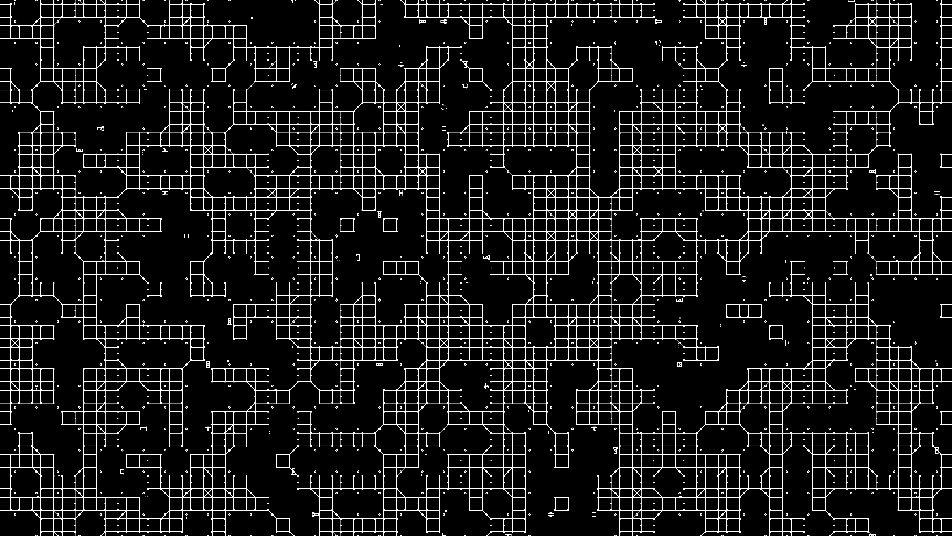
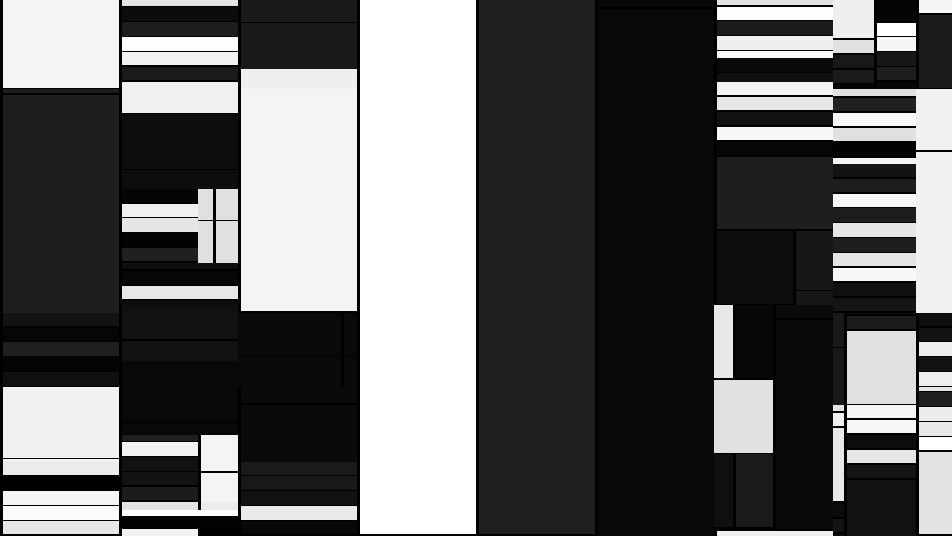
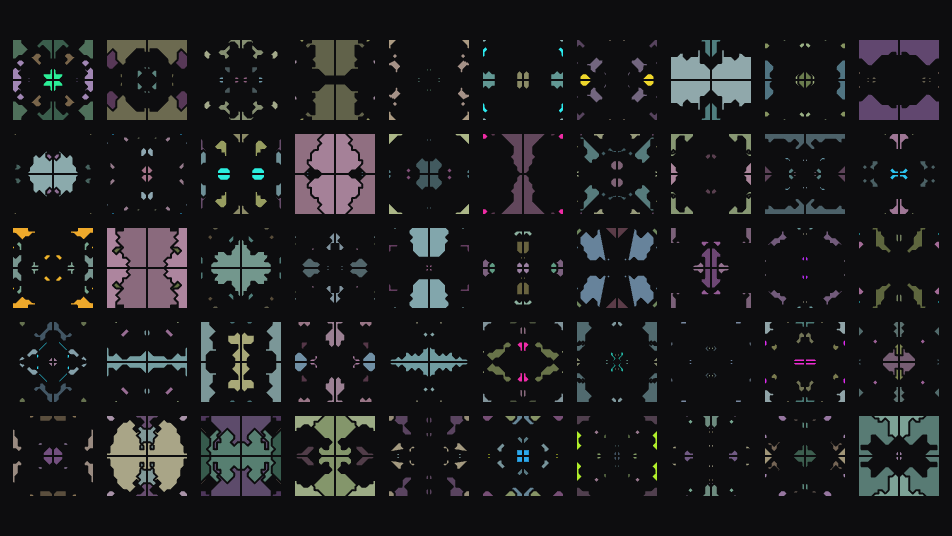
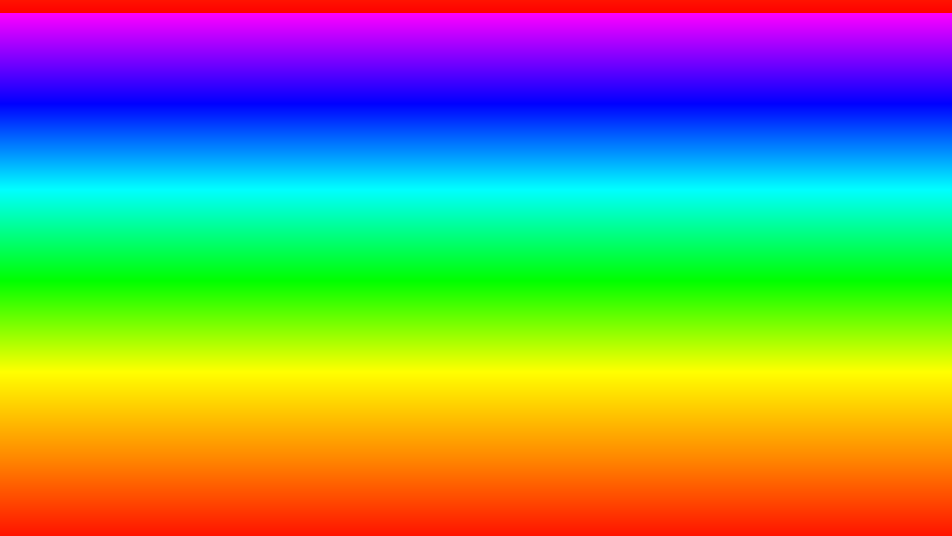
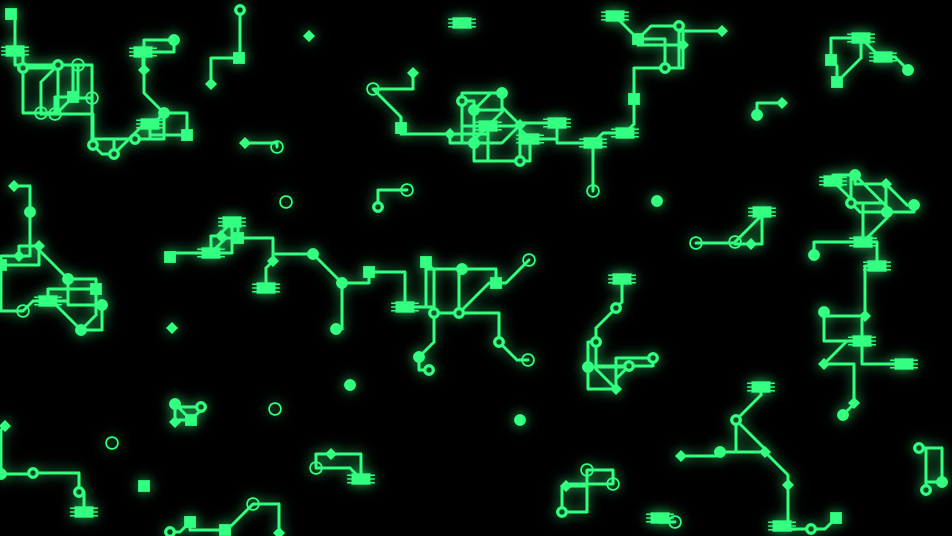
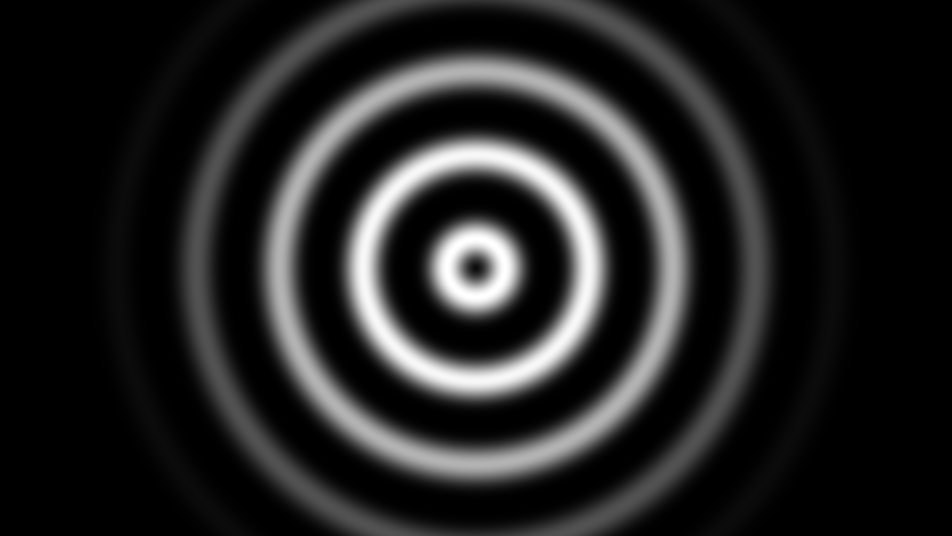
Pattern — Twelve two-colour geometric patterns — stripes, checkerboard, rings, dots, grid, hexagons, and more — with pan and rotate animation.
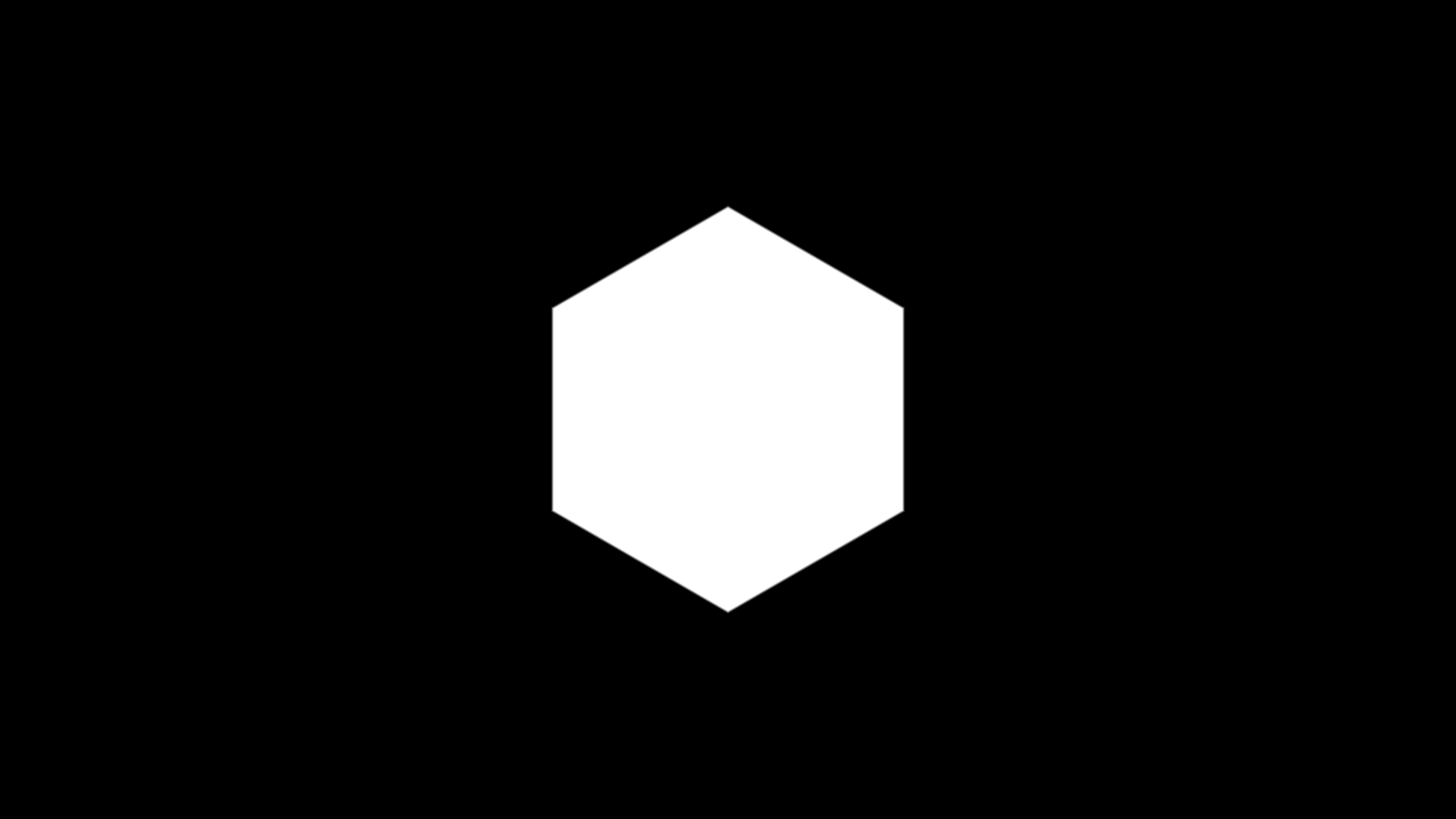
Polygon — One regular polygon, 3 to 32 sides, with independent foreground and background alpha for use as a mask.
Solid Color — A flat RGBA fill, for base layers, tints, and constant inputs.
Crosshatch — Overlapping line sets at evenly spaced angles, with noise-modulated brightness for a hand-shaded look.
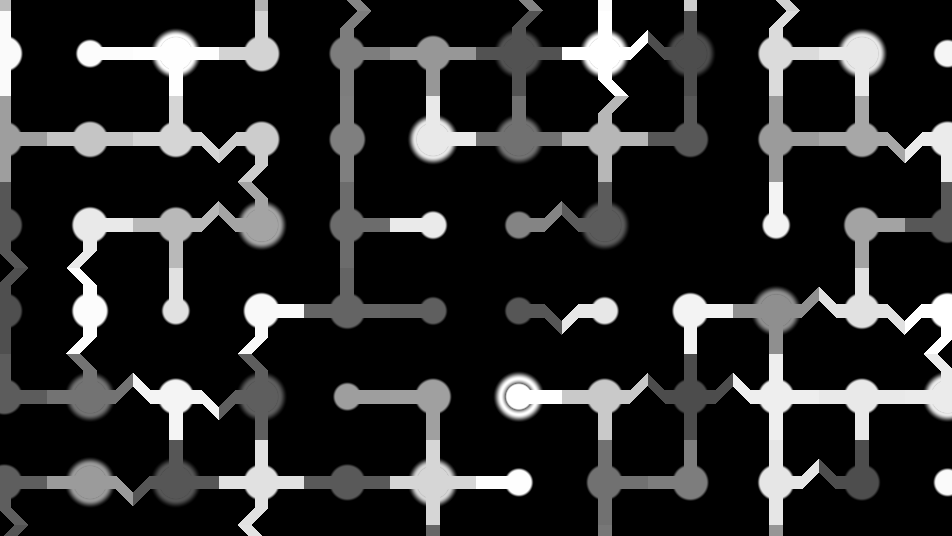
Circuit Board — PCB-style traces with edge-connected routing, vias, and IC chip pads. Traces connect between cells with optional dog-leg bends.
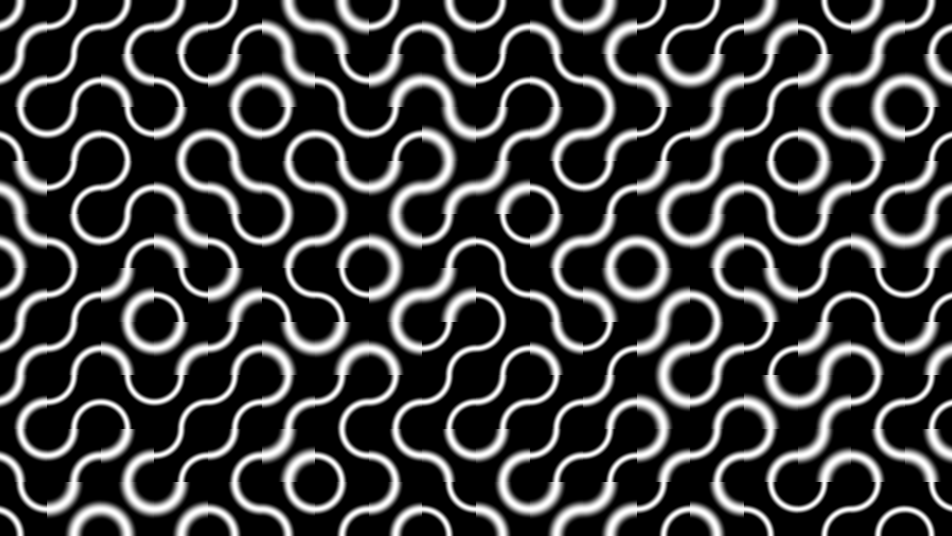
Truchet — Randomized tile-based patterns. Choose from curves, lines, or triangle styles. Control tile size and line thickness.
Tech Pattern — Grid of randomized geometric shapes (circles, crosses, squares, diamonds, rings), or your own sprite sheet. Noise-driven density creates organic clustering.
Hexagonal — Honeycomb grid with per-cell fill values and configurable border width.
Spiral — Parametric spiral arms with configurable arm count, twist, and thickness.
Trace Network — Dense interconnected trace patterns with animated tracers, components, and junction points.
Herringbone — Classic herringbone tile pattern with configurable line width and tile size.
Quatrefoil — Four-lobed decorative pattern with configurable thickness and border width.
Ogee — Pointed arch pattern with configurable line width and intensity.
Polka Dot — Regular dot grid with controllable dot size.
Fret/Meander — Greek key / meander pattern with configurable line width and turbulence for organic variation.
Wang Tiles — Circuit-board tile system using Wang tile edge-matching for seamless connectivity, with animated data dots, pads, and IC-like components.
Ryoji — Recursive cell subdivision inspired by Ryoji Ikeda. Grids of black and white cells with scrolling animation.
Super Tiles — Generative kaleidoscopic mosaic; each tile is a mirrored random walk with per-tile color schemes.
Gradient — Directional color gradient with adjustable angle, interpolation, repeat, mirror, and an inline multi-stop color editor.
PCB — Procedural circuit board that scatters components and routes traces, with image-driven density and optional animated pulses.
Effects
These transform or stylize other layers, or add animated overlays.
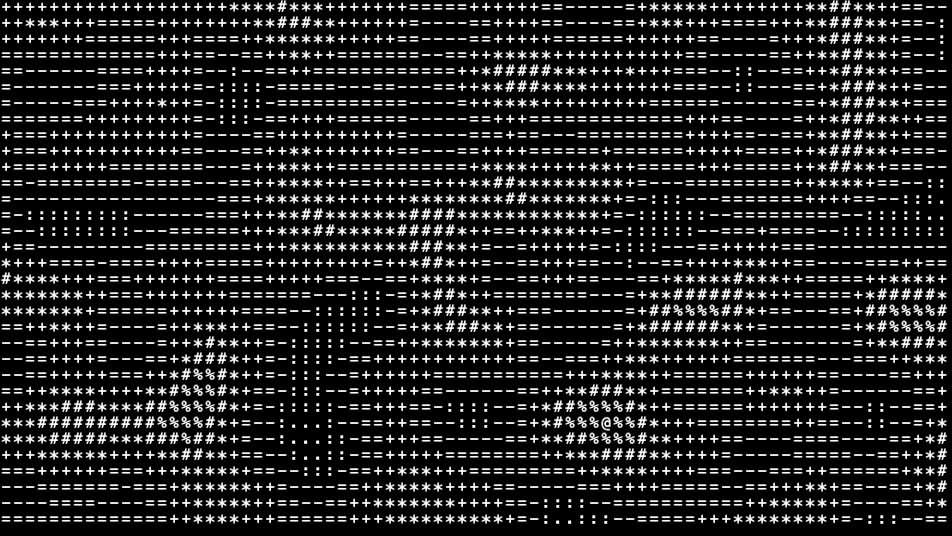
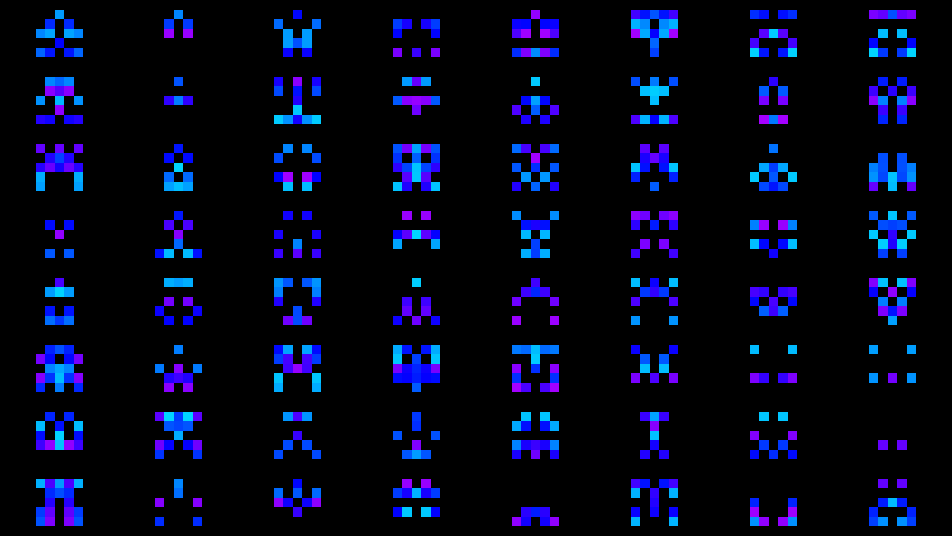
ASCII — Converts any texture into a grid of characters picked by brightness, or lays out typed text, with per-cell scale warping and randomization.
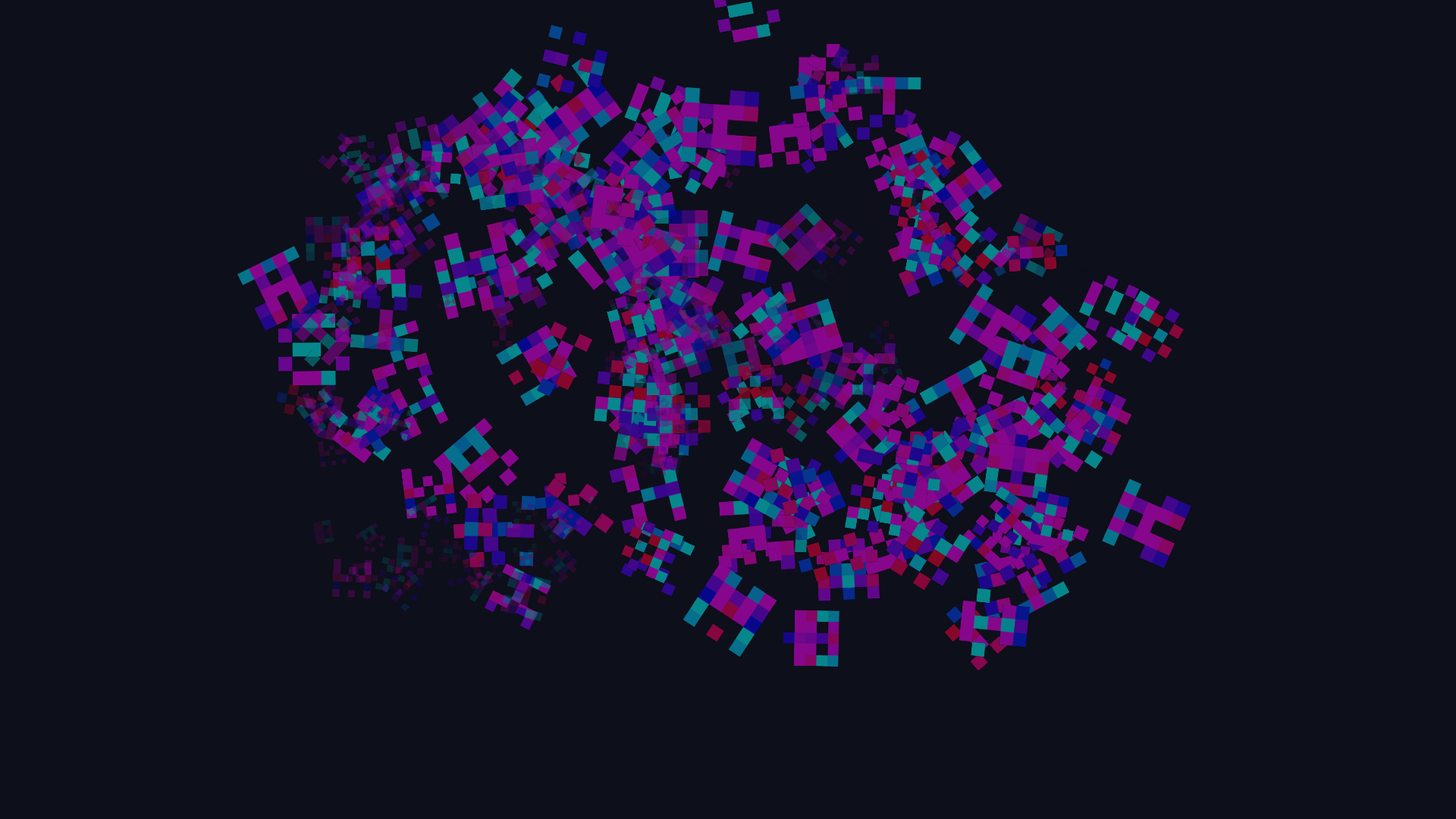
Bit Glyphs — Grid of procedural bit-pattern sprites — invaders, runes, sigils — with per-bit animation and HSV color schemes.
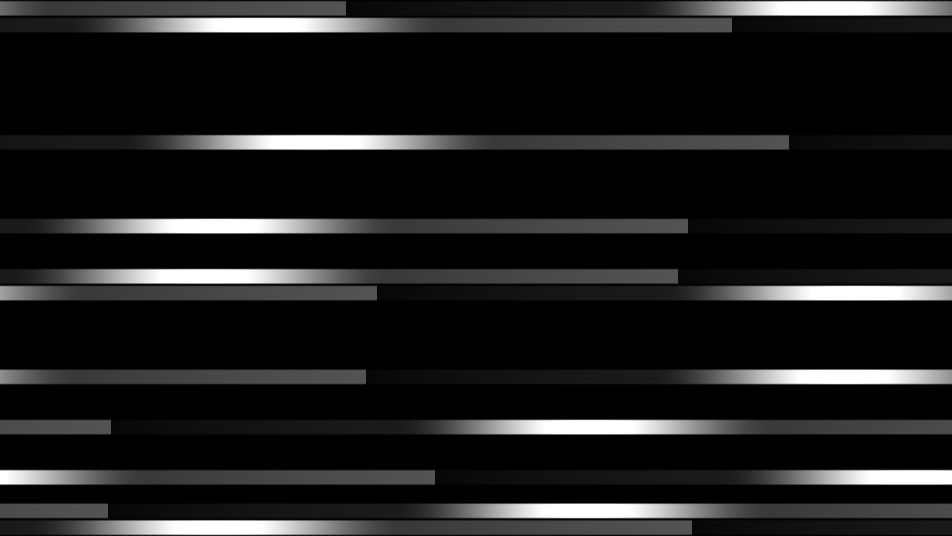
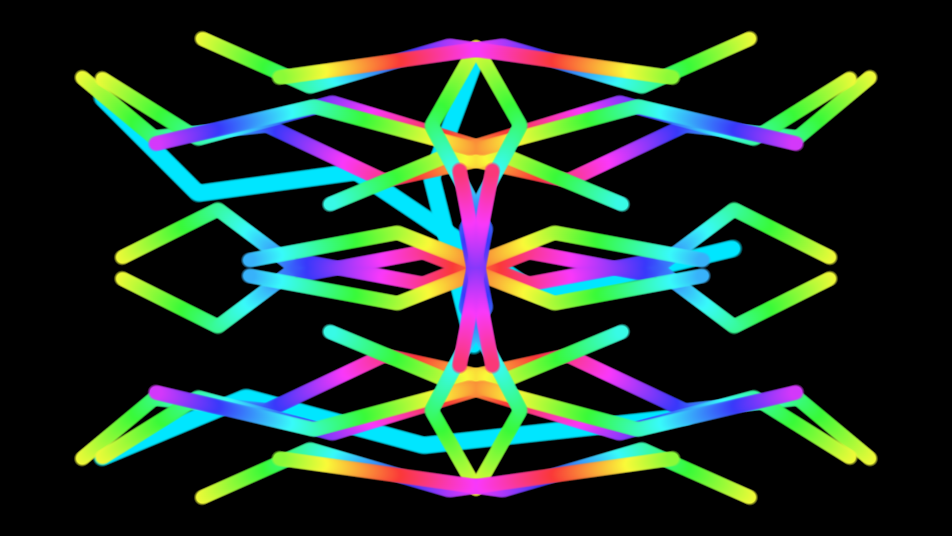
Datastream — Scrolling pulse strips with per-strip speed variation, trails, and glow, optionally colorized by an input texture.
Text — Live typography with system fonts, alignment, color, and per-character animation, randomize, and buildup effects.
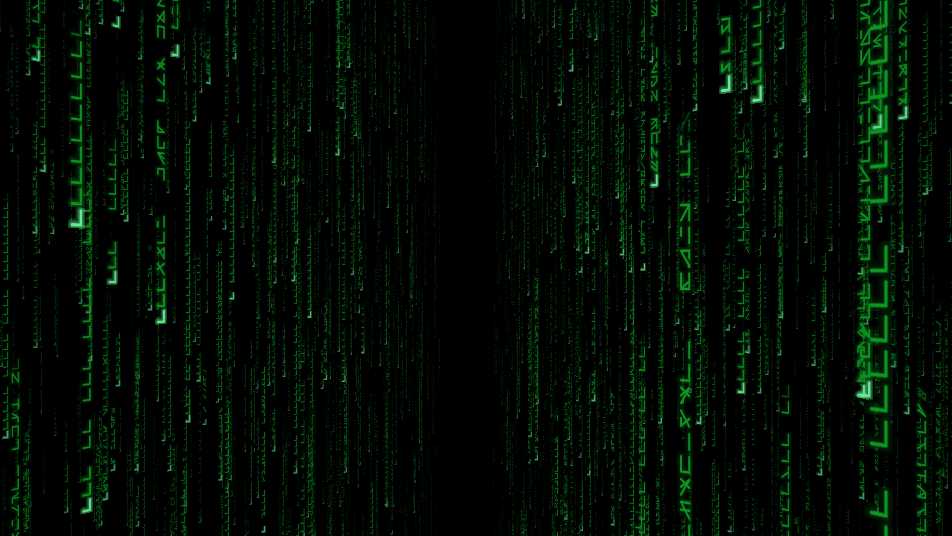
Matrix — Matrix-style digital rain with 2D and 3D camera modes, selectable glyph sets, and color gradients.
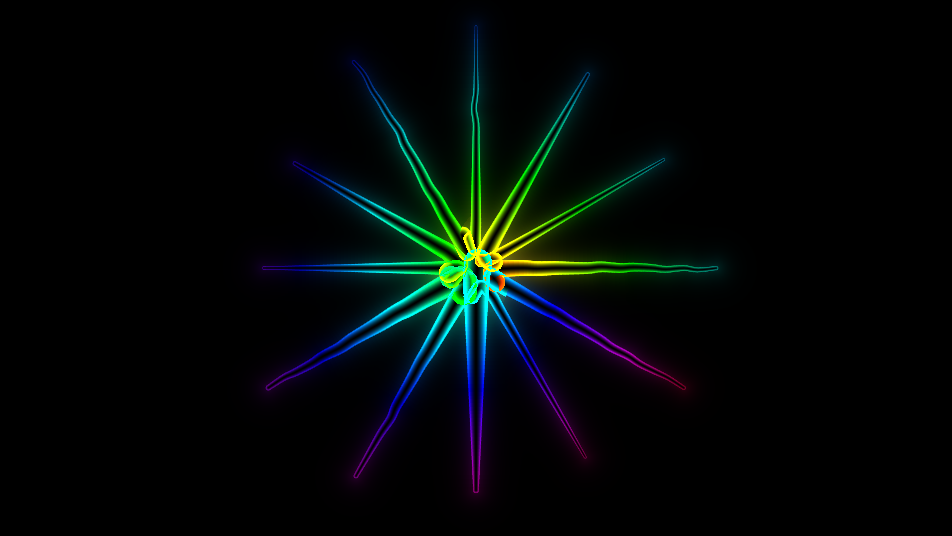
Worms — Animated glowing worm trails driven by chain physics, with mouse-following heads and interactive click effects (burst, shockwave, sparks, freeze).
Rain — Rain-drop ripples with refraction that distort the layers composited below. Original shader by Zavie / Ctrl-Alt-Test, from the 64kB intro H - Immersion.
FluidSIM — Interactive real-time fluid dye simulation. Drag to splat swirling dye, with vorticity, bloom, and sunray post effects.
Sketch — Freehand brush surface with six brush types, symmetry, and pen-pressure support.
particleDRAW — A brush that paints particles. Each stroke emits sprites that age, drift, and fade, with three texture inputs to paint with images from elsewhere in the patch.
Live inputs
Live sources are registered under I/O rather than Generators, but they behave the same way in a patch: a texture output you can wire anywhere.
Texture In, Webcam, NDI In, Spout In, and Kinect Source — see Input Sources.
Custom
Custom GLSL — Runs your own fragment shader, with declared uniforms auto-exposed as animatable sliders.