Truchet
Randomized tile pattern that joins curves, lines, or triangles across a grid into continuous flowing paths.
The Truchet node fills a grid with randomly rotated tiles whose edges line up, so simple per-tile shapes join into one continuous, maze-like pattern. Choose curves for interlocking loops, lines for a circuit-like weave, or triangles for a faceted mosaic.
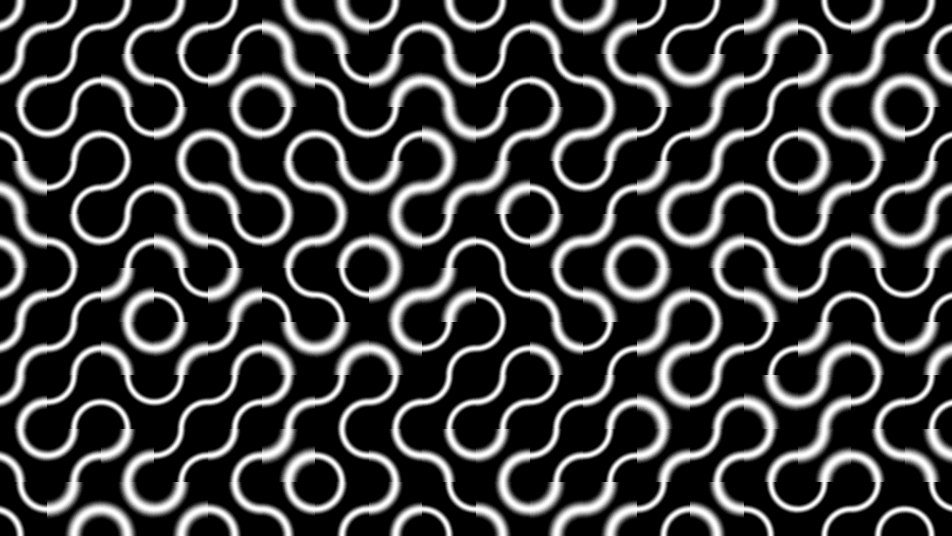
- One texture output; two optional texture inputs (domain warp and composite)
- Tile Size, Pattern, and Line Thickness shape the tiling
- Found in the node graph under Generators as Truchet
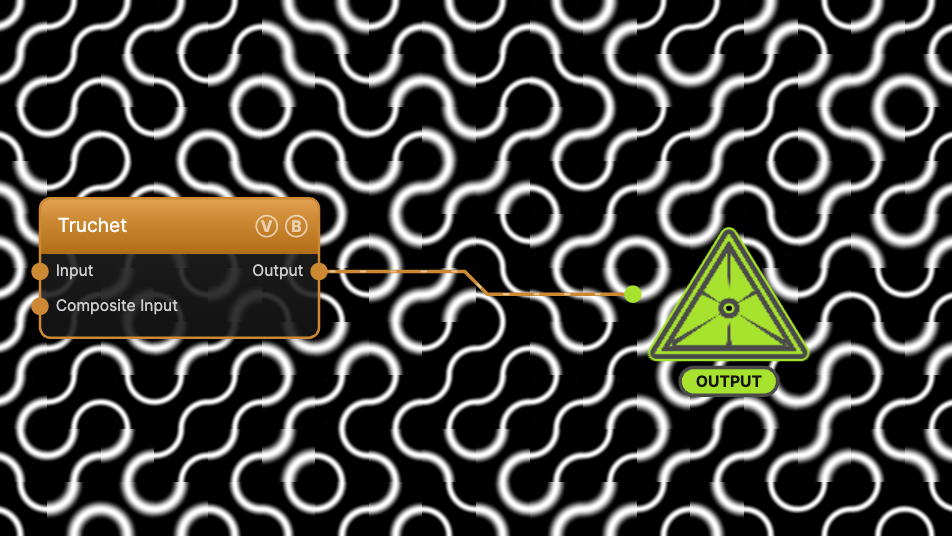
The image on the right is the example patch itself — drag and drop it onto the app (or load it with File → Load) to open the full graph.
Inputs and outputs
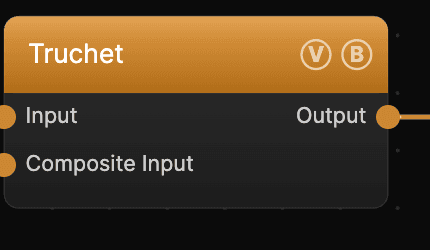
| Port | Type | Purpose |
|---|---|---|
| Displace | Texture | Domain warp: the red and green channels push the sample coordinates by Displace Amount |
| Composite Input | Texture | Composited under the output with Composite Mode and Composite Mix, which appear once the port is wired |
| Output | Texture | The grayscale pattern on black |
A black (or disconnected) Input produces no warp; the warp strength scales with Scale.
Parameters
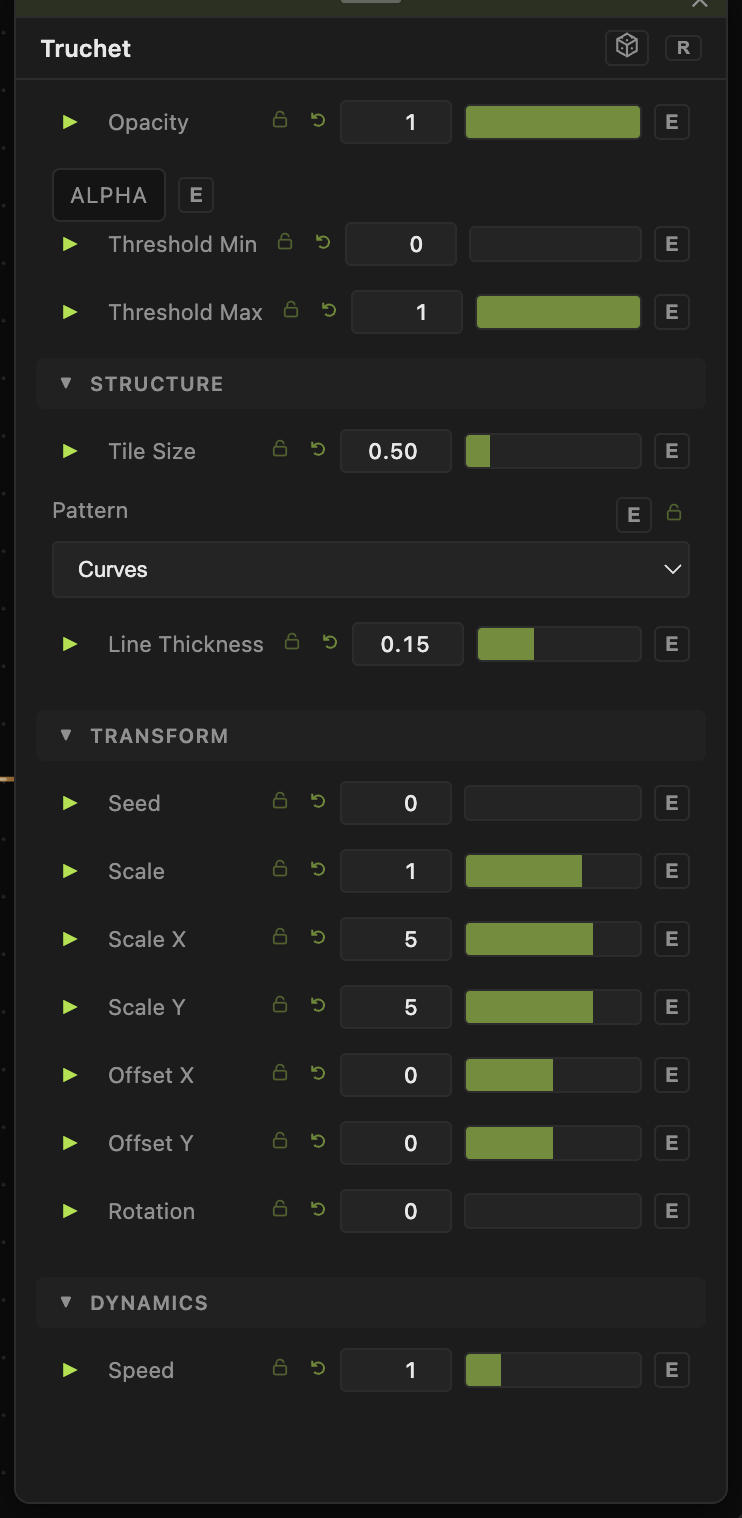
Opacity, Blend Mode, ALPHA, Invert Alpha, Threshold Min / Threshold Max — the standard operator header; see Perlin Noise for details.
Structure
- Tile Size (0.1–3, default 0.5) — the size of each tile relative to the frame. Smaller values pack more tiles in.
- Pattern — the tile shape: Curves (default, interlocking arcs), Lines (straight diagonal segments), or Triangles (filled corners).
- Line Thickness (0.02–0.4, default 0.15) — stroke weight of the curves and lines. Ignored by the Triangles pattern, which is filled.
Transform
- Seed (0–99999) — reshuffles which way each tile is rotated. Scale, Scale X / Scale Y, Offset X / Offset Y, Rotation — the shared transform block.
Dynamics
- Speed (0–5, default 1) — drift rate of the pattern's animation, compounding with the global animation speed. 0 freezes it.
Every slider has a per-parameter animation bar, so any of these can be animated, audio-driven, or MIDI-mapped — see Parameters and Controls.
Troubleshooting
Lines look broken at tile edges — that is unusual; Truchet tiles are designed to connect. Check that a domain-warp Input isn't distorting the grid past the point where edges meet.
Pattern reads as a flat grid — lower Tile Size for a denser weave, or switch Pattern to Curves for the interlocking look.