Polygon
A single n-sided polygon with adjustable radius, rotation, edge softness, and independent foreground and background alpha.
The Polygon node draws one regular polygon in the centre of the frame. Its background alpha defaults to 0, so it comes out as a shape on transparency, ready to composite or use as a mask.
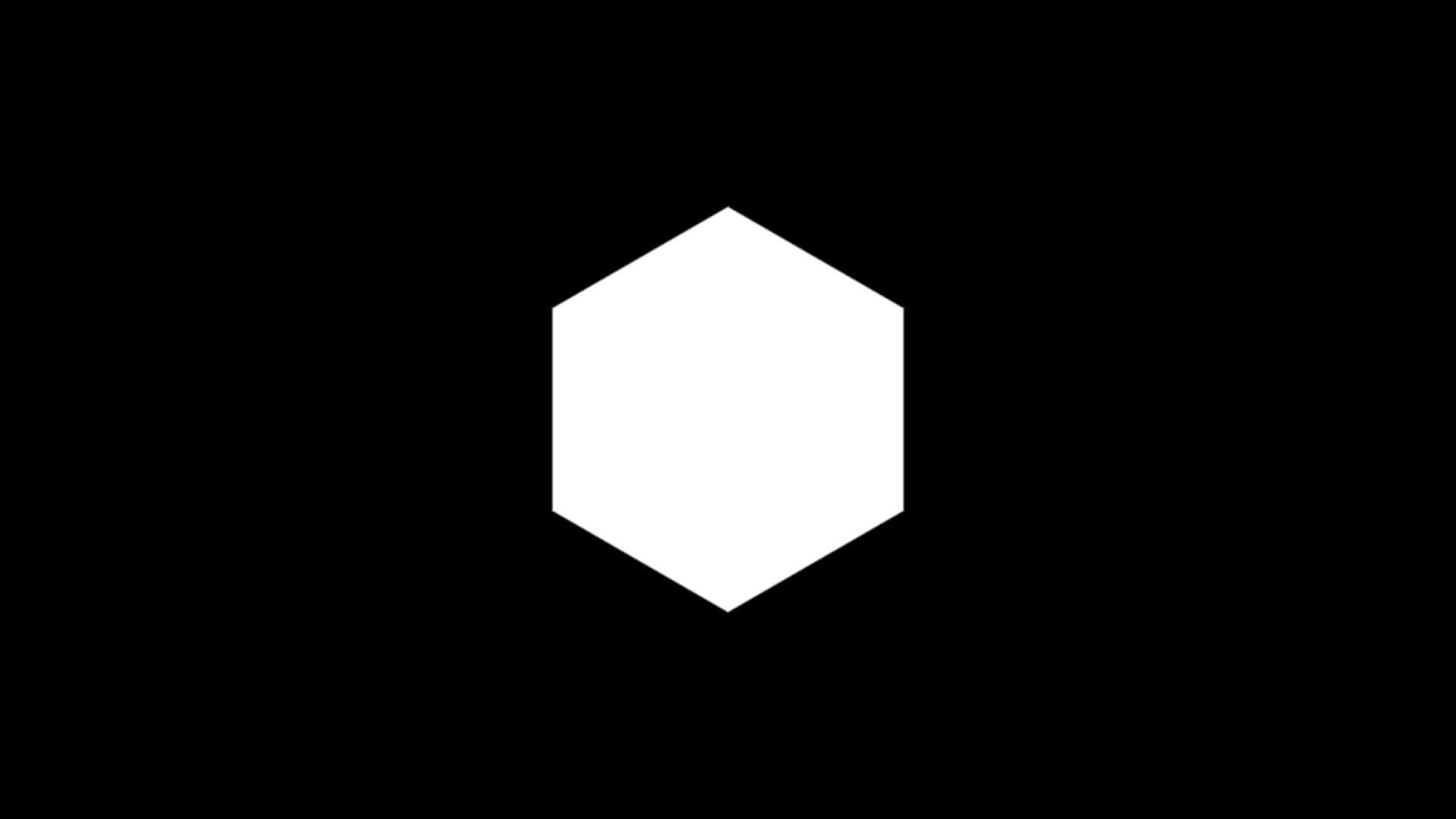
- 3 to 32 sides
- Foreground and background each have their own colour and alpha
- Transparent background by default
- Found in the node graph under Generators as Polygon
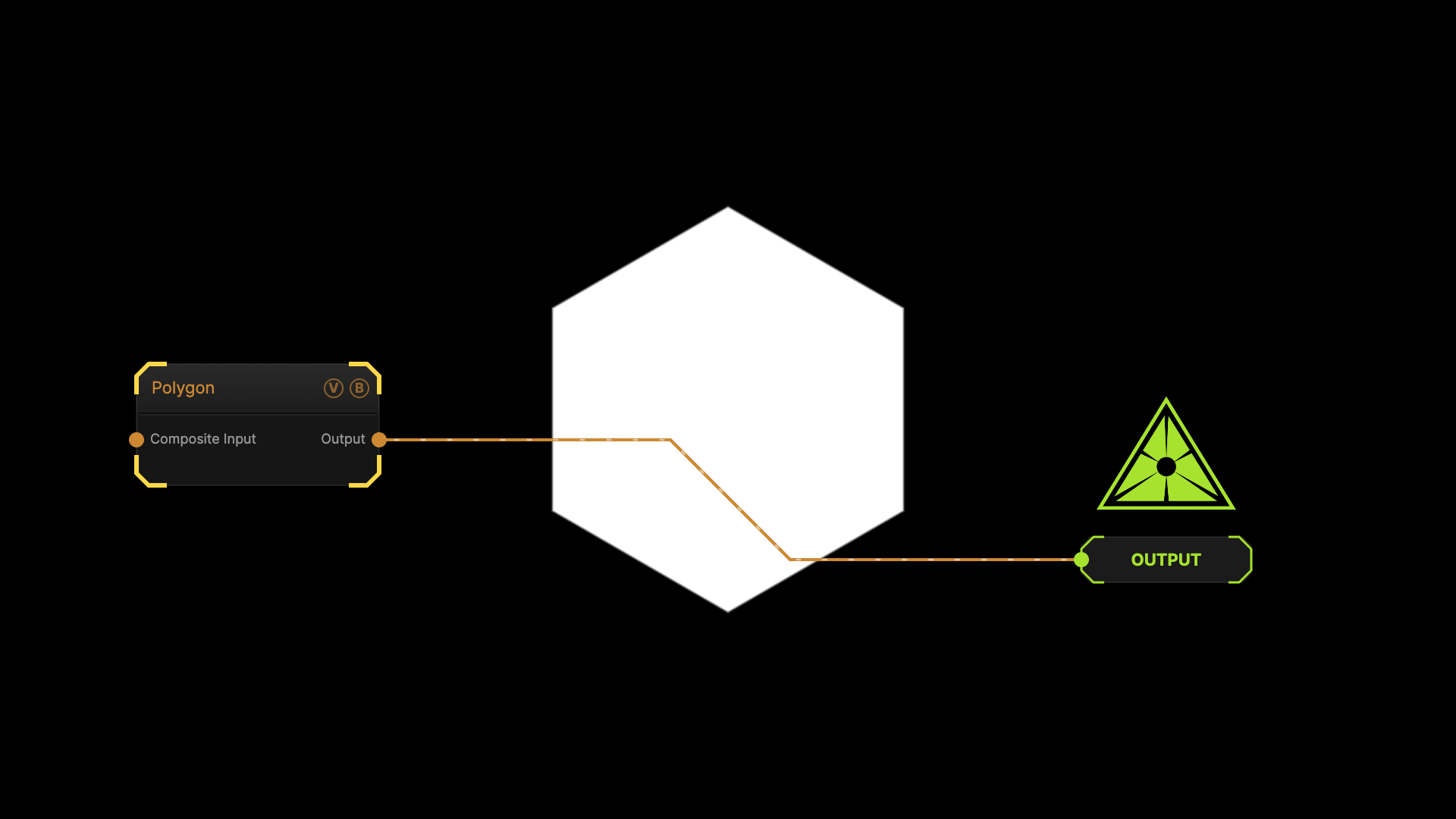
The image on the right is the example patch itself — drag and drop it onto the app (or load it with File → Load) to open the full graph.
Inputs and outputs
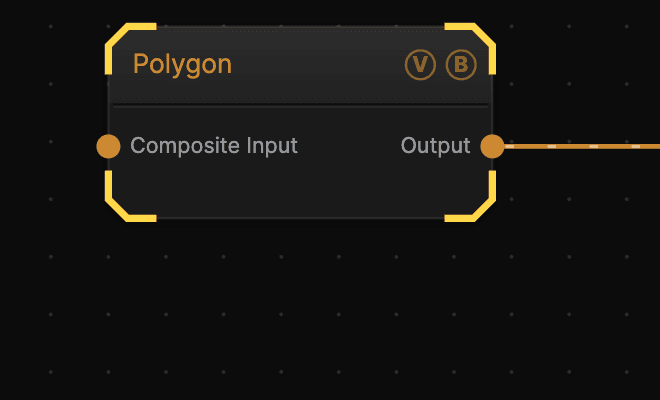
| Port | Type | Purpose |
|---|---|---|
| Composite Input | Texture | Composited under the shape using this node's Blend Mode and Opacity |
| Output | Texture | The shape, over a background whose alpha is 0 by default |
Parameters
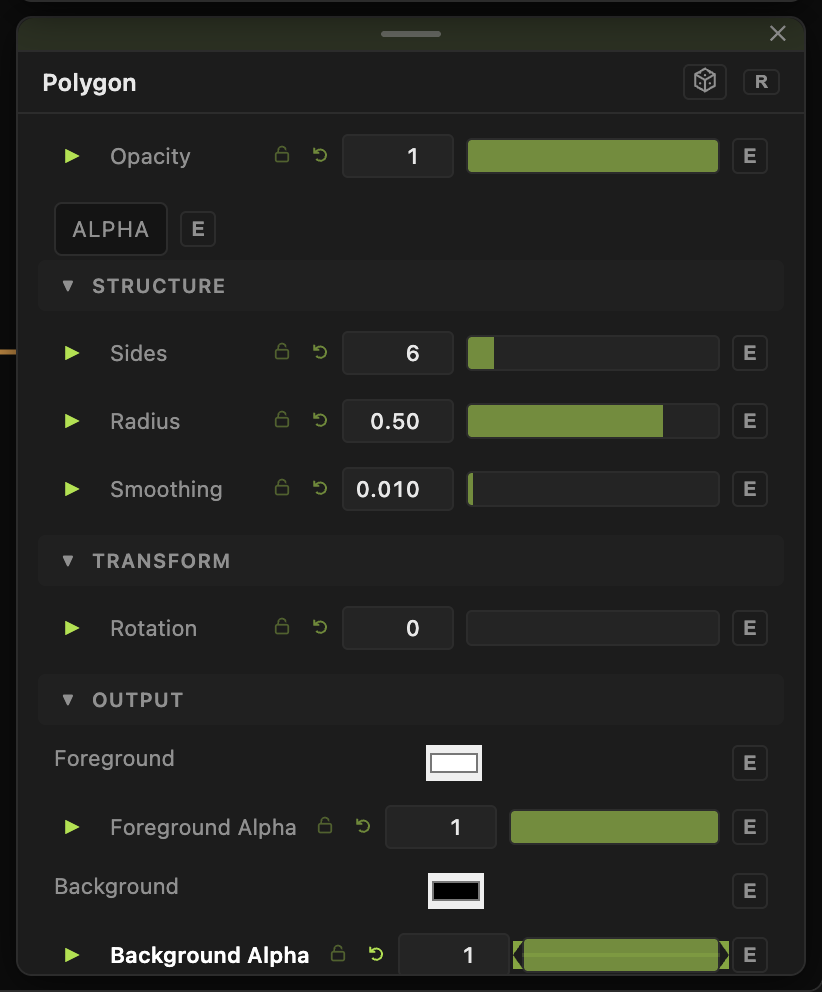
- Sides (3–32, default 6) — 3 is a triangle, 4 a square, and high values approach a circle.
- Radius (0.01–1.5, default 0.5) — size relative to the frame. Above 1 the shape runs past the edges.
- Smoothing (0–0.5, default 0.01) — edge softness. At 0 the edge aliases; raise it for a soft-edged mask.
- Rotation (0–360, default 0).
- Foreground (default white) and Foreground Alpha (0–1, default 1).
- Background (default black) and Background Alpha (0–1, default 0).
Examples
Vignette mask — Sides 32, Radius 0.9, Smoothing 0.4, Background Alpha 1 with a black background. Multiply it over another texture.
Hard shape over video — wire your source into Composite Input, leave Background Alpha at 0, and set Blend Mode to Multiply.
Troubleshooting
The shape is off-centre — Polygon always draws in the centre. Use a Transform node downstream to move it.