Solid Color
Fills the frame with one RGBA colour, for use as a base layer, a tint source, or a constant input.
The Solid Color node outputs a flat colour. Use it as the bottom of a composite, as a tint fed into a blend, or as a constant where another operator wants a texture.

- One colour and one alpha value; no transform, no animation
- Default is opaque white
- Found in the node graph under Generators as Solid Color
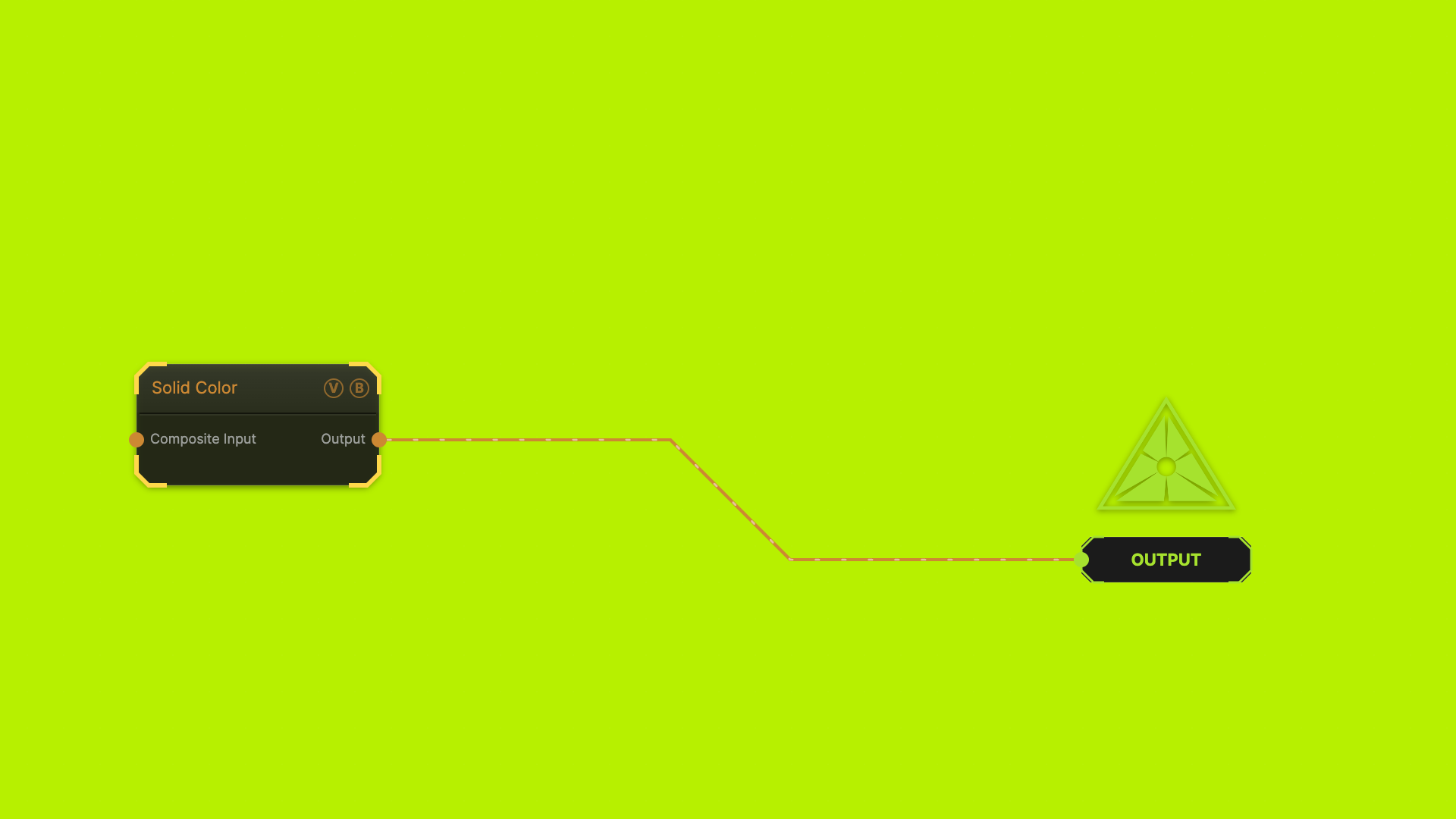
The image on the right is the example patch itself — drag and drop it onto the app (or load it with File → Load) to open the full graph.
Inputs and outputs
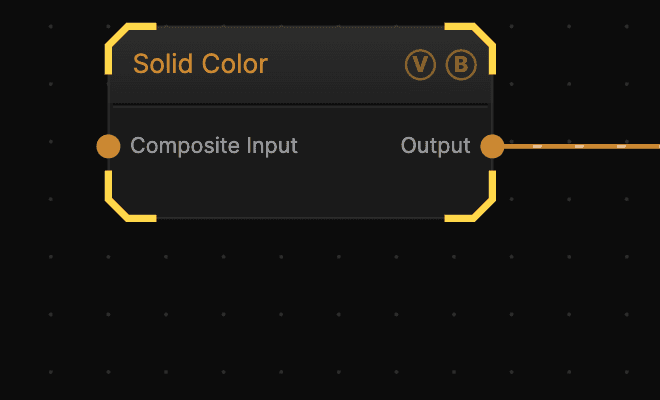
| Port | Type | Purpose |
|---|---|---|
| Composite Input | Texture | Composited under the fill using this node's Blend Mode and Opacity |
| Output | Texture | The flat colour |
Wiring a texture into Composite Input and setting Blend Mode to Multiply tints that texture — the fill acts as the tint colour.
Parameters
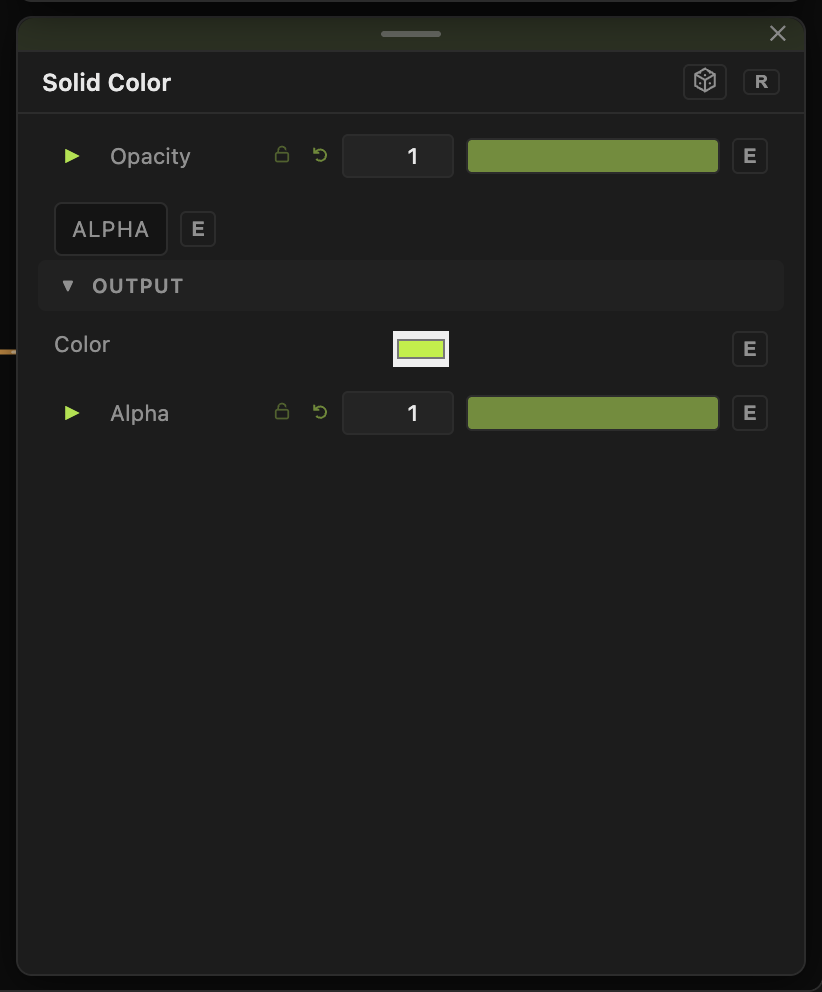
- Opacity, Blend Mode, Alpha — the standard operator header.
- Color (default
#ffffff) — the fill colour. - Alpha (0–1, default 1) — the fill's own alpha, separate from the header's Alpha toggle.
Both Color and Alpha can be animated, MIDI-mapped, or driven by a wire like any other parameter.
Troubleshooting
Everything downstream turned one colour — that is the node doing its job. Lower Opacity, or change Blend Mode from Normal so it combines with what is beneath rather than covering it.