Super Tiles
Generative kaleidoscopic mosaic — each tile is a mirrored random walk with per-tile color schemes.
The Super Tiles node builds a grid of generative mosaic tiles. Each tile is drawn from a random walk in one quarter, then mirrored into a kaleidoscopic shape, and colored with a per-tile scheme. The layout is static — change the Seed to reshuffle the whole grid.
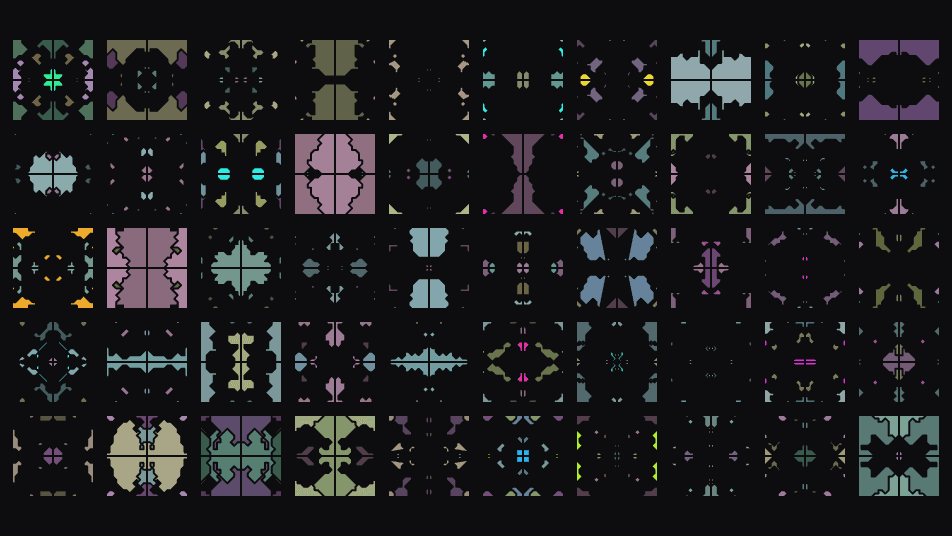
- One texture output; one optional composite input
- Layout, walk, symmetry, and color-scheme controls
- Sprite Sheet Mode exports the tiles as an atlas for other operators
- Found in the node graph under Generators as Super Tiles
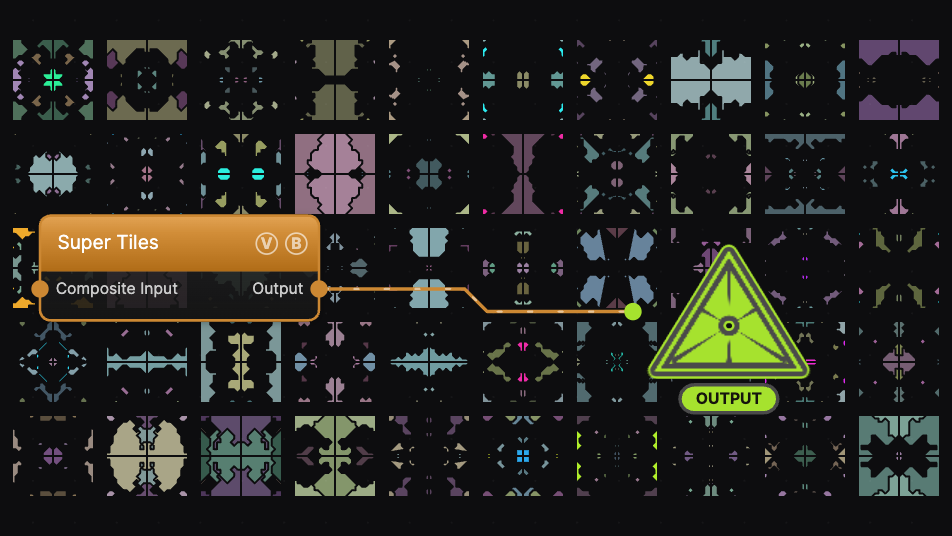
The image on the right is the example patch itself — drag and drop it onto the app (or load it with File → Load) to open the full graph.
Inputs and outputs
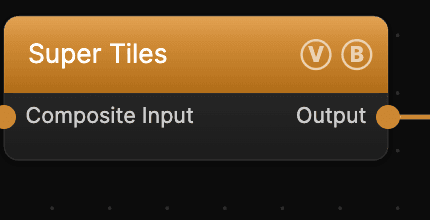
| Port | Type | Purpose |
|---|---|---|
| Composite Input | Texture | Composited under the output with Composite Mode and Composite Mix, which appear once the port is wired |
| Output | Texture | The mosaic tile grid |
Parameters
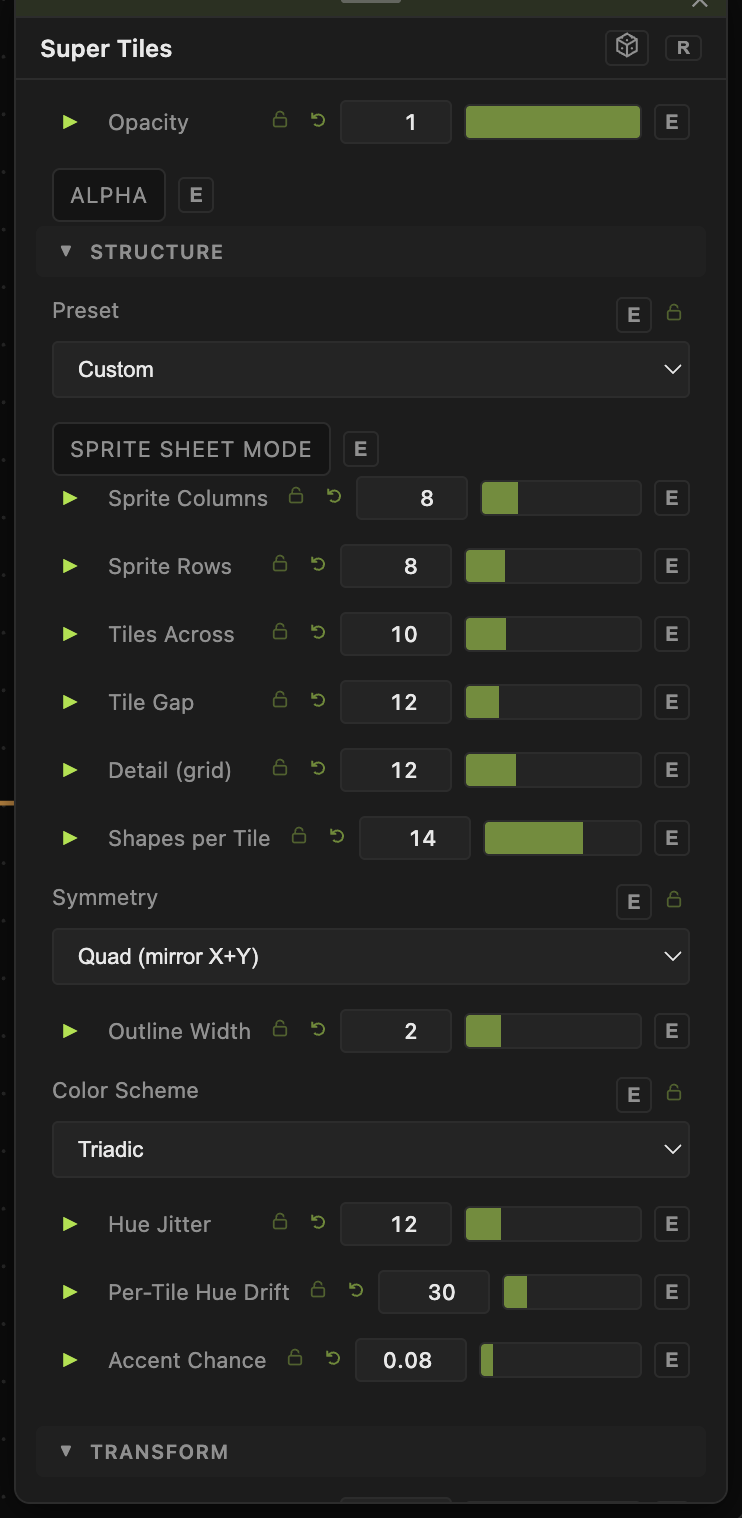
Opacity, Blend Mode — the standard operator header; see Perlin Noise.
Layout
- Seed (0–9999, default 1) — reshuffles the entire grid. The generator is static, so this is the main way to explore variations.
- Preset — Signal Glyphs, Mosaic Classic, or Custom (hands control to the sliders below).
- Tiles Across (1–40, default 10) — grid width. Tile Gap (0–64, default 12) — spacing between tiles.
- Sprite Sheet Mode, Sprite Columns / Rows — output the tiles as a sprite atlas instead of a mosaic.
Walk
- Detail (grid) (4–32, default 12) — resolution of the random-walk lattice inside each tile.
- Shapes per Tile (1–64, default 14) — how many walk shapes build each tile.
- Symmetry — Quad (mirror X+Y), Horizontal, Vertical, or None.
- Outline Width (0–10, default 2) — stroke around each shape.
Color
- Base Hue (−1 = random) and Color Scheme (Mono, Analogous, Complementary, Triadic, Tetradic).
- Hue Jitter, Per-Tile Hue Drift — per-shape and per-tile hue variation.
- Saturation, Lightness, Shade Contrast, Accent Chance — the muted-with-rare-accents palette. Background sets the base color.
Every slider has a per-parameter animation bar, so any of these can be animated, audio-driven, or MIDI-mapped — see Parameters and Controls.
Troubleshooting
Nothing changes when I animate a slider — Super Tiles is a static generator; most looks come from Seed and the layout/color controls, not motion.
Tiles look identical — raise Per-Tile Hue Drift and Accent Chance, or lower Split-style regularity by increasing Shapes per Tile.