Simplex Noise
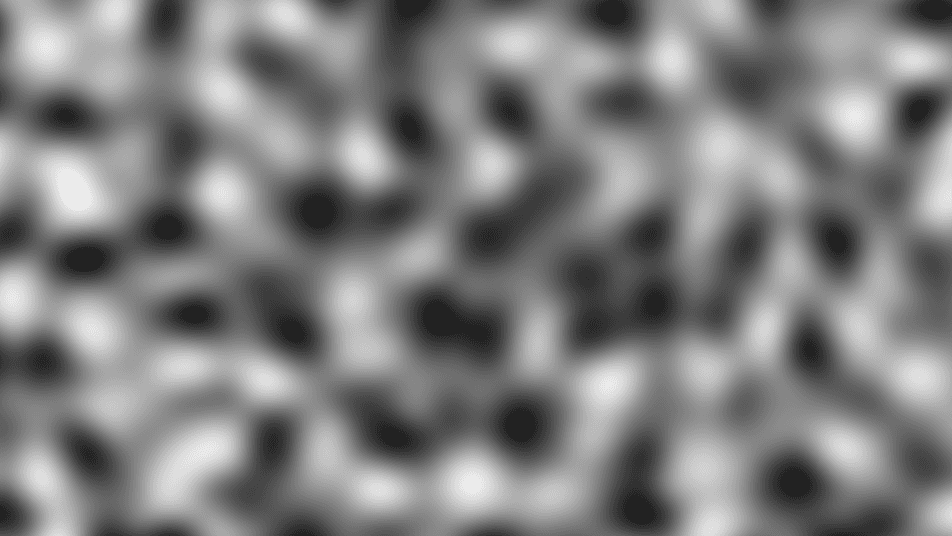
Gradient noise generator with fewer directional artifacts than Perlin, producing smooth, rounded grayscale patterns.
The Simplex Noise node generates smooth grayscale gradient noise. It is the direct sibling of Perlin Noise: a single-octave field with the same controls, but built on a simplex lattice that produces rounder features and fewer of the axis-aligned artifacts Perlin can show at low frequencies.
- One texture output; two optional texture inputs (domain warp and composite)
- Transform controls (Seed, Scale, Offset, Rotation), levels (Threshold Min/Max), and animation Speed
- No octave controls — it is a single noise layer; stack detail with FBM instead
- Found in the node graph under Generators as Simplex Noise
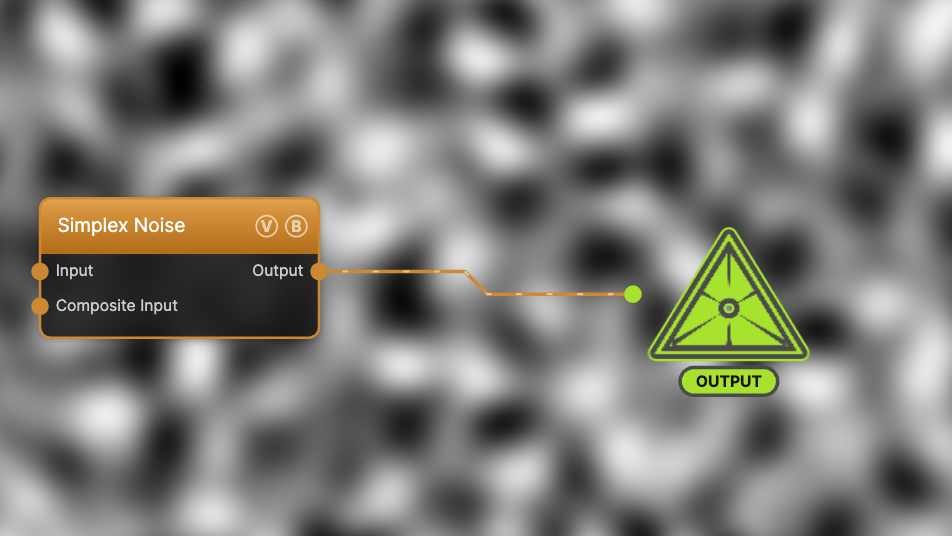
The image on the right is the example patch itself — drag and drop it onto the app (or load it with File → Load) to open the full graph.
Inputs and outputs
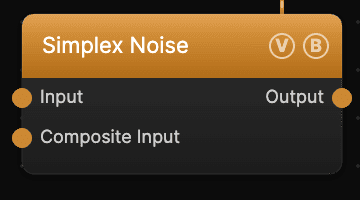
| Port | Type | Purpose |
|---|---|---|
| Displace | Texture | Domain warp: the red and green channels push the sample coordinates by Displace Amount |
| Composite Input | Texture | Composited under the output with Composite Mode and Composite Mix, which appear once the port is wired |
| Output | Texture | The grayscale noise field, normalized to 0–1 |
A texture into Input bends the pattern into swirls and folds; a black (or disconnected) input produces no warp, and the warp strength scales with the node's Scale. Composite Input stacks another generator on top without a separate blend node.
Parameters
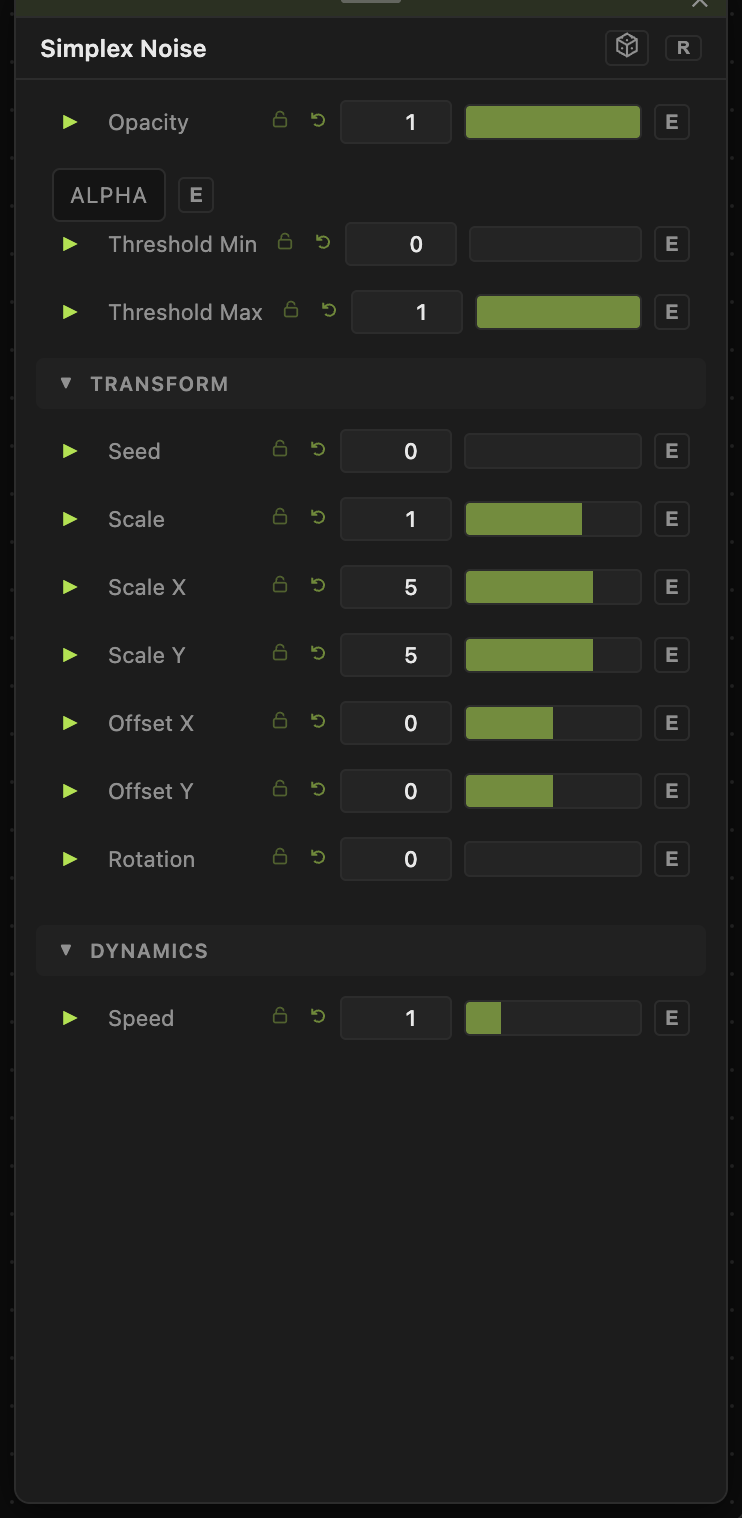
The noise is sampled from a seeded 3D simplex field with time on the third axis, so animation evolves the pattern in place rather than scrolling it.
- Opacity (0–1, default 1) — output level; also the mix amount for the Composite Input.
- Blend Mode — how the Composite Input blends over the output (Normal, Add, Multiply, Screen, Overlay, Difference, Subtract, Lighten). The dropdown only appears once an input is wired.
- ALPHA — when on, sets the output alpha from luminance: black is transparent, white opaque, gray partial. Invert Alpha flips light and dark.
- Threshold Min / Threshold Max (0–1) — remap the output levels: values below Min go to black, above Max to white, with the band between stretched to full range. Setting Min above Max inverts the result.
Transform
- Seed (0–99999) — selects a different noise field. The same seed always produces the same pattern.
- Scale (0.01–10, default 1) — uniform zoom that multiplies both axes. Scale X / Scale Y (0.01–50, default 5) set the per-axis frequency; the final frequency on each axis is Scale × Scale X (or Scale Y).
- Offset X / Offset Y (−20 to 20) — pan through the noise field.
- Rotation (0–360) — rotates the pattern around the center, in degrees.
Dynamics
- Speed (0–5, default 1) — playback rate multiplier for this node. It compounds with the global animation speed; 0 freezes the pattern.
Every slider has a per-parameter animation bar (the green triangle), so any of these can be animated, audio-driven, or MIDI-mapped — see Parameters and Controls.
Simplex vs. Perlin
Both are single-octave gradient noise with an identical control set, so a graph built on one drops straight onto the other. Simplex is sampled on a triangular (simplex) lattice instead of a square grid, which softens the faint horizontal/vertical bias Perlin can show — features read as rounder and more evenly distributed. Reach for Perlin when you want the classic look, Simplex when low-frequency Perlin feels too grid-aligned.
Troubleshooting
The pattern doesn't move — the node's Speed is 0, or global animation is paused in the transport bar.
No Blend Mode dropdown — it is hidden until a texture is wired into one of the node's inputs.
A texture wired into Input does nothing — the warp is driven by the input's brightness, so a black or very dark texture produces no displacement. The warp amount also scales with Scale.
Output looks washed out — raise Threshold Min and lower Threshold Max to stretch the contrast.