Billow Noise
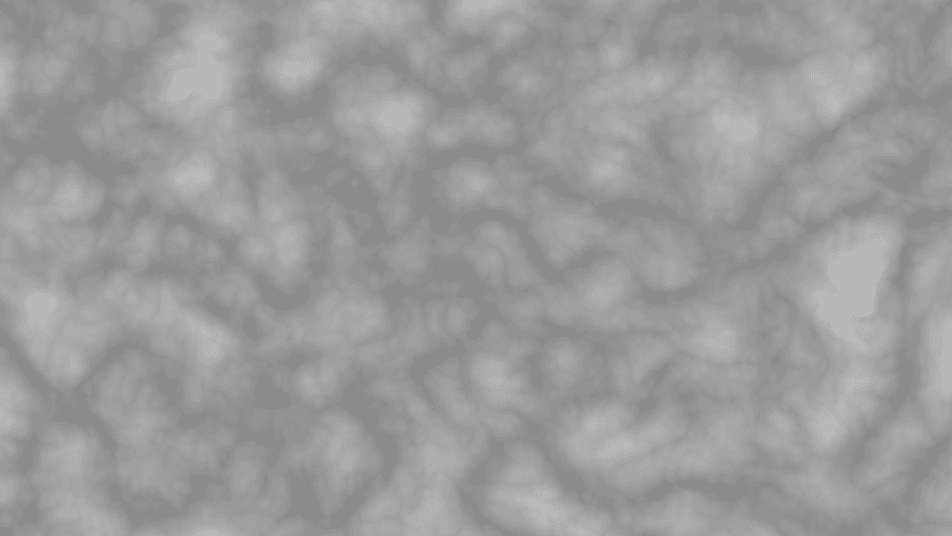
Fractal noise generator that takes the absolute value of each octave, producing soft, puffy, cloud-like grayscale patterns.
The Billow Noise node generates fractal noise where each octave contributes its absolute value, so features fold back on themselves into rounded, puffy shapes. It reads like clouds or smoke where Ridge Noise reads like veins.
- One texture output; two optional texture inputs (domain warp and composite)
- Fractal controls (Octaves, Persistence, Lacunarity) plus the standard transform block
- Found in the node graph under Generators in the add-node menu
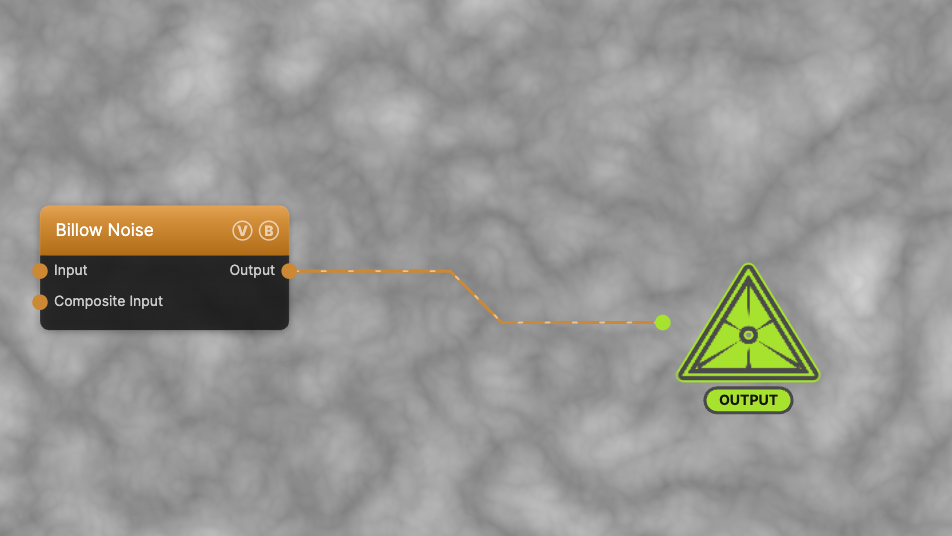
The image on the right is the example patch itself — drag and drop it onto the app (or load it with File → Load) to open the full graph.
Inputs and outputs
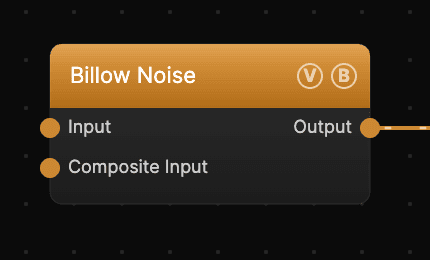
| Port | Type | Purpose |
|---|---|---|
| Displace | Texture | Domain warp: the red and green channels push the sample coordinates by Displace Amount |
| Composite Input | Texture | Composited under the output with Composite Mode and Composite Mix, which appear once the port is wired |
| Output | Texture | The grayscale noise field, normalized to 0–1 |
A black (or disconnected) Input produces no warp; the warp strength scales with Scale.
Parameters
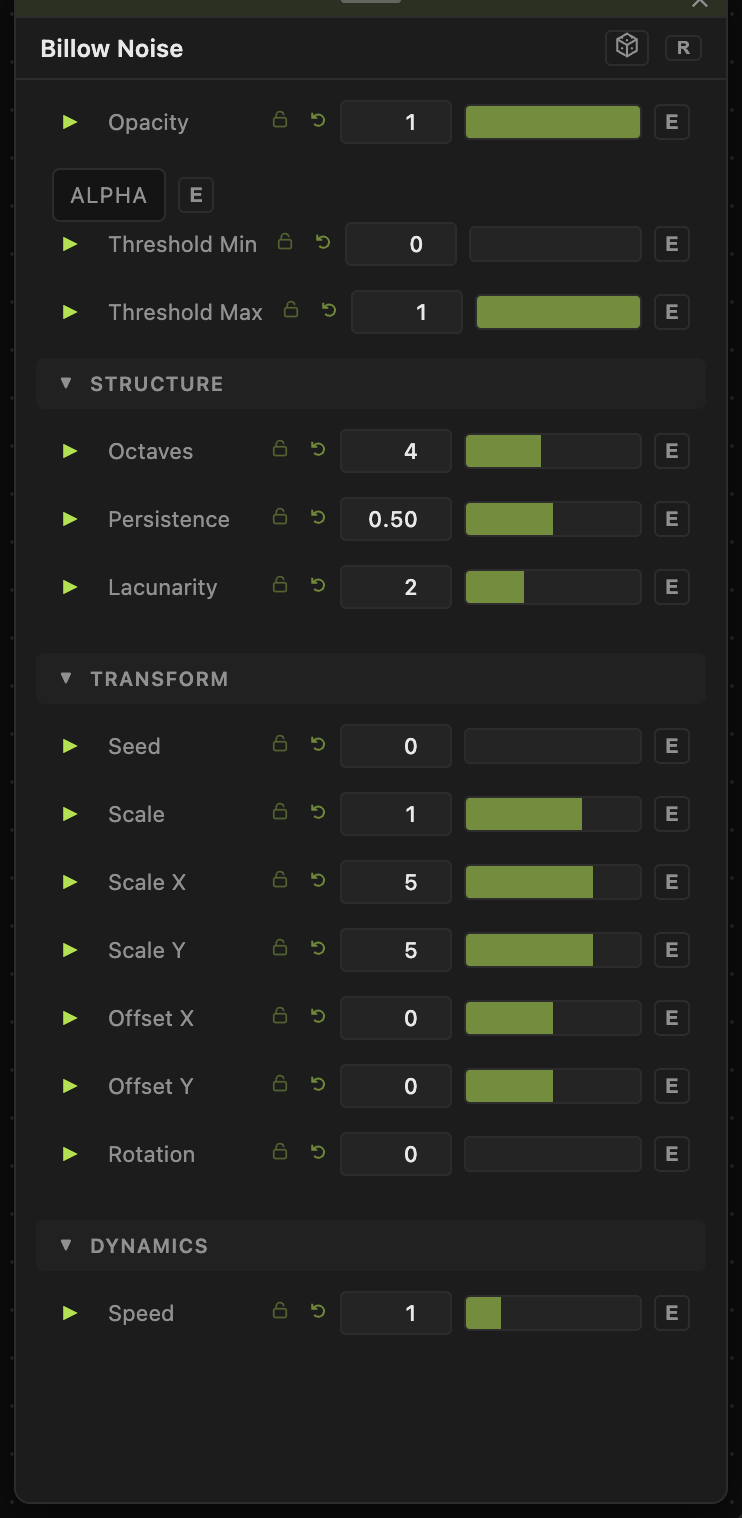
The noise is sampled from a seeded 3D Perlin field with time on the third axis, so animation evolves the pattern in place rather than scrolling it.
Opacity, Blend Mode, ALPHA, Invert Alpha, Threshold Min / Threshold Max — the standard operator header; see Perlin Noise for details.
Structure
- Octaves (1–8, default 4) — how many noise layers stack. Each octave adds finer detail; low counts give simple soft blobs.
- Persistence (0–1, default 0.5) — how much each successive octave contributes. Higher values keep fine octaves loud, making the texture busier and grittier.
- Lacunarity (1–4, default 2) — the frequency multiplier between octaves. Higher values space the detail scales further apart.
Transform
- Seed (0–99999), Scale (0.01–10, default 1), Scale X / Scale Y (0.01–50, default 5), Offset X / Offset Y (−20 to 20), Rotation (0–360) — the shared generator transform block: seed picks the field, scale sets frequency (Scale × Scale X/Y per axis), offsets pan, rotation spins around the center.
Dynamics
- Speed (0–5, default 1) — playback rate multiplier for this node, compounding with the global animation speed. 0 freezes the pattern.
Every slider has a per-parameter animation bar, so any of these can be animated, audio-driven, or MIDI-mapped — see Parameters and Controls.
Billow vs. FBM vs. Ridge
All three stack the same Perlin octaves and share the same three fractal controls; they differ in what each octave contributes. FBM adds the raw value (balanced, natural), Billow adds its absolute value (rounded, puffy), Ridge inverts and squares it (sharp creases). Pick by the feature shape you want — the parameters behave identically.
Troubleshooting
The pattern doesn't move — the node's Speed is 0, or global animation is paused in the transport bar.
Output looks flat and washed out — billow's abs-fold concentrates values in the mid-grays. Raise Threshold Min and lower Threshold Max to stretch the contrast.
More octaves seem to change nothing — with low Persistence the later octaves are nearly silent; raise Persistence to hear them.