Worley Noise
Cellular noise that outputs the raw feature-point distance field, with F1, F2, and F2 minus F1 modes.
The Worley Noise node scatters one feature point per grid cell and shades each pixel by its distance to the nearest points. It gives you the distance field itself, so you can take the cells, the second-nearest ring, or the ridges where the two meet.
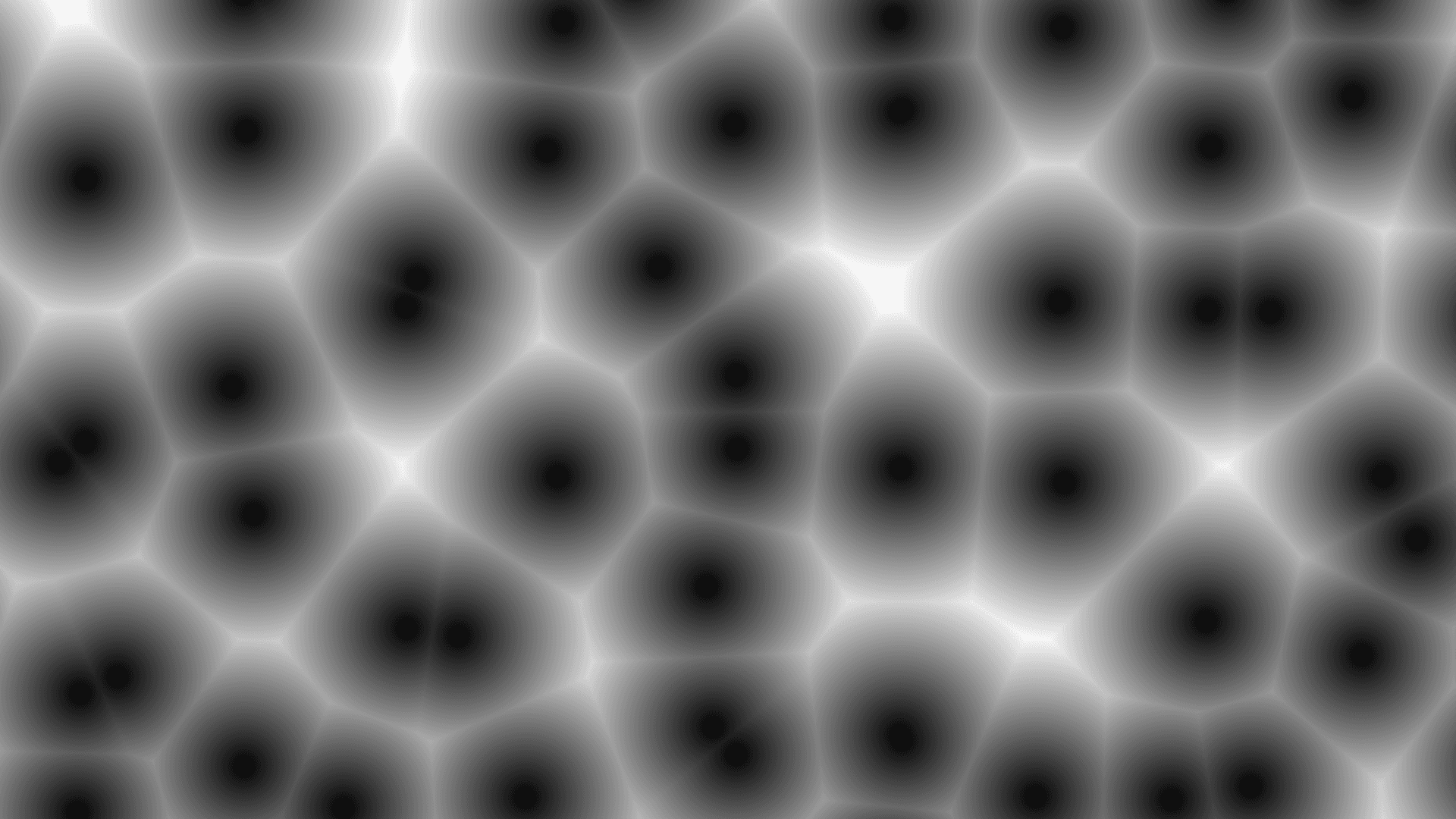
- One texture output; two optional texture inputs
- Output picks F1, F2, or F2 − F1
- Jitter relaxes the feature points off their cell centres; 0 gives a perfectly regular grid
- Found in the node graph under Generators as Worley Noise
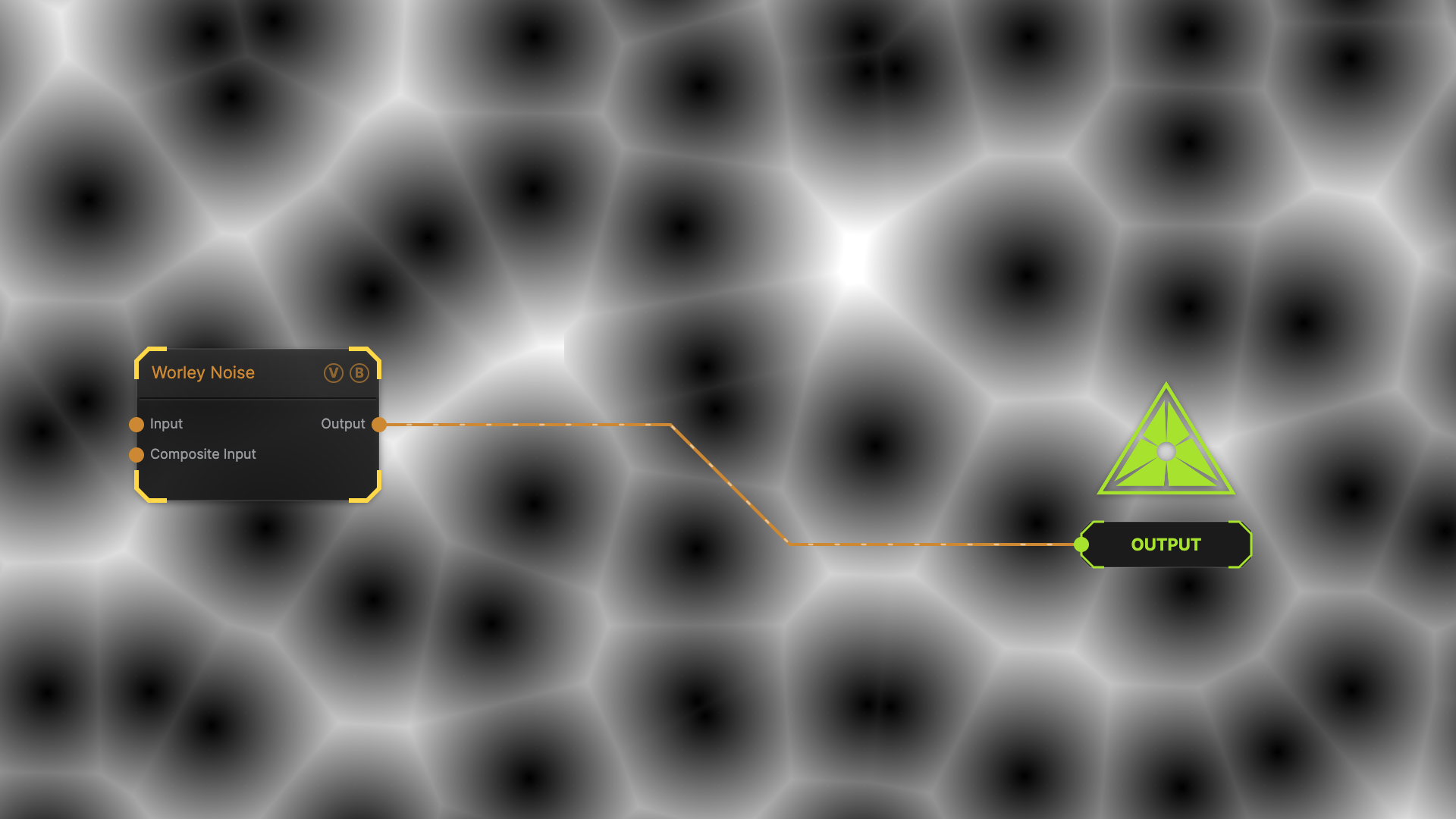
The image on the right is the example patch itself — drag and drop it onto the app (or load it with File → Load) to open the full graph.
Inputs and outputs
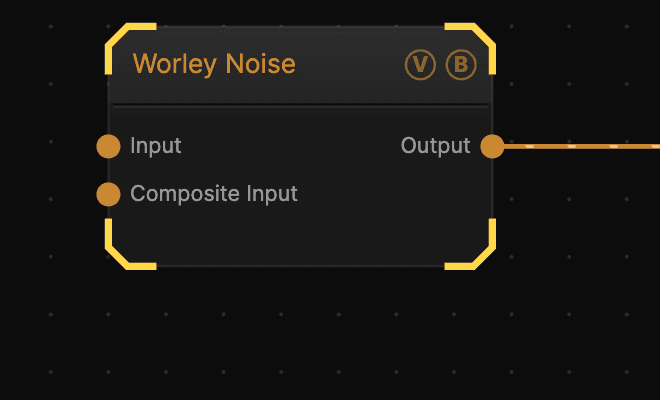
| Port | Type | Purpose |
|---|---|---|
| Displace | Texture | Domain warp: the red and green channels push the sample coordinates by Displace Amount |
| Composite Input | Texture | Composited under the output with Composite Mode and Composite Mix, which appear once the port is wired |
| Output | Texture | The grayscale distance field |
Parameters
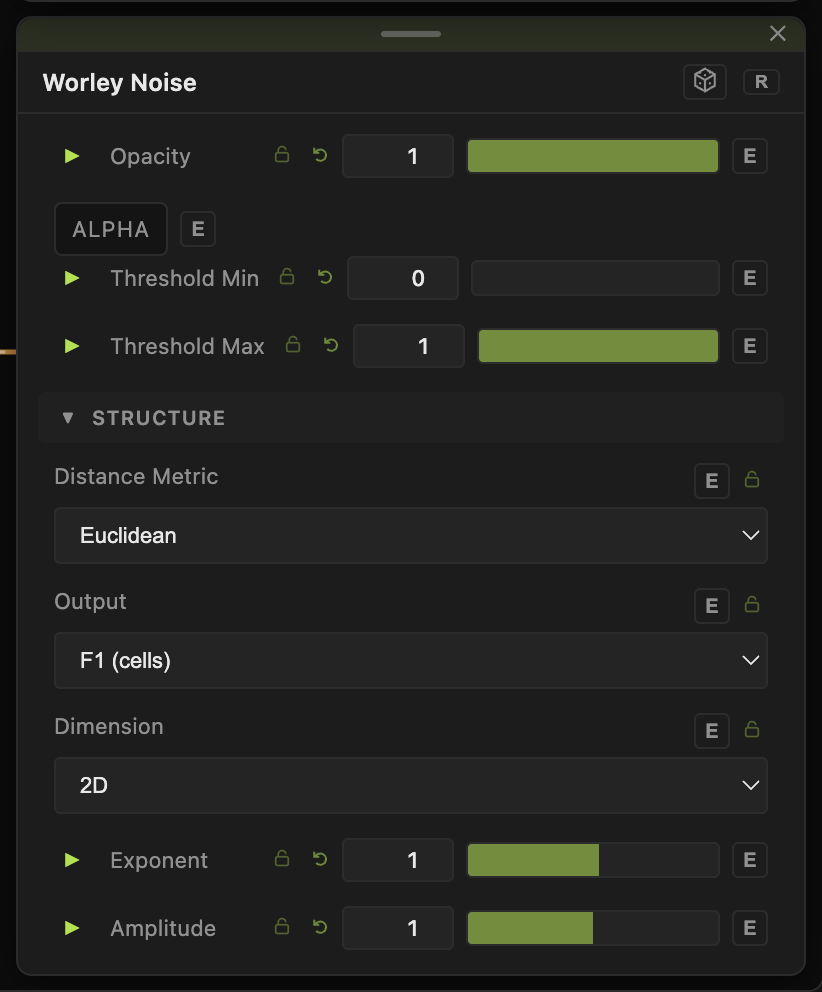
Opacity, Blend Mode, Alpha, Threshold Min / Threshold Max — the standard operator header; see Parameters and Controls.
Structure
- Distance Metric — Euclidean (default) gives round cells, Manhattan gives diamond cells, Chebyshev gives square cells.
- Output — F1 (cells) (default) shades by the nearest point, so cell centres are dark. F2 uses the second-nearest point. F2 − F1 (ridges) gives bright lines along the cell borders, which is the classic cracked-surface look.
- Dimension — 2D (default) samples a flat field. 3D (evolving) samples a moving slice through a volume, so cells are born and dissolve in place instead of just sliding around. 3D scans 27 cells against 2D's 9, so it costs more.
- Jitter (0–1, default 1) — how far feature points move off their cell centres. At 0 the points sit on a regular grid and the output becomes a tidy tiled pattern.
- Exponent (0.1–8, default 1), Amplitude (0–2, default 1), Offset (0–1, default 0.5) — value shaping applied to the finished field. Exponent reshapes the curve, Amplitude sets its swing, Offset sets the grey it swings around.
Transform
- Seed (0–99999), Scale (0.01–10, default 1), Scale X / Scale Y (0.01–50, default 5), Offset X / Offset Y (−20 to 20), Rotation (0–360). Scale sets how many cells fill the frame.
Dynamics
- Speed (0–5, default 1) — playback rate, compounding with the global animation speed. In 3D mode this drives the Z position through the volume. 0 freezes the field.
Examples
Cracked ground — Output to F2 − F1, Jitter 1, Scale around 2. Feed the result into a Normal Map node for a surface with real relief.
Regular tiling — Jitter 0 with Distance Metric Chebyshev gives an even square grid; Euclidean gives circles inscribed in that grid.
Bubbling cells — Dimension to 3D (evolving) with Speed around 0.3. Cells appear and vanish rather than sliding across the frame.
Troubleshooting
The pattern only slides sideways — that is 2D mode. Feature points can only jiggle inside their own cells, so the field can never restructure. Switch Dimension to 3D (evolving).
Output is nearly flat white — F2 mode has a much higher average value than F1. Pull Threshold Min up, or lower Offset.