Box Noise
Value noise with a box reconstruction filter — every cell keeps one flat value and every edge stays hard.
The Box Noise node fills a grid of cells with random values and does no interpolation between them. Each cell is one flat tone with a hard edge, which reads as a mosaic or a pixel grid.

- One texture output; a Displace input and a Composite Input
- No controls of its own; the shared transform, shaping, and speed blocks set the cell size and contrast
- Found in the node graph under Generators; the search presets Mosaic and Pixel Grid place it pre-set
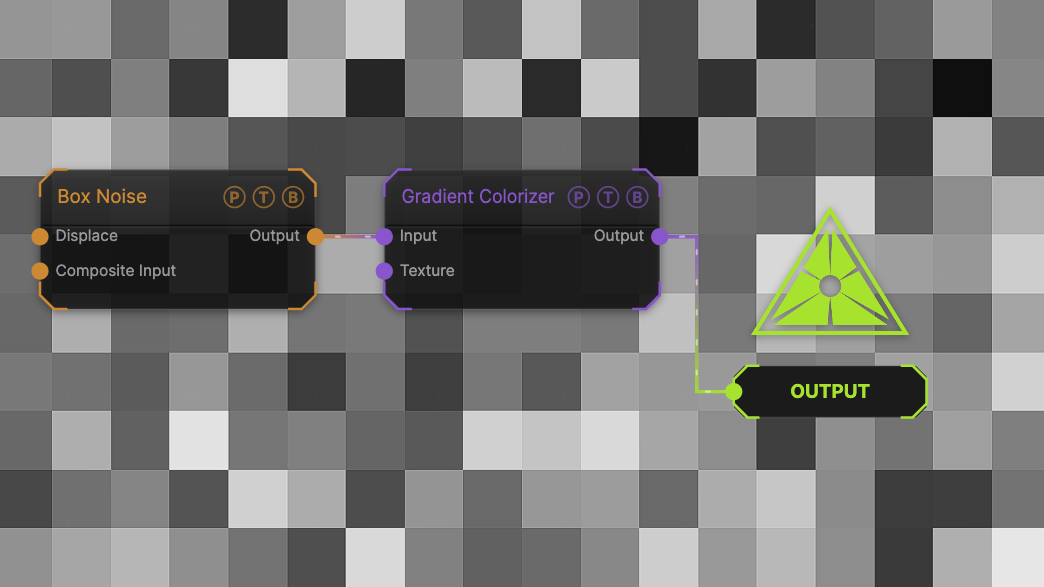
The image on the right is the example patch itself. Drag and drop it onto the app, or load it with File → Load, to open the full graph. It uses the Mosaic settings through a Gradient Colorizer.
Inputs and outputs
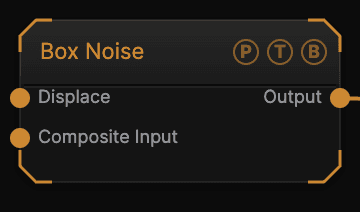
| Port | Type | Purpose |
|---|---|---|
| Displace | Texture | Domain warp: the red and green channels push the sample coordinates by Displace Amount. Warping a hard-edged field bends the cell borders. |
| Composite Input | Texture | Composited under the output with Composite Mode and Composite Mix, which appear once the port is wired. |
| Output | Texture | The grayscale field, 0–1. |
Parameters
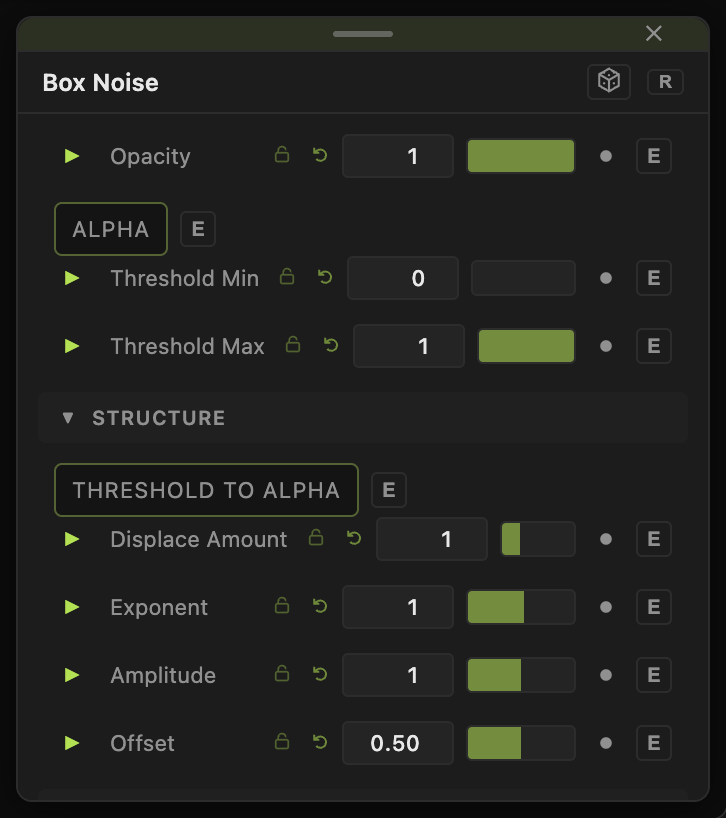
Opacity, Blend Mode, Alpha, Invert Alpha, Threshold Min / Threshold Max, Threshold To Alpha are the standard generator header; see Perlin Noise.
- Seed, Scale (default 1), Scale X / Scale Y (default 5), Offset X / Offset Y, Rotation — the shared transform block. Scale X and Scale Y are the cell counts across and down.
- Exponent (0.1–8, default 1), Amplitude (0–2, default 1), Offset (0–1, default 0.5) — value shaping.
- Displace Amount (0–4, default 1) — strength of the Displace input.
- Speed (0–5, default 1) — how fast the cell values change; 0 freezes them.
Every slider has a per-parameter animation bar. See Parameters and Controls.
Examples
Mosaic — Scale X / Y 10.
Pixel Grid — Scale X / Y 32.
Glitch blocks — Scale X 40, Scale Y 6, Speed 3, then Threshold Min 0.6 for sparse flickering bars.
Troubleshooting
The cells blur when animated — they do not; values switch between frames. If the edges look soft, the Output node's upscaler is interpolating a low render resolution. Raise the resolution.
I want smooth noise between the cells — use Perlin Noise or Simplex Noise. Box Noise never interpolates.