Caustics
Water-caustic generator that builds bright refracted-light lines from layered wave interference.
The Caustics node simulates the bright line patterns light makes at the bottom of water. It computes layered wave interference per pixel and outputs grayscale, ready for colorizing or masking downstream.
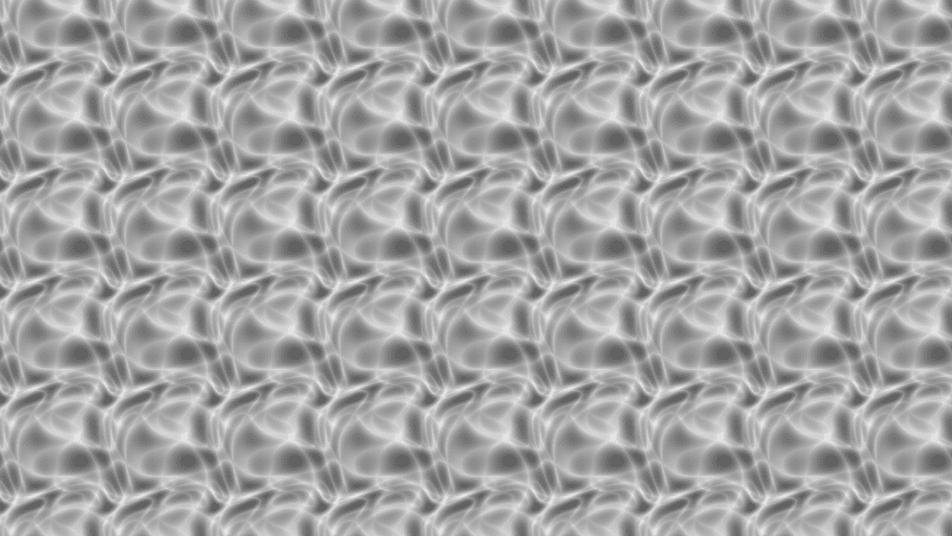
- One texture output; two optional texture inputs (domain warp and composite)
- Two pattern controls (Intensity, Turbulence) plus the standard transform block
- Found in the node graph under Generators in the add-node menu
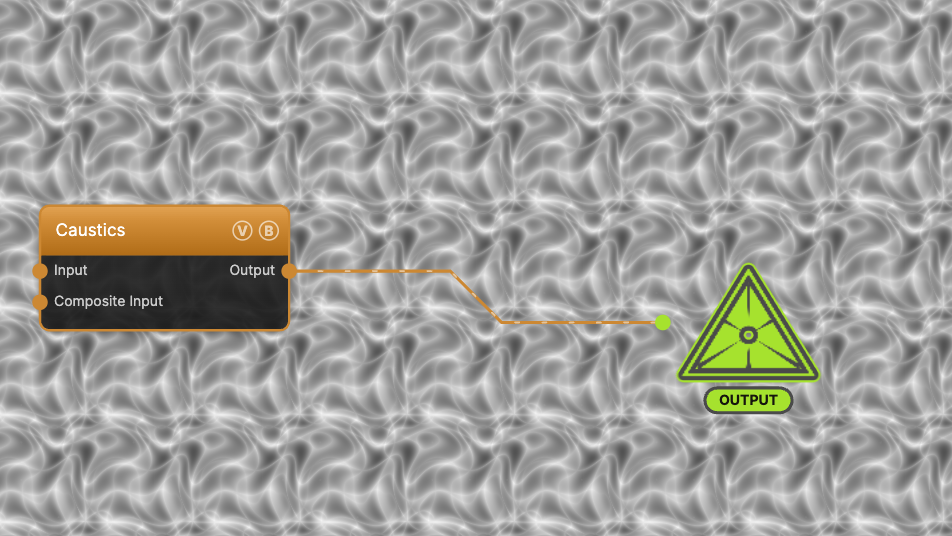
The image on the right is the example patch itself — drag and drop it onto the app (or load it with File → Load) to open the full graph.
Inputs and outputs
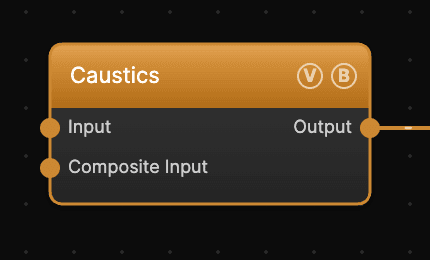
| Port | Type | Purpose |
|---|---|---|
| Displace | Texture | Domain warp: the red and green channels push the sample coordinates by Displace Amount |
| Composite Input | Texture | Composited under the output with Composite Mode and Composite Mix, which appear once the port is wired |
| Output | Texture | The grayscale caustic field |
The warp strength scales with Scale.
Parameters
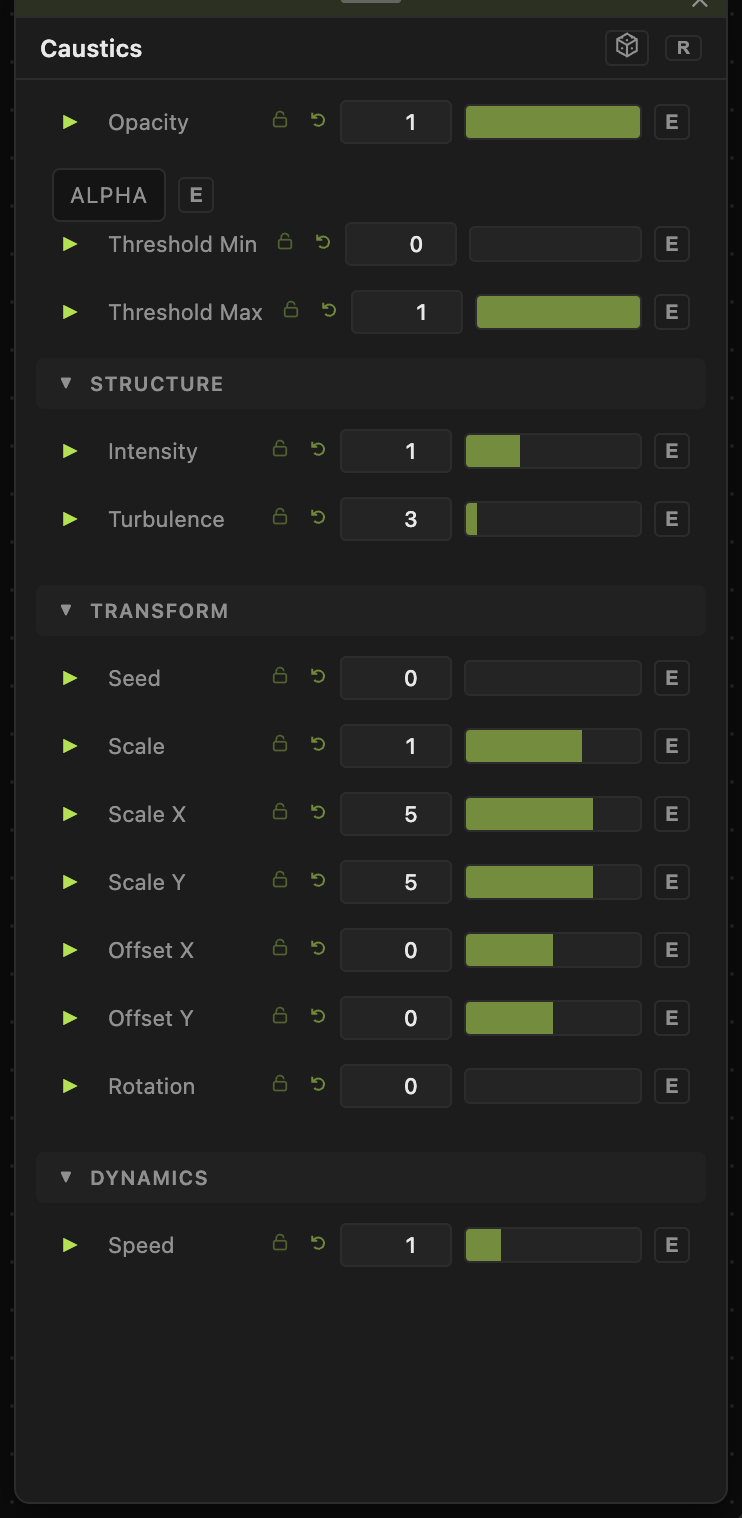
Opacity, Blend Mode, ALPHA, Threshold Min / Threshold Max — the standard operator header; see Perlin Noise for details.
Structure
- Intensity (0.1–3, default 1) — a contrast exponent on the caustic lines. Higher values sharpen and darken the pattern to thin bright filaments; lower values wash it toward flat gray.
- Turbulence (1–32, default 3) — the number of interference wave layers. More layers give a more intricate, folded web.
Transform
- Seed (0–99999), Scale (0.01–10, default 1), Scale X / Scale Y (0.01–50, default 5), Offset X / Offset Y (−20 to 20), Rotation (0–360) — the shared generator transform block.
The pattern wraps seamlessly, so at the default Scale X/Y of 5 you see a grid of repeating tiles; lower the per-axis scales toward 1 for a single non-repeating field.
Dynamics
- Speed (0–5, default 1) — playback rate for the wave motion. 0 freezes the pattern.
Every slider has a per-parameter animation bar, so any of these can be animated, audio-driven, or MIDI-mapped — see Parameters and Controls.
Examples
Pool floor — Scale X/Y around 2, Intensity 1.5, Turbulence 4, then wire through a Gradient Colorizer with a deep blue-to-cyan ramp.
Slow molten surface — Intensity 0.6, Turbulence 8, Speed 0.2: dense soft web moving slowly.
Troubleshooting
The pattern visibly repeats — that is the seamless tile at high Scale values. Reduce Scale X / Scale Y (or Scale) until one tile fills the frame.
Output looks flat — raise Intensity for contrast, or tighten Threshold Min / Threshold Max.