Sparse Convolution
Noise built from scattered impulses convolved with a smooth kernel, so no grid structure shows through at low frequency.
The Sparse Convolution node generates noise from random impulses spread through each cell and blurred by a round kernel, rather than from an interpolated lattice. The result has no visible grid at any scale.
- One texture output; a Displace input and a Composite Input
- Two controls of its own, Impulses and Kernel Radius, plus the shared transform, shaping, and speed blocks
- Found in the node graph under Generators; the search presets Stipple, Drift Field, and Swell place it pre-set
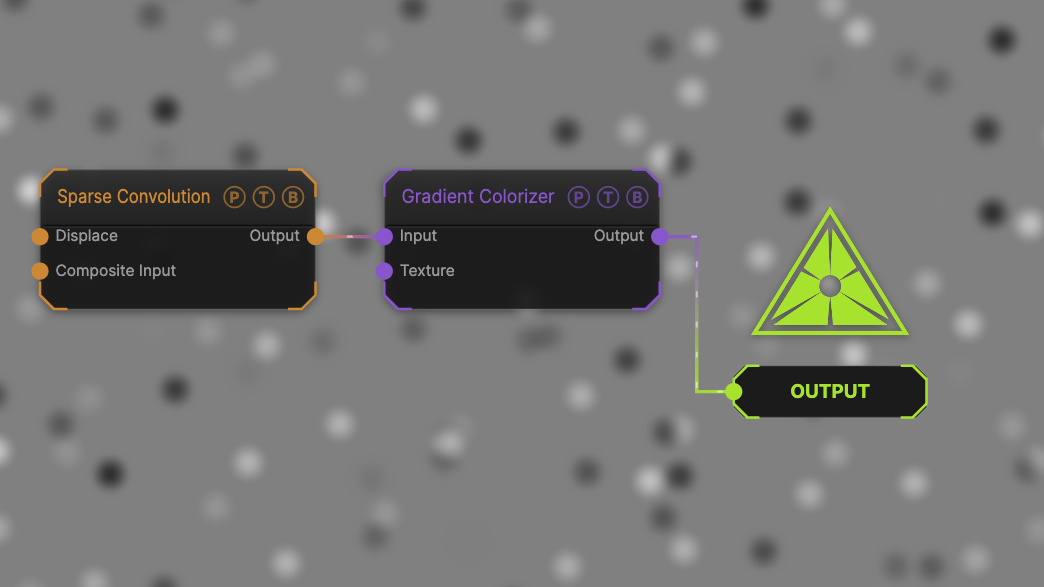
The image on the right is the example patch itself. Drag and drop it onto the app, or load it with File → Load, to open the full graph. It uses the Stipple settings, one impulse per cell at a tight radius, through a Gradient Colorizer.
Inputs and outputs
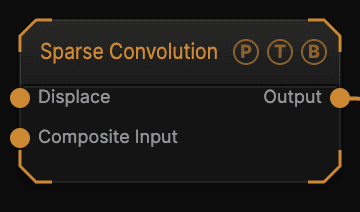
| Port | Type | Purpose |
|---|---|---|
| Displace | Texture | Domain warp: the red and green channels push the sample coordinates by Displace Amount. |
| Composite Input | Texture | Composited under the output with Composite Mode and Composite Mix, which appear once the port is wired. |
| Output | Texture | The grayscale field, 0–1. |
Parameters
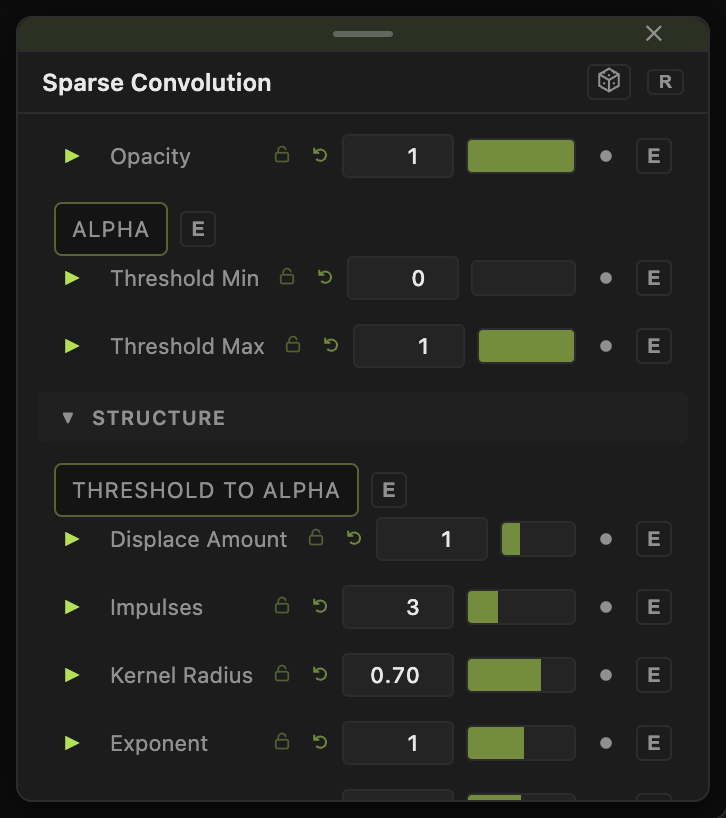
Opacity, Blend Mode, Alpha, Invert Alpha, Threshold Min / Threshold Max, Threshold To Alpha are the standard generator header; see Perlin Noise.
Structure
- Impulses (1–8, default 3) — impulses per cell. One leaves each kernel visible as a separate dot; eight averages into smooth undulation. Cost grows with this number, because every sample gathers a 3×3 block of cells.
- Kernel Radius (0.05–1, default 0.7) — the reach of each impulse, in cells. Small values give isolated spots; 1 is the largest the gather can resolve.
Transform and value
- Seed, Scale (default 1), Scale X / Scale Y (default 5), Offset X / Offset Y, Rotation — the shared transform block.
- Exponent (0.1–8, default 1), Amplitude (0–2, default 1), Offset (0–1, default 0.5) — value shaping. Exponent above 1 pulls the field toward mid grey, below 1 pushes it to the extremes; Amplitude scales the swing and Offset sets the grey it swings around.
- Displace Amount (0–4, default 1) — strength of the Displace input. Does nothing while that port is empty.
- Speed (0–5, default 1) — evolution rate; 0 freezes the pattern.
Every slider has a per-parameter animation bar. See Parameters and Controls.
Examples
Stipple — Impulses 1, Kernel Radius 0.35, Scale X / Y 8. Separate soft dots.
Drift Field — Impulses 3, Kernel Radius 0.7, Scale X / Y 5. A continuous field with no lattice.
Swell — Impulses 8, Kernel Radius 1, Scale X / Y 3. Broad smooth undulation.
Troubleshooting
The frame rate dropped — each impulse costs nine cell lookups per pixel. Lower Impulses or reduce the render resolution.
Everything is mid grey — with many impulses the sum averages out. Lower Impulses, or raise Amplitude and use Exponent below 1.