3D Voronoi
Colored cell-noise generator that renders an extruded, isometric block field with palettes, wireframe edges, and per-cell texture projection.
The 3D Voronoi node renders a field of extruded voronoi cells that reads as stacked isometric blocks. Unlike the grayscale noise generators it outputs color directly, with a palette system and per-cell shading.
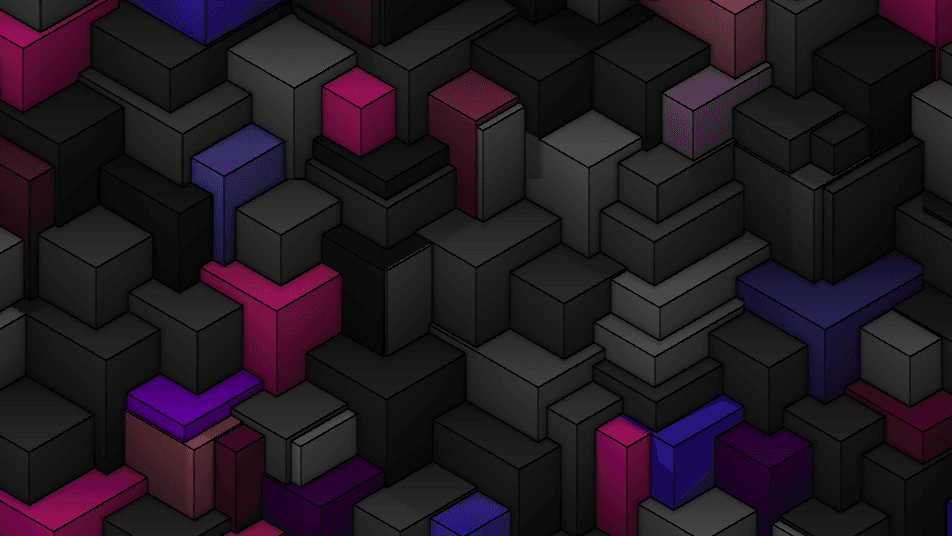
- One texture output; two texture inputs (per-cell pattern source and composite)
- Cell controls (Scale, Distance Metric, Wire Thickness, Ambient Occlusion) plus a palette-driven color system
- Found in the node graph under Generators in the add-node menu
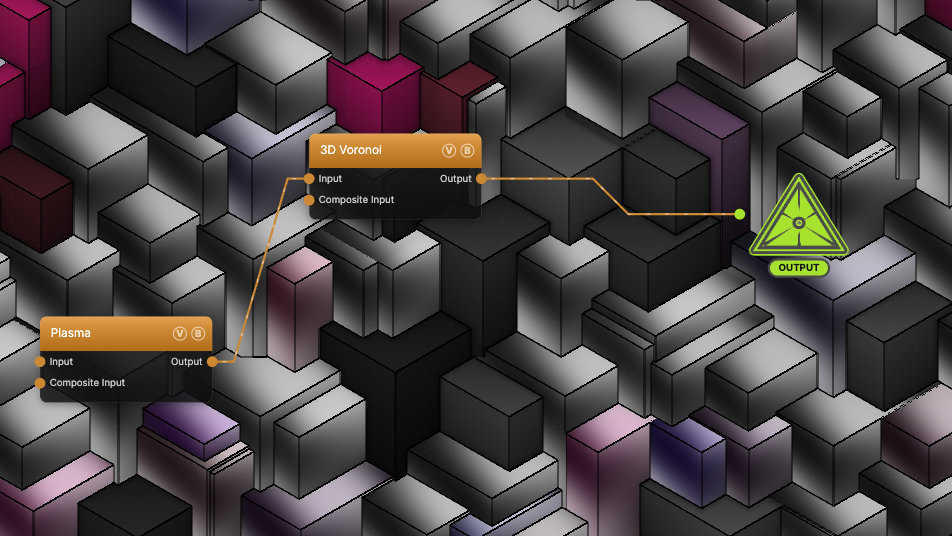
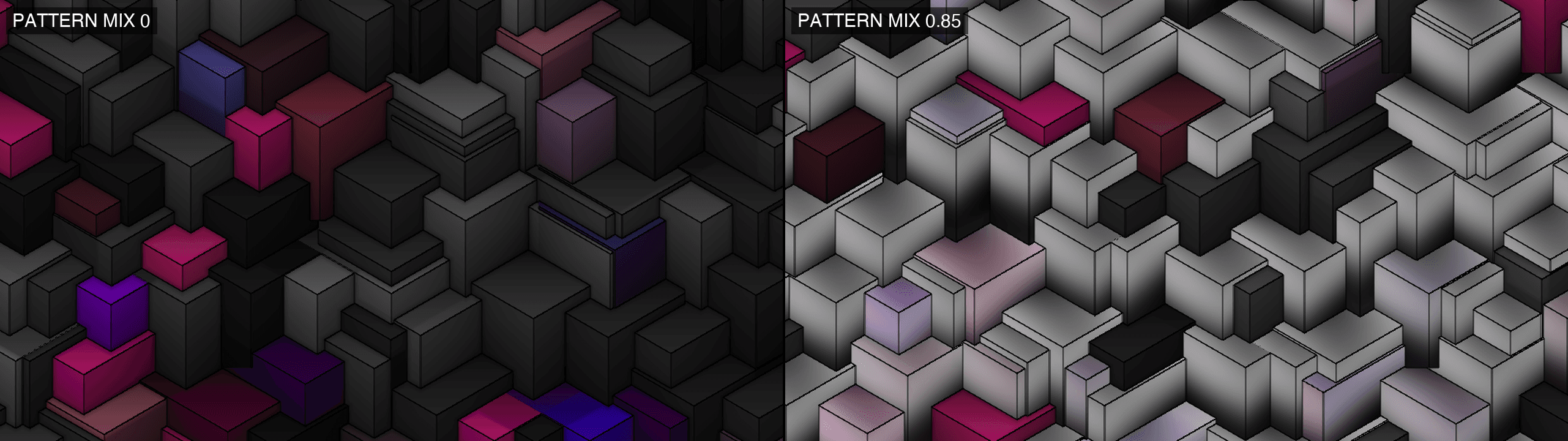
The image on the right is the example patch itself — drag and drop it onto the app (or load it with File → Load) to open the full graph. It wires a Plasma node into the Input port with Pattern Mix at 0.85, so most cells sample the plasma onto their faces.
Inputs and outputs
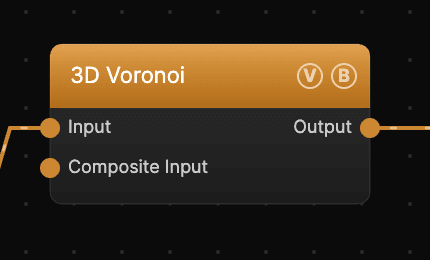
| Port | Type | Purpose |
|---|---|---|
| Input | Texture | Source for Pattern Mix — sampled onto individual cell faces |
| Composite Input | Texture | Composited under the output with Composite Mode and Composite Mix, which appear once the port is wired |
| Output | Texture | The shaded, colored cell field |
Cells selected by Pattern Mix sample the Input texture using the chosen Pattern Projection, painting the connected image onto individual block faces. Unlike most noise generators, this input does not domain-warp the pattern.
Parameters
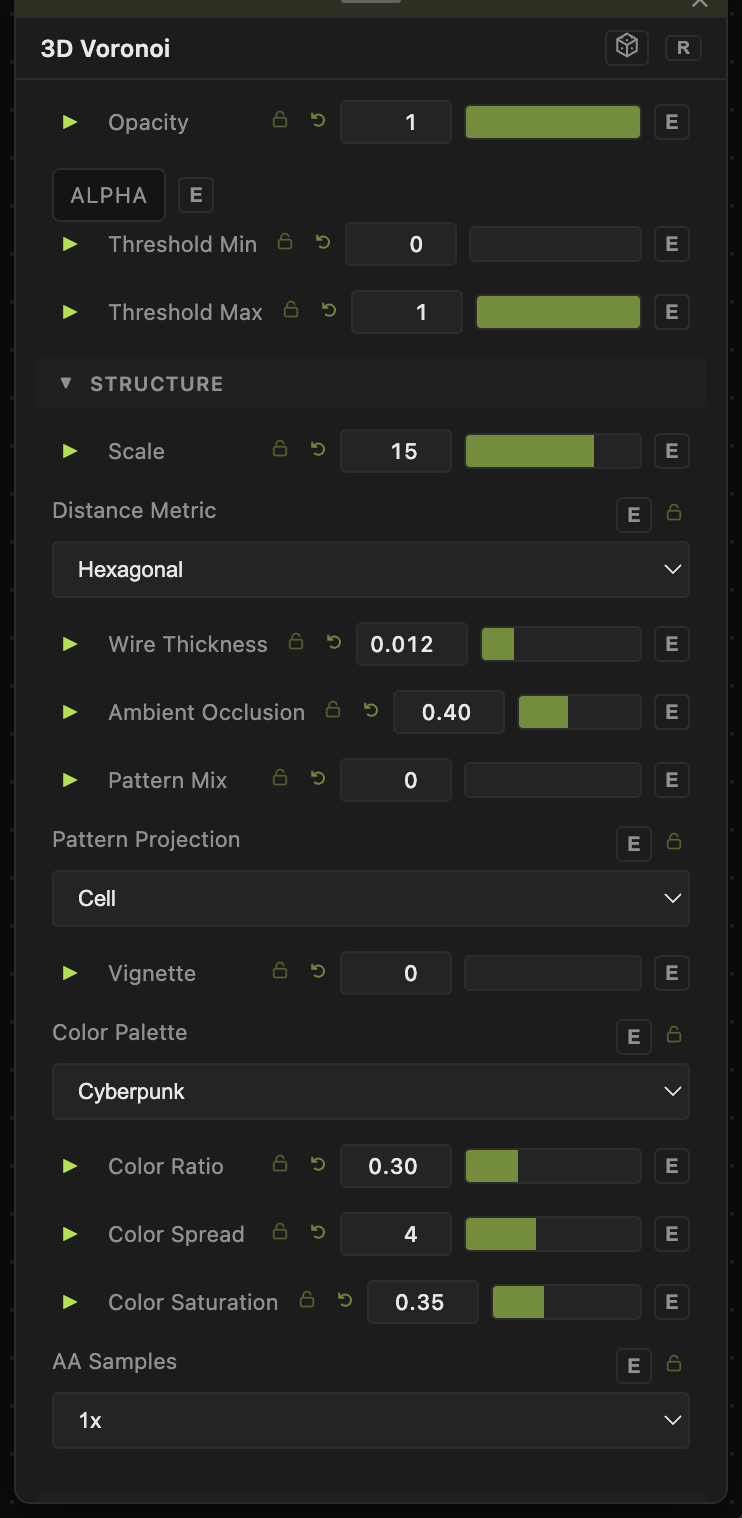
Opacity, Blend Mode, ALPHA, Invert Alpha, Threshold Min / Threshold Max — the standard operator header. Thresholds remap output luminance after rendering; see Perlin Noise for details.
Structure
- Scale (1–20, default 15) — cell density. Higher values pack more, smaller blocks into the frame. Separate from the Transform group's Scale below.
- Distance Metric — the distance function that shapes the cells. Hexagonal (default) produces the extruded isometric-block look; Euclidean gives rounded organic cells; Manhattan gives diamond-shaped cells.
- Wire Thickness (0–0.3, default 0.012) — width of the dark edge lines along cell boundaries. 0 disables the wireframe.
- Ambient Occlusion (0–1, default 0.4) — darkens the crevices where cells meet, reinforcing the 3D read.
- Pattern Mix (0–1, default 0) — the fraction of cells that sample the Input texture onto their faces. At 0 the input is ignored; at 1 nearly every cell is textured.
- Pattern Projection — how the Input texture maps onto a textured cell: Cell (cell-local UVs, each block gets its own copy), Planar (screen-space, the texture reads through the blocks), Radial (mapped by angle and distance from the cell center), Tile (repeating tiles across the field).
- Vignette (0–1, default 0) — darkens the frame corners.
- Color Palette — the hue range cells draw from: Cyberpunk (default), Spectrum, Ocean, Sunset, Forest, Neon, Pastel, Monochrome, Fire, Arctic, Rainbow.
- Color Ratio (0–1, default 0.3) — the fraction of cells that keep their palette color; the rest render grayscale. 1 colors every cell.
- Color Spread (0–10, default 4) — how widely cell hues vary across the palette. Low values cluster cells around one hue.
- Color Saturation (0–1, default 0.35) — color intensity. 0 is fully grayscale regardless of palette.
- AA Samples — 1x (default) or 4x supersampling. 4x smooths cell edges at roughly four times the shading cost.
Transform
- Seed (0–99999) — selects a different cell layout.
- Scale (0.01–10, default 1) — uniform zoom on the whole field, compounding with the Structure group's Scale.
- Offset X / Offset Y (−20 to 20) — pan across the cell field.
- Rotation (0–360) — rotates the field around the center, in degrees.
Dynamics
- Motion Rate (0–3, default 0.5) — how fast cell centers drift and blocks reshuffle. 0 freezes the field.
Every slider has a per-parameter animation bar, so any of these can be animated, audio-driven, or MIDI-mapped — see Parameters and Controls.
Pattern Mix example
Wiring a generator into Input and raising Pattern Mix paints that texture onto individual block faces — here a Plasma node at Pattern Mix 0.85:
Troubleshooting
Output is mostly gray — Color Ratio only colors 30% of cells by default, and Color Saturation defaults low. Raise both, or switch to a more vivid Color Palette.
Pattern Mix does nothing — a texture must be wired into Input (the first port, not Composite Input), and only cells brighter than near-black in the source are painted. Pattern Mix is a per-cell probability, so low values texture only a few cells.
The field doesn't move — the node's Motion Rate is 0, or global animation is paused in the transport bar.