Noiserator
One node that offers every noise generator, with a dropdown to switch between them.
The Noiserator node carries the whole noise family behind one dropdown. Pick a noise from the Noise list and only that noise's parameters appear. It is the quick way to audition a family from a single node card without rewiring.

- Same output as the standalone node for whichever noise you select
- Noise dropdown covers Perlin, Simplex, FBM, Ridge, Billow, Voronoi, Worley, 3D Voronoi, Caustics, Plasma, and Curl Noise
- The node card renames itself to the selection
- Found in the node graph under Generators as Noiserator
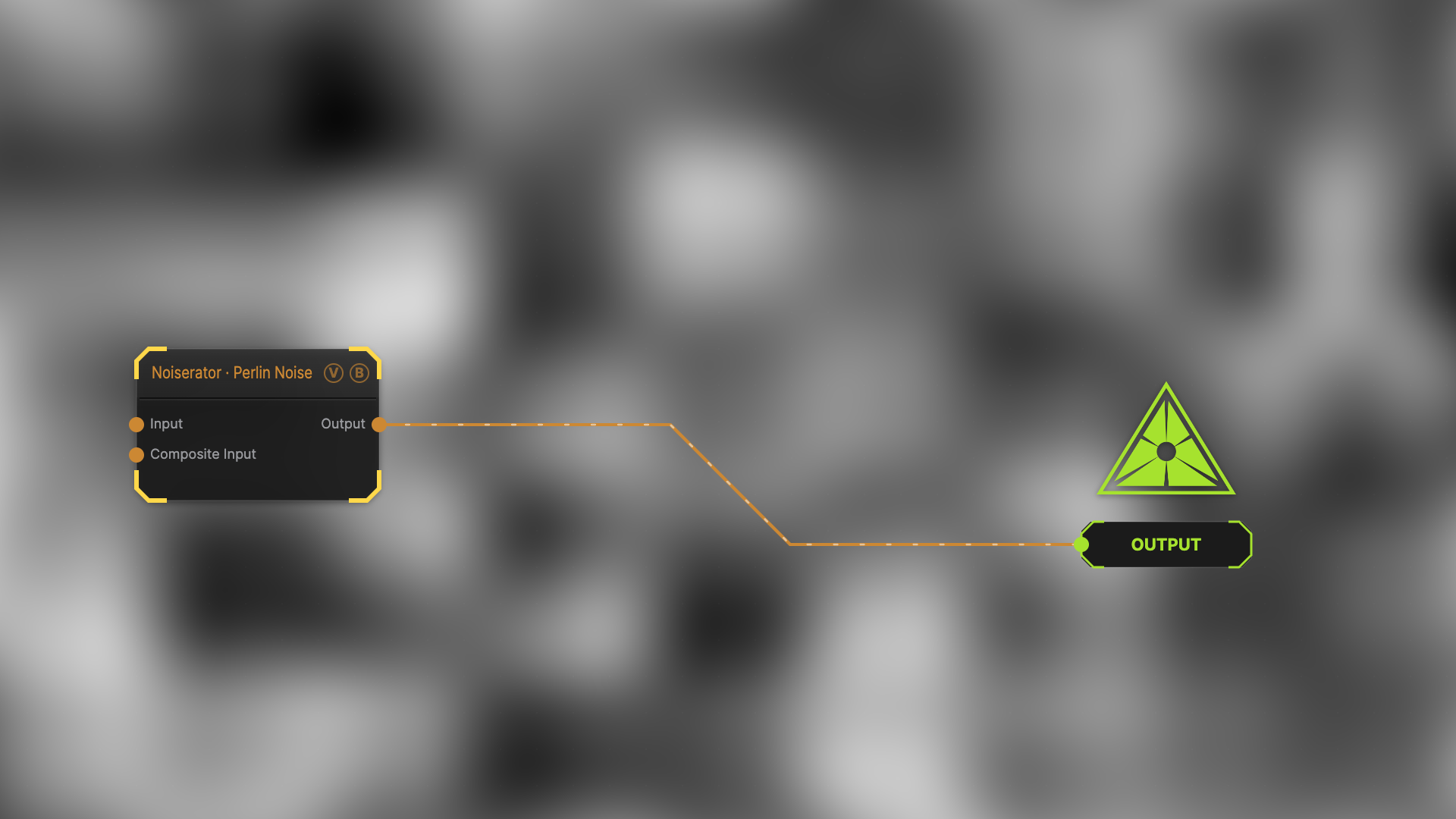
The image on the right is the example patch itself — drag and drop it onto the app (or load it with File → Load) to open the full graph.
Inputs and outputs
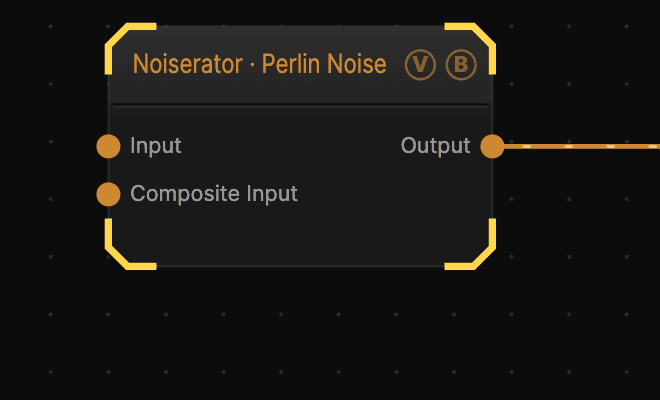
| Port | Type | Purpose |
|---|---|---|
| Displace | Texture | Domain warp: the red and green channels push the sample coordinates by Displace Amount |
| Composite Input | Texture | Composited under the output with Composite Mode and Composite Mix, which appear once the port is wired |
| Output | Texture | The selected noise |
Parameters
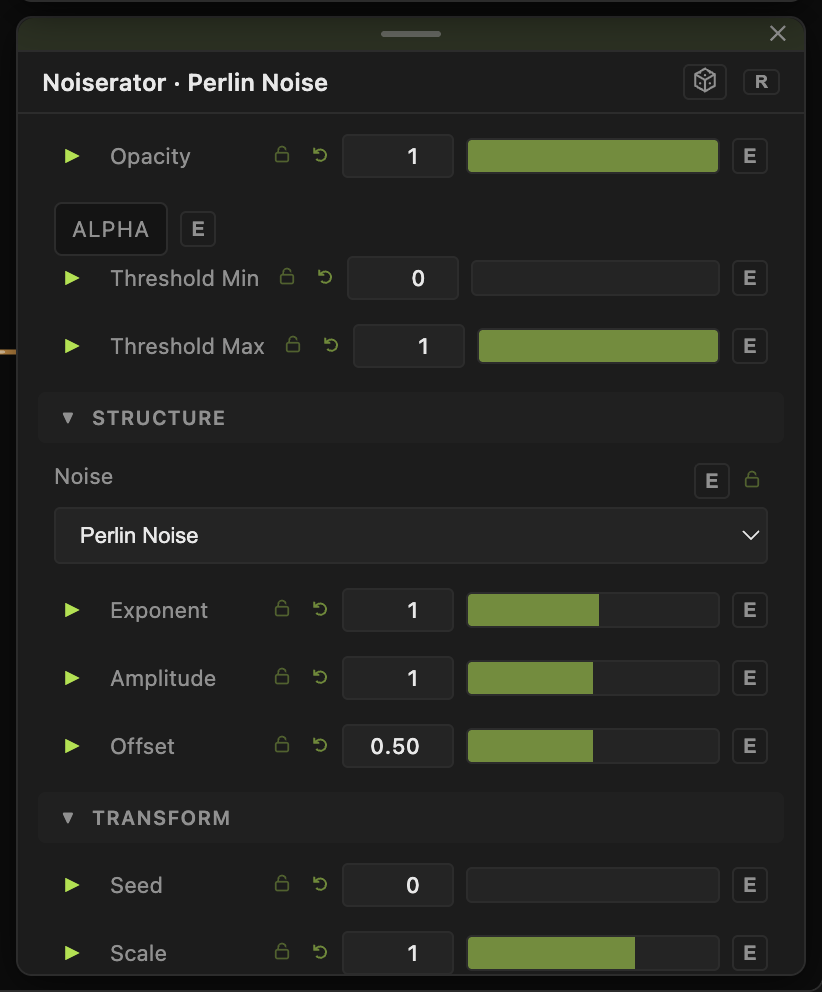
- Noise — which generator runs. Default Perlin.
- Seed, Scale, Scale X / Scale Y, Offset X / Offset Y, Rotation — the shared transform block. These are shared across noises, so they survive a switch.
- Speed — playback rate. It hides for noises that carry their own speed control.
- Exponent, Amplitude, Offset — value shaping, also shared. They hide for the colour noises whose output never reaches the shaping stage.
Below that sit the parameters belonging to the selected noise only. For what each one does, read the page for that generator — the controls are identical.
When to use it instead of a standalone node
Reach for Noiserator while you are still deciding — it lets you flip through eleven generators on a wired-up node and watch the result. Once you know which one you want, the standalone node is easier to read in a finished patch, and every generator is still in the palette under its own name.
Not every generator is in the list. Tech Pattern needs a second input port and Gradient is a colour ramp with its own editor, so both stay standalone.
Troubleshooting
A parameter vanished after switching noise — per-noise parameters are hidden unless their noise is selected. The value is kept; switch back and it returns.
The node is named something else — the card labels itself from the dropdown, so a Noiserator set to Plasma reads Noiserator · Plasma.