Reaction Diffusion
A live Gray-Scott chemical simulation that grows organic Turing patterns — dots, stripes, and mazes that evolve over time.
The Reaction Diffusion node runs a continuous Gray-Scott simulation: two chemicals react and diffuse, growing organic Turing patterns that evolve every frame. Depending on the feed and kill rates it settles into dots, stripes, coral, or labyrinthine mazes. It can be seeded from an input, drawn into with the pointer, and colored through fifteen palettes.
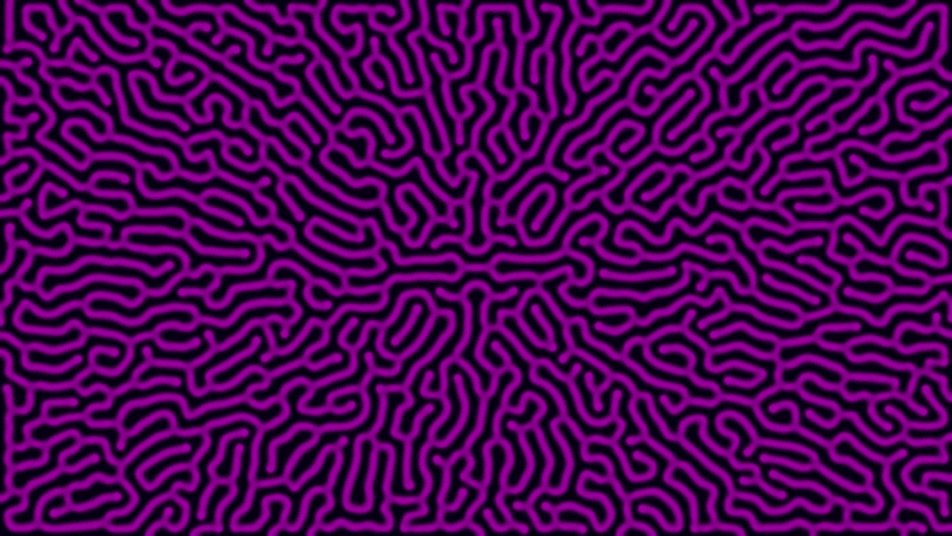
- One texture output; four optional texture inputs (Seed, Kill, Displace, Composite)
- Feed Rate and Kill Rate are the two knobs that decide the pattern type
- The simulation is live — patterns grow and shift over the first seconds
- Found in the node graph under Generators as Reaction Diffusion
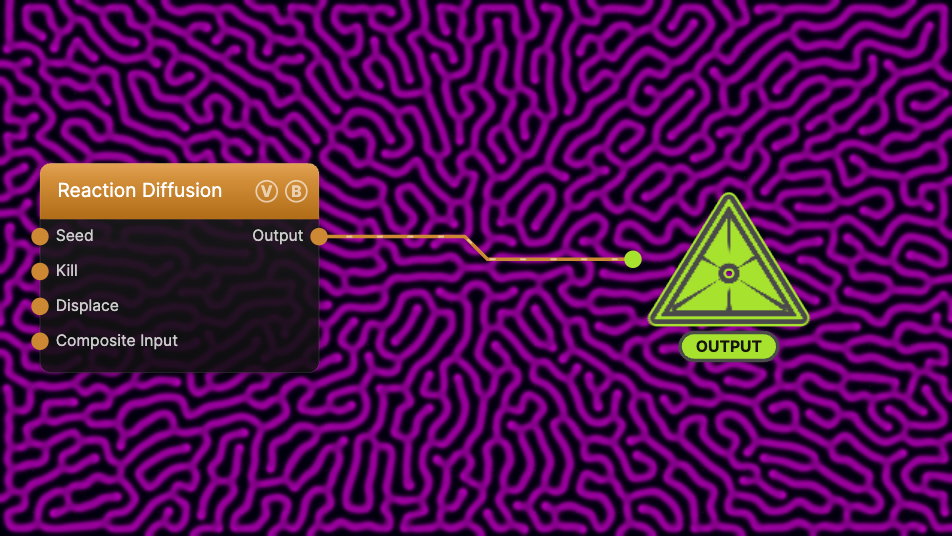
The image on the right is the example patch itself — drag and drop it onto the app (or load it with File → Load) to open the full graph. The simulation grows from scratch when it loads, so give it a few seconds to develop.
Inputs and outputs
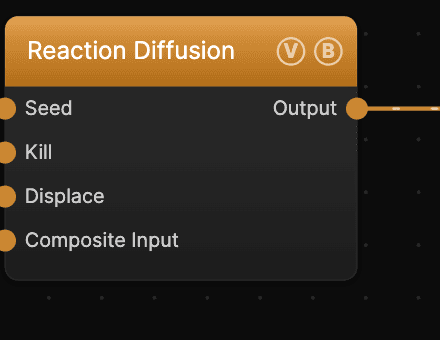
| Port | Type | Purpose |
|---|---|---|
| Seed | Texture | A live texture that continuously seeds the sim — chemical B is injected wherever it is bright (see Seed Strength) |
| Kill | Texture | Modulates the kill rate per pixel, so different regions grow different patterns (see Kill Input Amount) |
| Displace | Texture | Domain-warps the output by its red/green channels (see Displace Input Amount) |
| Composite Input | Texture | Composited over the output using Blend Mode and Opacity |
| Output | Texture | The colored reaction-diffusion field |
Parameters
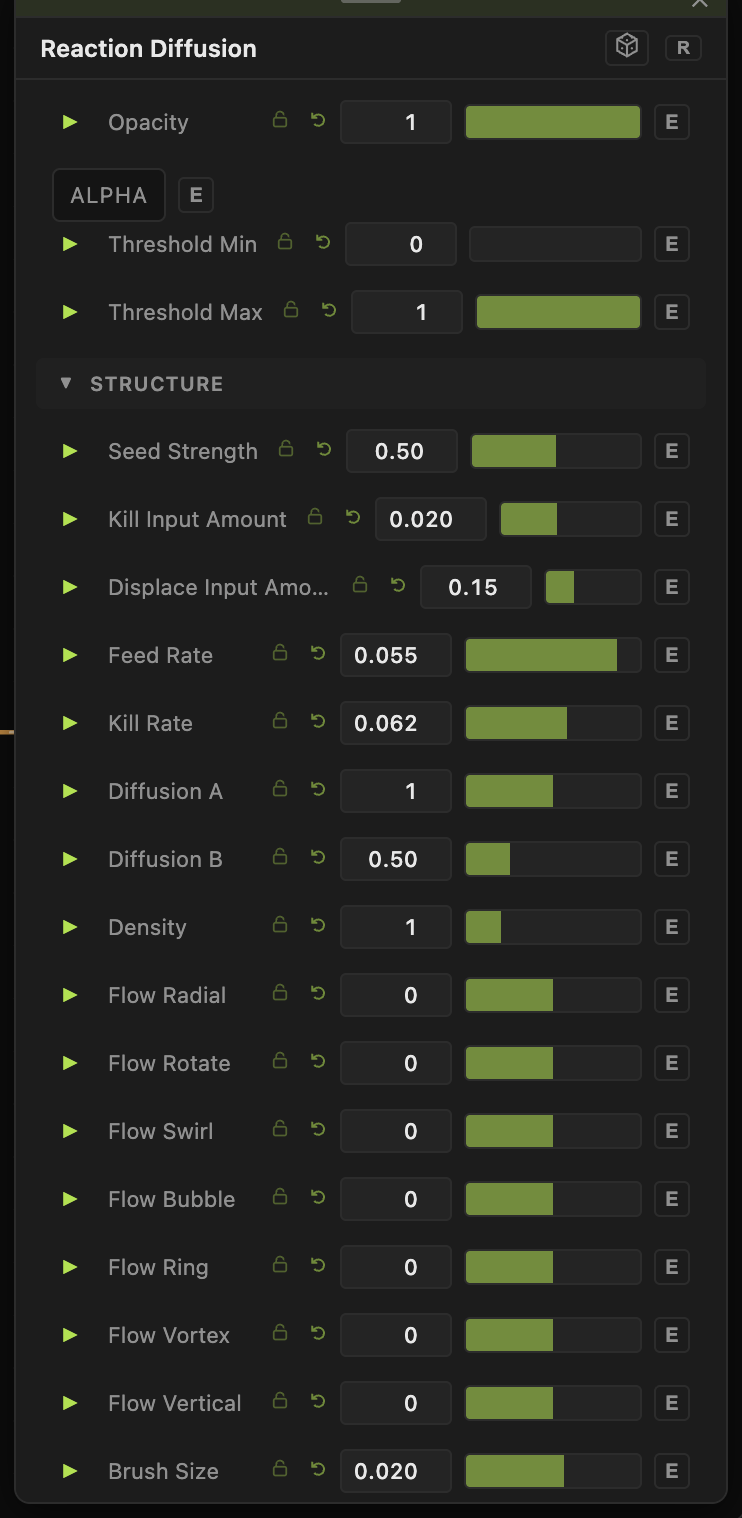
Opacity, Blend Mode, Threshold Min / Threshold Max — the standard operator header; see Perlin Noise.
Reaction
- Feed Rate (0.001–0.1, default 0.055) and Kill Rate (0.01–0.1, default 0.062) — the heart of the sim. Small changes flip the result between dots, stripes, coral, and mazes; explore this pair first.
- Diffusion A / Diffusion B (default 1.0 / 0.5) — how fast each chemical spreads.
- Speed (1–50, default 4) — simulation iterations per frame. Higher settles patterns faster.
- Density (0.25–4, default 1) — the simulation grid density.
Inputs
- Seed Strength (0–1, default 0.5), Kill Input Amount (default 0.02), Displace Input Amount (default 0.15) — how strongly the Seed, Kill, and Displace inputs act.
Flow
- Flow Radial / Rotate / Swirl / Bubble / Ring / Vortex / Vertical and Swirl — advect the chemicals along built-in flow fields for directional, moving patterns.
- Mirror X / Mirror Y — symmetry.
Color & output
- Color Mode — fifteen palettes (Grayscale, Blue-White, Fire, Ocean, Neon, Thermal, Lava, Rainbow, …). Invert flips the field.
- Output Mode — Default or Normal Map (with Normal Depth) to drive lighting downstream.
Every slider has a per-parameter animation bar, so any of these can be animated, audio-driven, or MIDI-mapped — see Parameters and Controls.
Troubleshooting
Pattern dies out to flat — some Feed Rate / Kill Rate combinations are unstable and fade. Nudge the pair back toward the defaults (0.055 / 0.062) and reseed.
It never changes — the sim needs the app to be running and the window active; if patterns look frozen, check that global animation isn't paused.