Custom GLSL
A generator node that runs your own fragment shader, with declared uniforms auto-exposed as animatable sliders.
The Custom GLSL node runs a fragment shader you write directly in the node's parameter panel. Any uniform you declare becomes a slider, so a few lines of GLSL produce a fully controllable, animatable generator.
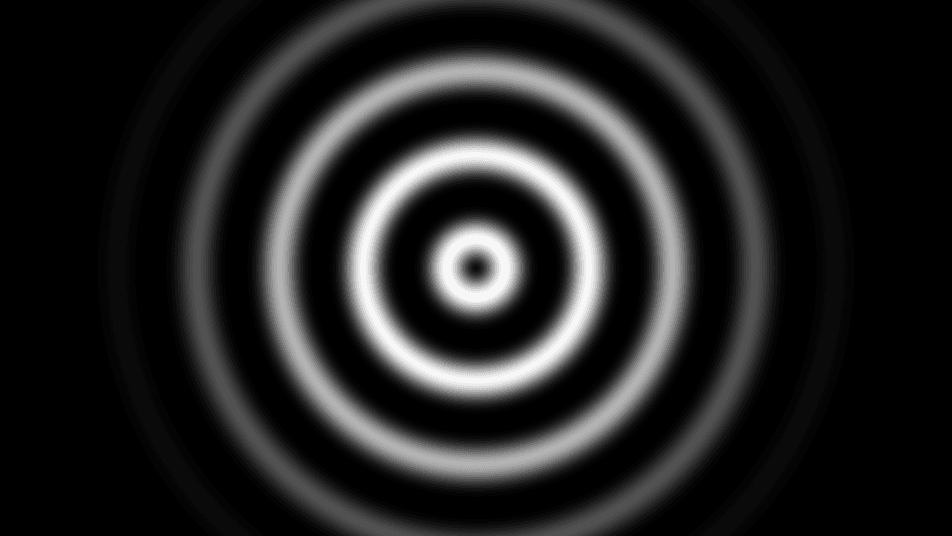
- One texture output; a texture input readable from the shader, plus a composite input
- A code editor with live compile, Shadertoy conversion, and ISF support
- Found in the node graph under Generators in the add-node menu
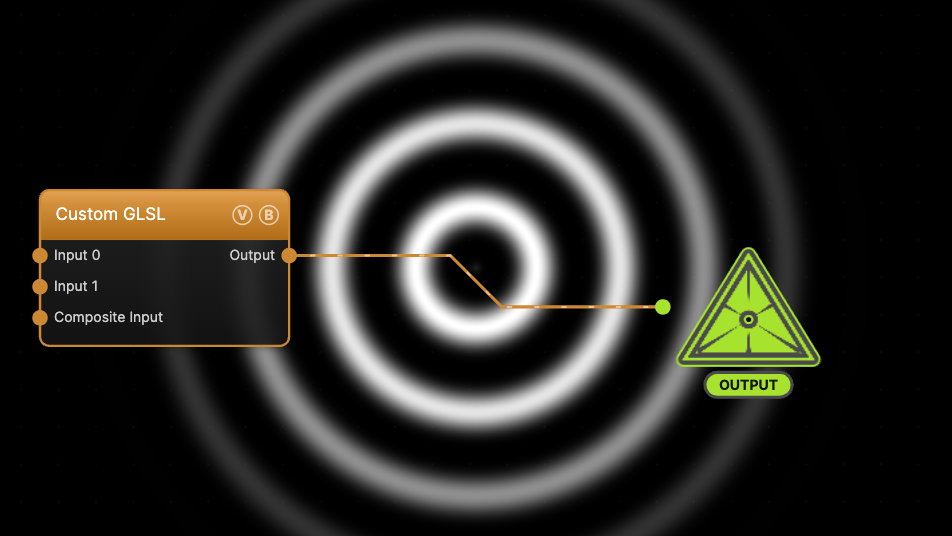
The image on the right is the example patch itself — drag and drop it onto the app (or load it with File → Load) to open the full graph. It contains the ring shader shown above, with two custom uniforms (rings, glow) exposed as sliders.
Inputs and outputs
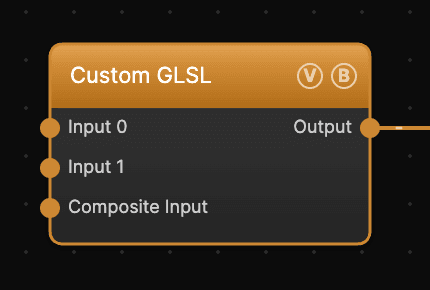
| Port | Type | Purpose |
|---|---|---|
| Input 0 | Texture | Available inside the shader as uTexture (or iChannel0 in Shadertoy-style code) |
| Input 1 | Texture | Present on the node but not currently passed to the shader in graph evaluation |
| Composite Input | Texture | Composited under the output with Composite Mode and Composite Mix, which appear once the port is wired |
| Output | Texture | Whatever your shader writes to gl_FragColor |
Parameters
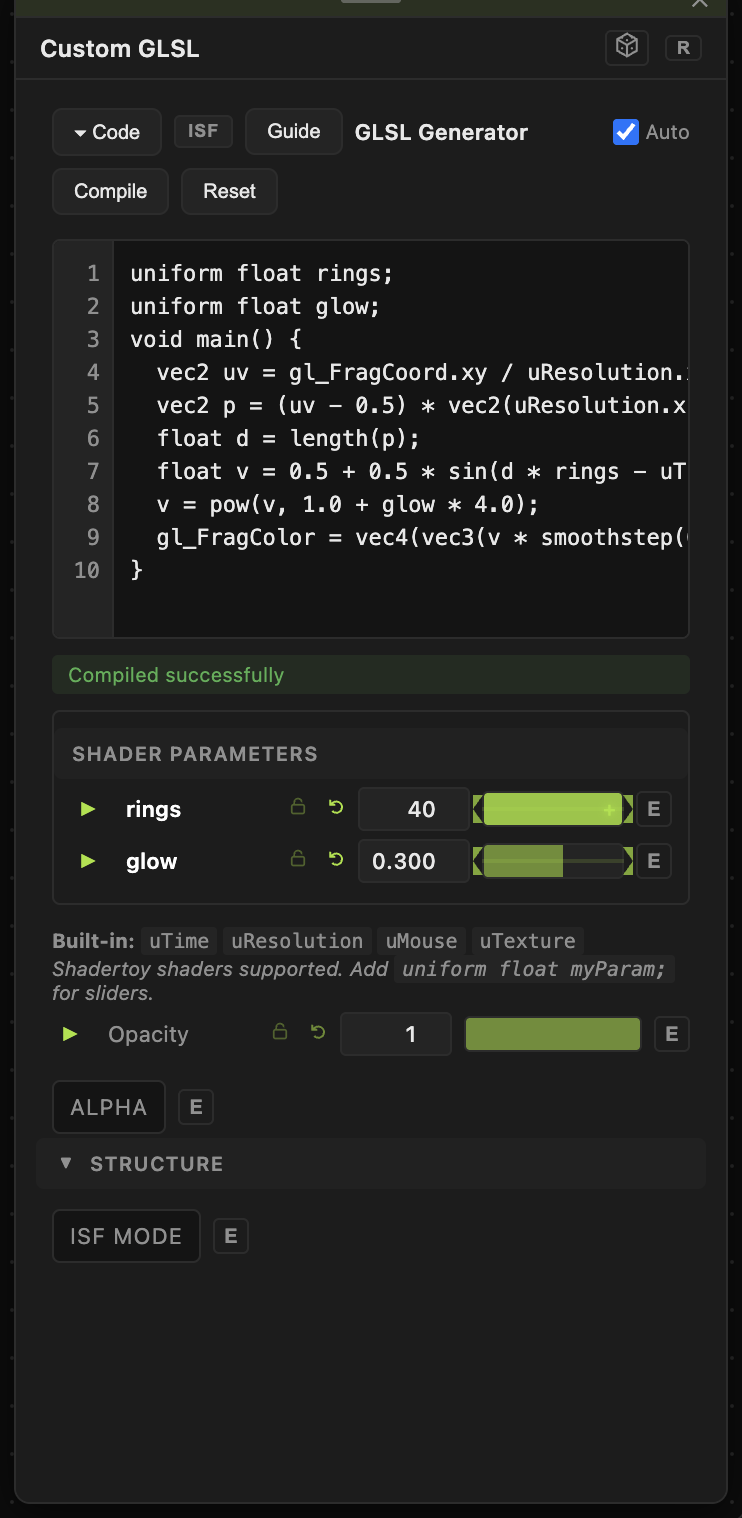
Opacity, Blend Mode, ALPHA — the standard operator header.
- GLSL Code — the shader source, edited in the panel's code editor. With Auto checked the shader recompiles as you type; otherwise click Compile. Compile errors appear below the editor with a line number.
- ISF MODE — treats the source as an ISF (Interactive Shader Format) shader: the JSON header's
INPUTSbecome parameters with their declared types, ranges, and defaults. - Shader Parameters — every
uniform float,vec2,vec3,vec4, orintyou declare is auto-detected and listed here as a control. Each gets the standard per-parameter animation bar, so custom uniforms can be animated, audio-driven, or MIDI-mapped like any built-in parameter — see Parameters and Controls.
Built-in uniforms available in every shader: uTime (float, animation time), uResolution (vec2, pixels), uMouse (vec2, normalized), uTexture (sampler2D, Input 0). Shadertoy conventions (iTime, iResolution, mainImage(...)) are converted automatically on compile.
For the full shader-writing reference — ISF header format, Shadertoy conversion details, uniform annotations — see Custom GLSL Shaders.
Troubleshooting
Node renders black after loading a patch or preset — if the stored code has a compile error, the node stays black; select it and check the message under the editor. Valid code compiles automatically on first evaluation, no click required.
A texture wired into Input 1 does nothing — only Input 0 reaches the shader. Rewire to Input 0.
My uniform slider has a useless range — the auto-detected range is a guess. Type an exact value into the number field, or use ISF MODE and declare MIN/MAX in the header for precise ranges.