Rain
Rain-drop ripples with refraction that distort the layers composited below them.
The Rain node draws animated rain-drop ripples with refractive distortion. Placed above other layers, it warps what shows through — the ripples bend the image below like water on glass.
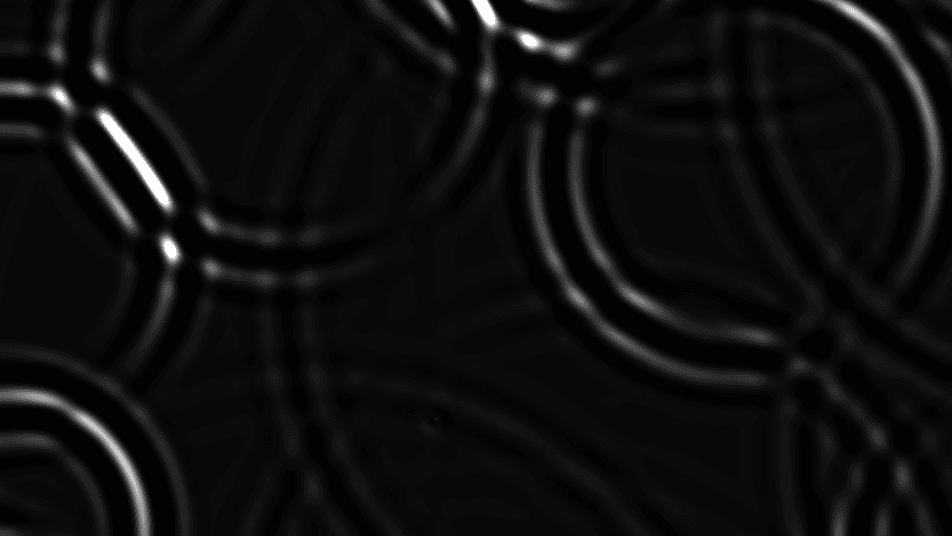
- One texture output; two optional texture inputs (the image to distort, and composite)
- Density, speed, distortion, and highlight controls
- Reads best stacked over another generator so the ripples have something to refract
- Found in the node graph under Generators as Rain
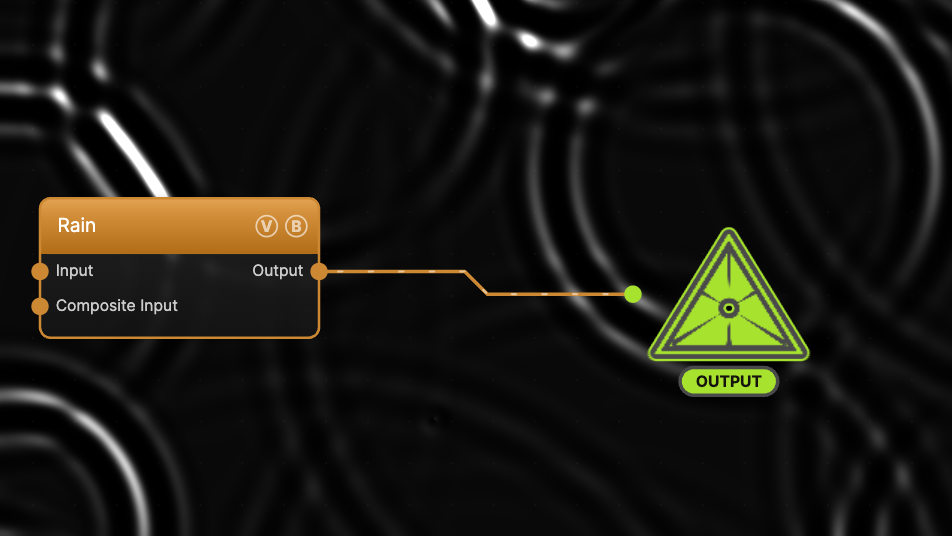
The image on the right is the example patch itself — drag and drop it onto the app (or load it with File → Load) to open the full graph.
Inputs and outputs
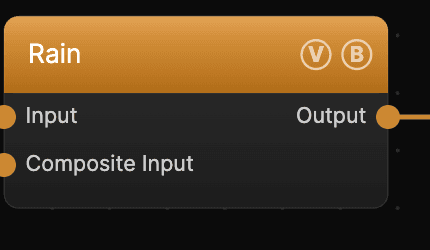
| Port | Type | Purpose |
|---|---|---|
| Input | Texture | The image the ripples refract; wire a generator here to distort it through the rain |
| Composite Input | Texture | Composited over the output using Blend Mode and Opacity |
| Output | Texture | The rippled, refracted result |
Parameters
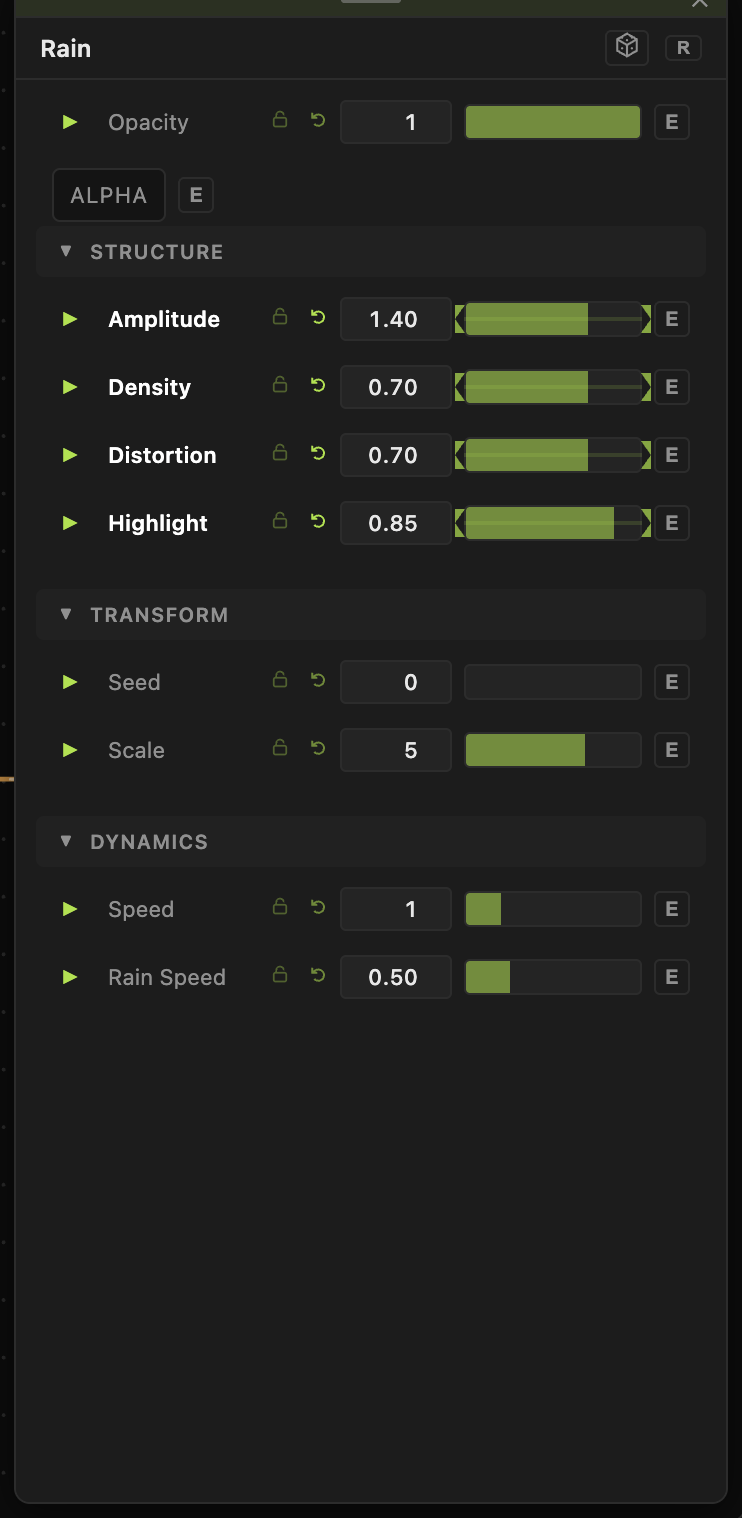
Opacity, Blend Mode — the standard operator header; see Perlin Noise.
Structure
- Scale (0.1–30, default 5) — the size of the ripple field; higher values pack in more, smaller drops.
- Amplitude (0–2, default 1) — overall strength of the effect.
- Density (0–1, default 0.5) — how many drops fall at once.
- Distortion (0–1, default 0.5) — how strongly the ripples refract the input.
- Highlight (0–1, default 0.3) — brightness of the ripple rims. Raise it to make the rain read on a dark background.
Dynamics
- Speed (0–5, default 1) and Rain Speed (0–2, default 0.5) — the global rate and the drop fall rate. 0 freezes the rain.
Transform
- Seed picks the drop pattern.
Every slider has a per-parameter animation bar, so any of these can be animated, audio-driven, or MIDI-mapped — see Parameters and Controls.
Troubleshooting
Rain is barely visible — on a black background only the ripple highlights show. Wire an image into Input or stack Rain over another layer, and raise Highlight.
Rain doesn't move — Speed or Rain Speed is 0, or global animation is paused in the transport bar.
Related
Caustics
Plasma
Rain is based on a shader by Zavie / Ctrl-Alt-Test, from the 64kB intro H — Immersion.