Bit Glyphs
Generates a grid of procedural bit-pattern sprites — invaders, runes, sigils — with per-bit animation and HSV color schemes.
The Bit Glyphs node fills a grid with procedurally generated bit sprites in the style of space invaders, runes, or cuneiform. Each cell gets a unique glyph derived from the seed, and individual bits oscillate over time.
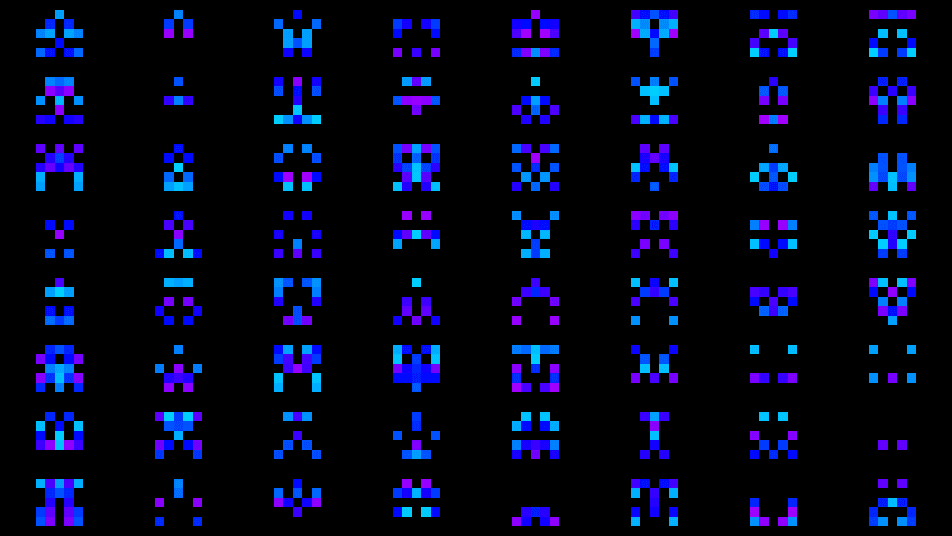
- One texture output; the pattern is self-contained (no texture input is used)
- Nine glyph formulas, four color schemes, and a literal Columns × Rows grid
- Found in the node graph under Generators in the add-node menu
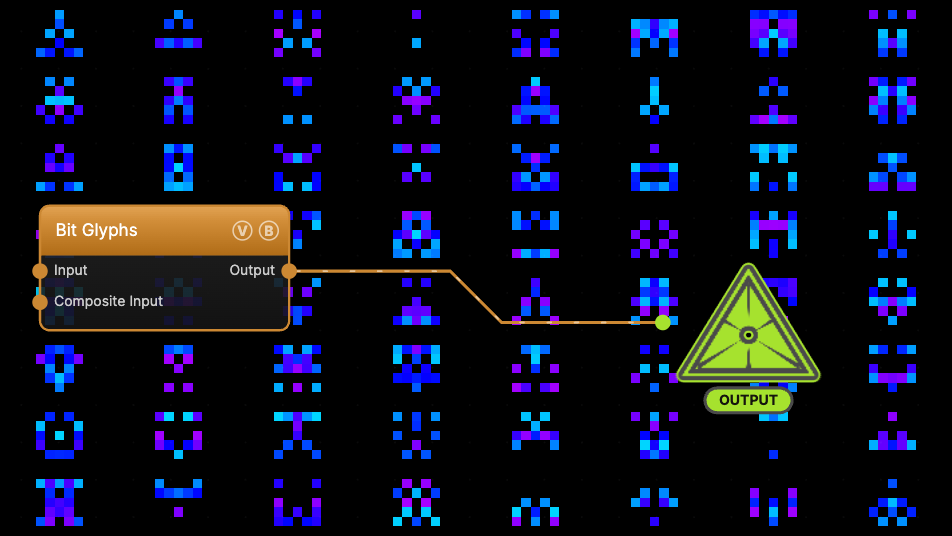
The image on the right is the example patch itself — drag and drop it onto the app (or load it with File → Load) to open the full graph.
Inputs and outputs
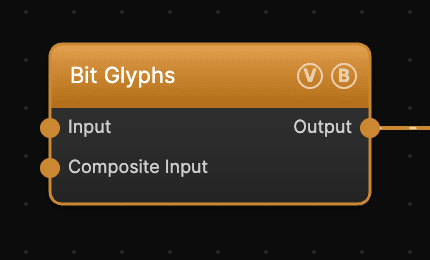
| Port | Type | Purpose |
|---|---|---|
| Input | Texture | Present on the node but not read — the pattern is fully procedural |
| Composite Input | Texture | Composited under the output with Composite Mode and Composite Mix, which appear once the port is wired |
| Output | Texture | The glyph grid on a black background |
Parameters
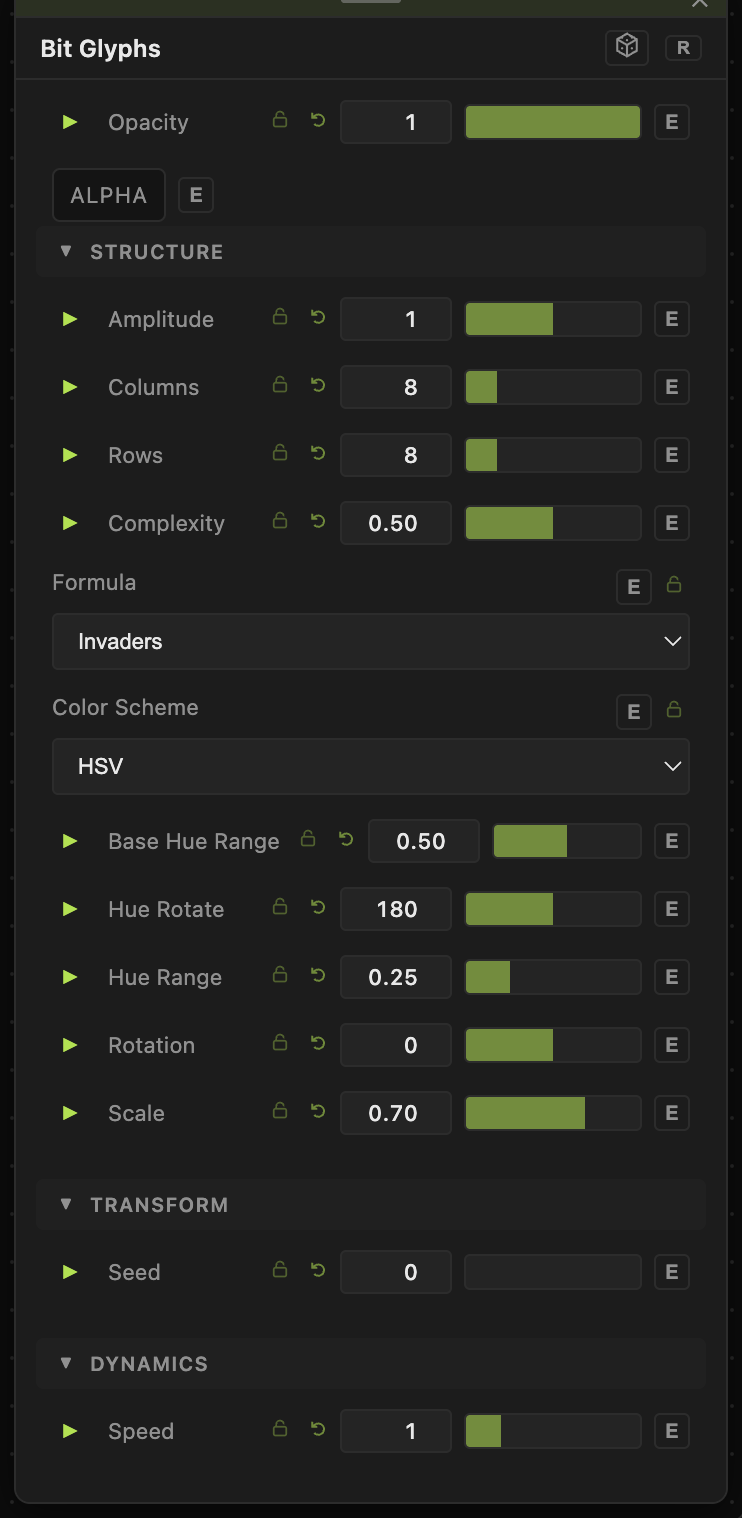
Opacity, Blend Mode, ALPHA — the standard operator header.
Structure
- Amplitude (0–2, default 1) — output brightness multiplier.
- Columns / Rows (1–40, default 8/8) — the exact cell grid. Fractional values slide partial cells in from the edges.
- Complexity (0–1, default 0.5) — how many bits are set per glyph. Low values give sparse, minimal sprites; high values give dense masses.
- Formula — the glyph construction style. Invaders / Wide Invaders mirror bits for the classic symmetric-alien look; Glyphs, Arecibo, Alien Totem, and Bio Spore vary the sprite grid and bit distribution; Runes, Sigils, and Cuneiform build from whole row/column strokes instead of speckle, so they read as symbolic marks.
- Color Scheme — Black & White (bits render white), Just Hue (per-bit hue, saturation, and value all vary), Hue + Saturation (full brightness, varied saturation), HSV (default; full saturation and value — brightest output).
- Base Hue Range (0–1, default 0.5) — how far the per-seed base hue can wander. Hue Rotate (0–360, default 180) shifts all hues. Hue Range (0–1, default 0.25) — per-bit hue variation within a glyph.
- Rotation (−180 to 180, default 0) — rotates the whole grid around the center.
- Scale (0.05–1, default 0.7) — glyph size within its cell; lower values add padding between sprites.
Transform
- Seed (0–99999) — picks a different set of glyphs.
Dynamics
- Speed (0–5, default 1) — the per-bit oscillation rate; bits fade in and out with individual phases. 0 freezes every glyph.
Every slider has a per-parameter animation bar, so any of these can be animated, audio-driven, or MIDI-mapped — see Parameters and Controls.
Examples
Space-invader wall — Formula Invaders, Columns/Rows 8, Complexity 0.5, Color Scheme HSV: the default look, one alien per cell.
Stone tablet — Formula Cuneiform, Color Scheme Black & White, Complexity 0.7, Speed 0: static rows of wedge marks.
Troubleshooting
Glyphs flicker constantly — that is the per-bit oscillation. Set Speed to 0 for a static pattern.
Everything is white — Color Scheme is Black & White; pick HSV or Just Hue for color.
A wired input texture does nothing — expected. Bit Glyphs is fully procedural; only Composite Input affects the output.