Datastream
Scrolling pulse strips with per-strip speed variation, trails, and glow, optionally colorized by an input texture.
The Datastream node draws horizontal, vertical, or diagonal strips with bright pulses scrolling along them. Each strip scrolls at its own randomized speed, with a trailing fade and soft glow — a data-flow read on any output.
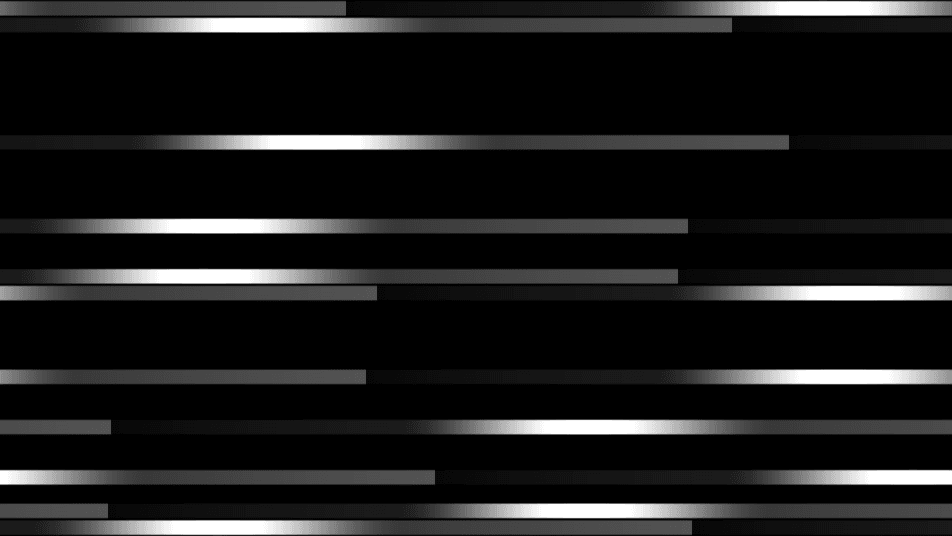
- One texture output; a colorize input and a composite input
- Strip controls (Density, Scroll Speed, Pulse Width, Fade, Glow) and a Direction selector
- Found in the node graph under Generators in the add-node menu
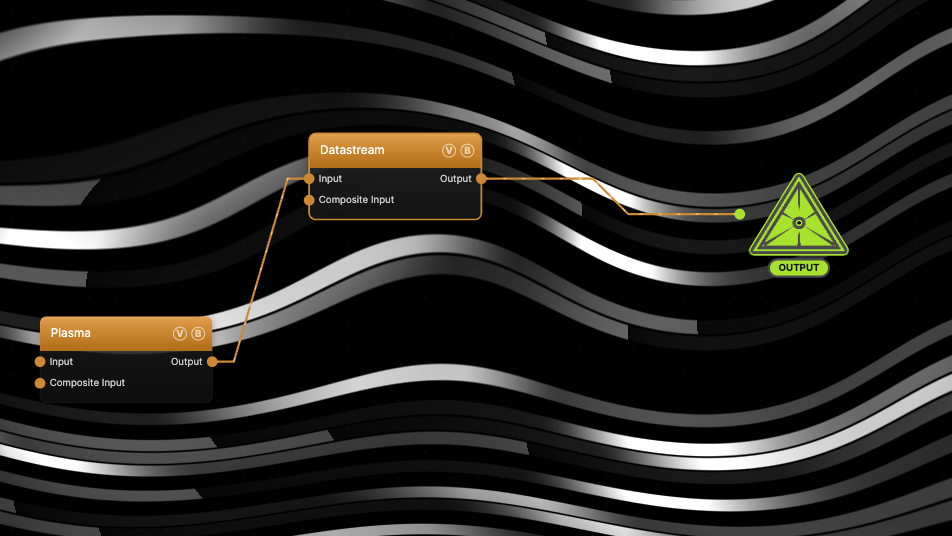
The image on the right is the example patch itself — drag and drop it onto the app (or load it with File → Load) to open the full graph. It wires a Plasma node into the Input port with Input Blend at 0.8, so the strips take their color from the plasma field.
Inputs and outputs
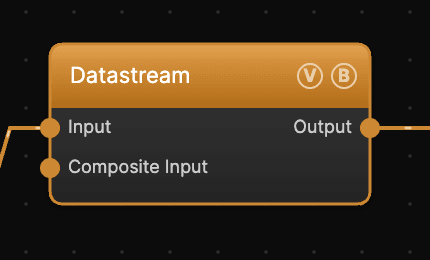
| Port | Type | Purpose |
|---|---|---|
| Input | Texture | Colorize source — strip brightness multiplies this texture's color when Input Blend is above 0 |
| Composite Input | Texture | Composited under the output with Composite Mode and Composite Mix, which appear once the port is wired |
| Output | Texture | The strip pattern — white on black by default, colorized when Input Blend is up |
Parameters
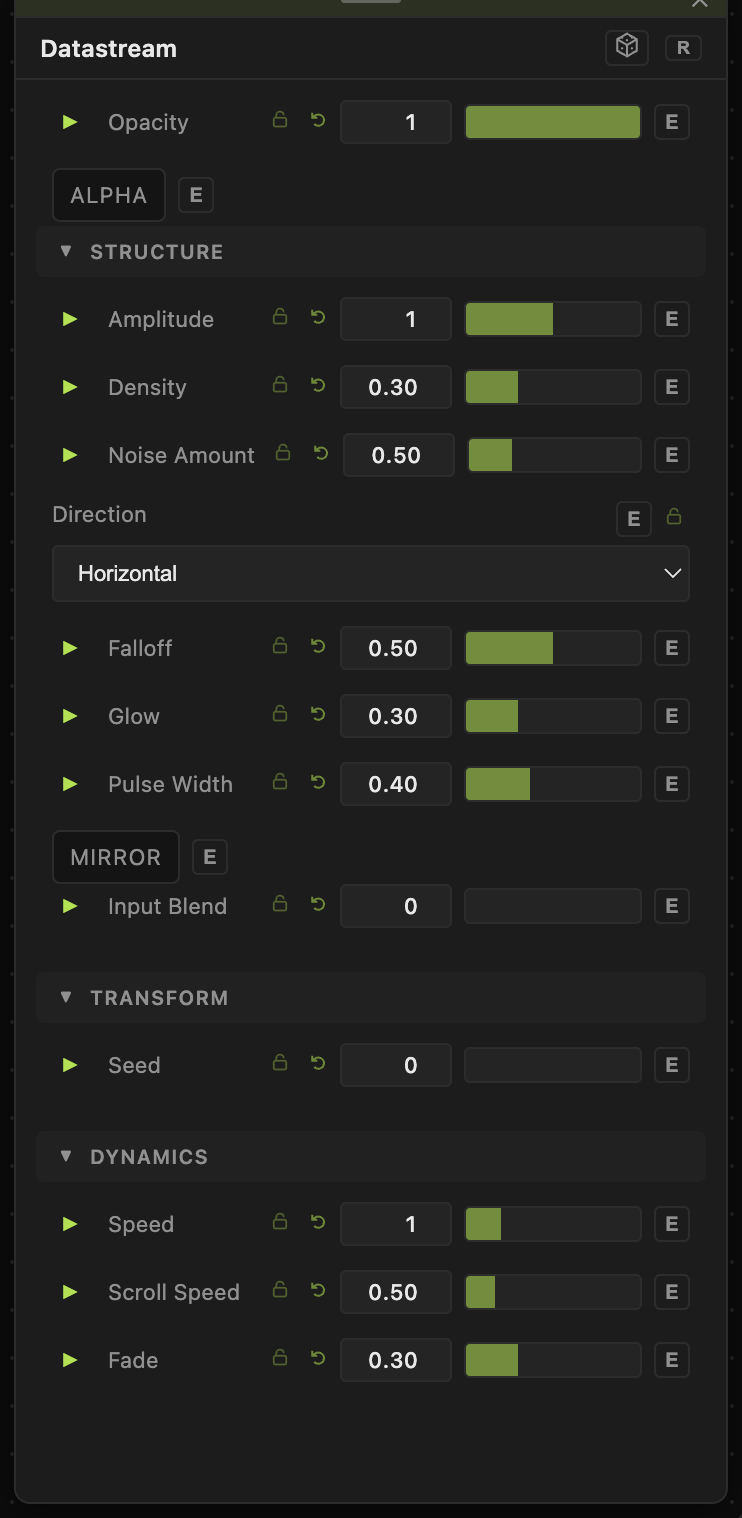
Opacity, Blend Mode, ALPHA — the standard operator header.
Structure
- Amplitude (0–2, default 1) — output brightness multiplier.
- Density (0–1, default 0.3) — the fraction of the 32 fixed strip lanes that are active. 1 lights every lane.
- Noise Amount (0–2, default 0.5) — per-strip positional wobble, so pulses don't march in lockstep.
- Direction — Horizontal (default), Vertical, or Diagonal strip orientation.
- Falloff (0–1, default 0.5) — edge softness between neighboring strips.
- Glow (0–1, default 0.3) — a soft halo around each pulse.
- Pulse Width (0.05–1, default 0.4) — the length of the bright bar on each strip.
- Mirror — mirrors the strip pattern across the center line for bilateral symmetry.
- Input Blend (0–1, default 0) — how much the Input texture colorizes the strips. 0 = white strips, 1 = fully input-colored.
Transform
- Seed (0–99999) — re-rolls which lanes are active and their speeds.
Dynamics
- Speed (0–5, default 1) — overall animation rate.
- Scroll Speed (0–3, default 0.5) — how fast pulses travel along their strips; each strip randomizes around this base rate.
- Fade (0–1, default 0.3) — the trailing tail behind each pulse.
Every slider has a per-parameter animation bar, so any of these can be animated, audio-driven, or MIDI-mapped — see Parameters and Controls.
Examples
Terminal traffic — defaults with Density 0.5 and Direction Vertical: sparse packets falling down the frame.
Colorized stream — any colorful generator into Input, Input Blend 0.8: the pulses carry the source's colors (this is the example patch).
Troubleshooting
Output is completely black — Density rolls each lane against the seed; at very low values (or an unlucky Seed) no lane activates. Raise Density or change Seed.
Wiring a texture into Input does nothing — Input Blend is 0 by default; raise it to blend the input's color in.
Strips have no visible pulse, just solid bars — Pulse Width near 1 with high Fade fills the whole strip. Lower both to restore discrete pulses.