Text
Live typography generator — renders styled text with fonts, alignment, color, and per-character animation.
The Text node renders live typography into the graph. Type any string, pick a system font and weight, and style it with color, blur, and alignment. Per-character animation and buildup effects turn static text into motion.
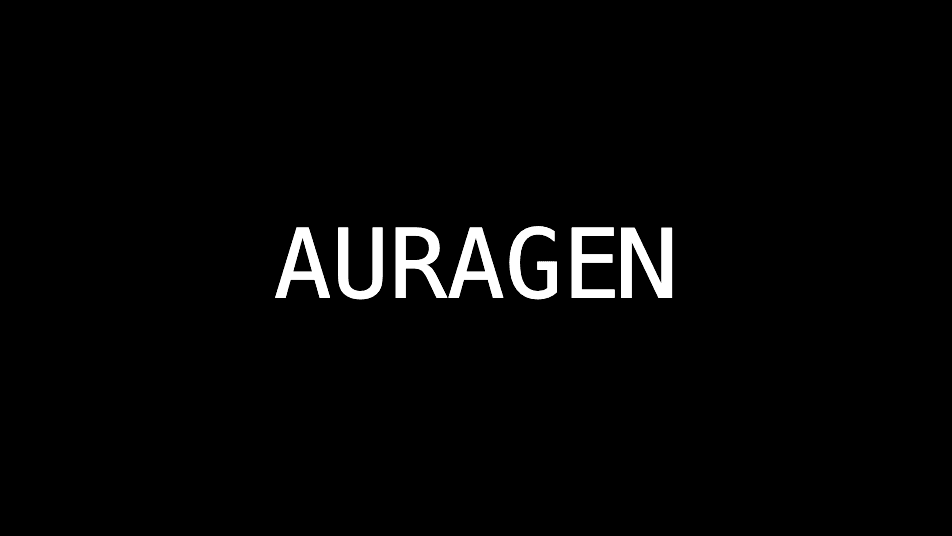
- One texture output; one optional composite input
- Full font, size, spacing, alignment, and color controls
- Character-level Animation, Randomize, and Buildup effects
- Found in the node graph under Generators as Text
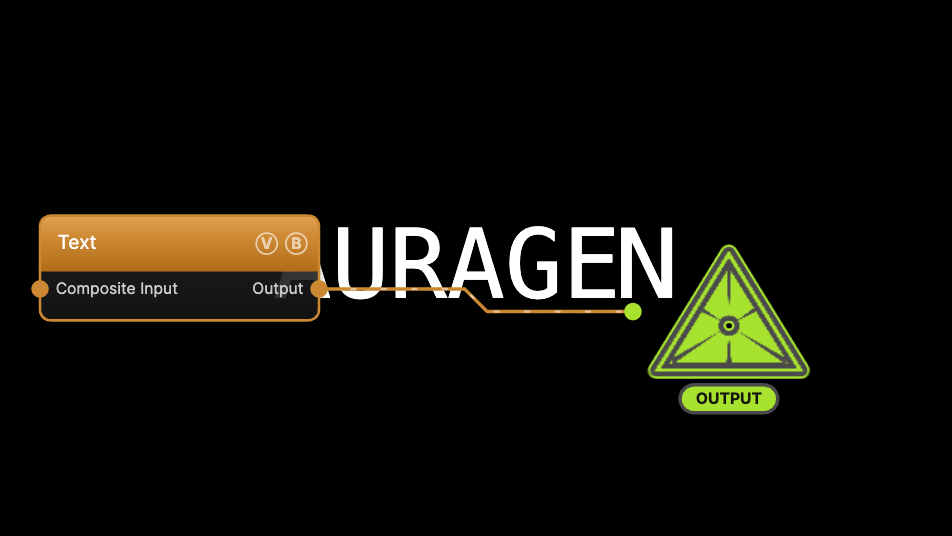
The image on the right is the example patch itself — drag and drop it onto the app (or load it with File → Load) to open the full graph.
Inputs and outputs
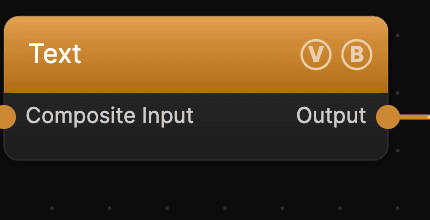
| Port | Type | Purpose |
|---|---|---|
| Composite Input | Texture | Composited over the text using the node's Blend Mode and Opacity |
| Output | Texture | The rendered text on the background color |
Parameters
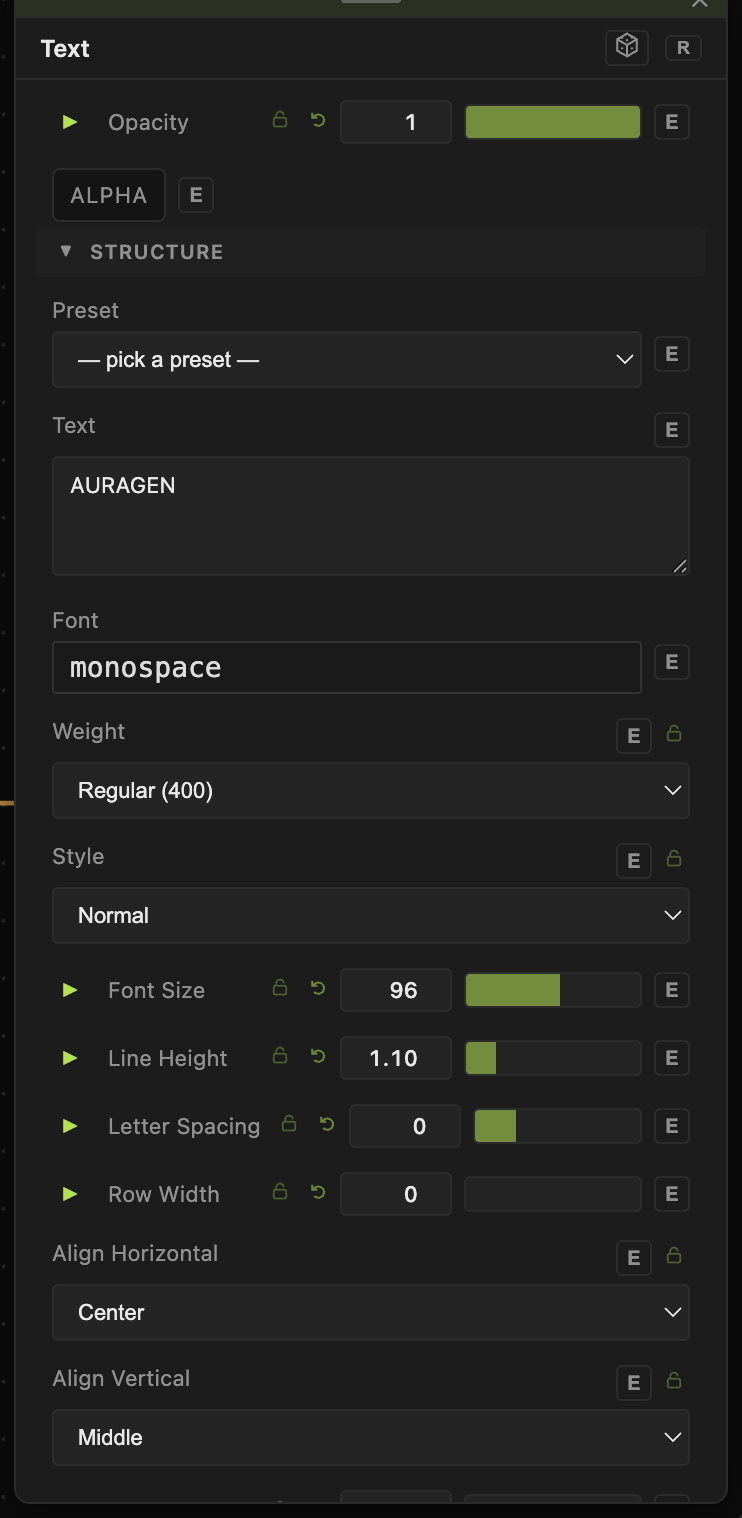
Opacity, Blend Mode — the standard operator header; see Perlin Noise.
Text
- Text (default
AURAGEN) — the string to render; multiple lines are supported. Preset loads sample strings. - Font — pick from your installed system fonts. Weight (Thin–Black) and Style (Normal / Italic).
- Font Size (6–1024, default 96), Line Height (default 1.1), Letter Spacing.
- Align Horizontal / Align Vertical, Position X / Position Y, Rotation.
Appearance
- Text Color (default white) and Background (default black), each with an Alpha.
- Hue / Saturation / Lightness and Blur — post adjustments on the rendered text.
Animation
- Animation — a per-character motion preset: Roulette, Wave, Scale Wobble, Color Cycle, Shake, Marquee, or Decode.
- Randomize — Rnd Amount / Rnd Speed / Rnd Type (All Chars, Per Word, Per Line, Char Substitute) scramble characters over time.
- Buildup From / Buildup To — reveal or hide the string progressively; animate these to type-on or erase the text.
Every slider has a per-parameter animation bar, so any of these can be animated, audio-driven, or MIDI-mapped — see Parameters and Controls.
Troubleshooting
Font doesn't change — the picker lists fonts installed on your system; a name the OS can't resolve falls back to the default. Pick from the list rather than typing.
Text is clipped — lower Font Size or adjust Position X/Y; large sizes can push the string past the frame.
Background covers a layer below — lower the Background Alpha to 0 for transparent text, then composite over another generator.