Morphology
Erodes, dilates, opens, or closes the picture with a shaped kernel.
The Morphology node grows or shrinks the bright areas of the picture. Erode shrinks them, Dilate grows them, Open and Close combine the two to clean up masks.
- Operation, Kernel Size, Shape, Iterations
- A POI X / Y anchor for the kernel
- Found in the node graph under Post FX → Morphology
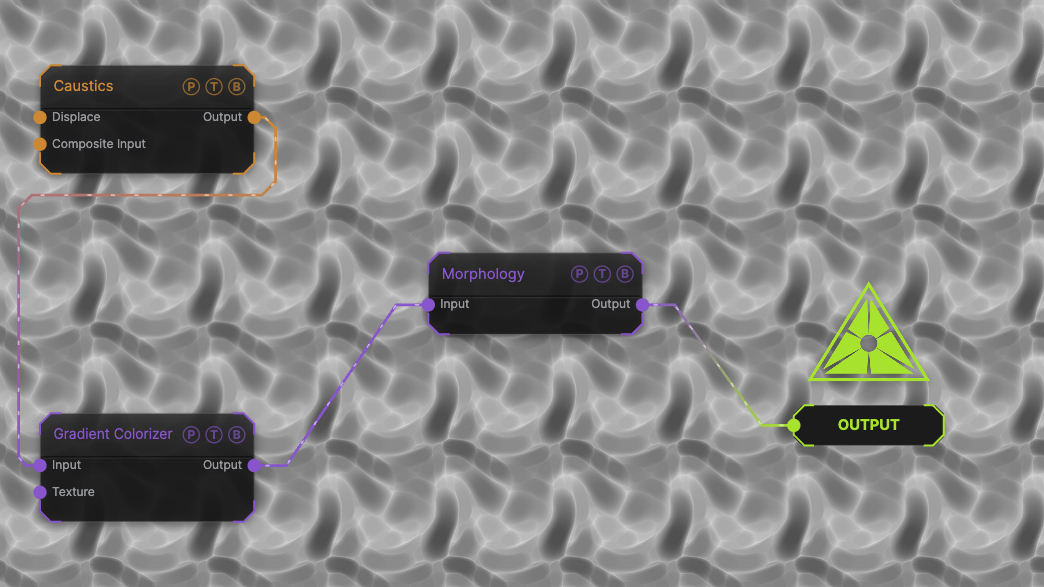
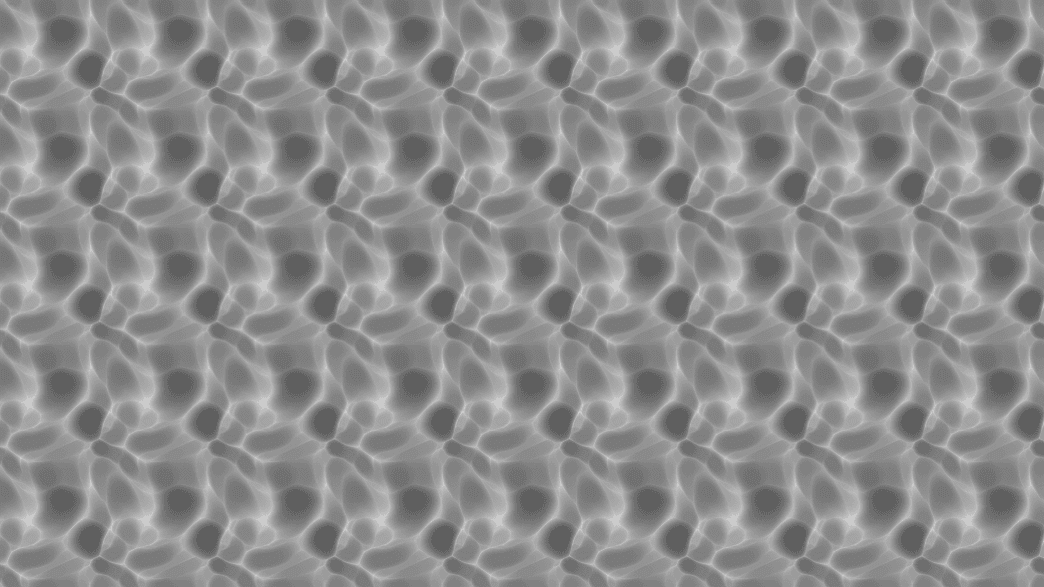
The image on the right is the example patch itself. Drag and drop it onto the app, or load it with File → Load, to open the full graph. A Caustics field, run through a Gradient Colorizer, eroded with the default 8-pixel circle.
Inputs and outputs
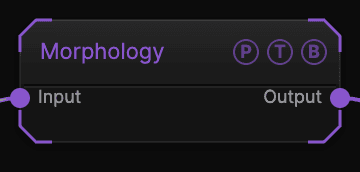
| Port | Type | Purpose |
|---|---|---|
| Input | Texture | The picture to process. |
| Output | Texture | The result. |
Parameters
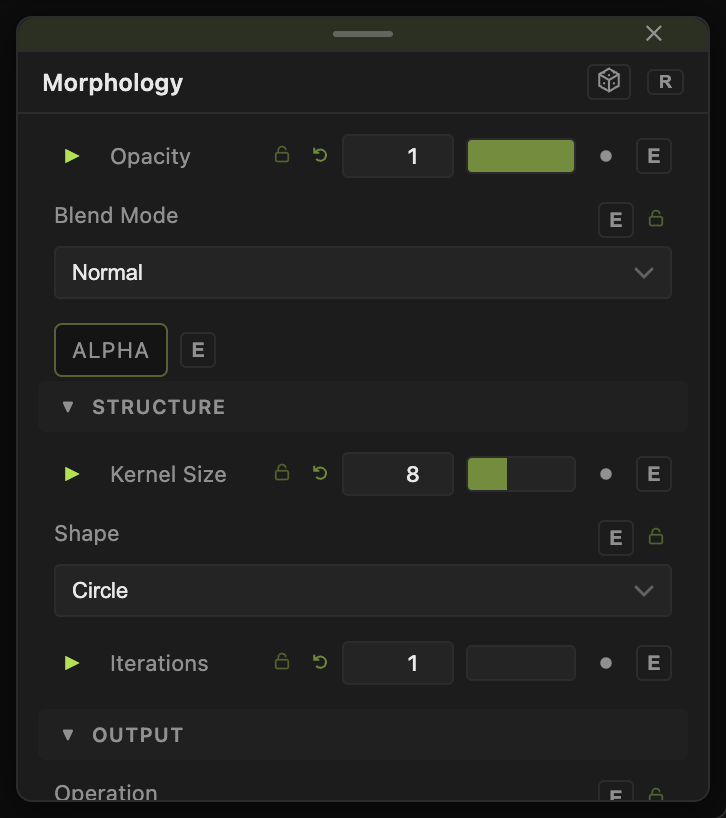
Opacity, Blend Mode, and Alpha are the standard operator header; see Parameters and Controls.
- Operation — Erode (default), Dilate, Open (erode then dilate, removes specks), Close (dilate then erode, fills gaps).
- Kernel Size (1–20, default 8) — radius in pixels.
- Shape — Circle (default), Square, or Diamond kernel.
- Iterations (1–5, default 1) — repeats the operation.
- POI X, POI Y (0–1, default 0.5) — the kernel's anchor point.
Every slider has a per-parameter animation bar, so it can be animated, audio driven, or MIDI mapped.
Examples
Fatten a mask — a Threshold output into Dilate at Kernel Size 6.
Blob text — a Text generator into Close with Kernel Size 12.
Troubleshooting
Thin lines vanish — Erode removes anything thinner than twice the kernel. Lower Kernel Size or use Dilate first.