Duotone
Maps the picture's luminance between a shadow colour and a highlight colour.
The Duotone node throws away the source colours and paints its brightness between two swatches: dark areas take the Shadow Color, bright areas the Highlight Color.
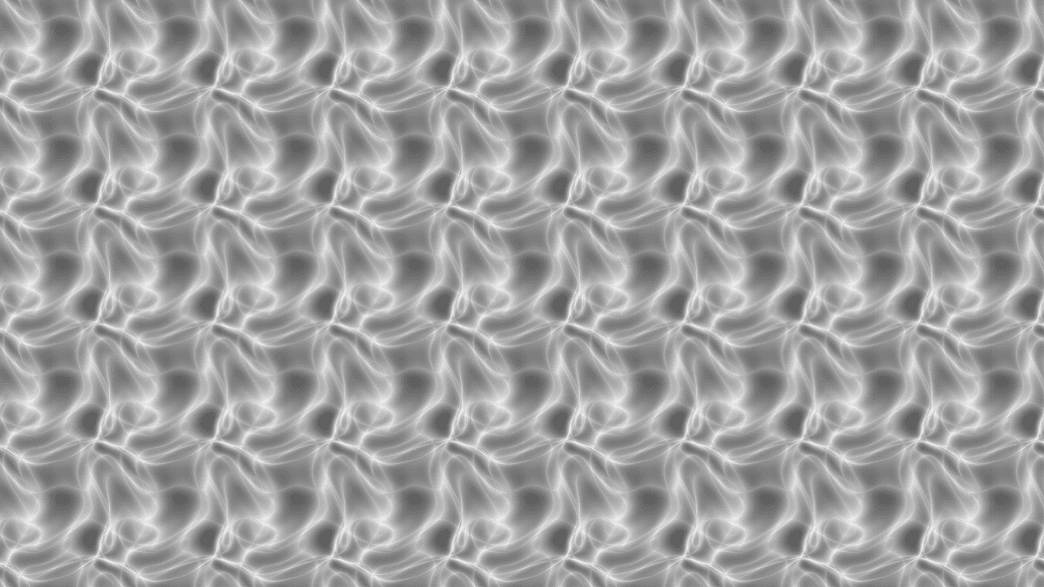
- Two colour swatches, nothing else
- A two-stop version of the Gradient Colorizer
- Found in the node graph under Post FX → Color FX
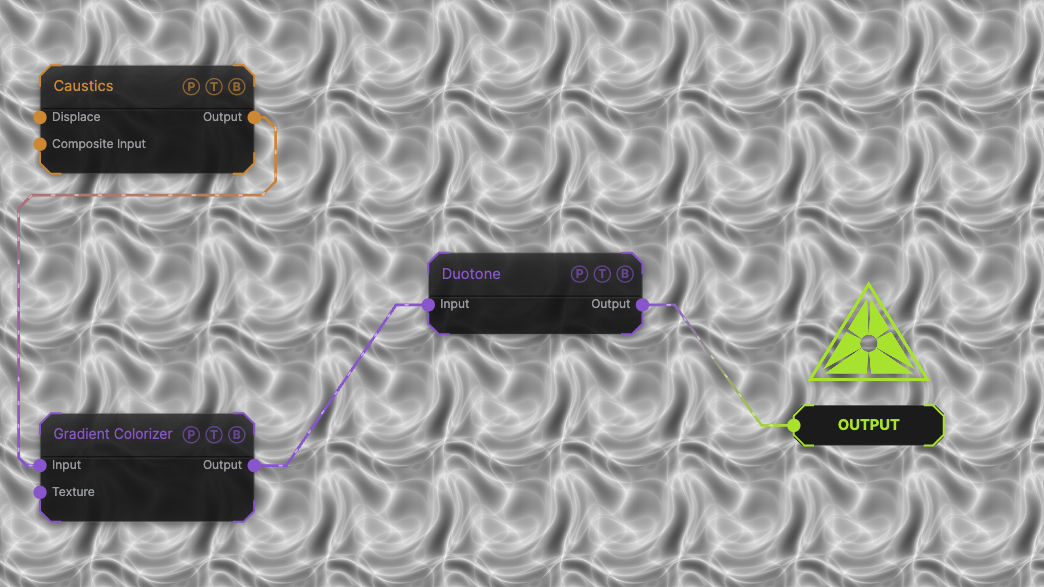
The image on the right is the example patch itself. Drag and drop it onto the app, or load it with File → Load, to open the full graph. A Caustics field, run through a Gradient Colorizer, mapped between the default black and white.
Inputs and outputs
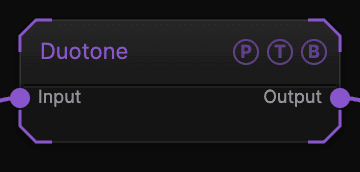
| Port | Type | Purpose |
|---|---|---|
| Input | Texture | The picture to process. |
| Output | Texture | The result. |
Parameters
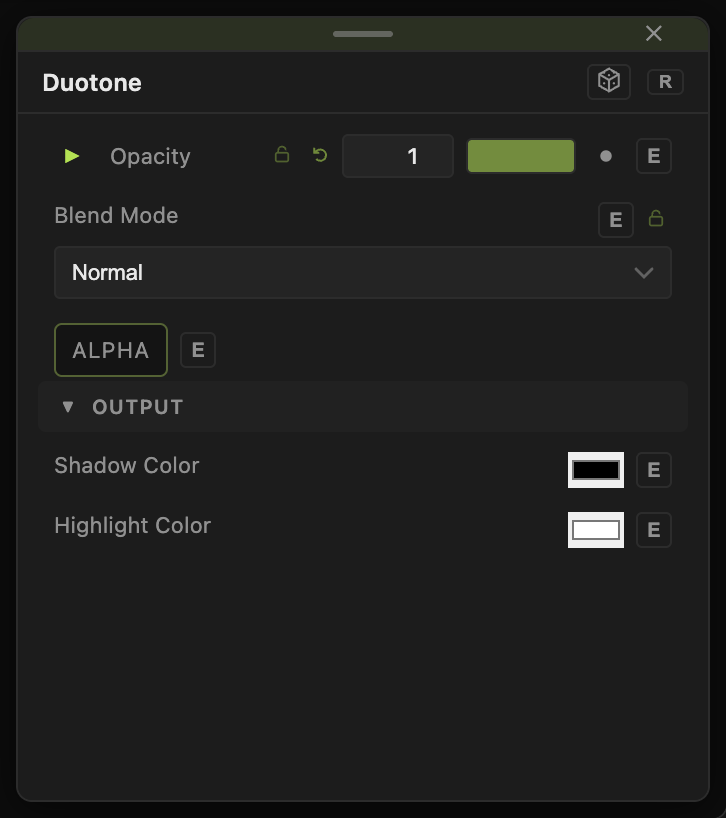
Opacity, Blend Mode, and Alpha are the standard operator header; see Parameters and Controls.
- Shadow Color (default
#000000) — the colour at luminance 0. - Highlight Color (default
#ffffff) — the colour at luminance 1.
Both swatches accept a MIDI or modifier drive through the per-parameter animation bar.
Every slider has a per-parameter animation bar, so it can be animated, audio driven, or MIDI mapped.
Examples
Cyanotype — Shadow Color deep blue, Highlight Color pale cream.
Inverted — swap the two swatches for a negative.
Troubleshooting
The image is flat — the source has little luminance range. Raise contrast with Level first.