Mosaic Tiling
Splits the picture into tiles that subdivide where there is detail, with gaps, randomness, and an optional FX texture per tile.
The Mosaic Tiling node cuts the frame into a grid and keeps subdividing tiles where the picture has detail. The result is an adaptive mosaic with optional gaps between tiles.
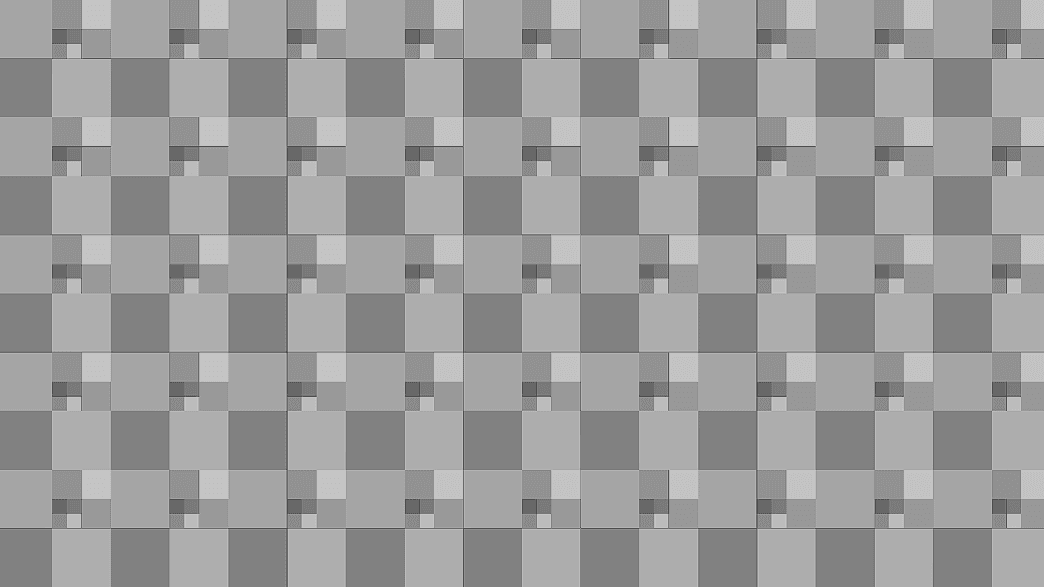
- Size and Subdivision Threshold decide where tiles split
- Padding, Feather, and a Gap Color draw the grout
- An FX Texture input can be shown inside the tiles
- Found in the node graph under Post FX → the ungrouped tail of the list
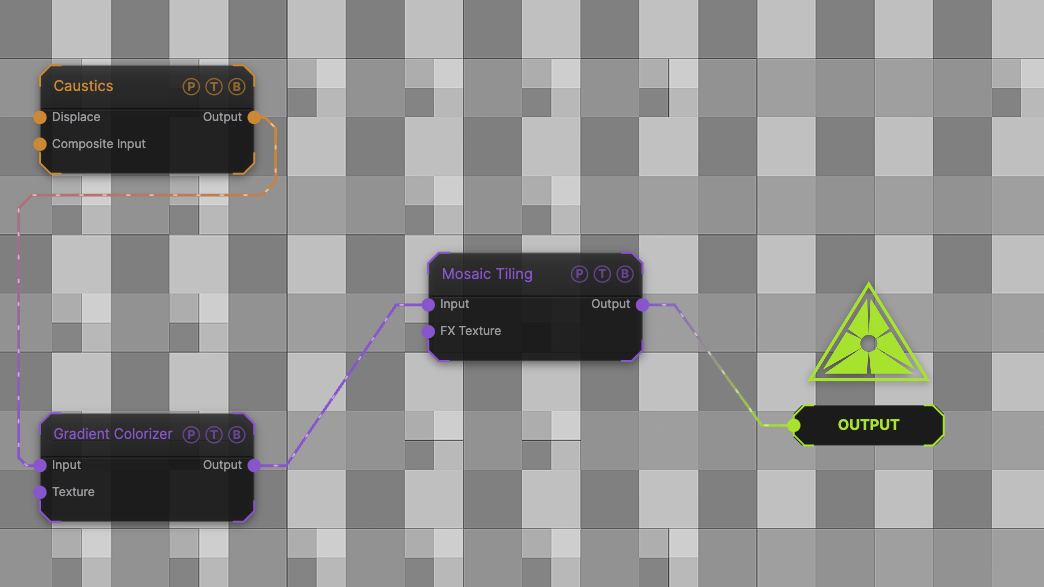
The image on the right is the example patch itself. Drag and drop it onto the app, or load it with File → Load, to open the full graph. A Caustics field, run through a Gradient Colorizer, tiled at the defaults.
Inputs and outputs
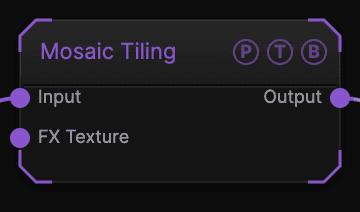
| Port | Type | Purpose |
|---|---|---|
| Input | Texture | The picture to tile. |
| FX Texture | Texture | A texture sampled per tile, mixed in by Mix Original. |
| Output | Texture | The result. |
Parameters
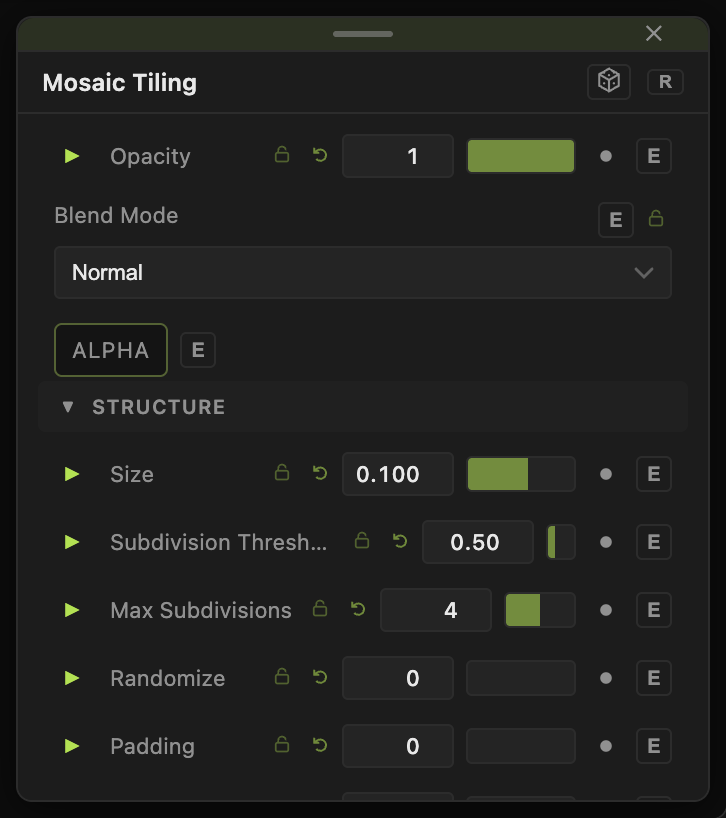
Opacity, Blend Mode, and Alpha are the standard operator header; see Parameters and Controls.
- Center X / Y (default 0), Stretch X / Y (default 1) — the grid placement.
- Size (default 0.1) — the starting tile size as a fraction of the frame.
- Subdivision Threshold (0–2, default 0.5) — how much detail a tile needs before it splits; Max Subdivisions (default 4) caps the depth.
- Randomize (default 0) — random extra splitting.
- Padding (default 0), Feather (default 0.01) — gap width and softness.
- Gap Color R / G / B / A (default 0, 0, 0, 1) — the grout colour.
- Mix Original (default 1) — 1 shows the source inside tiles, 0 shows the FX Texture.
Every slider has a per-parameter animation bar, so it can be animated, audio driven, or MIDI mapped.
Examples
Stained glass — Padding 0.01, Gap Color black, Max Subdivisions 5.
Troubleshooting
Every tile is the same size — Subdivision Threshold is too high for the source's detail. Lower it.