MöbiusWARP
A Möbius transformation on the sphere between two poles, for equirectangular or flat input.
The MöbiusWARP node treats the frame as a sphere and applies a Möbius transformation between two poles you place by latitude and longitude. On an equirectangular source it is a true spherical rotation and zoom; on a flat picture it is a swirling warp.
- Input Mode picks equirectangular or flat
- Two poles, a Rotation Angle, and a Strength
- Found in the node graph under Post FX → Warp
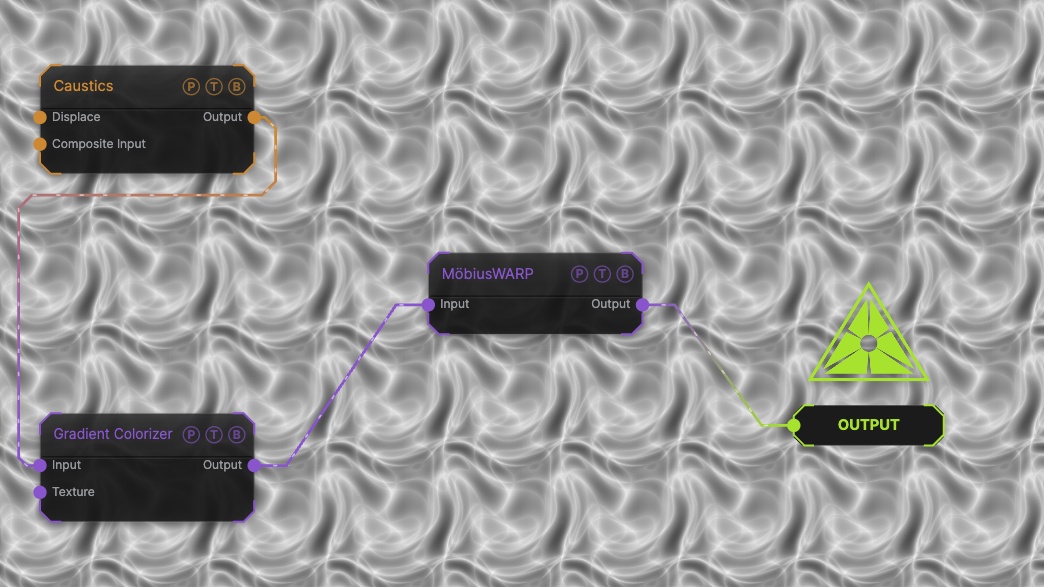
The image on the right is the example patch itself. Drag and drop it onto the app, or load it with File → Load, to open the full graph. A Caustics field, run through a Gradient Colorizer, in the default Equirectangular mode.
Inputs and outputs
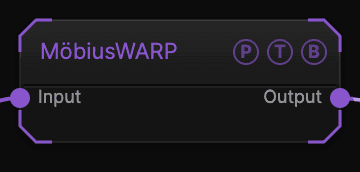
| Port | Type | Purpose |
|---|---|---|
| Input | Texture | The picture to process. |
| Output | Texture | The result. |
Parameters
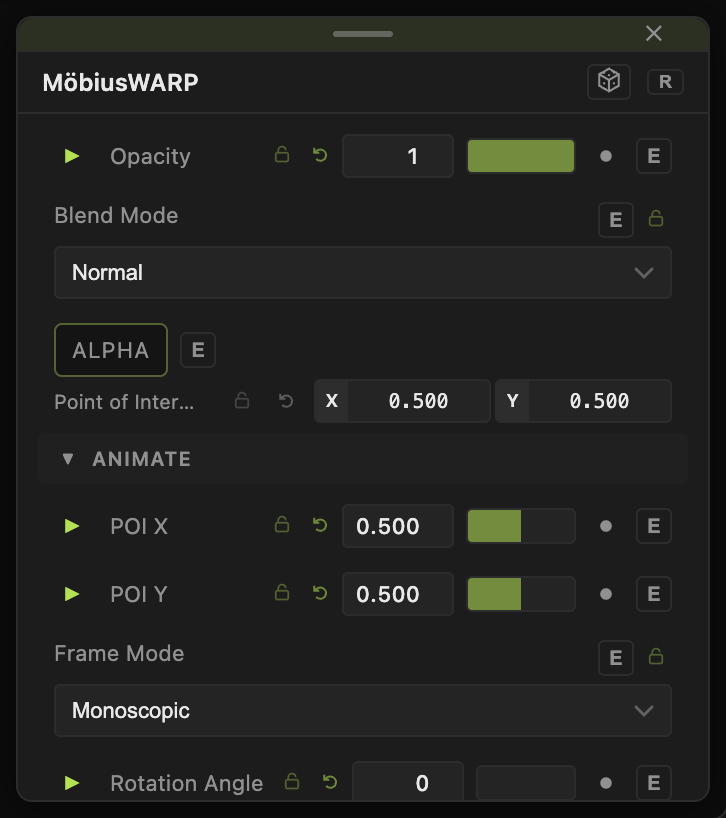
Opacity, Blend Mode, and Alpha are the standard operator header; see Parameters and Controls.
- Frame Mode — Mono (default) treats the frame as one picture; Stereo modes handle side-by-side or over-under stereo pairs so each eye is warped separately.
- Input Mode — Equirectangular (default) or Flat.
- Rotation Angle (−360 to 360, default 0) — rotation about the pole axis.
- Strength (0–2, default 1) — amount of the transformation.
- Pole A Latitude / Longitude (default 90 / 0) and Pole B Latitude / Longitude (default −90 / 0) — the two fixed points.
- Animation Speed (0–2, default 0) — spins the rotation on its own.
Every slider has a per-parameter animation bar, so it can be animated, audio driven, or MIDI mapped.
Examples
Spinning planet — an equirectangular image, Animation Speed 0.2.
Flat swirl — Input Mode Flat, Pole A Latitude 20, Strength 1.5.
Troubleshooting
A flat picture looks torn at the top and bottom — switch Input Mode to Flat.