Effects
Pinch
Pulls the picture toward a movable point within a radius.
The Pinch node draws pixels toward a point you place anywhere in the frame, or pushes them away for negative values.
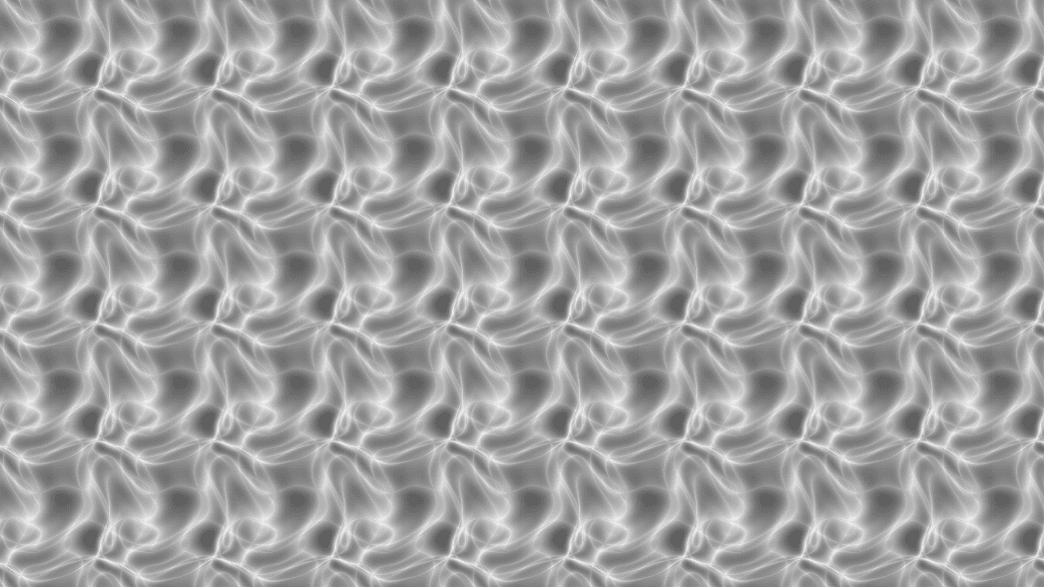
- Center X / Y, Radius, and Falloff shape the pull
- Found in the node graph under Post FX → Warp
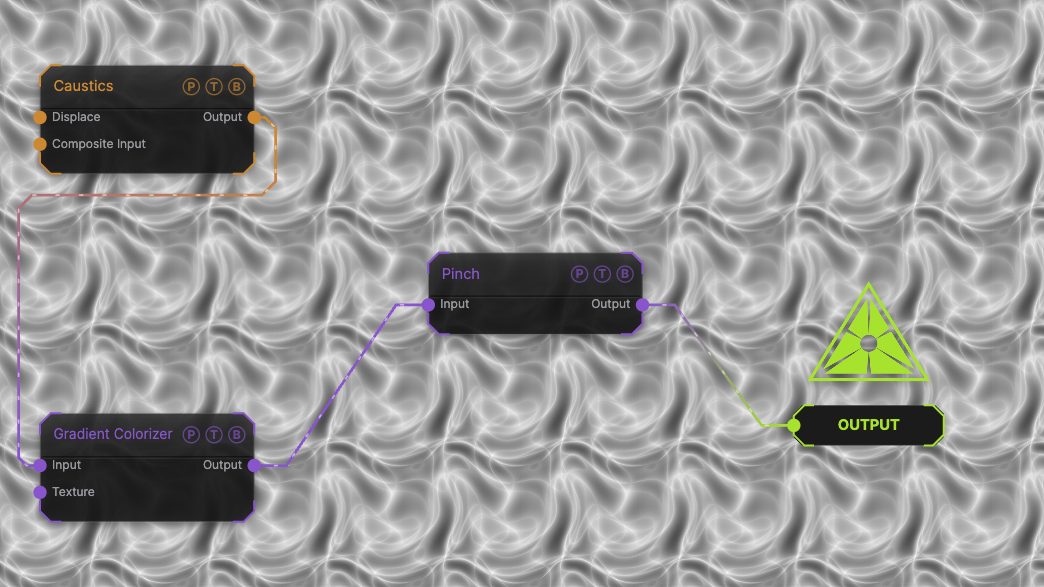
The image on the right is the example patch itself. Drag and drop it onto the app, or load it with File → Load, to open the full graph. A Caustics field, run through a Gradient Colorizer, at the default of 0.
Inputs and outputs
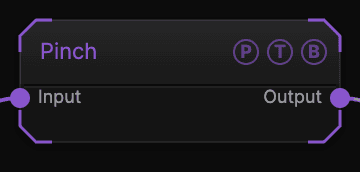
| Port | Type | Purpose |
|---|---|---|
| Input | Texture | The picture to process. |
| Output | Texture | The result. |
Parameters
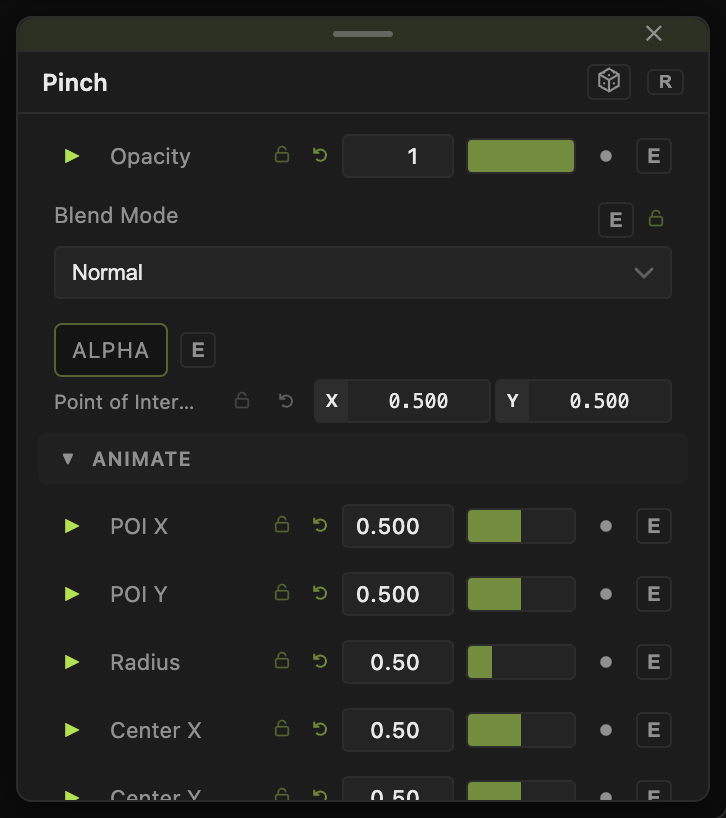
Opacity, Blend Mode, and Alpha are the standard operator header; see Parameters and Controls.
- Amount (−1 to 1, default 0) — pull strength. Negative pushes outward.
- Center X, Center Y (0–1, default 0.5) — the point pulled toward.
- Radius (0.05–2, default 0.5) — the reach of the effect.
- Falloff (0–1, default 0.5) — how soft the edge of the effect is.
Every slider has a per-parameter animation bar, so it can be animated, audio driven, or MIDI mapped.
Examples
Follow the pointer — Center X / Y from a Mouse modifier, Amount 0.6.
Troubleshooting
The pinch shows a visible ring — raise Falloff.