Anti-Alias
Smooths jagged edges with SMAA, FXAA, a combined Ultra mode, temporal TAA, or FSR super resolution.
The Anti-Alias node removes stair-stepping from hard edges. Pick a Method to trade sharpness, stability, and cost.
- Five methods, each with its own tuning controls
- Post Sharpen (CAS) restores crispness after the smoothing
- Found in the node graph under Post FX → the ungrouped tail of the list
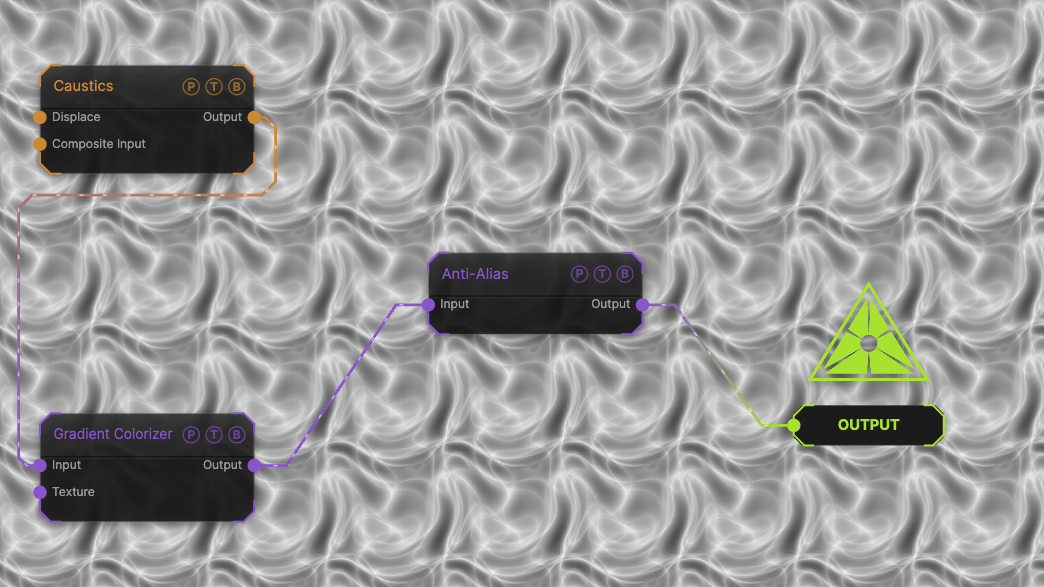
The image on the right is the example patch itself. Drag and drop it onto the app, or load it with File → Load, to open the full graph. A Caustics field, run through a Gradient Colorizer, through the default SMAA pass.
Inputs and outputs
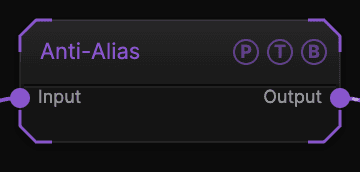
| Port | Type | Purpose |
|---|---|---|
| Input | Texture | The picture to process. |
| Output | Texture | The result. |
Parameters
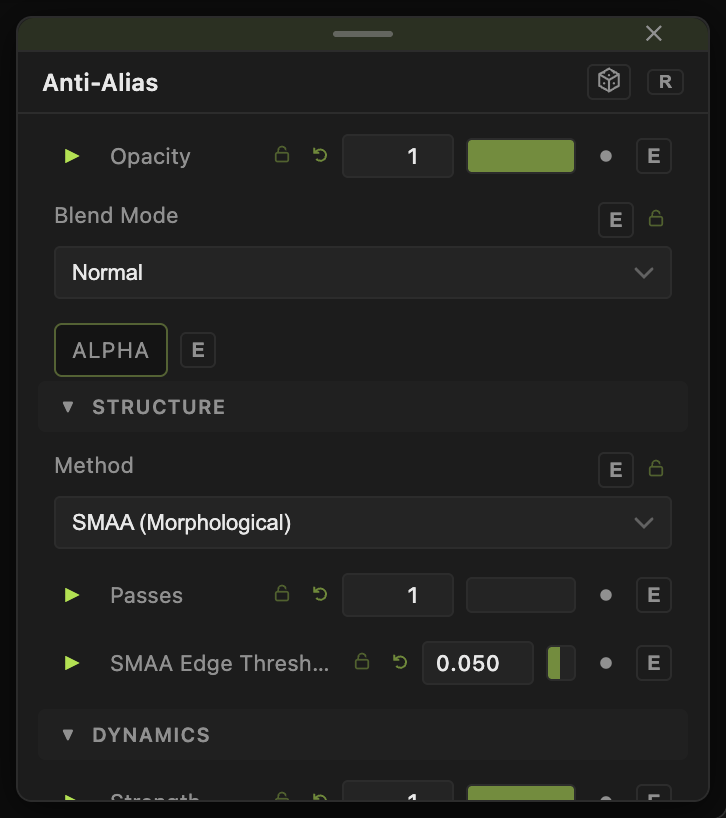
Opacity, Blend Mode, and Alpha are the standard operator header; see Parameters and Controls.
- Method — SMAA (Morphological) (default), FXAA 3.11 (Tunable), Ultra (SMAA + FXAA), TAA (Temporal), or Super Res (FSR 1.0).
- Passes (1–3, default 1), Strength (0–1, default 1).
- SMAA Edge Threshold (0.01–0.3, default 0.05).
- FXAA Subpixel (default 0.75), FXAA Edge Threshold (default 0.125), FXAA Dark Floor (default 0.0312).
- TAA History Amount (0.5–0.97, default 0.85) — how much of the previous frame is kept.
- FSR Sharpness (0–1, default 0.85).
- Post Sharpen (CAS) (0–1, default 0).
- Show Edges (Debug) (default off) — highlights the detected edges.
Every slider has a per-parameter animation bar, so it can be animated, audio driven, or MIDI mapped.
Examples
Clean vector art — Method SMAA after a Vectorizer chain.
Smooth motion — Method TAA on a slowly moving scene; lower TAA History Amount if it ghosts.
Troubleshooting
Ghost trails — TAA keeps history. Lower TAA History Amount or use SMAA.
The image went soft — raise Post Sharpen (CAS).