Subdivision Stretch
Splits the frame into strips that stretch and scroll the picture, coloured by an optional gradient.
The Subdivision Stretch node divides the frame into strips, each of which stretches and scrolls a slice of the source. A wired gradient can tint the strips.
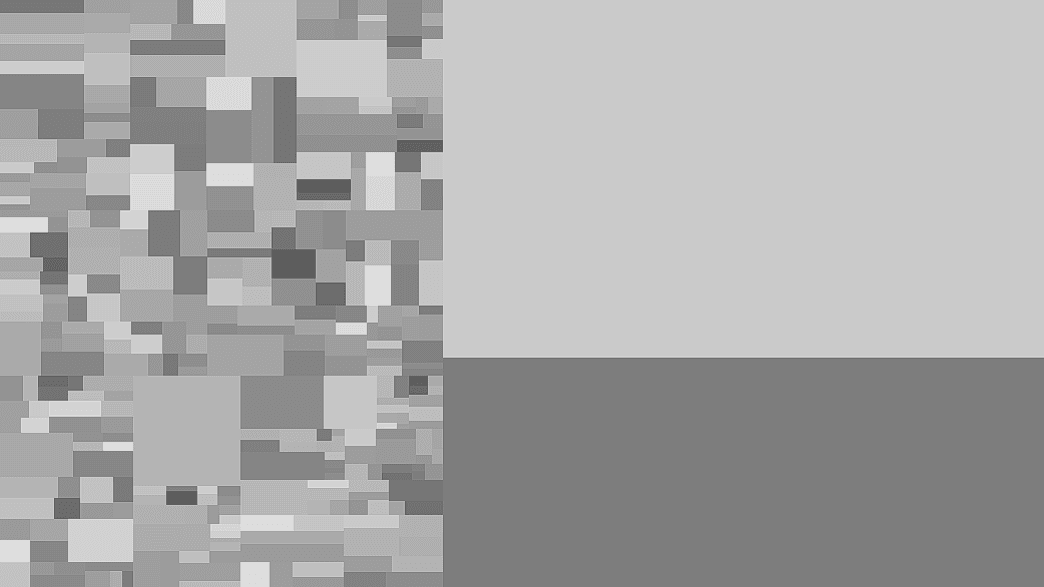
- Max Subdivisions, Threshold, and split controls set the strips
- Scroll and phase controls animate them
- A Gradient input with Gradient Mode and Color Mode
- Found in the node graph under Post FX → the ungrouped tail of the list
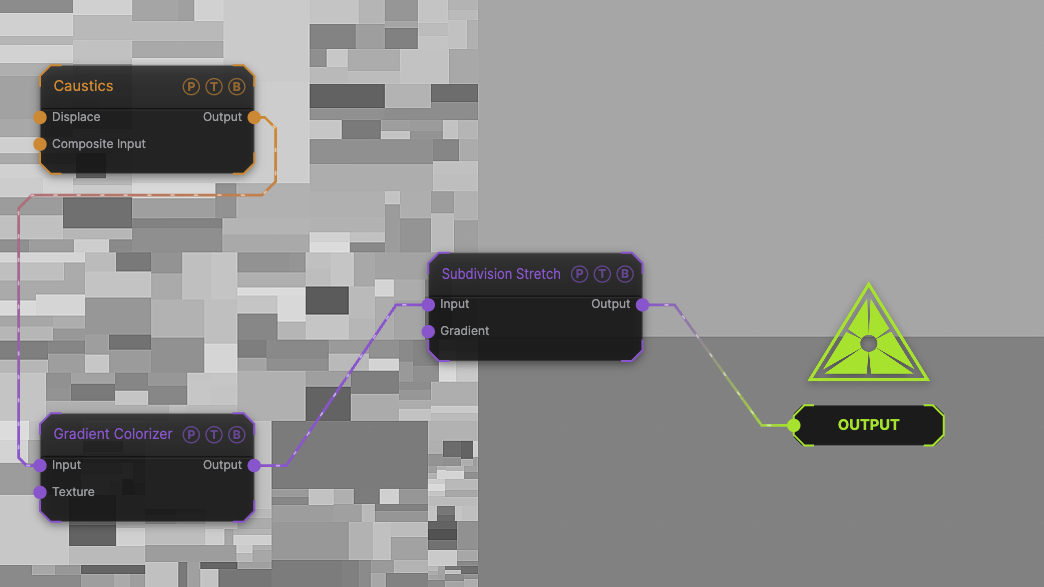
The image on the right is the example patch itself. Drag and drop it onto the app, or load it with File → Load, to open the full graph. A Caustics field, run through a Gradient Colorizer, split at the defaults.
Inputs and outputs
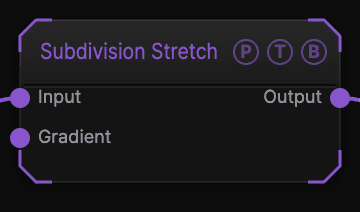
| Port | Type | Purpose |
|---|---|---|
| Input | Texture | The picture to stretch. |
| Gradient | Texture | A texture that colours the strips. |
| Output | Texture | The result. |
Parameters
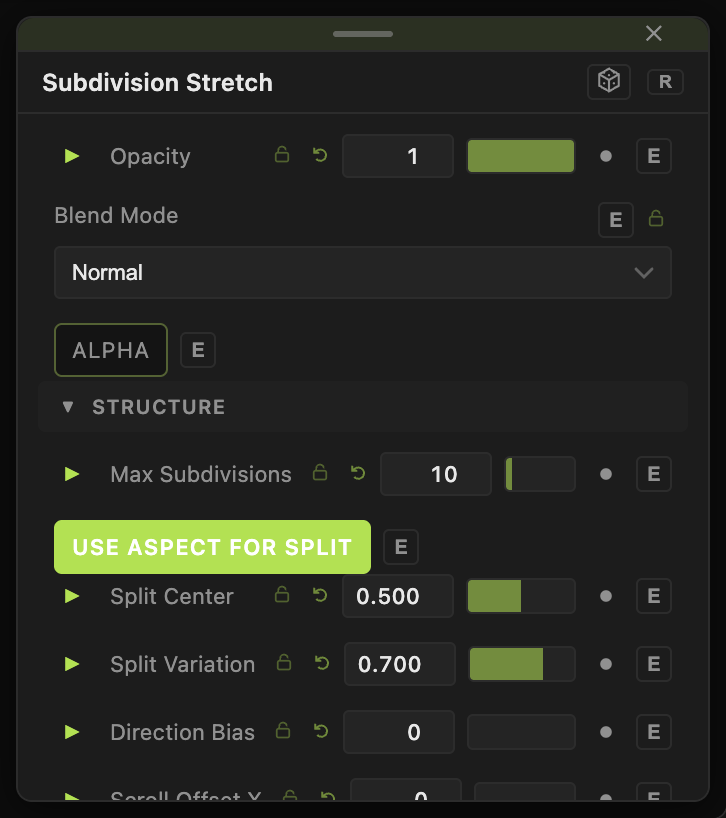
Opacity, Blend Mode, and Alpha are the standard operator header; see Parameters and Controls.
- Max Subdivisions (default 10), Threshold (default 0.1), Use Aspect For Split (default on), Split Center (default 0.5), Split Variation (default 0.7), Direction Bias (default 0) — how the strips are cut.
- Scroll Offset X / Y (default 0), Scroll Gain (default 0.5), Scroll Bias (default 0.5), Phase Speed (default 0.2), Random Phase (default 0), Random Seed (default 42) — how each strip samples and moves.
- Gap Width (default 0), Feather (default 0), Gap Color R / G / B / A — the gaps between strips.
- Gradient Mode — Random (default) or Subdivisions; Color Mode — Multiply Gradient (default) or Gradient Only.
- 4x Multisampling (default off), Texture FX (default 0).
Every slider has a per-parameter animation bar, so it can be animated, audio driven, or MIDI mapped.
Examples
Data bars — a Gradient into the Gradient port, Color Mode Gradient Only, Phase Speed 0.5.
Troubleshooting
Strips flicker — lower Random Phase or turn on 4x Multisampling.