Ripple
Displaces the picture with animated concentric sine rings from the centre.
The Ripple node runs rings of displacement out from the centre of the frame, like a stone dropped in water.
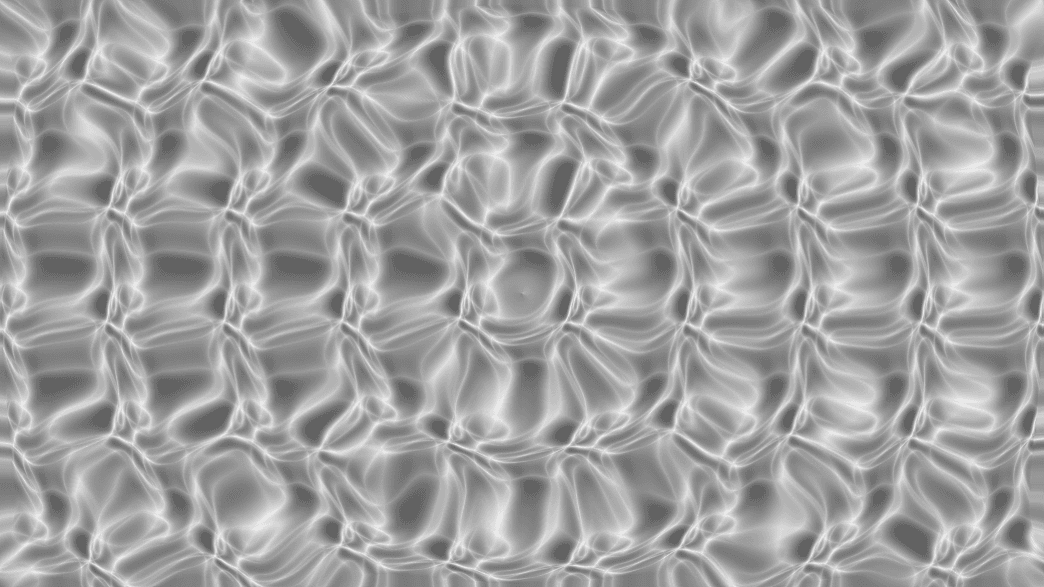
- Amount, Frequency, and Speed
- Animates on its own
- Found in the node graph under Post FX → Distortion
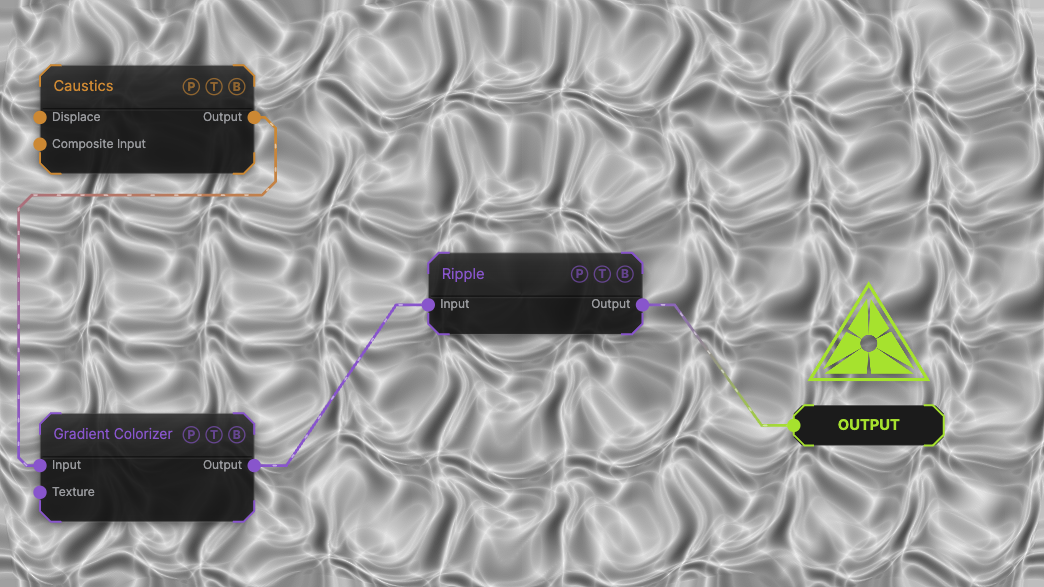
The image on the right is the example patch itself. Drag and drop it onto the app, or load it with File → Load, to open the full graph. A Caustics field, run through a Gradient Colorizer, with the default ripple.
Inputs and outputs
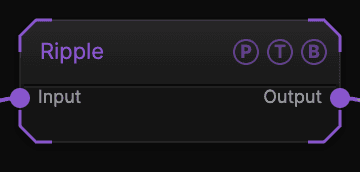
| Port | Type | Purpose |
|---|---|---|
| Input | Texture | The picture to process. |
| Output | Texture | The result. |
Parameters
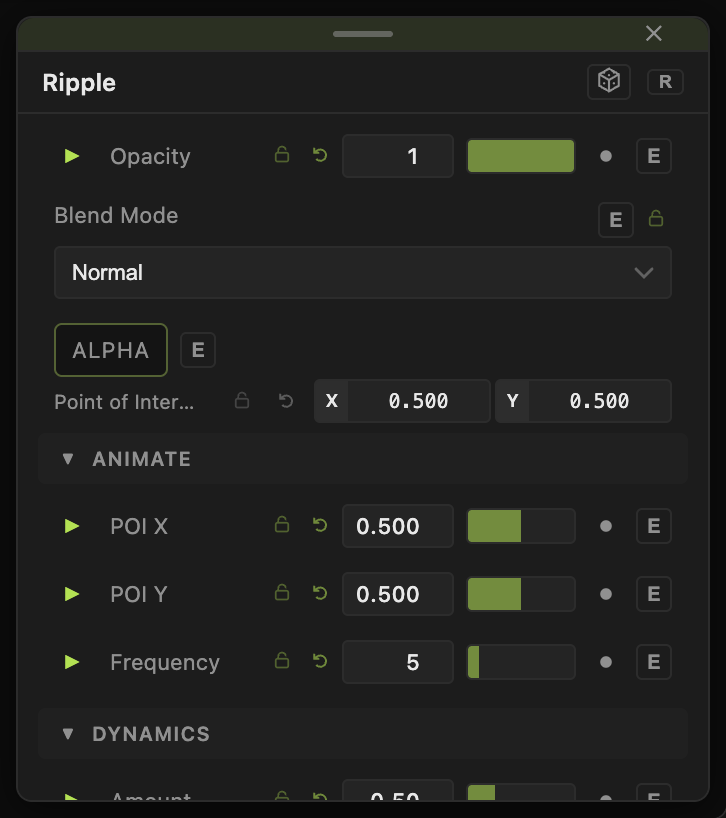
Opacity, Blend Mode, and Alpha are the standard operator header; see Parameters and Controls.
- Amount (0–2, default 0.5) — displacement strength.
- Frequency (0–50, default 5) — number of rings across the frame.
- Speed (0–5, default 1) — how fast the rings travel outward. 0 freezes them.
Every slider has a per-parameter animation bar, so it can be animated, audio driven, or MIDI mapped.
Examples
Water surface — Frequency 20, Amount 0.2, Speed 0.5 on a Caustics generator.
Shockwave — drive Amount with a Trigger modifier so each hit sends one pulse.
Troubleshooting
The rings do not move — Speed is 0 or global animation is paused.