Posterize
Quantizes each colour channel to a fixed number of levels for a flat, banded look.
The Posterize node rounds each of the red, green, and blue channels to a small number of steps. Smooth gradients become flat bands.
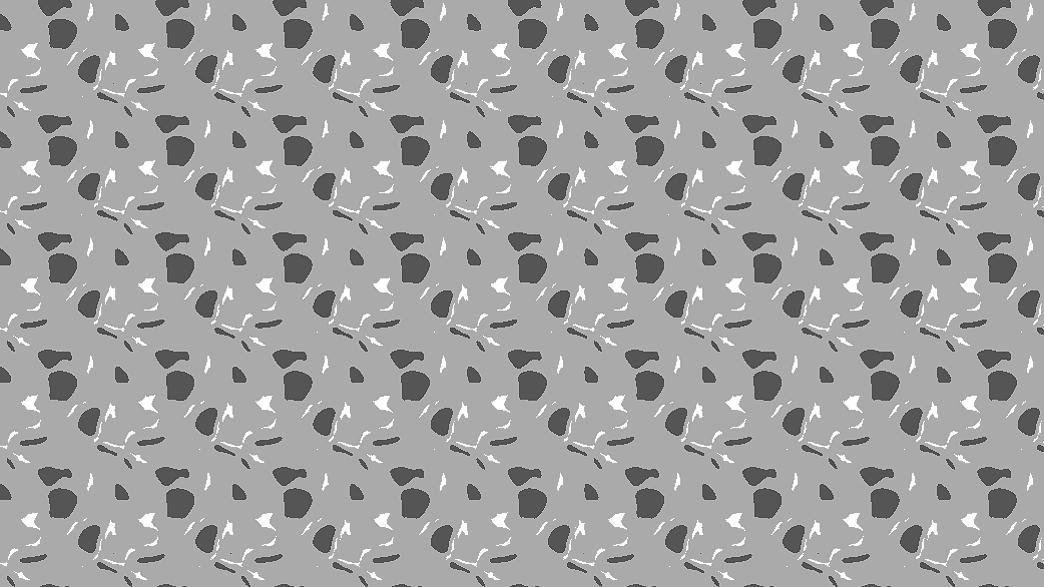
- One control, Levels
- Works per channel, so colour images get more distinct tones than the level count suggests
- Found in the node graph under Post FX → Color FX
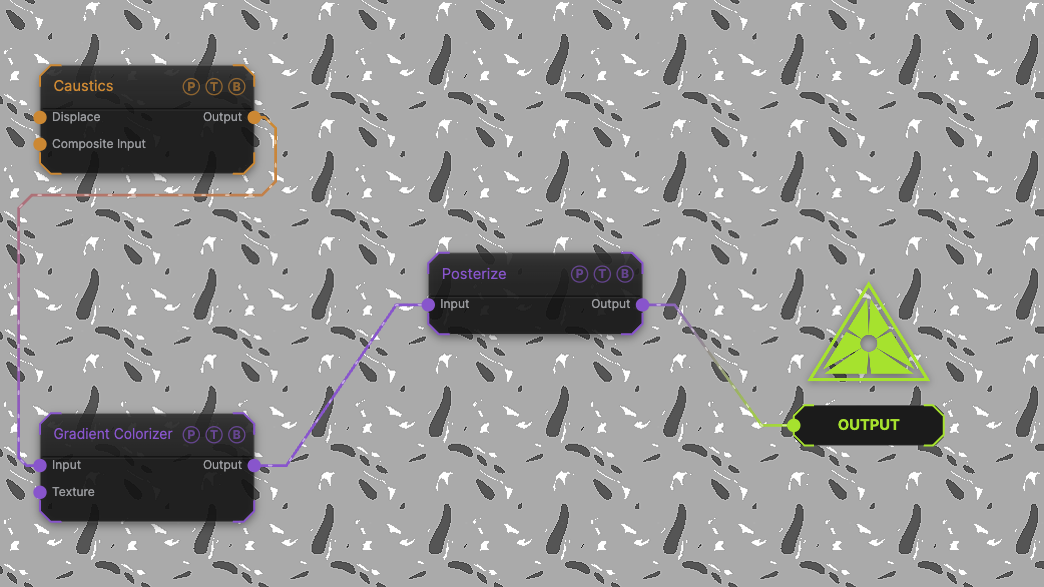
The image on the right is the example patch itself. Drag and drop it onto the app, or load it with File → Load, to open the full graph. A Caustics field, run through a Gradient Colorizer, at the default 4 levels.
Inputs and outputs
| Port | Type | Purpose |
|---|---|---|
| Input | Texture | The picture to process. |
| Output | Texture | The result. |
Parameters
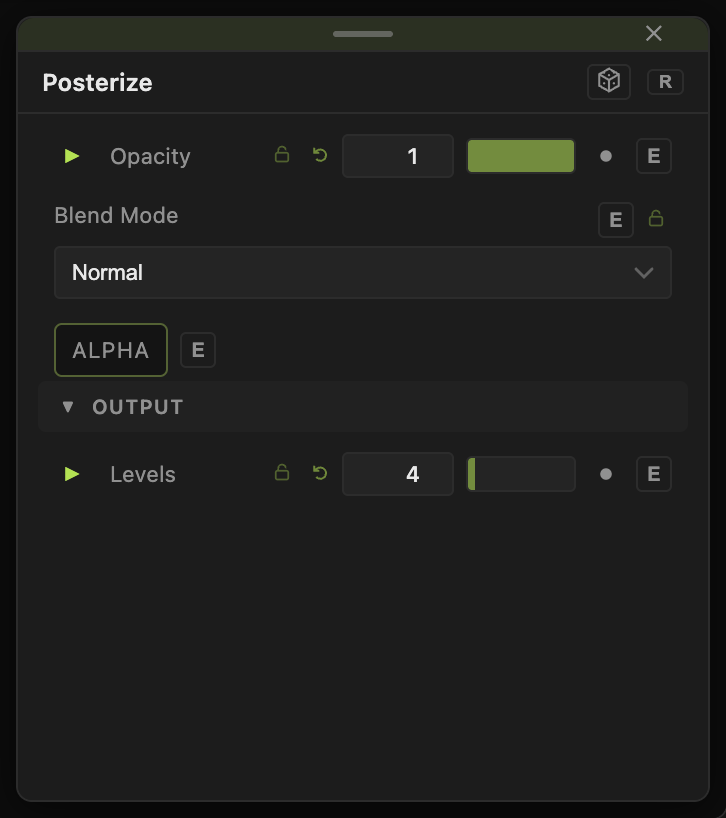
Opacity, Blend Mode, and Alpha are the standard operator header; see Parameters and Controls.
- Levels (2–32, default 4) — steps per channel. 2 gives pure black-or-white per channel, eight colours in total.
Every slider has a per-parameter animation bar, so it can be animated, audio driven, or MIDI mapped.
Examples
Screen print — Levels 3, then Edge Detect blended over the top.
Subtle banding — Levels 16 keeps most tones and adds visible steps only in soft gradients.
Troubleshooting
Bands look aliased when animated — the step edges move with the source. Add a Gaussian Blur before or after to soften them.