Bloom / Glow
Makes bright areas glow, with a simple threshold mode and an advanced blur-pyramid mode.
The Bloom / Glow node blurs the bright parts of the picture and adds them back, so highlights bleed light around them.

- Default mode: Intensity, Threshold, Softness, Spread
- Advanced Controls opens a blur-pyramid mode with separate bloom and glow levels
- Found in the node graph under Post FX → Stylize
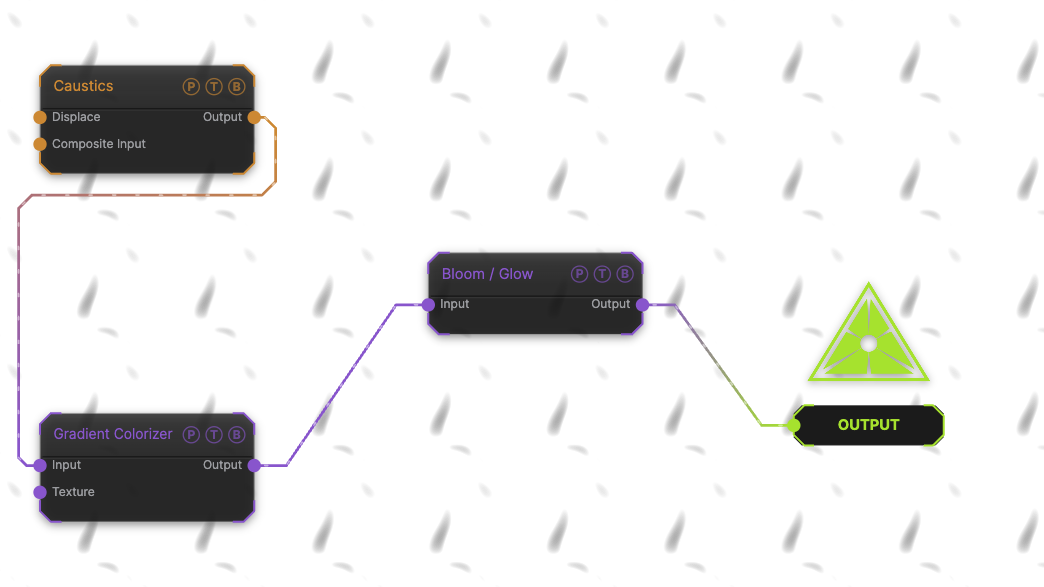
The image on the right is the example patch itself. Drag and drop it onto the app, or load it with File → Load, to open the full graph. A Caustics field, run through a Gradient Colorizer, with the default bloom.
Inputs and outputs
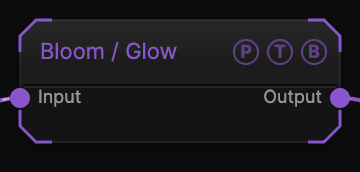
| Port | Type | Purpose |
|---|---|---|
| Input | Texture | The picture to process. |
| Output | Texture | The result. |
Parameters
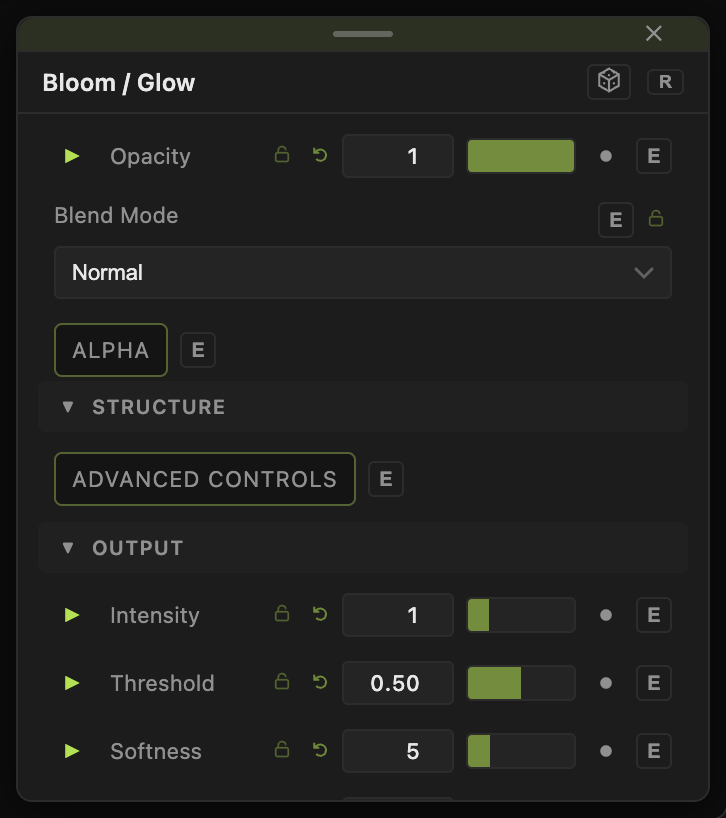
Opacity, Blend Mode, and Alpha are the standard operator header; see Parameters and Controls.
- Advanced Controls (default off) — switches to the pyramid mode below.
- Intensity (0–5, default 1), Threshold (0–1, default 0.5), Softness (1–20, default 5), Spread (1–10, default 2) — the default mode.
- Temporal Smooth (0–0.95, default 0) — blends with the previous frame's bloom to stop flicker.
Advanced Controls
- Blur Size (0–100, default 20), Iterations (1–8, default 5), Pre-Shrink (default 1) — the blur pyramid.
- Threshold (default 0.44), Intensity (default 0.27), Gamma (default 1), Contrast (0–3, default 1).
- Bloom Level (default 0.392), Glow Level (default 0.4), Glow Color (default white) — separate wide bloom and tight glow.
- Input Level (Mix Out) (default 1) — how much of the original is kept.
Every slider has a per-parameter animation bar, so it can be animated, audio driven, or MIDI mapped.
Examples
Neon — Edge Detect into Bloom with Intensity 2, Spread 4.
Soft haze — Threshold 0.2, Softness 15, Intensity 0.5.
Troubleshooting
The bloom flickers — raise Temporal Smooth.
Everything washes out — lower Intensity or raise Threshold so only highlights bloom.