Motion Blur
Smears the frame along a fixed angle, without motion vectors.
The Motion Blur node streaks the picture along one direction. It blurs the current frame along the angle you set; it does not react to what is actually moving.
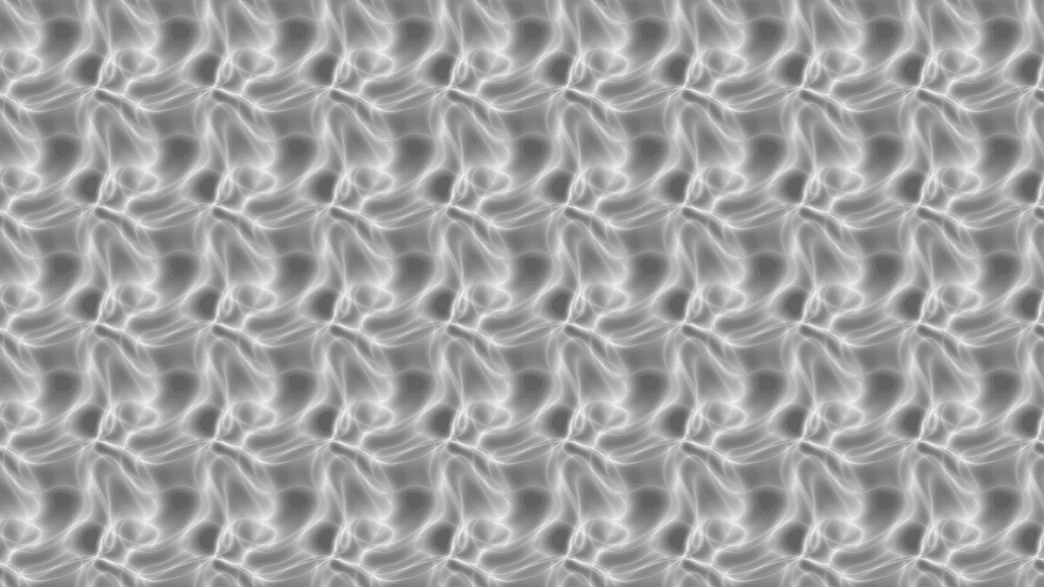
- Amount and Angle only
- For a blur that follows real motion, use Vector Motion Blur
- Found in the node graph under Post FX → Blur
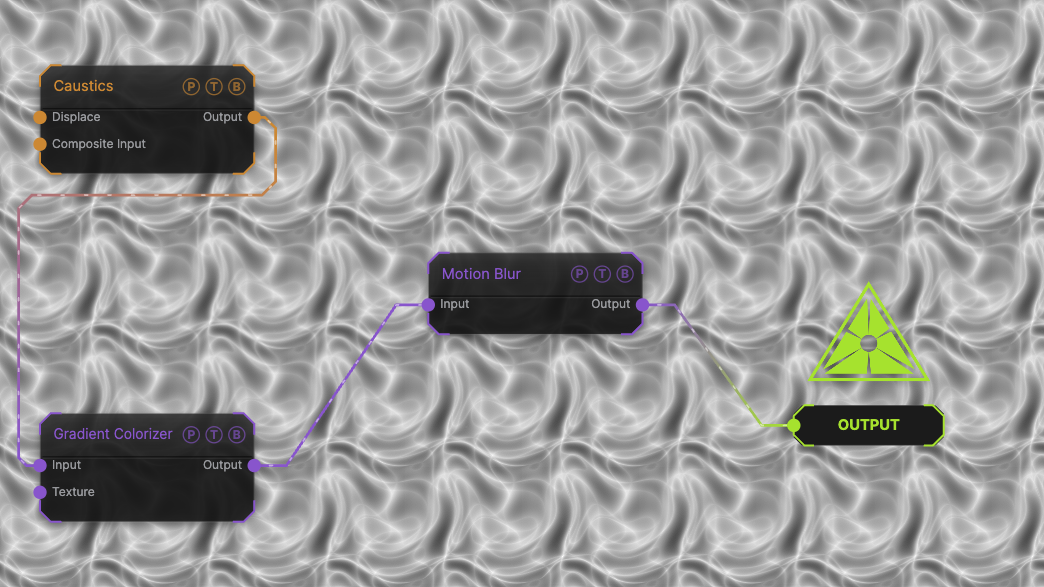
The image on the right is the example patch itself. Drag and drop it onto the app, or load it with File → Load, to open the full graph. A Caustics field, run through a Gradient Colorizer, streaked horizontally at the default amount.
Inputs and outputs
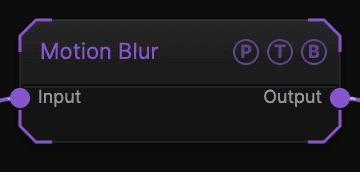
| Port | Type | Purpose |
|---|---|---|
| Input | Texture | The picture to process. |
| Output | Texture | The result. |
Parameters
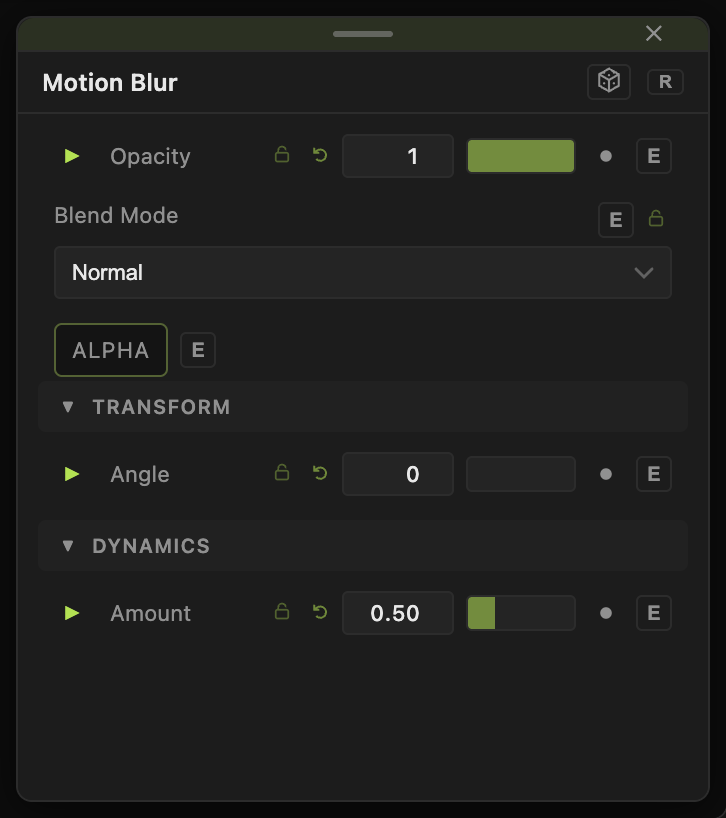
Opacity, Blend Mode, and Alpha are the standard operator header; see Parameters and Controls.
- Amount (0–2, default 0.5) — streak length.
- Angle (−180 to 180, default 0) — streak direction. 0 is horizontal.
Every slider has a per-parameter animation bar, so it can be animated, audio driven, or MIDI mapped.
Examples
Rain streaks — Angle 80, Amount 1.2 on a Rain generator.
Speed lines — animate Angle with an LFO so the streaks swing.
Troubleshooting
The blur does not follow the movement — it never does. This node blurs along a fixed angle. Use Vector Motion Blur for motion-driven blur.