hyperWARP
Re-samples the picture through a rotate, translate, and scale transform to build nested instances.
The hyperWARP node feeds the frame through a transform several times over, so the picture appears inside itself, rotated and scaled at each step.
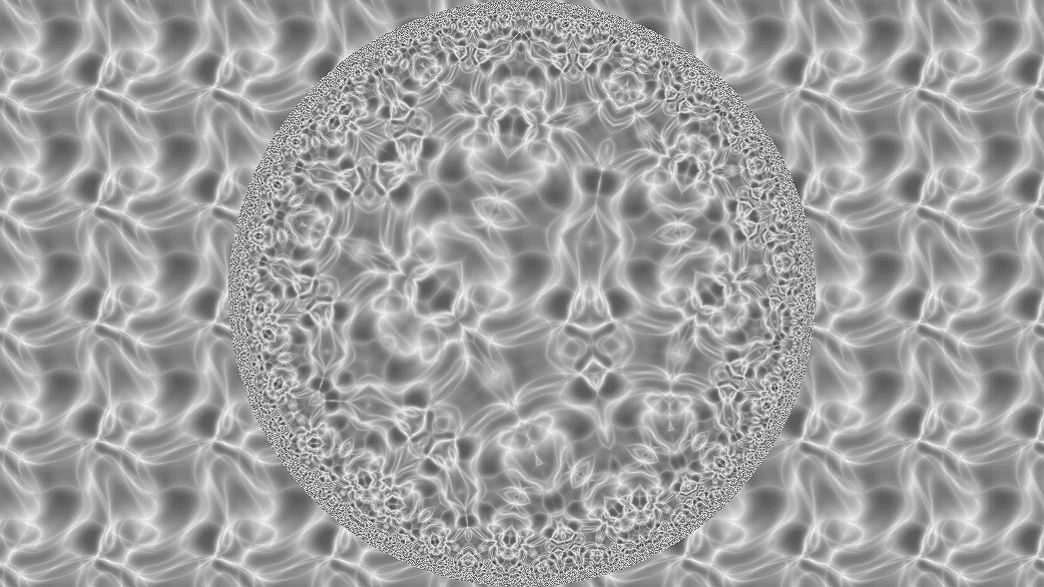
- Instances copies, each transformed by Rotation, Translate X / Y, and Scale
- Found in the node graph under Post FX → Warp
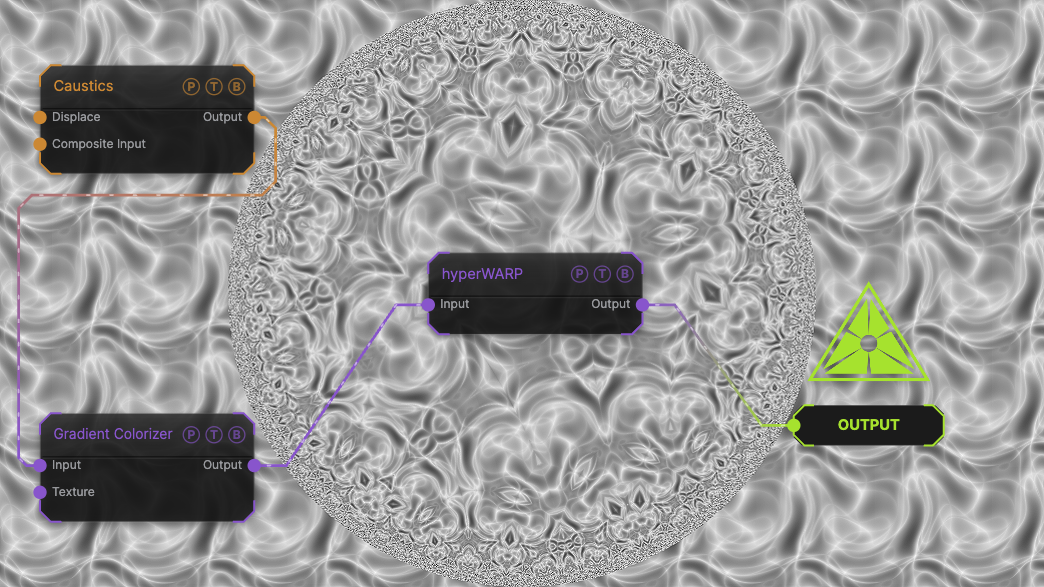
The image on the right is the example patch itself. Drag and drop it onto the app, or load it with File → Load, to open the full graph. A Caustics field, run through a Gradient Colorizer, with the default 5 instances and no transform.
Inputs and outputs
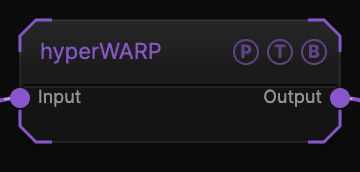
| Port | Type | Purpose |
|---|---|---|
| Input | Texture | The picture to process. |
| Output | Texture | The result. |
Parameters
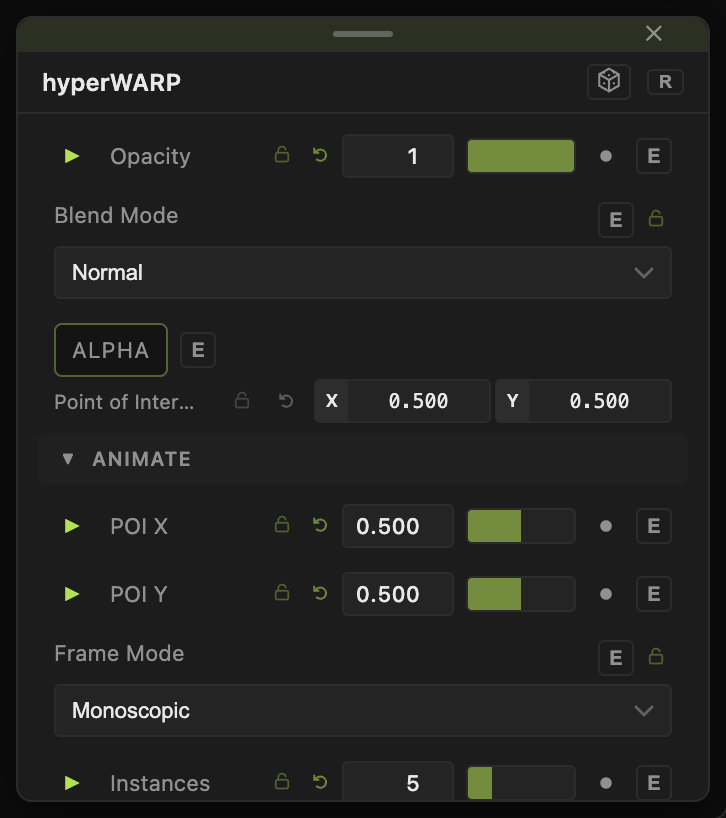
Opacity, Blend Mode, and Alpha are the standard operator header; see Parameters and Controls.
- Frame Mode — Mono (default) treats the frame as one picture; Stereo modes handle side-by-side or over-under stereo pairs so each eye is warped separately.
- Intensity (0–2, default 1) — strength of the effect.
- Instances (3–12, default 5) — how many nested copies.
- Rotation (0–360, default 0), Translate X / Y (−1 to 1, default 0), Scale (0.1–5, default 1) — the transform applied per instance.
- Center X, Center Y (−0.5 to 0.5, default 0).
- Animation Speed (0–2, default 0) — animates the transform.
Every slider has a per-parameter animation bar, so it can be animated, audio driven, or MIDI mapped.
Examples
Tunnel — Scale 0.7, Rotation 15, Instances 8, Animation Speed 0.5.
Troubleshooting
Nothing visibly nests — with Scale 1 and no rotation or translation every instance lands on the last. Set Scale below 1 first.