liquidWARP
Warps with a puff-and-shrivel field, with an optional refractive glass layer on top.
The liquidWARP node inflates or shrinks the picture along its own bright areas, and can render a glass layer with highlights, refraction, and colour splitting over the result.
- Amount, Smoothness, and Mode (Puff or Shrivel)
- A GLASS block with lighting, bumps, and per-channel refraction
- Found in the node graph under Post FX → Warp
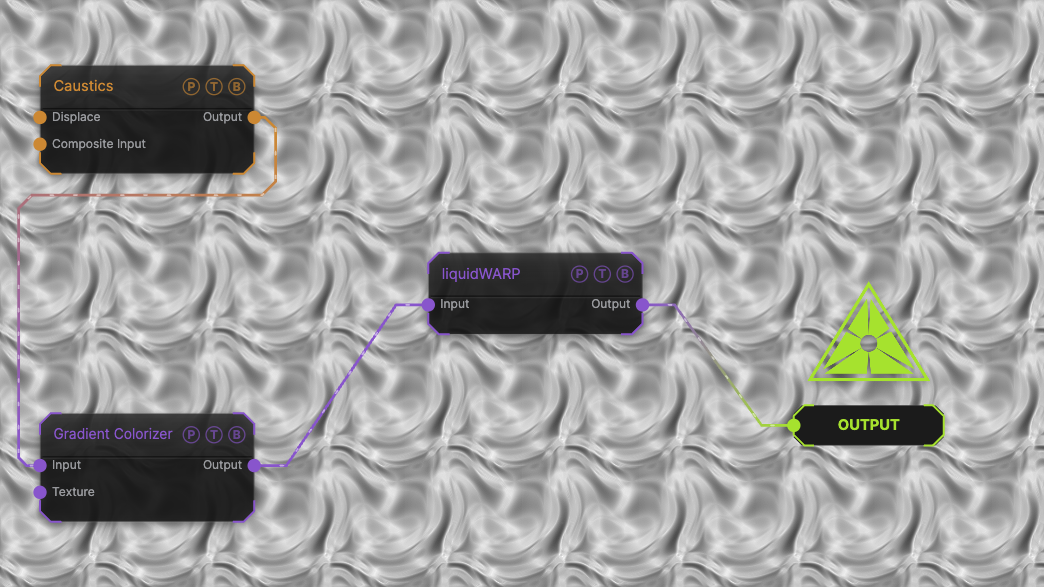
The image on the right is the example patch itself. Drag and drop it onto the app, or load it with File → Load, to open the full graph. A Caustics field, run through a Gradient Colorizer, puffed at the default amount.
Inputs and outputs
| Port | Type | Purpose |
|---|---|---|
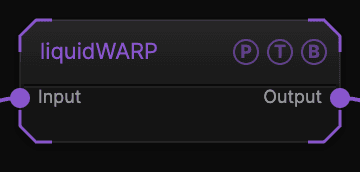
| Input | Texture | The picture to process. |
| Output | Texture | The result. |
Parameters
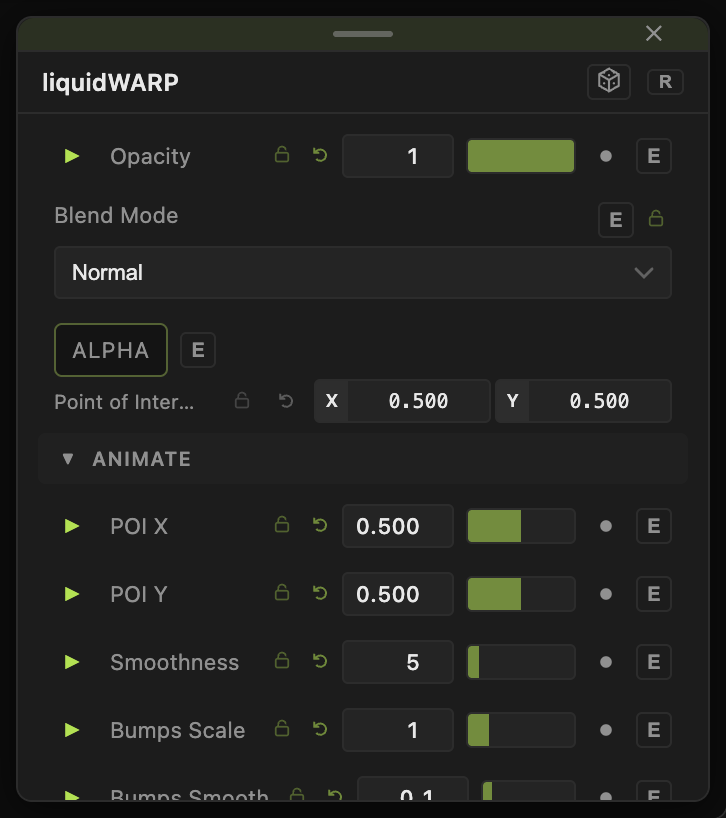
Opacity, Blend Mode, and Alpha are the standard operator header; see Parameters and Controls.
- Amount (0–200, default 20) — warp strength in pixels.
- Smoothness (0–50, default 5) — blur of the field that drives the warp.
- Rotate Dir (−180 to 180, default 0) — rotates the warp direction.
- Mode — Puff (default) inflates bright areas; Shrivel shrinks them.
GLASS
- GLASS (default off) — turns the layer on.
- Light Dir X / Y (default −0.5 / 0.361), Glass Brightness (0–5, default 1).
- Bumps Scale (0–5, default 1), Bumps Smooth (0–10, default 0.1) — the relief the glass is built from.
- Hilight Bright (0–5, default 0.5), Hilight Size (0.01–2, default 0.5).
- Distort Amount (0–10, default 1) — refraction strength; Warp Red (default 1.2) and Warp Blue (default 0.8) split the channels.
- Glass Steps (1–16, default 5) — quality of the refraction.
Every slider has a per-parameter animation bar, so it can be animated, audio driven, or MIDI mapped.
Examples
Wet glass — GLASS on, Bumps Scale 2, Distort Amount 3.
Breathing — an LFO on Amount between 0 and 60.
Troubleshooting
The glass looks flat — raise Bumps Scale and Hilight Bright; the relief comes from the picture's own brightness.