SSAO
Screen-space ambient occlusion computed from the picture or a wired depth texture.
The SSAO node darkens creases and corners. It reads depth from a wired Depth texture, or from the picture's own brightness when none is wired.
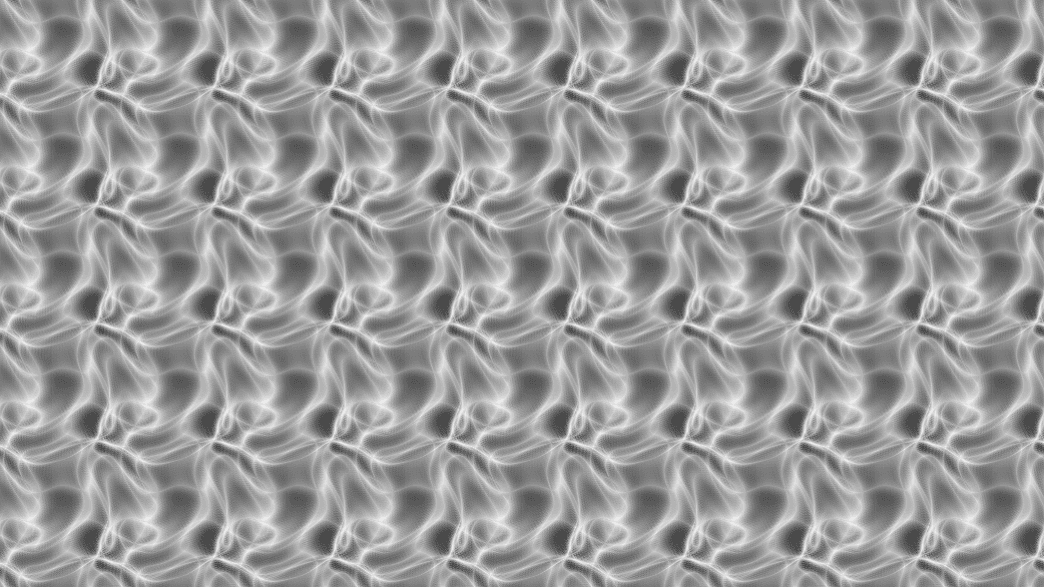
- Radius, Bias, and Contrast shape the occlusion
- AO Only outputs the occlusion term by itself
- Found in the node graph under Post FX → Stylize
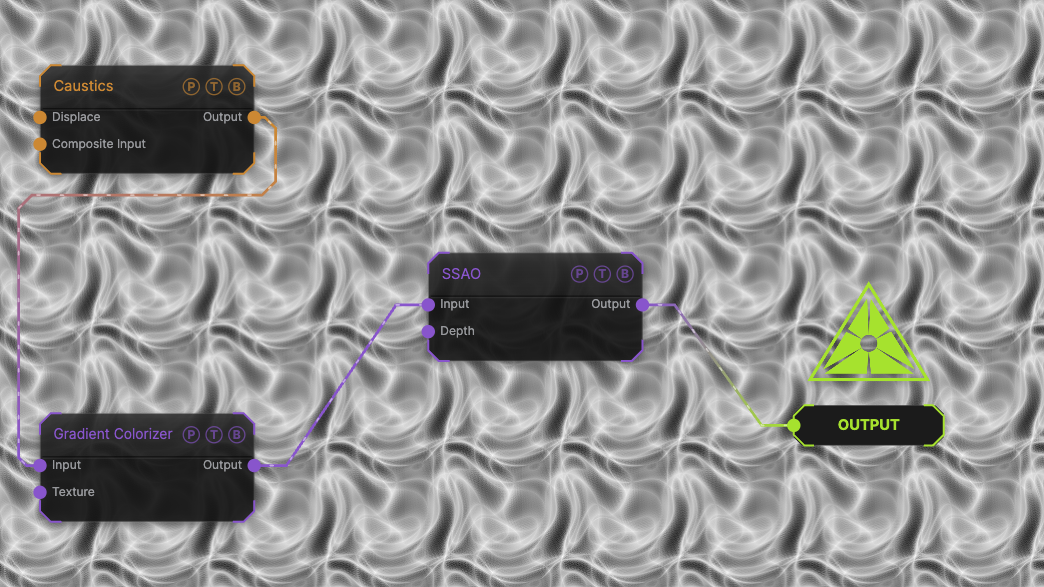
The image on the right is the example patch itself. Drag and drop it onto the app, or load it with File → Load, to open the full graph. A Caustics field, run through a Gradient Colorizer, occluded from its own brightness.
Inputs and outputs
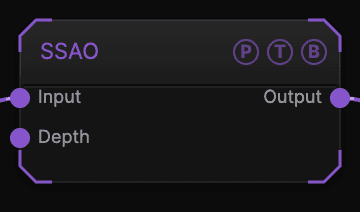
| Port | Type | Purpose |
|---|---|---|
| Input | Texture | The picture to darken. |
| Depth | Texture | A depth texture, such as SDF Render's Depth output. Unwired, the input's brightness is used as height. |
| Output | Texture | The result. |
Parameters
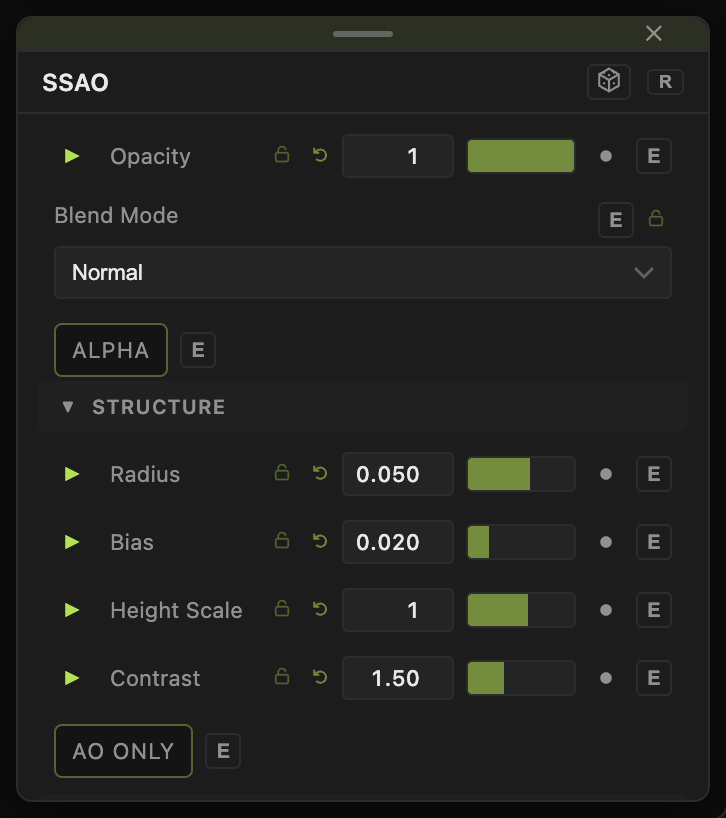
Opacity, Blend Mode, and Alpha are the standard operator header; see Parameters and Controls.
- Intensity (0–2, default 1).
- Radius (0.005–0.25, default 0.05) — sample reach as a fraction of the frame.
- Bias (0–0.5, default 0.02) — ignores tiny depth differences.
- Height Scale (0.1–6, default 1) — how strongly the depth reads as height.
- Contrast (0.2–4, default 1.5).
- AO Only (default off) — output the occlusion alone.
Every slider has a per-parameter animation bar, so it can be animated, audio driven, or MIDI mapped.
Examples
Deepen an SDF render — wire SDF Render's Depth output into Depth and its Out into Input.
Troubleshooting
Everything is smudged dark — lower Radius or raise Bias.